



MCP Server
Email verification,
now inside ChatGPT and Claude
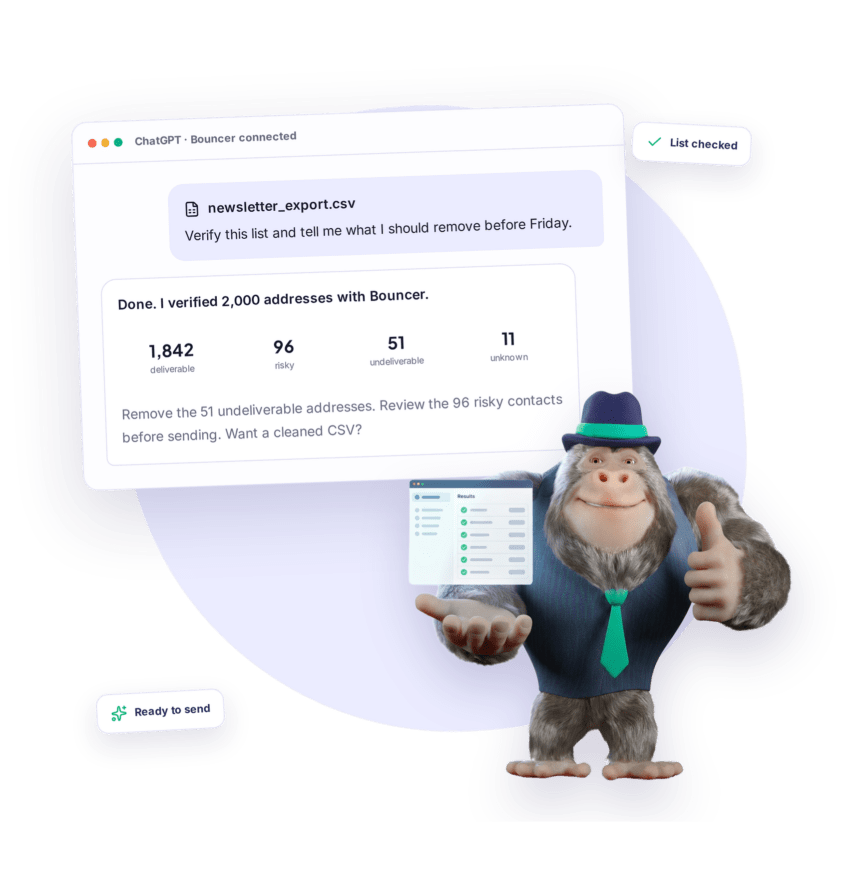
Connect your Bouncer account to your AI assistant once, and verification becomes part of the conversation. Drop in a CSV, paste a list, or type a single address. No exports, uploads or switching tabs.
WHY THE MCP SERVER?
Verification becomes part of the conversation

No new tool to learn

Hand over the whole CSV

The full Bouncer, not a demo
ONE CONNECTOR, YOUR CHOICE OF AI
Use Bouncer where you already work
Connect the same Bouncer account to Claude, ChatGPT or another MCP-compatible assistant.
.

Claude

ChatGPT

Other LLMs
TWO-MINUTE SETUP
Set it up once, in about two minutes
One URL, one login. After that your assistant knows how to verify emails.
EMAIL LIST WORKFLOW
Your email list goes straight into the chat
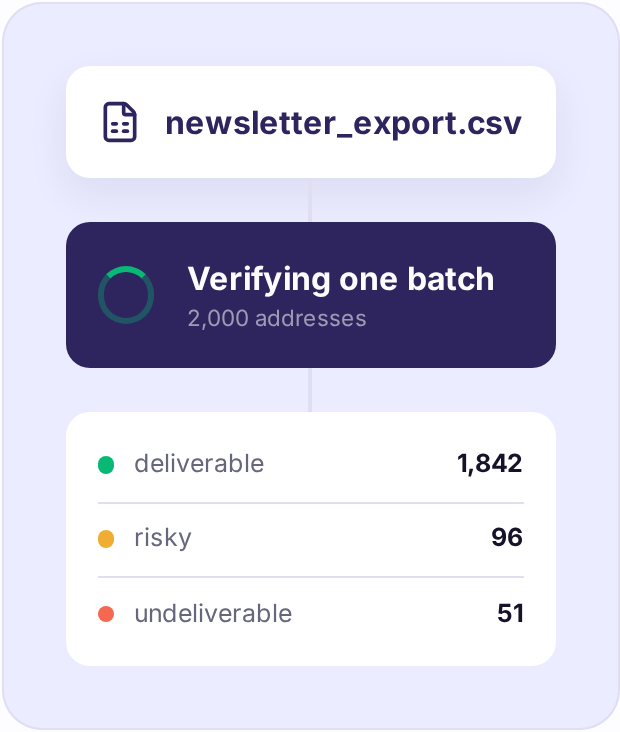
Simply paste a list of email addresses or the CSV export from your CRM, newsletter tool or event platform. The assistant finds the addresses, creates one batch in Bouncer, watches it finish and brings back the results.
Then keep talking: ask for only undeliverables, an explanation of a bounce, or a cleaned file ready to import.
SAME ENGINE, SAME OUTPUT
The same results you already know
No new output format to learn. Every address comes back with one of four statuses, identical to the Bouncer app and API.
.
REAL PROMPTS
What people ask it for
Nothing to configure. Type what you want and Bouncer selects the right verification action.
.
COMPLETE COVERAGE
What your assistant can actually do?
Core verification workflows, grouped by job. You describe the outcome, and the connector chooses the right method.
- 01 One address, right now
verify_email
A full real-time result in seconds. - 03 Whole lists
create_batchcheck_batch_status get_batch_results
One batch tracked through to clean results. - 05 Toxicity check
create_toxicity_list get_toxicity_results
Find breached addresses, spam traps and known abusers.
- 02 A handful of addresses
verify_emails_sync
Quick hygiene before a small send. - 04 Domain check
verify_domain
Catch-all, free and temporary domain signals. - 06 Account Status
check_credits
See your credit balance without opening the dashboard.
SECURITY AND CONTROL
Your account stays in your hands

Standard OAuth 2.1
No passwords and no API keys pasted into a chat.
Visible and revocable
Every connection appears in your Bouncer dashboard and can be switched off instantly.
Your account, your credits
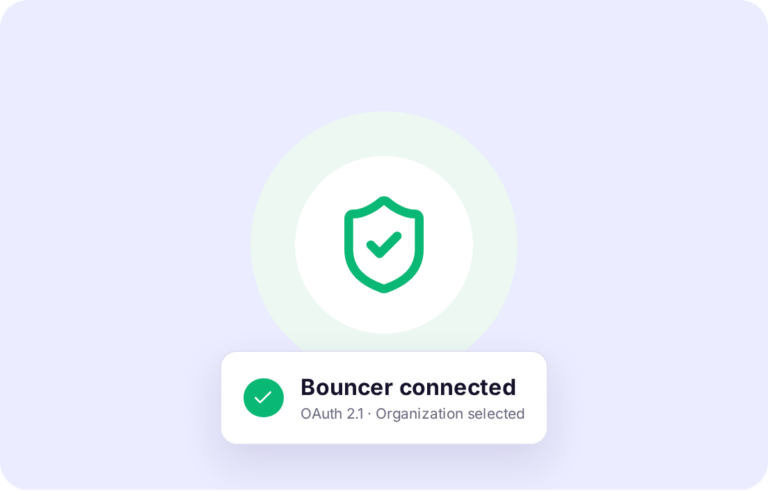
No extra product to buy. Choose the organization at connection time.
Common questions about email verification
Does it cost extra?
No. Verifications draw on your existing credits, exactly like the app and the API. The connector itself is free.
Can I just upload a CSV?
Yes. Attach the file and ask for verification. Your assistant reads the addresses, sends them as one batch and returns the results.
Are the results the same as in the app?
Identical. The same four statuses and quality flags come from the same verification engine.
Is it safe to connect?
Connecting uses OAuth 2.1. No password or API key is pasted into the chat, and access can be switched off from your Bouncer dashboard.
Does it work outside ChatGPT and Claude?
Yes. MCP is an open protocol, so the same URL works in any compatible client.

Your AI assistant just learned how to verify emails
Paste one URL, sign in with Bouncer, and clean your next list without leaving the conversation.
Free credits included.
