





Dirty data spreads quickly through Salesforce CRM: new prospects enter with typos, cold outreach imports lead lists from multiple sources, website forms capture spam, and enrichment tools sometimes return invalid email addresses or missing info.
The result? More bounces. Lower inbox placement. Poor follow-up timing. And a slow decline in sender reputation — even the best tools and strategies can’t recover from a database full of errors.
That’s why using the best email verification software for Salesforce is a no-brainer.
With the right integration, Salesforce users can verify email addresses automatically, validate phone numbers, confirm postal addresses, remove invalid addresses, and keep their entire Salesforce org clean before bad data affects performance.
Let’s dive into the best tools, how they compare, what they do well, and where they fall short — starting with Bouncer.
TL;DR
- Salesforce can break when dirty data enters the system — invalid emails, spam traps, catch-all domains, and more.
- Email verification tools keep Salesforce clean by validating emails in real time, scanning bulk records, syncing results, and protecting sender reputation.
- Bouncer is the top choice for Salesforce in 2026 thanks to its accuracy, speed, data security, and simple integrations.
If you are comparing implementation options for this use case, our Salesforce email validation guide covers the specific workflow, tradeoffs and verification layer in more detail.
Why Salesforce users need email verification
Salesforce workflows depend on accurate data. Every object — Lead, Contact, Account, Opportunity — feeds reports, automations, segments, scoring models, and email campaigns. When the CRM fills with bad data, every system that connects to it inherits that chaos.
Without verification tools, you’ll see:
- more invalid emails
- more spam traps hit
- higher bounce rates
- weaker inbox placement
- frustrated sales reps
- inaccurate activity data
- higher costs for marketing platforms
- more time wasted fixing customer info manually
Since Salesforce often acts as the central database, fixing these issues inside Salesforce — not after exporting and reimporting — is the only sustainable approach.
This is where native or API-driven verification software becomes invaluable.

Best email verification software for Salesforce
So as our topic says, today we will try to find the best email verification software for Salesforce. And to be honest, we have a few good ideas.
1. Bouncer — the most accurate, Salesforce-friendly verification service for growing teams
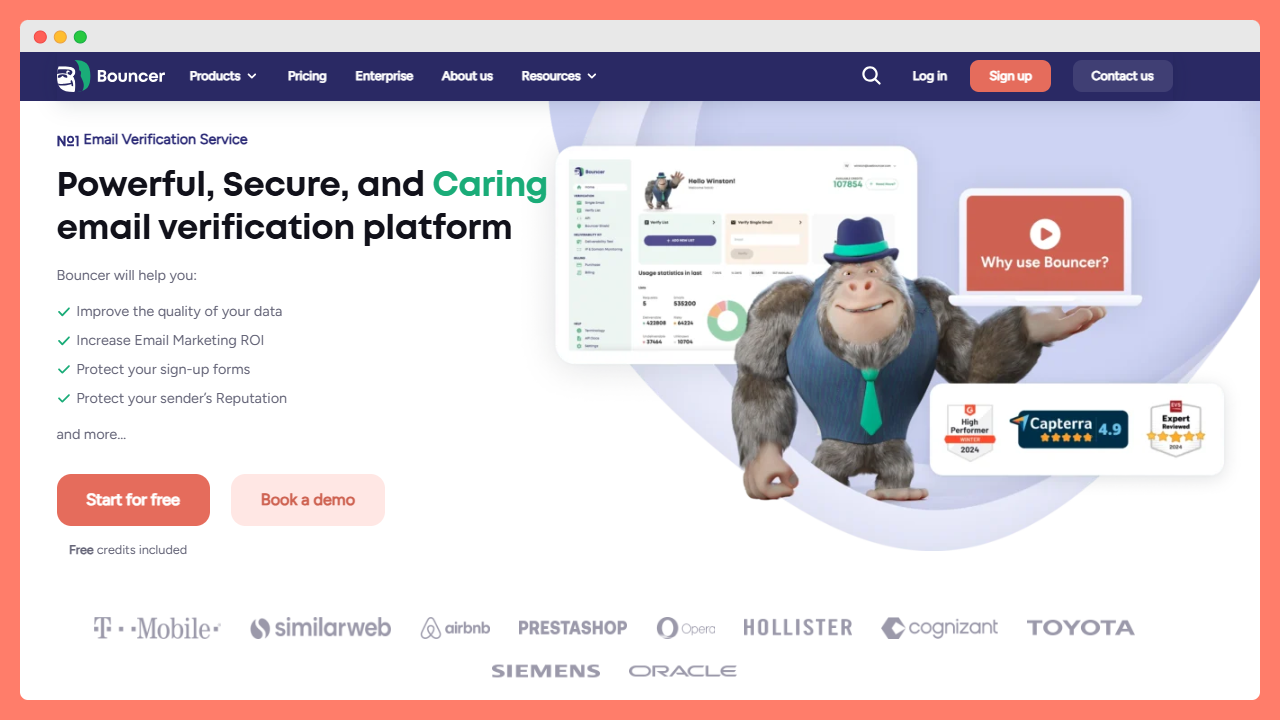
Bouncer stands out as one of the best email verification tools for Salesforce because of its balance of accuracy, speed, usability, and integration depth. Unlike many generic verification services, Bouncer handles B2B data patterns exceptionally well — corporate domains, strict filters, catch all behavior, and inconsistent formatting.
Why is Bouncer ideal for Salesforce users?
Extremely reliable verification results
Bouncer uses multiple layered checks to verify emails, catch invalid addresses, and avoid classifying uncertain records as “unknown.” This matters in Salesforce because inaccurate labels quickly spread across workflows.
Smooth Salesforce integration with Bouncer through Zapier
Bouncer fits just perfectly into Salesforce workflows. You can verify emails directly when a new lead arrives, enrich existing Salesforce records, or clean a full database.
Real time verification on forms
When connected to your web forms, the system performs real time validation before the record enters the CRM. This means bad data never enters your salesforce org in the first place.
Great for ongoing database cleanup
Salesforce users often need weekly or monthly list hygiene. Bouncer handles full database scans without slowing the system down.
Flexible pricing
Precisely – you will find here flexible pricing. With a pay as you go model, a free plan to test drive certain features, and low-cost monthly subscription.
Clean, user friendly interface
Perfect for sales and marketing teams that don’t want complexity. Bouncer avoids clutter and shows each record’s verification status clearly.
High level of data security
Crucial for Salesforce environments where sensitive customer info flows across multiple systems.
Where could Bouncer improve?
Bouncer focuses on email accuracy, not every adjacent feature. If you want deep deliverability tools, you’ll pair Bouncer with other services, though many teams prefer separate tools to keep accuracy high.
Best for
Salesforce users who want accuracy, speed, and seamless integration without complexity. Works especially well for B2B, cold outreach, SDR workflows, and marketing automation teams.
ZeroBounce — feature-rich, but bulky for daily Salesforce operations
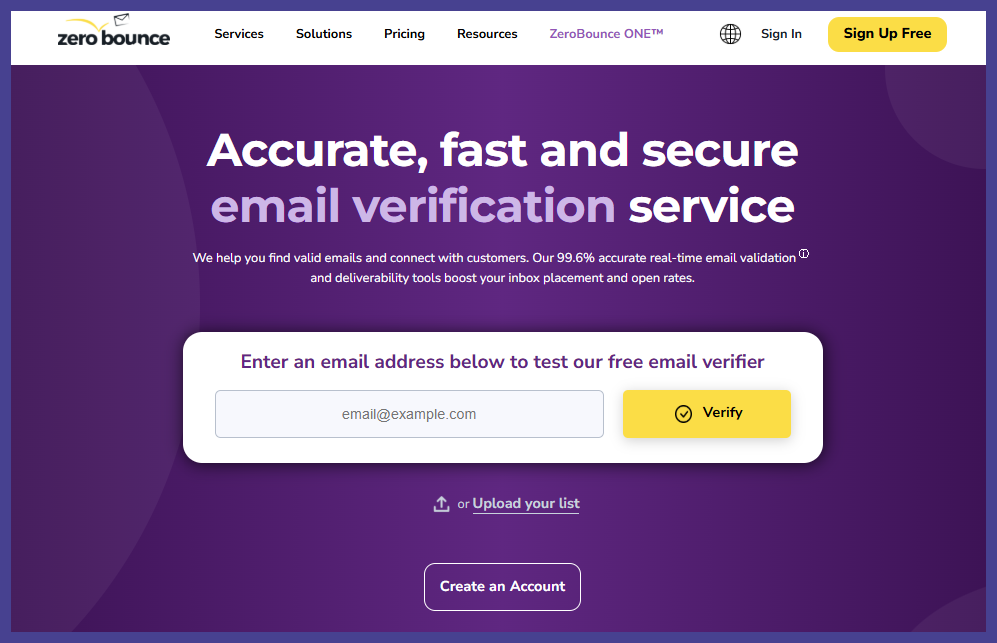
ZeroBounce offers extensive verification capabilities and strong deliverability insights. Its Salesforce integration paths work, but the tool often feels heavier than necessary for teams seeking a streamlined CRM-native workflow.
Strengths
- powerful verification software
- deliverability tools
- extensive reporting options
- strong accuracy for mailbox-level checks
Weak points
- dashboard can feel overwhelming for non experienced users
- pricing increases quickly as volumes scale
- not ideal for reps who want simple, fast workflows
Good for teams with IT support, less ideal for agile sales teams.
NeverBounce — stable and predictable, but limited for complex B2B domains
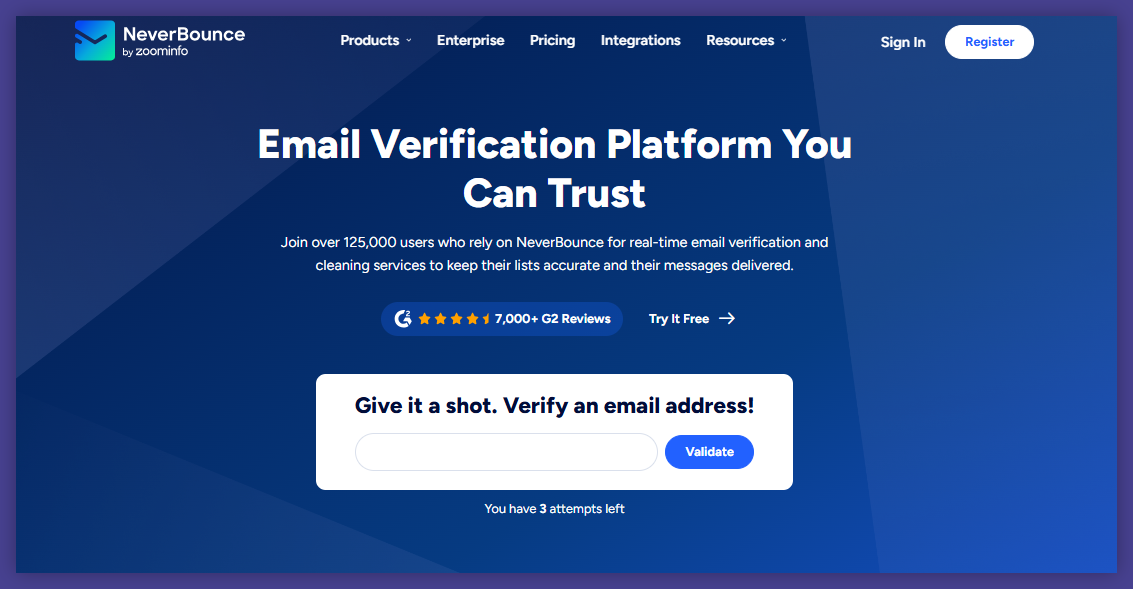
NeverBounce was one of the earliest verification tools to offer Salesforce compatibility. It handles simple validation well and offers consistent results for mid-sized lists.
Strengths
- straightforward interface
- good baseline accuracy
- supports Salesforce imports and exports
Weak points
- fewer advanced checks
- requires more manual work to maintain data quality at scale
- lacks extra deliverability features
Good for small Salesforce orgs, but not ideal for enterprise complexity.
DeBounce — budget-friendly but inconsistent for strict Salesforce environments
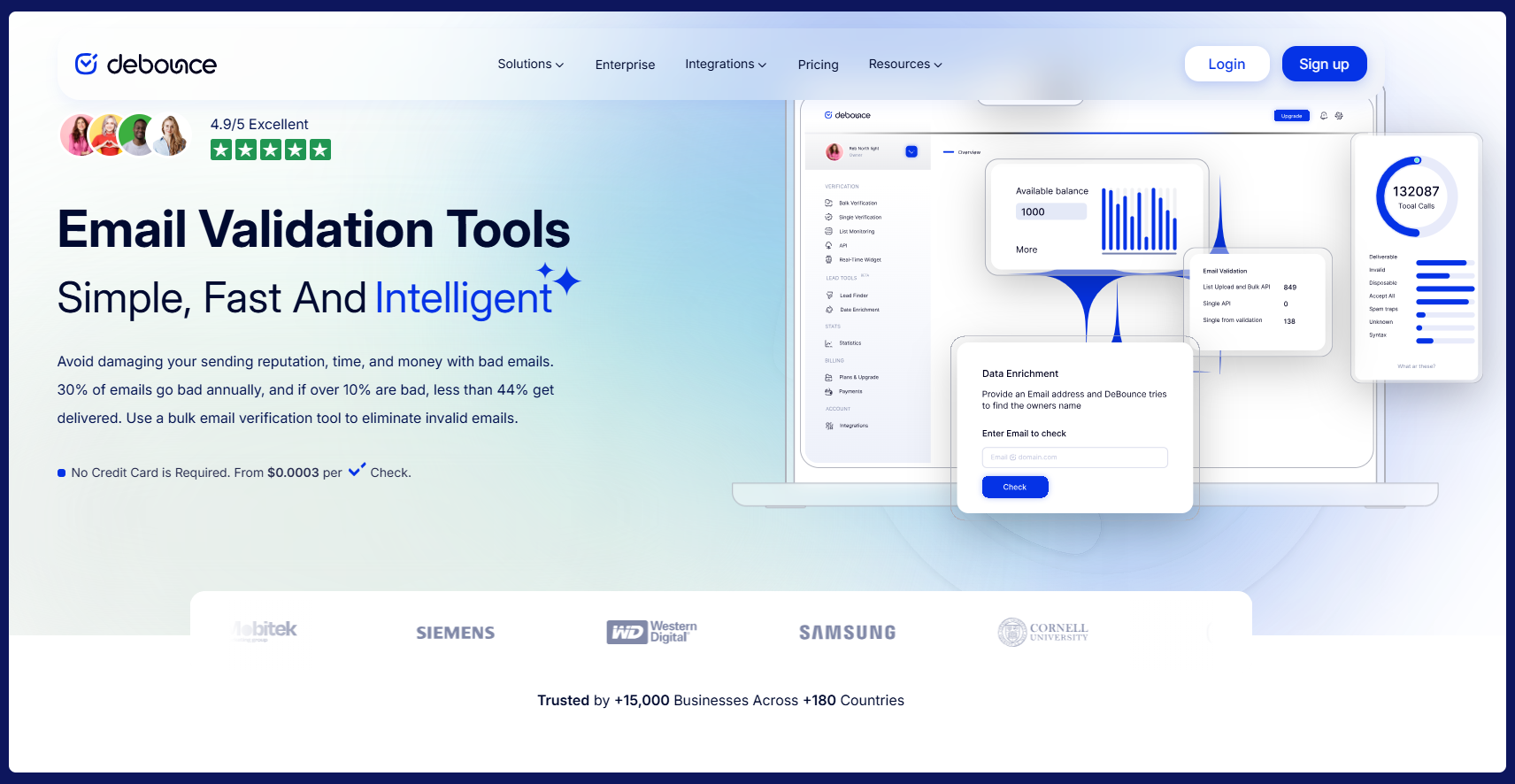
DeBounce is appealing to teams that want an affordable verification tool with basic Salesforce compatibility. It works well for light verification needs and small databases.
Strengths
- low cost
- simple interface
- available Salesforce workflows through connectors
Weak points
- weaker detection of sophisticated spam traps and invalid emails
- not suited for advanced Salesforce automations
Recommended only if budget is your primary decision factor.
Woodpecker — simple, lightweight verification that works for small teams
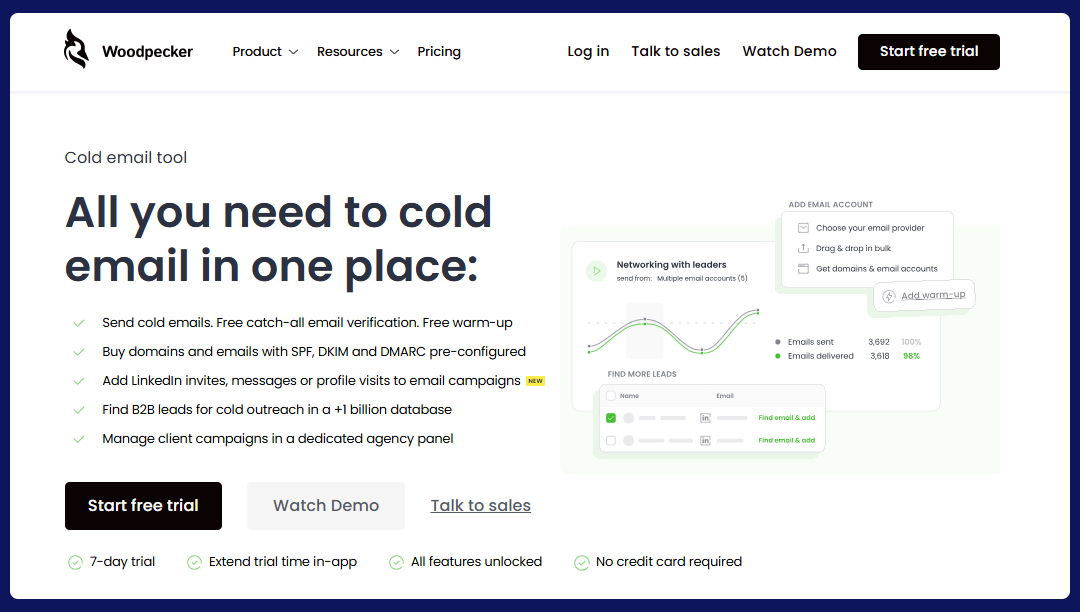
Woodpecker isn’t an email verification powerhouse like Bouncer, but it does bring something useful to Salesforce users: a lightweight, built-in checker that helps small teams keep basic data quality under control without adding extra tools to their stack.
Its biggest advantage is the workflow simplicity. When connected with Salesforce through Zapier, Woodpecker verifies emails as part of your outreach process, not as a separate task. That helps reps avoid sending to clearly invalid contacts before they start a sequence.
Strengths
- free built-in verification for new prospects
- smooth Salesforce workflows via Zapier
- clean, easy interface for beginners
- combines verification, sending logic, and reply detection in one place
Weak points
- no large-scale database cleaning for Salesforce
- limited accuracy compared to dedicated tools like Bouncer
Good for small Salesforce teams that want simple, automated outreach and basic verification inside one tool. Bouncer remains the better choice for accuracy-focused Salesforce hygiene and scaling needs.
What Salesforce users should expect from modern verification software
Salesforce environments benefit the most from verification tools that:
Improve data quality at the source
Real time verification stops invalid emails before they enter the CRM. This saves massive cleanup work later.
Keep sender reputation strong
Validated data protects sender reputation by preventing spikes in bounce rates or spam traps hits — critical for email campaigns.
Maintain healthy automations
Salesforce records feed dozens of paths: scoring rules, assignment rules, ABM segments, and more. Clean records keep these processes accurate.
Support multi-channel engagement
Sales reps use phone numbers, email addresses, and postal addresses across their workflows. Good verification tools help validate phone numbers and ensure all contact methods follow correct format rules.
Provide real-time sync with marketing platforms
If you have active journeys across multiple apps, your verification tool must update customer info reliably and consistently.
Offer strong data security
Salesforce houses extremely sensitive records; verification software must match that standard.
What to look for when evaluating the best email verification software for Salesforce
Now you will find a detailed guide to help you assess each vendor. Let’s start with:
#1 Salesforce integration quality
Look for:
- smooth connecting Salesforce without complex setup
- support for Salesforce workflows
- ability to update verification status inside Salesforce records
- syncing verification results with activity data
- clear audit logs inside the Salesforce app
If a tool requires constant exports, it will disrupt your database.
#2 Real-time capabilities
You want real-time verification on:
- web forms
- landing pages
- gated content
- new lead object creation
- imports from other services
Stopping bad data early prevents downstream errors.
#3 Accuracy across corporate domains
Salesforce orgs often store B2B contacts — meaning:
- strict mail servers
- catch all domains
- corporate spam traps
- heavy anti-bot measures
Your chosen verification software must handle these well.
#4 Ease of use
A user-friendly interface matters more in Salesforce than almost anywhere else.
If reps avoid the tool, your data quality collapses again.
#5 Pricing that matches CRM usage
Look for:
- pay as you go
- transparent credit system
- reasonable costs for large databases
- a no-obligation free plan or free credits
Avoid tools that force a rigid monthly subscription for basic functionality.
#6 Deliverability benefits
The tool should help:
- improve inbox placement
- identify spam traps
- avoid triggering spam filters
- protect sender reputation
- support deliverable emails for campaigns
- prevent cold outreach from failing
- keep email campaigns healthy
#7 Extra features that help Salesforce users
The best tools may also include:
- domain-level validation
- chrome extension for quick checks
- csv export for offline analysis
- email validator for bulk imports
- dmARC monitoring or related deliverability tools (optional)
- API key support for custom integrations
#8 Data protection standards
Look for:
- strong data security
- secure storage
- limited retention
- restricted access
Salesforce holds sensitive customer data — don’t compromise here.
Bonus: A practical comparison chart for Salesforce teams
| Tool | Strengths | Weaknesses | Best for |
|---|---|---|---|
| Bouncer | Highly accurate, fast, safe, easy Salesforce integration | Lacks deep deliverability extras | Teams needing accuracy + simplicity |
| ZeroBounce | Deep features, deliverability add-ons | Heavy UI, pricey | Enterprise orgs with IT support |
| NeverBounce | Reliable, simple | Limited advanced checks | SMBs with modest needs |
| DeBounce | Budget-friendly | Inconsistent corporate results | Small teams with occasional cleaning |
| Woodpecker | Easy and light | No large-scale database | Small teams that want simple, automated outreach |
Mistakes Salesforce users make when choosing verification tools
Looking only at price
Cheap tools often miss complex corporate patterns and return false “valid” results.
Relying on one-time cleaning
Salesforce accumulates dirty data daily. Ongoing verification is necessary.
Ignoring Salesforce integration depth
A tool that requires CSV uploads will never keep a CRM clean.
Mixing enrichment and verification
An email finder and a verification tool shouldn’t be the same system.
Not involving sales reps in the process
If your reps don’t understand how verification status works, they’ll ignore it.
Full checklist: how to choose the right tool for your Salesforce setup
Data quality
- detects invalid emails correctly
- handles catch-all behavior
- identifies spam traps
- flags malformed or incorrect format records
Salesforce functionality
- updates Salesforce records directly
- integrates with Salesforce workflows
- supports API key authentication
- updates verification status automatically
Usability
- user-friendly interface
- simple dashboard
- quick setup
Pricing
- pay as you go
- clear credit system
- reasonable cost for large databases
- free plan or free credits for testing
Security
- strong data security
- logs and audits
- transparent retention policy
Accuracy
- high match rates
- low false positives
- optimized for B2B verification
Final takeaway: Salesforce works best with clean, verified data
If your Salesforce CRM stores inaccurate contact details, the entire go-to-market engine suffers. Verification software ensures that new lead creation, cold outreach, marketing automation, and reporting remain accurate and efficient. The best tools not only verify emails but also improve inbox placement, reduce risk, and protect sender reputation long-term.
For most Salesforce users, Bouncer is the strongest match. Its accuracy, speed, simplicity, and integration flexibility make it an easy choice for teams who want clean data without complications.
→ Try Bouncer’s free plan and test drive the integration before syncing your entire CRM.


