





That’s the painful part. The fix is not always new copy or a new cadence. A lot of the time, you simply have the wrong email addresses in your list. Some are invalid email addresses. Some are inactive email addresses. Some are risky addresses that look fine until spam filters decide they don’t like you.
Email verification is the habit that keeps this from snowballing. How to proceed with it in sales? How can Bouncer help?
Let’s check it out.
Email verification in sales: what it fixes fast
Email verification is a set of checks that tells you if an address looks deliverable before you send. That sounds small, but it changes outcomes fast.
Here’s what it tackles right away:
- Invalid emails that trigger hard bounces
- Invalid or risky addresses caused by typos or broken domains, or just harmful ones, that might bounce later or trip spam traps
- Catch all email addresses that accept everything but don’t always reach a real person
For sales teams, this connects straight to performance.
Fewer invalid email addresses means fewer bounced emails. ➡️ Lower bounce rates help protect sender reputation. ➡️ Stronger sender reputation supports inbox placement, which is the whole game.
If emails land in the spam folder, even the best pitch reads like silence.
It also helps your email marketing work. A clean list improves click through rates and conversion rates, since you spend fewer sends on dead ends.

Email verification process: what the workflow looks like in real life
A typical email verification process starts like this:
- Check formatting and syntax errors
- Check the domain and its DNS records
- Ping the mail server path in a safe, non-sending way
- Decide if the mailbox exists, or if the result is risky
This is the part many teams skip. They just “verify” by looking at a spreadsheet and guessing.
But a strong email validation process gives you labels you can work with: valid, invalid, catch all, unknown, risky. Those labels help you remove invalid contacts fast, segment risky addresses, and focus your sales outreach on valid emails.
What happens under the hood?
You don’t need to be technical to run email verification, but it helps to understand what the system is checking. It keeps expectations realistic and stops you from trusting shaky results.
Syntax and formatting checks
This is the “easy win” stage. Tools look for syntax errors like missing “@”, spaces, double dots, or broken characters. These issues create invalid addresses right away.
If you ever imported new contacts from a CRM merge, a CSV export, or enrichment tools, you’ve seen this. One broken address field can spread mistakes across hundreds of email addresses.
Domain checks and mail server checks
Next comes the domain. Does the domain exist? Does it have MX records? Is it set up to receive mail through a mailbox provider?
This stage matters because a lot of invalid email addresses are not about the person. They’re about the domain being dead, parked, or typed wrong. “gmal.com” looks close enough in a list. It still bounces.
A verification tool will query the domain and check if a mail server is connected for receiving mail. If the domain is missing email routing, you’re not dealing with a real inbox. You’re dealing with an invalid address.
Mailbox checks and SMTP signals
This is where the simple mail transfer protocol comes in. Many email verifier systems try an SMTP-level handshake to see how the mail server responds. It does not mean the tool sends a message. It’s closer to a polite knock on the door.
Sometimes the response indicates the email address exists. Sometimes it suggests the mailbox exists. Sometimes it’s blocked, deferred, or masked, which leads to a “risky” result.
This is why verification work can return “unknown” even when an address looks real. Many providers hide mailbox-level details to reduce abuse. That’s normal in 2026. It’s one reason you need verification methods that classify risk, not only “valid” and “invalid.”
Risk scoring and list decisions
A good email verification service does more than shout “invalid emails.” It helps you decide what to do next.
- Valid email addresses: keep and send
- Invalid emails: remove invalid entries before outreach
- Catch all results: treat as separate segment
- Risky addresses: throttle, segment, or verify again later
That’s how you protect inbox placement without freezing your pipeline.
Verification methods that matter in 2026
Some teams think email verification is a one-time cleanup. That’s old thinking. Lists change. People change jobs. Domains expire. Accounts go inactive. So the best practices today focus on repeatable verification and smart segmentation.
Below are the verification methods that matter most for sales teams and email marketers.
Basic email validation
Email validation covers the fundamentals: syntax, domain, and the basic checks that spot invalid email addresses. It’s fast, cheap to run, and it catches the most obvious invalid emails early.
You should run this on every import of email addresses. That includes scraped lists, manual additions, event leads, partner handoffs, and CRM migrations. If you skip it once, that one list can drag your bounce rate up for weeks.
Mail server and SMTP-level verification
This is the deeper layer. The email verification tool checks how the mail server reacts to a mailbox probe and uses simple mail transfer protocol signals to judge deliverability risk.
This is also where you see more “risky addresses,” because providers can block probes, rate-limit them, or return generic responses. That does not mean the address is invalid. It means the verifier can’t safely confirm it.
Treat these results carefully. If you push volume into risky segments, bounce rates can spike. That can harm sender reputation and domain reputation.
Catch all detection
Catch all is a special problem. Catch all domains accept mail for any address, even fake ones. So a catch all email address can look deliverable during checks, then fail in real sends. Or it can “deliver” and still never reach a person.
In verification, catch all should be labeled clearly. You don’t want catch all results mixed into your clean segment of valid emails. That’s how you get deliverability issues without understanding why.
Reputation and risk signals
A reliable email verifier helps you avoid patterns linked to spam traps, disposable address types, and addresses tied to fake accounts. Those are the silent killers. They can trigger spam filters and increase spam complaints even if your message is polite.
This is the part that protects sender reputation and sender score long-term. It also supports cost efficiency, because you stop spending sends on contacts that never should have been in your list.
Your best practices for for email verification
Let’s go to the specifics. What best practices you can use to improve your email verification in sales:
Real time verification for online forms and sign up flows
Most teams think verification happens right before a campaign. That’s useful, but it’s late in the game. The best moment to verify email addresses is when a user types them in.
Real time verification works inside online forms and the sign up process. As the user enters an address, the system checks formatting, domain, and risk signals on the spot. That keeps bad data out of your database before it spreads into your CRM and sequences.
This helps in a few big ways:
First, it blocks obvious invalid addresses and invalid email addresses before they become new contacts. That means fewer bounced emails later.
Second, it cuts down fake accounts. A lot of fake accounts use a disposable address or random strings that fail basic email validation. Real time validation catches that early, so your sales teams don’t waste time chasing ghosts.
Third, it protects inbox placement over time. When your list starts cleaner, your bounce rates stay lower. That supports sender reputation and reduces deliverability issues that come from list rot.
Real time verification can also pair with a verification link flow when you need higher confidence.
For example, a user signs up, then confirms via a confirmation link. That extra step helps when your product has free trials, security needs, or high fraud risk. It also adds valuable data about intent, since user clicks show engagement.
Double opt in is still worth it when list quality matters more than raw volume. It trims invalid email addresses, lowers spam complaints, and supports inbox placement with most email service providers. It also gives you a clean record when a mailbox provider questions permission later.
Bulk verification for sales outreach lists before campaigns go out
Bulk verification is the outbound safety check. You run it on a file or a list inside your system before cold emails or email campaigns leave the building.
Bulk verification fits best at a few moments:
- Right after list building, before cold outreach starts
- Right before a big push, when you can’t risk bounced emails
If you’re pulling new contacts from enrichment tools, treat that list like it’s guilty until proven clean. Enrichment tools are great for scale, but they also pull outdated address records, role account inboxes, and risky addresses that look “corporate” yet bounce.
A good email verification tool should return an email status you can map into your CRM. You want a simple field that sales teams and email marketers both understand: valid, invalid, catch all, risky, unknown.
Then set rules that keep you honest. For example, valid emails go into active sequences. Invalid emails get suppressed. Risky addresses go into a slower lane. Catch all domains get their own segment.
That’s how you keep bounce rates stable without killing pipeline. It’s also cost efficiency in plain terms. You stop paying for sends that never had a shot, and you protect sender reputation while your marketing efforts scale.
Catch all email addresses and catch all domains: handle them like a separate segment
Catch all sounds friendly. It rarely is.
A catch all domain is set up to accept mail for any address under that domain. That means a catch all email address can look valid during the email verification process even when it doesn’t route to a real inbox. You may see “valid” signals, then watch reply rates stay flat.
So treat catch all like its own bucket. Don’t mix catch all results with your cleanest valid email addresses. That mix makes reporting messy and it can push bounce rate and soft bounce rates in weird directions.
A practical play that works in 2026:
- Segment catch all domains and send lower volume
- Watch bounce rate signals and inbox placement trends
If you see bounced emails rising in that segment, pause and re verify. If emails land in the spam folder more often for that segment, tighten targeting and reduce frequency.
Catch all is also where subject lines tempt people into the wrong fix. Better subject lines won’t make a non-existent mailbox reply. You need verification and careful pacing, not copy tweaks.
Disposable address, role account, and spam traps: the stuff that quietly wrecks deliverability
Some address types don’t look scary. They still cause deliverability issues.
A disposable address is built for one-time use. People use it to get a download or bypass a form. It can be real for a day, then it disappears. That creates inactive email addresses fast and it can turn valid emails into future bounces.
Role account inboxes are shared addresses like info@, sales@, support@, and careers@. Some companies reply from them. Many do not. Role account lists can also trigger spam filters quicker because they’re common targets for cold outreach.
Spam traps are the nastiest one. Some are old addresses that were abandoned and repurposed by anti-spam groups. Others are planted addresses that never belonged to a real person. They look like normal email addresses, which is why they cause surprise problems.
Here’s why these three matter even when your message is polite:
- They increase bounce rates and raise spam complaints
- They hurt sender reputation with email service providers and mailbox provider systems
This is also where “spam” stops being a label and becomes a distribution problem. Once you build a pattern that looks risky, spam filters get stricter. Your emails land in the spam folder more often. Prospects inboxes go quiet.
The best practice is simple. Filter disposable address patterns at the form level. Tag role account addresses so you can choose a different message. Treat spam traps as a hard stop. Remove invalid and suppress them, even if a list seller insists the data is “fresh.”
A working workflow for sales teams and email marketers
This only works when sales teams and email marketers share one process. Separate rules create chaos. One team cleans a list, the other re-imports the same invalid emails next week.
Start with one shared definition of email status. Decide what “valid,” “invalid,” “catch all,” and “risky” mean inside your system. Then build one shared verification process around it.
A clean workflow looks like this:
- Marketing owns online forms, double opt in, and verification email flows
- Sales owns bulk verification before cold outreach and sales outreach pushes
Both teams should log the verification work into the same database fields. That includes the date of verification, the verification methods used, and the action taken. It sounds boring. It keeps you sane.
Also agree on how you talk to people. Effective communication matters when a user says, “I never got the messages.” Sometimes the issue is inbox placement. Sometimes it’s a typo in the address. Sometimes the mailbox provider is filtering. If you can trace verification history, you can answer faster and keep trust.
Picking the right email verification tool and not overbuying
The right tool is the one that fits your workflow, not the one with the longest feature list.
Start with accuracy and clarity. A reliable email verifier should explain its email validation process in plain language and return results you can use right away.
Then look at speed. Bulk verification should run fast enough that it doesn’t delay campaigns. Real time verification should respond quickly inside online forms so users don’t abandon the sign up process.
After that, check integration. If you work in a CRM-heavy setup, you’ll want api integrations that sync email status back into records. An email verification api matters when you want real time validation in forms, product flows, or internal tools. It also matters when you want to verify at multiple points, not only during list cleaning.
Reporting matters too, but keep it practical. Your team needs to see trends tied to inbox placement, bounce rate, and spam complaints. They don’t need a hundred charts. They need answers they can use.
If you’re comparing an email checker, an email verifier, and a full email verification service, focus on where it fits in your system and how it protects sender reputation at your current volume.
Give us a second a we will tell you why Bouncer is the tool you should try first.
Maintenance: regular verification, re verify, and staying clean over time
Lists rot. That’s normal.
People change jobs. Companies rebrand domains. Accounts go inactive. A valid address today can turn into an invalid address next quarter. That’s why regular verification matters, even when you already ran an email verification process once.
A grounded cadence looks like this:
- Verify new contacts as they enter your system
- Re verify older segments on a schedule tied to send volume
Watch signals that tell you it’s time. Rising bounce rates. More bounced emails than usual. A slip in inbox placement. A jump in spam complaints. Those are not “random.” They’re a message from email service providers and mailbox provider systems.
Maintenance also keeps your marketing efforts clean. When you keep your email list healthy, your email marketing gets steadier. Your conversion rates and click through rates become easier to trust, because you’re not measuring garbage data.
If you see a segment with lots of catch all domains or risky addresses, don’t panic. Slow it down. Segment it. Verify again. Treat it like a different lane.
How email verification tie to email deliverability and inbox placement?
Every time you send to invalid email addresses, you create bounced emails. ➡️ Bounced emails push bounce rates up. ➡️ High bounce rates drag down sender reputation, sender score, and domain reputation. ➡️ Then your emails land in the spam folder instead of the inbox.
That’s the loop.
Hard bounce and soft bounce rates play different roles here.
A hard bounce is a clear fail, often tied to invalid addresses or a mailbox that does not exist. A soft bounce can be temporary, like a full inbox or a server limit. Too many soft bounce rates can still hurt you, because it signals poor list health or poor sending behavior.
This is why email verification best practices keep coming back to prevention. You verify email addresses before sending. You validate emails when they enter your system. You re verify when lists age. You keep a tight email list and a clean database.
It also explains why subject lines can’t save a dirty list. Great subject lines help click through rates when the message reaches the inbox. They don’t fix an invalid address. They don’t fix a broken domain. They don’t fix a mailbox provider that already distrusts your sender reputation.
If you want to boost deliverability, start with verification, then layer messaging on top.
A checklist you can run before every send
You don’t need a complicated email strategy, just a repeatable runbook that your team follows every time.
Start with list hygiene:
- Verify email addresses on every import and list upload
- Remove invalid entries and suppress them in your system
Then segment with intent.
- Don’t treat every address the same.
- Keep valid emails in your main lane.
- Put catch all and risky addresses in a separate lane with lower volume and tighter targeting.
Next, protect reputation.
- Track bounce rate, soft bounce rates, and spam complaints after every send.
- If metrics shift, pause and run the email verification process again on that segment before the next push.
Finally, keep your data readable.
- Keep a clear email status field, keep verification dates, and keep notes on verification methods.
That’s what turns verification into a habit.
Bouncer for sales-friendly email verification
If you want one example of how teams put this into practice, Bouncer is a solid fit for the sales and marketing split.
You can use it in many places, for example:
First is list cleaning.
You run bulk verification on a file before cold emails and before email campaigns. You tag invalid emails, remove invalid entries, and keep valid addresses ready for outreach. You also get signals for catch all email addresses and risky addresses, which helps you segment instead of guessing.
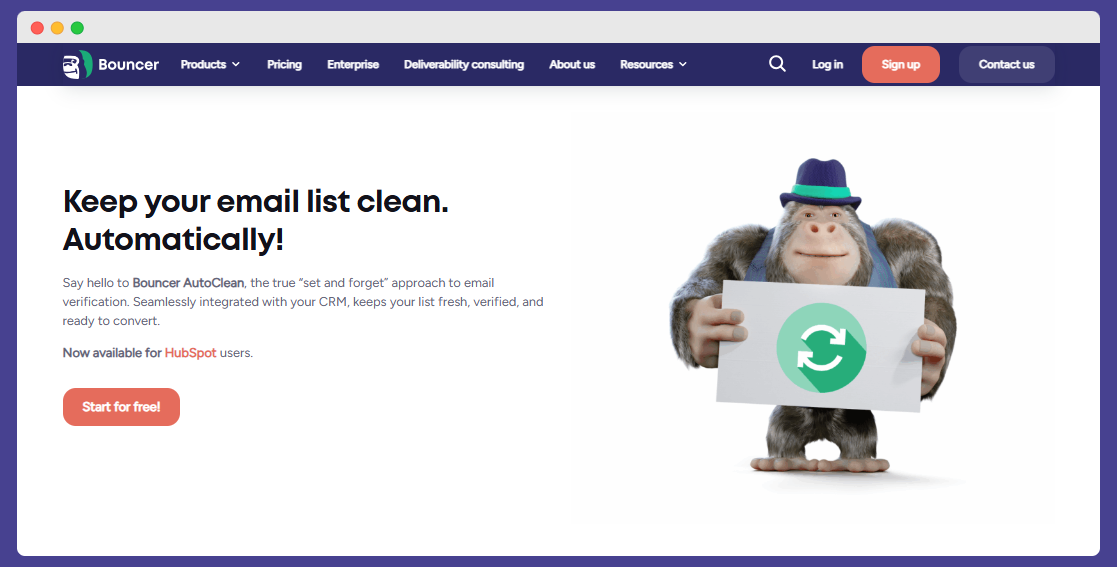
Also, you can use Bouncer’s AutoClean, which can replace your manual verification. Connect it to your CRM, cofigure, and it will handle the rest.
Second is real time verification.
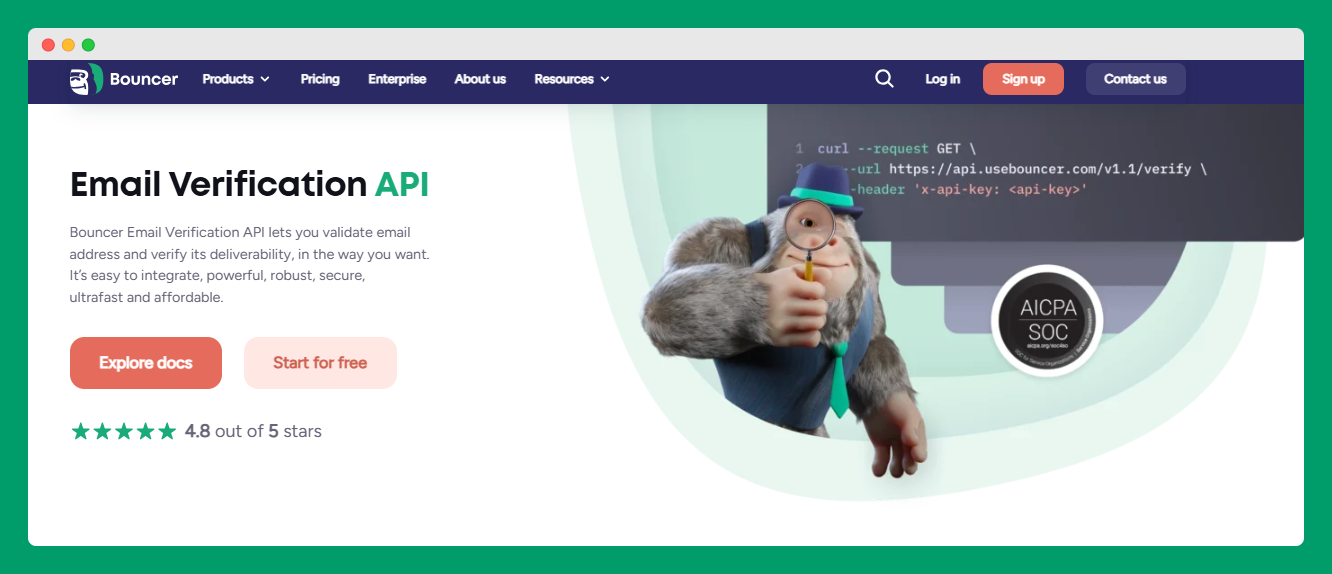
With an email verification API, you can plug verification into online forms and product sign up process flows, so the email verification process starts before bad data hits your database. That’s where you cut fake accounts, protect security, and keep your address records cleaner from day one.
If you’re evaluating tools, keep your checklist practical. Does the tool return clear email status labels? Does it support api integrations you can actually use? Can it help ensure accuracy when you’re moving fast and importing lots of email addresses?
That’s the difference between a tool that sits in a folder and one that supports your email marketing strategy and sales outreach every week.
Boost your email marketing with best practices for email verification
Email verification is one of those habits that feels small until you skip it. Then bounce rates spike, sender reputation drops, and inbox placement gets shaky.
Keep it simple and steady. And use Bouncer for help.
Do that, and your messages have a better shot to land in the inbox, reach potential customers, and turn your email marketing and sales outreach into repeatable, reliable growth.


