





It’s a long-standing email validation platform that connects directly with mail servers and mail server records to verify whether an email address is valid before email sending begins. It’s especially useful for marketers, sales teams, and developers who want an API-driven workflow, a free API key, and consistent reliability when validating data at scale.
TL;DR
- MailboxValidator checks email addresses and flags invalid emails, temporary emails, and any disposable email provider domains.
- It uses DNS and MX records, plus mail server confirms, to detect whether an input email address really exists.
- The MailboxValidator API allows clients to easily validate data in scripts, workflows, or modules.
- For usability, precision, and long-term deliverability, Bouncer remains the best alternative.
What is MailboxValidator?
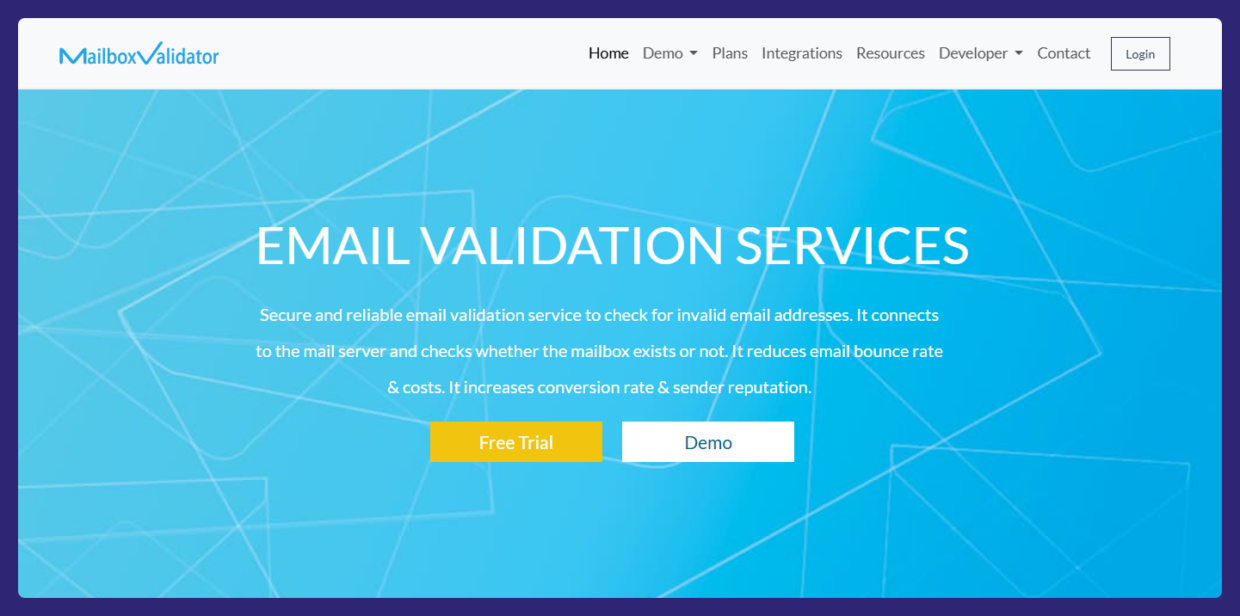
MailboxValidator is a full-scale email validation website, module, and API that helps businesses ensure accuracy before campaigns launch. It checks whether the mail server accepts the address, whether the domain is a free email provider like Gmail or Hotmail, or whether it belongs to a disposable email provider creating temporary one-time accounts.
It also detects catch all address setups that can hide risky or invalid entries. The MailboxValidator API works with an API key and supports real-time checks, batch uploads, and automated workflows.
MailboxValidator features
Mail server verification
MailboxValidator checks whether the mail server exists, whether the server responds, and whether the domain has a valid MX record. This ensures the user’s email can theoretically receive messages.
Syntax and DNS validation
It verifies whether each address is syntactically correct, examines DNS configuration, and flags domains that do not contain reliable dns entries.
Disposable & role-based detection
The tool detects disposable email, free email, and free provider domains. It also flags role based email address types (e.g., sales@, info@) that may not be ideal for certain campaigns.
Greylisting handling
If the mail server employs greylisting, MailboxValidator will retry to improve accuracy. When a server is not responding, it records the status and may repeat validation at a later time.

MailboxValidator pros
Easily validate
You can upload a full email list, validate a single email address, or test an input email address directly through the dashboard or via API.
Free access
A free API key with credits left provides an easy starting point for testing validation flows.
Technical transparency
MailboxValidator returns granular information involving DNS, MX, and server checks, giving developers clear visibility into all the previous fields that determine whether the email address is valid based on actual server responses.
MailboxValidator cons
Interface & installation complexity
Some teams find the installation, output management, and server-level code to be more complex than simpler web tools.
False negatives
If a remote mail server is not responding, the API may return an error message or error code, especially with strict or throttled domains.
Requires technical users
The tool is most suitable for developers; non-technical marketers may prefer a more guided platform.
MailboxValidator reviews
Users report accurate detection of invalid email addresses, high-risk domains, temporary emails, and catch all address setups. Technical teams appreciate the MailboxValidator API, the direct server checks, and the detail returned from MX and DNS queries.
Some customers mention delays during bursts of validation when certain servers throttle or greylist the request.
MailboxValidator pricing
MailboxValidator offers a free API key with limited checks.
Paid plans scale with usage and remain competitive for high-volume senders.
Improve email accuracy and reduce bounce rate → Try Bouncer free
Can MailboxValidator handle many types of email checks?
MailboxValidator validates email address inputs using layered criteria that go beyond surface checks. The tool performs validations across many types of signals — syntax, DNS, MX, and live server responses — to determine whether an entry is valid based on the behavior of the remote system. This makes it useful for site owners who want accurate results without guesswork. Because the API can perform validations quickly, teams avoid manual inspection and get consistent rules across forms, sign-up flows, and uploads.
Why consider alternatives to MailboxValidator?
You might prefer alternatives when:
- You want strong UX without touching DNS or server-level logic.
- You want deliverability improvements beyond syntactic and server checks.
- You prefer automated flows that don’t require manual retry logic or installation.
- You want stronger fraud detection tied to engagement metrics and conversion rate.
Best MailboxValidator alternatives
1. Bouncer — best email verification alternative
Bouncer offers clean UX, strong deliverability focus, and accurate verification across small and large lists.

Key features
- Bulk verification for large email list imports.
- Real-time validation for sign-ups and API-based workflows.
- Spam-trap & disposable detection for safer sending.
- API integration without the technical overhead of server-level retries.
- Fraud check logic that helps teams perform fraud check on suspicious domains.
Why Bouncer is a strong replacement
Bouncer provides the technical depth that matters (accuracy, stability, risk scoring) without requiring DNS or mail server expertise. Marketers get a much cleaner workflow and higher conversion rate without dealing with connection-level troubleshooting.
Best use cases
- Digital agencies and email marketing teams
- Sales teams maintaining CRM hygiene
- Businesses eliminating invalid emails and improving sender score
Bouncer reviews
Users praise accuracy, ease of integration, and the platform’s ability to maintain a healthy sending reputation.
Pricing
Flexible pay-as-you-go with free trial credits.
Try Bouncer — validate smarter and protect deliverability
2. NeverBounce
Reliable bulk validator.
Pros: fast uploads; real-time API
Cons: higher price; fewer diagnostics
Pricing: ~$0.008 per verification
3. ZeroBounce
Advanced validator with enrichment.
Pros: metadata, endpoint insights
Cons: expensive; heavy UI
Pricing: $16 for 2,000 verifications
4. Clearout
SMB-friendly validator.
Pros: affordable; easy UI
Cons: limited reporting
Pricing: $31 for 3,000 verifications
5. EmailListVerify
Budget option.
Pros: cheap; simple
Cons: minimal features
Pricing: $4 for 1,000 verifications
Comparison table
| Tool | Best for | Strength | Weakness | Free Trial | Verdict |
| Bouncer | Deliverability & hygiene | Accuracy, ease of use | None | ✅ | ⭐ Best overall |
| MailboxValidator | Technical validation | Deep mail server logic | Complex setup | ✅ | For developers |
| NeverBounce | Bulk validators | Speed | Price | ❌ | Reliable |
| ZeroBounce | Enrichment + risk signals | Detailed insights | Expensive | ❌ | Premium choice |
| Clearout | SMBs | Simplicity | Limited reporting | ✅ | Entry-level |
| EmailListVerify | Low-budget teams | Cost savings | Fewer features | ✅ | Budget option |
Over to you
MailboxValidator is a strong fit for teams comfortable working with DNS, MX, and server-level data. It’s precise, technical, and reliable for deep validation.
But if your priority is simplicity, accuracy, and deliverability gains, Bouncer remains the smarter choice for real-world marketing and sales performance.
Try Bouncer — cleaner lists, safer sends, better results.


