





Then a webinar form fills with low-quality records that look fine until follow-up emails bounce. This is why teams compare real-time email verification apis before they scale lead capture, product signups, or outbound routing. Batch cleanup helps with existing lists, but real-time verification protects the data at the moment it enters.
You’ll learn
- What real-time email verification APIs actually check
- How real-time checks differ from batch verification
- Which API features matter most for marketing, SaaS, ecommerce, and B2B workflows
- How Bouncer compares with other real-time email verification APIs
- Why result structure matters more than a simple valid or invalid response
- How to use API responses without hurting signup conversion
- How to choose the right API for your stack
Why real-time email verification APIs matter
Real-time email verification APIs check email addresses at the point of entry. That could be a demo request form, product signup, checkout page, newsletter form, webinar registration, gated content page, marketplace registration, or internal lead routing workflow.
The main goal is simple: stop bad emails before they enter your systems.
Without real-time checks, bad records move downstream. A fake or mistyped email can enter the CRM, trigger automations, create a lead score, route to sales, inflate acquisition reports, or join a newsletter list. Later, someone has to clean the mess with a CSV export.
That workflow is backwards.
Real-time verification catches the issue earlier. If the address is clearly invalid, the form can ask the user to correct it. If it is disposable, the system can block it or flag it. If it is risky, the lead can go into a review workflow. If it is valid, the user can move forward without friction.
This is why teams compare real-time email verification apis when email quality affects revenue operations. It is not only a developer decision. It affects deliverability, CRM hygiene, sales productivity, product analytics, and campaign reporting.
Real-time verification vs batch verification
Real-time verification and batch verification solve different problems.
Batch verification checks emails you already have. Real-time verification checks emails as they arrive.
Most serious teams need both.
| Verification type | Best for | Main benefit | Limitation |
| Real-time API | Forms, signups, checkout, demo requests, lead capture | Stops bad emails at entry | Needs technical setup |
| Batch verification | Existing lists, CRM exports, campaign files | Cleans historic data before sending | Happens after bad data entered |
| Batch API | Automated large-list processing | Supports backend workflows without manual upload | Needs integration planning |
| Form protection | Public forms and no-code workflows | Easier deployment than a custom API build | Less flexible than custom API logic |
| Manual single check | One-off email review | Fast for individual records | Not scalable |
Bouncer supports both real-time and bulk workflows. Its email verification API helps teams validate addresses through API workflows, while bulk email verification supports large-list cleanup. For teams that want form protection without a heavier custom build, Bouncer Shield can help protect forms from invalid, fake, or malicious submissions.
This combination matters because a clean database needs both prevention and cleanup.
What real-time email verification APIs check
A strong API should do more than check whether an email contains an @ symbol.
Basic syntax checks catch obvious mistakes. But real-world email quality problems often live deeper: domains that cannot receive mail, temporary inboxes, catch-all domains, role-based emails, fake submissions, or addresses that carry higher reputation risk.
| Check | What it means | Why it matters |
| Syntax validation | Checks email format | Catches obvious typos |
| Domain check | Confirms the domain exists | Blocks fake or broken domains |
| MX record check | Checks whether the domain can receive mail | Reduces undeliverable addresses |
| SMTP-level verification | Checks mailbox signals where possible | Helps reduce hard bounces |
| Disposable detection | Flags temporary inbox services | Protects lead quality |
| Role account detection | Flags shared inboxes such as info@ or sales@ | Helps route or suppress B2B records |
| Catch-all detection | Identifies domains that accept many emails | Helps classify uncertainty |
| Free email provider flag | Shows Gmail, Yahoo, Outlook, and similar addresses | Useful for B2B routing |
| Risk or toxicity signal | Adds reputation context | Helps avoid harmful contacts |
| Response timing | Determines UX impact | Important for forms and signups |
The best APIs return enough detail for action. A simple valid or invalid result is rarely enough for modern workflows.
For example, a SaaS company may block disposable emails but allow free Gmail addresses for trial signups. A B2B company may accept personal emails for newsletter subscriptions but route business emails to sales. An ecommerce brand may only need typo prevention at checkout. A marketplace may need stricter validation for seller accounts.
Your API should support those decisions.
Bouncer API
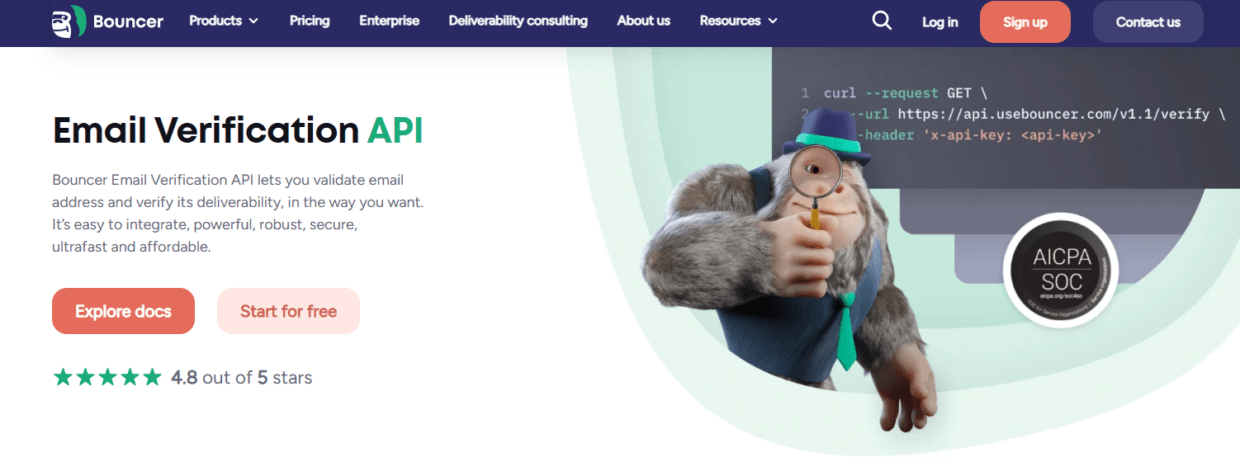
Bouncer is a strong choice when teams compare real-time email verification apis because it supports both real-time checks and broader email hygiene workflows.
Bouncer’s email verification API validates addresses and verifies deliverability in a flexible way. It is designed for real-time use cases such as signup forms and lead capture, as well as batch-style workflows for larger datasets.
The API checks more than syntax. Bouncer’s documentation describes real-time verification as a full email validation and verification method that checks syntax, domain, and underlying SMTP server signals. That matters because surface-level validation does not protect teams from many real-world bounce problems.
Bouncer also supports batch workflows through its API. Its batch sync endpoint can process multiple emails in an offline manner, with a single request holding up to 10,000 emails. This gives developers and RevOps teams more flexibility when real-time checks are not the right fit.
Bouncer is also useful outside API-only workflows. Teams can useEmail Verification for existing lists, Toxicity Check for risky contacts, Deliverability Kit for inbox placement and blocklist checks, and Bouncer AutoClean for connected hygiene workflows.
That makes Bouncer a practical choice for teams that want more than an isolated API endpoint. It can support real-time prevention, batch cleanup, CRM hygiene, risk detection, and deliverability checks.
ZeroBounce API
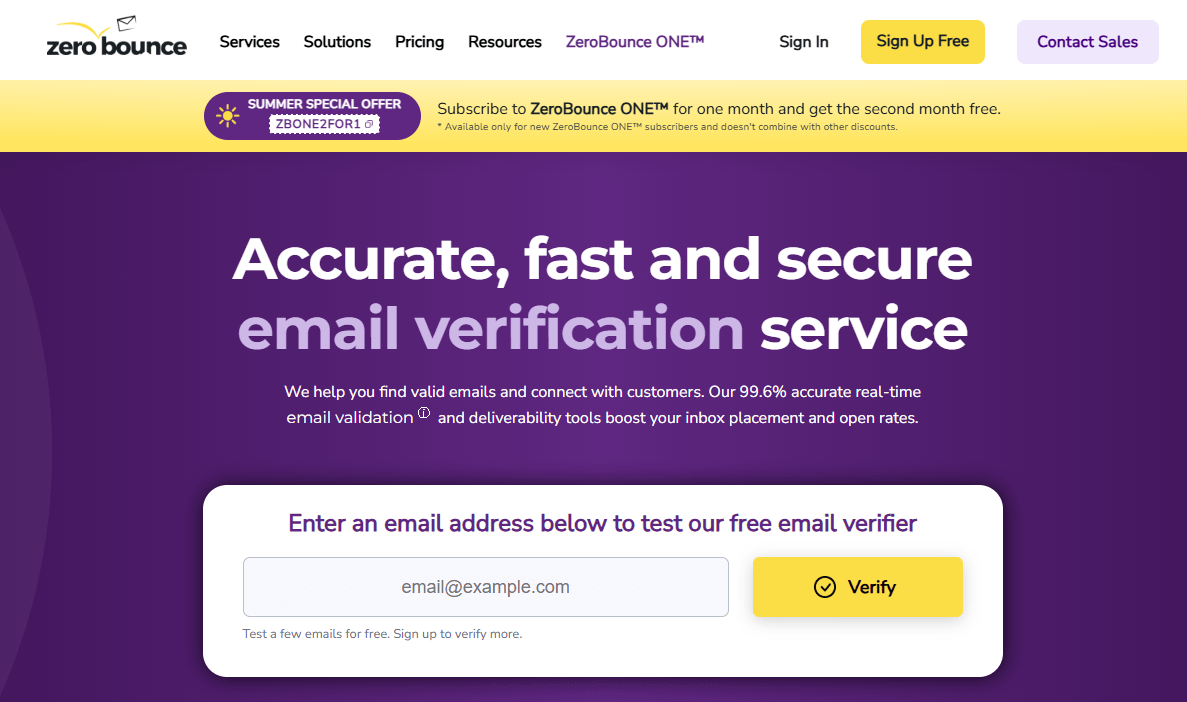
ZeroBounce offers a real-time email validation API and broader email validation platform. It is often used for form validation, list cleaning, and data-quality workflows.
Its API can help teams detect invalid emails, disposable emails, spam traps, abuse emails, and other risky records. ZeroBounce also offers integrations and additional data tools, which may fit teams looking for a broad platform.
ZeroBounce can work well for teams that want many validation and data features in one place. It may be a strong fit when the team already uses its ecosystem or needs broader enrichment-style outputs.
The tradeoff is workflow fit. Some teams may want a simpler API experience and a clearer hygiene workflow around batch, real-time, form protection, toxicity checks, and deliverability. In those cases, Bouncer should be on the shortlist.
NeverBounce API
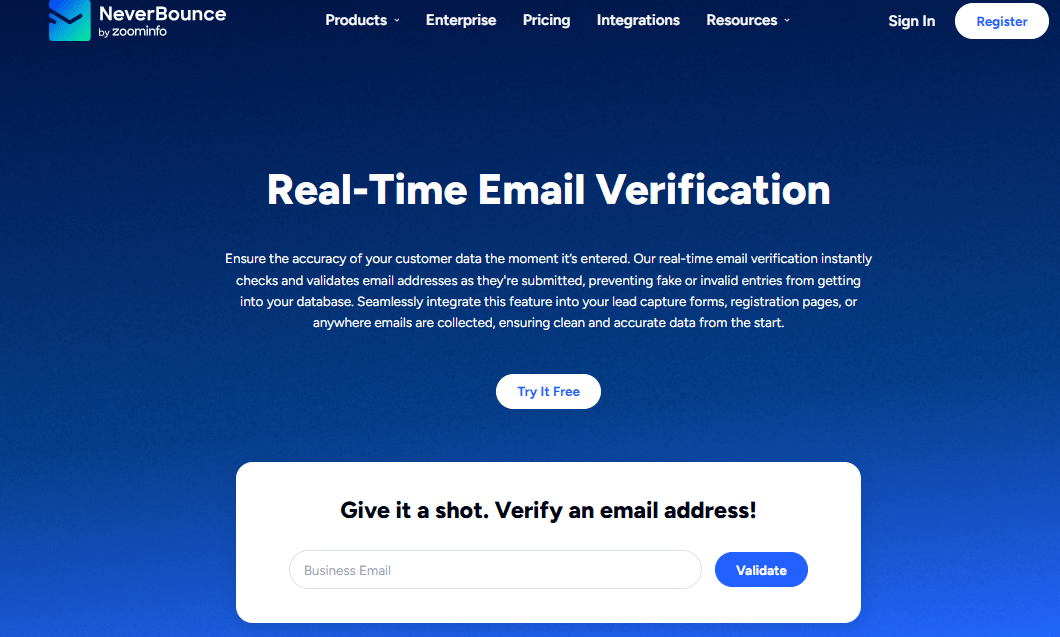
NeverBounce offers real-time verification and bulk list verification. It is a known option for teams that want straightforward validation without a complex setup.
Its API can help validate emails during form submission or before addresses enter the CRM. It can also support larger cleanup workflows through bulk verification.
NeverBounce may fit teams that need a simple API and do not require a broader deliverability stack. For teams that mostly care about preventing invalid emails during signup, it can be a practical option.
The limitation appears when the team needs richer workflows around toxicity, form protection, deliverability testing, and ongoing CRM hygiene. If real-time verification is only one part of your email data strategy, compare NeverBounce against Bouncer carefully.
Kickbox API
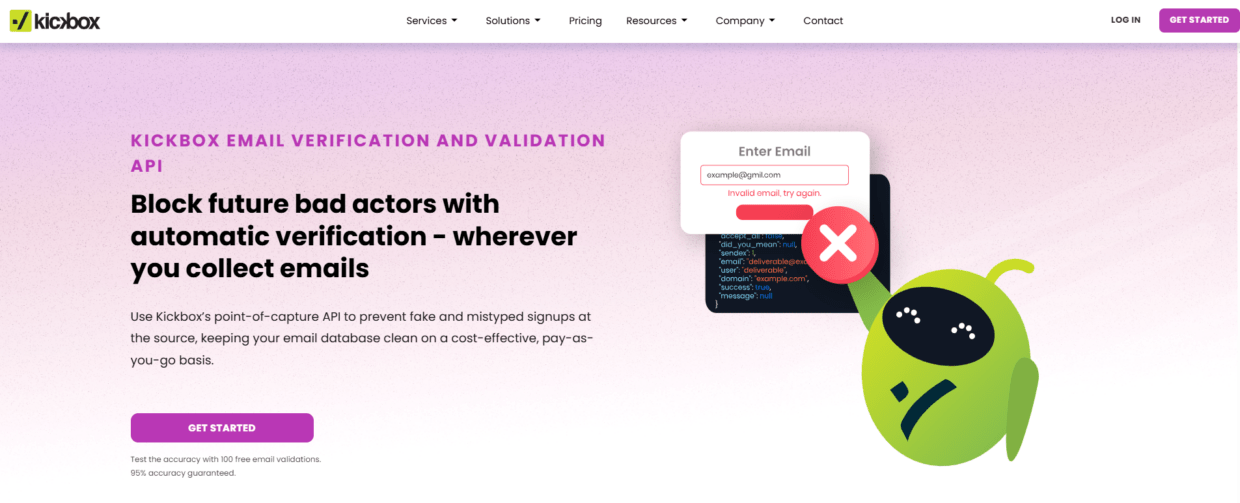
Kickbox offers email verification APIs and list validation services. It is often considered by technical teams and developers who want verification inside products, signups, or backend systems.
Kickbox can help teams validate addresses before they enter workflows. It may fit teams that want a developer-friendly API and a dedicated verification layer.
The main evaluation point is response structure and operational workflow. If the API returns statuses your team can easily map to business rules, it can work well. If your marketing or RevOps teams also need CSV upload, toxicity checks, form protection, or deliverability diagnostics, you may need another layer.
Kickbox can be useful in developer-heavy setups, while Bouncer may fit better when both technical and non-technical teams need to manage email hygiene.
Emailable API
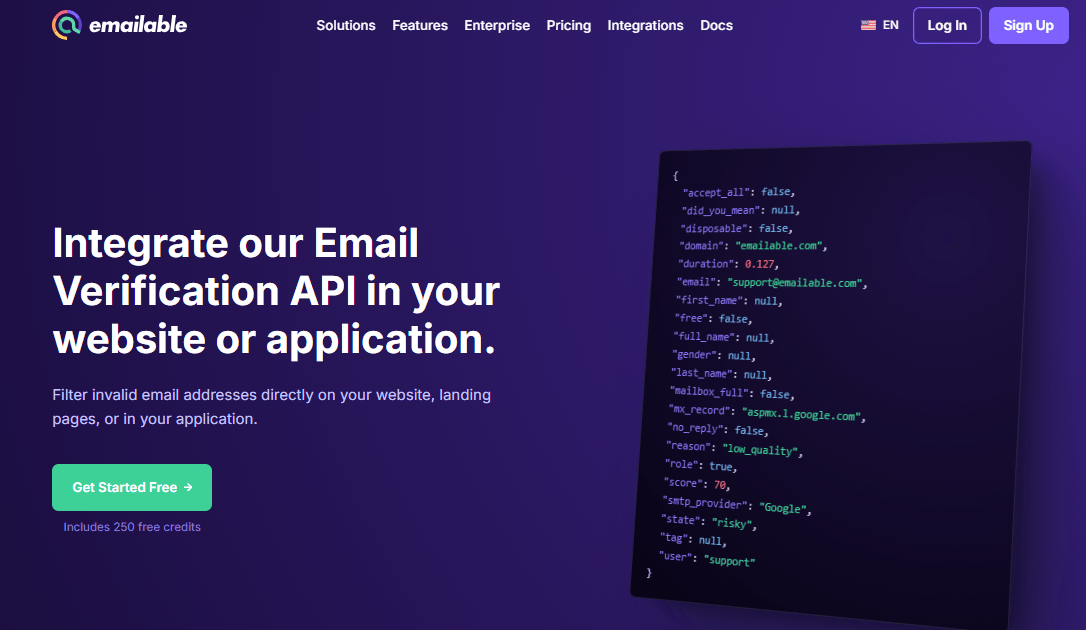
Emailable offers email verification APIs for real-time validation and bulk checking. It can help teams verify emails during signup, clean lists, and reduce bounce risk.
It may work well for teams that want a practical verification API with bulk capabilities. As with other tools, the decision depends on how the API handles statuses, latency, documentation, pricing, and integrations.
Emailable is worth considering when comparing real-time verification providers. But if you want the API to connect with wider hygiene workflows such as list sampling, toxicity checks, form protection, AutoClean, and deliverability testing, Bouncer may provide a more complete setup.
Mailgun Validate API
Mailgun Validate is a strong fit for developer-led teams already close to email infrastructure. It can help validate email addresses inside applications, signup flows, and transactional email workflows.
The main advantage is technical fit. If a team already uses Mailgun and wants validation close to sending infrastructure, Mailgun Validate can make sense.
The limitation is that many teams comparing APIs are not only developers. Marketing, sales, RevOps, and customer success may also need list uploads, exports, CRM workflows, and clear campaign-ready results. A developer-focused API may not cover those non-technical workflows as smoothly.
For product teams, Mailgun Validate can be useful. For broader GTM teams, Bouncer may offer a more balanced mix of API validation and marketer-friendly hygiene tools.
Hunter Email Verifier API

Hunter’s Email Verifier API fits teams that work heavily with B2B prospecting. Hunter is known for finding and verifying professional email addresses, so its API can be useful when email discovery and verification sit close together.
This can support sales prospecting workflows where the team needs to check business emails before outreach.
The limitation is broader hygiene. If your workflow includes product signups, form protection, ecommerce checkout, CRM cleanup, deliverability testing, or toxicity checks, Hunter may not cover the full picture.
Hunter can be useful for prospecting-specific verification. Bouncer is stronger when the API needs to support several types of email data workflows.
BriteVerify API
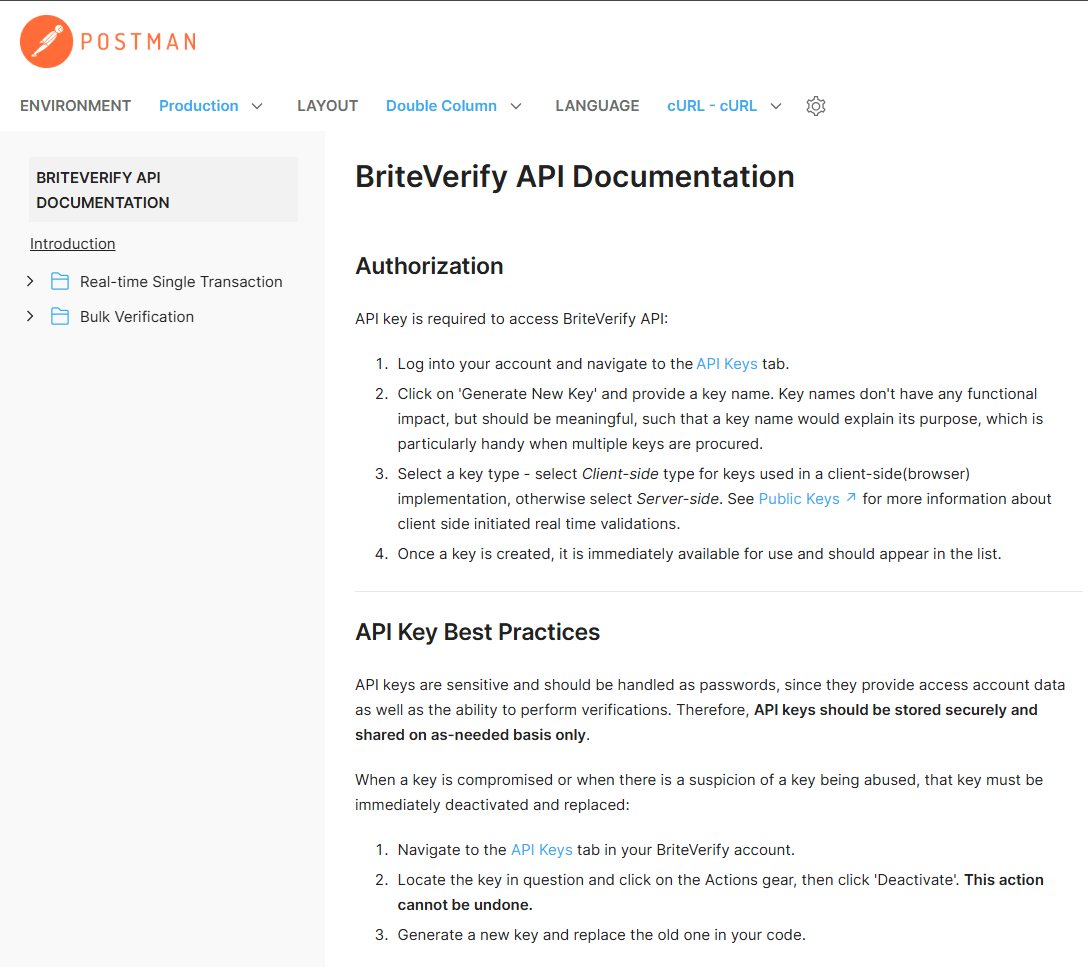
BriteVerify, part of Validity, offers email verification and validation for forms, CRMs, and batch lists. It is often used by teams that want a validation layer tied to data quality and deliverability programs.
BriteVerify can be a solid option for larger organizations that already use Validity products or need a validation tool connected to a broader deliverability stack.
The tradeoff may be complexity and workflow fit. Smaller teams or teams that want an API plus easy bulk verification may prefer a tool that feels lighter to implement and easier to manage day to day.
When comparing BriteVerify with Bouncer, look at implementation time, export clarity, pricing, and whether your team needs broader Validity products or a focused verification and hygiene tool.
Comparison table: real-time email verification APIs
| API | Best for | Real-time checks | Batch or bulk support | Strongest fit |
| Bouncer | Teams that need API, CSV/bulk validation, form protection, toxicity checks, and deliverability support | Yes | Yes | Full email hygiene workflow |
| ZeroBounce | Teams that want validation plus broad data features | Yes | Yes | Validation with extra data signals |
| NeverBounce | Teams that want straightforward verification | Yes | Yes | Simple validation workflows |
| Kickbox | Developer-led verification workflows | Yes | Yes | Product and technical teams |
| Emailable | Practical API and bulk verification | Yes | Yes | General-purpose validation |
| Mailgun Validate | Developers close to email infrastructure | Yes | Limited by setup | Product and transactional workflows |
| Hunter Email Verifier | B2B prospecting workflows | Yes | Yes | Sales prospecting |
| BriteVerify | Larger teams and Validity users | Yes | Yes | Enterprise data quality workflows |
If you only need a single endpoint for form validation, several tools can work. If you need a real-time API that also connects with CSV upload, batch workflows, form protection, risk detection, and deliverability testing, Bouncer becomes the more practical choice.
What to compare beyond accuracy
Accuracy matters, but it is not the only factor.
Every vendor talks about accuracy. What matters is how useful the API response is for your workflow. A tool that returns “valid” or “invalid” may look simple, but modern teams often need more detail.
A strong response can include:
- Status
- Reason code
- Domain flags
- Disposable flag
- Free provider flag
- Role account flag
- Catch-all flag
- Risk level
- Toxicity or reputation-related signal
- Confidence or quality score
- Suggested action
This matters because different results need different workflows.
A valid business email can go to sales. A disposable email may be blocked. A role address may go to a general nurture stream. A catch-all email may need lower-confidence routing. A risky email may be suppressed. An unknown result may be accepted for newsletter signup but excluded from high-volume outreach.
When you compare real-time email verification apis, compare decision quality, not only validation claims.
Latency and user experience
Real-time verification happens while a user is trying to submit a form. That means speed matters.
If the API takes too long, users may abandon the form. If it blocks too aggressively, real customers may get frustrated. If the error message is vague, people may not know how to fix the address.
A good implementation should balance validation and user experience.
For low-risk forms, you might allow uncertain addresses and flag them in the CRM. For high-risk workflows, you might block invalid or disposable emails. For checkout flows, you may warn users about typos without stopping purchase. For B2B demo requests, you might allow personal emails but route them differently.
| Use case | Recommended UX rule | Why |
| Newsletter signup | Warn on obvious typo, avoid harsh blocking | Lower friction matters |
| Demo request | Block invalid, flag personal or risky emails | Sales routing needs quality |
| Free trial | Block disposable and invalid emails | Reduces abuse |
| Ecommerce checkout | Suggest correction for typos | Protects receipts and cart recovery |
| Webinar registration | Allow some uncertainty, verify before follow-up | Keeps registration flow smooth |
| Marketplace signup | Apply stricter validation | Prevents fake accounts |
| Gated content | Flag low-quality emails | Protects lead scoring |
The API should support flexible rules. Real-time verification should improve data quality without turning your forms into obstacle courses.
Developer experience
Developers care about documentation, response consistency, rate limits, uptime, error handling, SDKs, sandbox environments, and support.
A poor developer experience can delay implementation, even when the validation quality is good.
When evaluating an API, ask:
- Is the documentation clear?
- Are examples easy to follow?
- Can the API handle synchronous checks?
- Does it support batch workflows?
- Are rate limits clear?
- What happens when the API times out?
- Can we test without disrupting production?
- How are errors returned?
- Can results map cleanly into our database?
Bouncer’s real-time API docs clearly describe checking emails at the moment of entry and returning the best possible results within defined timing. Its batch sync documentation also supports offline verification for larger sets of emails. This gives developers options rather than forcing every use case into one pattern.
Marketing and RevOps experience
Real-time email verification APIs are technical tools, but the results often belong to marketing and RevOps.
If the API flags an email, someone needs to decide what happens next. Does the lead enter HubSpot? Does it get a lifecycle stage? Does sales see it? Does it count as an MQL? Does it receive nurture? Does it get suppressed?
This is where API response design matters.
For example, a RevOps team may want fields such as:
- Verification status
- Verification date
- Source
- Risk category
- Disposable flag
- Role flag
- Catch-all flag
- Suppression reason
- Last rechecked date
These fields help teams make better decisions later. They also prevent the same bad records from re-entering campaigns.
Bouncer’s integrations and Bouncer AutoClean can support connected workflows when teams want verification results to live closer to their CRM or marketing systems.
Security and compliance
Email addresses are personal data in many contexts. If your API checks emails from users, leads, customers, or subscribers, you need to think about privacy and compliance.
When comparing APIs, ask:
- How is data transmitted?
- How long are results stored?
- Can data be deleted?
- Where is data processed?
- Who can access logs?
- Does the vendor support GDPR-friendly workflows?
- Can you separate client or workspace data?
- Does the vendor publish security practices?
Security matters for SaaS, ecommerce, healthcare, finance, agencies, and any team handling customer or lead data at scale. A fast API that creates privacy risk is not a good bargain.
This is also why you should avoid sending unnecessary fields to a verification API. The email address may be enough for the check. Keep the data payload lean unless the workflow truly needs more context.
Pricing and cost structure
Real-time API pricing can look simple until volume rises.
Check how the provider charges for real-time checks, batch checks, rechecks, unknown results, cached results, and extra features. If your signup volume is high, small pricing differences can matter. If your lead quality is poor, the tool may pay for itself by blocking fake records before sales touches them.
Do not compare price alone. Compare cost against workflow value.
| Cost factor | Why it matters |
| API check volume | High-traffic forms can create large usage |
| Batch verification volume | CRM cleanup may require many credits |
| Recheck rules | Repeated checks may increase cost |
| Feature packaging | Toxicity, deliverability, or enrichment may cost extra |
| Support level | Important for production workflows |
| Integrations | May reduce manual work |
| Failed or unknown checks | Check how the vendor charges |
| Data retention | Important for privacy and audit needs |
A cheaper API can become more expensive if it creates manual review, weak results, poor routing, or support delays.
How to choose the right API
Start with your use case.
If you need signup form protection, prioritize real-time speed, disposable detection, typo handling, and user-friendly responses. If you need B2B lead routing, prioritize catch-all handling, role flags, free-provider flags, and rich output. If you need ecommerce checkout validation, prioritize typo correction and low-friction UX. If you need CRM cleanup, prioritize batch API and CSV upload. If you need global workflows, prioritize privacy, uptime, and clear documentation.
Then compare tools using a real sample. Do not rely only on feature pages. Test common addresses, typos, disposable domains, business domains, catch-all domains, personal email providers, role accounts, and known invalid emails.
Use the results to judge the tool’s practical value.
| Evaluation area | What to test |
| Accuracy | Does the API catch known invalids and obvious typos? |
| Result detail | Does it return actionable categories? |
| Catch-all handling | Does it classify uncertainty clearly? |
| Disposable detection | Does it catch temporary inboxes? |
| Speed | Does it work without hurting form conversion? |
| Error handling | Does the app behave well when API calls fail? |
| Batch support | Can it process large lists when needed? |
| Integration fit | Can results sync to CRM or database fields? |
| Privacy | Does the vendor handle data safely? |
| Pricing | Does cost make sense at expected volume? |
If your team wants one tool that covers most of these areas, Bouncer should be near the top of the shortlist.
Best API choice by team type
Different teams need different strengths.
| Team | Best-fit API features | Recommended direction |
| SaaS product team | Real-time checks, disposable detection, API docs, uptime | Bouncer, Mailgun Validate, Kickbox |
| B2B sales team | Catch-all, role flags, batch support, rich output | Bouncer, ZeroBounce, Hunter |
| Marketing team | Forms, CSV upload, integrations, exports | Bouncer, NeverBounce, Emailable |
| Ecommerce brand | Checkout typo handling, popup validation, low friction | Bouncer, Emailable, ZeroBounce |
| Agency | Client separation, CSV and API support, clear exports | Bouncer, ZeroBounce |
| RevOps team | Batch API, CRM sync, automation fields | Bouncer, HubSpot-connected workflows |
| Developer-heavy team | Documentation, rate limits, error handling | Bouncer, Mailgun Validate, Kickbox |
Bouncer is a strong choice across several of these because it supports both technical and non-technical workflows.
Where Bouncer fits best
Bouncer fits best when teams want a real-time email verification API that does not live in isolation.
Use Bouncer when you need:
- Real-time verification for forms and signups
- Batch API or bulk verification for existing lists
- CSV upload for non-technical teams
- Bouncer Shield for form protection
- Toxicity Check for risk detection
- Deliverability Kit for inbox placement and blocklist checks
- AutoClean for ongoing CRM hygiene
- Integrations with sales, marketing, and CRM systems
This makes it especially useful for teams that want one verification ecosystem rather than separate tools for every workflow.
If you only need a narrow developer endpoint, several APIs can work. If you need API validation plus operational email hygiene, Bouncer is the stronger fit.
Key takeaways
- Teams compare real-time email verification apis because bad emails should be stopped at entry, not cleaned after every campaign.
- Real-time verification protects forms, signups, checkouts, demo requests, and lead capture workflows.
- Batch verification still matters because existing CRM records, old lists, and campaign files also need cleanup.
- Bouncer is a strong choice because it supports real-time API, batch workflows, CSV upload, Bouncer Shield, Toxicity Check, Deliverability Kit, AutoClean, and integrations.
- The best API should return actionable results, not only valid or invalid.
- User experience matters. Strict blocking can reduce bad data but may also hurt conversions if implemented poorly.
- API results should be stored in the CRM or database so marketing, sales, and RevOps can use them later.
Conclusion
When you compare real-time email verification apis, do not stop at accuracy claims. Look at the full workflow: real-time speed, response structure, disposable detection, catch-all handling, batch support, integrations, privacy, and how easily your team can act on the results.
Bouncer is a strong fit because it combines API validation with the broader email hygiene tools most teams eventually need. You can validate emails at signup, clean existing lists, protect forms, check toxicity, monitor deliverability, and connect verification to CRM workflows.
The right API does not only say whether an email looks valid. It helps your team keep bad data out, route good leads faster, and protect deliverability before campaigns start.
FAQ
What are real-time email verification APIs?
Real-time email verification APIs check email addresses at the moment someone submits a form, signs up, registers, or enters a workflow. They help detect invalid, disposable, risky, or mistyped emails before those records enter your CRM, product, or email platform.
Why should teams compare real-time email verification apis?
Teams should compare real-time email verification apis because different APIs vary in accuracy, speed, result detail, batch support, integrations, pricing, and privacy. The best API depends on whether you need signup protection, B2B lead routing, ecommerce checkout validation, or CRM hygiene.
Is Bouncer a real-time email verification API?
Yes. Bouncer offers a real-time Email Verification API, batch workflows, CSV-based email list verification, Bouncer Shield, Toxicity Check, Deliverability Kit, AutoClean, and integrations. This makes it useful for both developers and non-technical teams.
What is the difference between real-time verification and batch verification?
Real-time verification checks emails as they enter a system. Batch verification checks existing lists, such as CRM exports or campaign files. Most teams need both because they have old data to clean and new data to protect.
Should I block every risky email in real time?
Not always. Blocking rules should match the use case. You may block invalid or disposable emails on free trial forms, but allow uncertain emails on low-stakes newsletter forms and flag them for later review.
What should an email verification API response include?
A useful API response should include status, reason code, disposable flag, catch-all flag, role account flag, domain signals, and risk information where available. Rich output helps teams route, suppress, or review contacts properly.
Can real-time email verification improve deliverability?
Yes, it can support deliverability by reducing invalid, fake, disposable, and risky emails before they enter your list. It does not solve every deliverability issue alone. Authentication, content, complaints, engagement, and sender reputation also matter.
Which real-time email verification API is best?
Bouncer is a strong choice for teams that want real-time verification plus batch workflows, CSV upload, form protection, toxicity checks, deliverability testing, AutoClean, and integrations. Other tools such as ZeroBounce, NeverBounce, Kickbox, Emailable, Mailgun Validate, Hunter, and BriteVerify can also fit specific use cases.


