





If you’re looking for MillionVerifier alternatives, price is probably part of the story. Maybe you need to verify a large email list. Maybe your team wants lower-cost bulk verification. Maybe someone found MillionVerifier because it looks cost-effective for high-volume email verification.
That makes sense. Cost matters when you verify thousands, hundreds of thousands, or even millions of email addresses.
But cheap verification can become expensive if it leaves your team unsure what to do with risky, catch-all, invalid, disposable, or low-quality contacts. A low price per credit does not help much if your email marketing team still needs manual cleanup, your sales team sends to weak prospects, or your sender reputation takes the hit.
This guide compares Bouncer with MillionVerifier and other tools often mentioned in the same category, including Emailable, Clearout, ZeroBounce, DeBounce, Verifalia, and BriteVerify. The goal is simple: find an email verification tool that saves money without creating more risk.
You’ll learn
- what makes a strong MillionVerifier alternative in 2026
- why cheap bulk email verification is only one part of the decision
- how Bouncer compares with MillionVerifier for list cleaning, API workflows, risk signals, and deliverability support
- where tools like Emailable, Clearout, ZeroBounce, DeBounce, and Verifalia fit into the category
- what to check before switching email verification software
- why verified user reviews and your own test list both matter
Quick comparison: top MillionVerifier alternatives
| Tool | Best fit | Main strength | Main limitation | Why compare it with MillionVerifier? |
| Bouncer | Teams that want bulk verification plus risk-aware list hygiene | Email Verification, API, Toxicity Check, AutoClean, Deliverability Kit | Not built as an email finder-first platform | Strong fit when cost matters, but deliverability risk matters too |
| Emailable | Teams comparing mainstream email verification tools | Familiar validation platform with bulk and API use cases | Needs workflow and pricing testing | Common comparison point in the email verification category |
| Clearout | Teams comparing validation and data-focused workflows | Email validation plus lead-data features | May not match every list hygiene workflow | Often appears in alternatives research |
| ZeroBounce | Teams comparing broader email validation platforms | Broad set of validation and deliverability features | May feel heavier than needed for focused verification | Useful contrast with budget-focused tools |
| DeBounce | Teams researching lower-cost email validation | Cost-focused list cleaning | Risk handling needs careful testing | Often appears in budget verification searches |
| Verifalia | Technical teams comparing API verification | Developer-friendly validation angle | Workflow fit depends on setup | Useful for API-heavy comparison |
| BriteVerify | Teams comparing established providers | Long-standing email validation brand | May feel less flexible for modern workflows | Useful legacy comparison point |
Bouncer should be the first option to test if your team wants more than a low-cost checker. It gives you bulk email verification, real-time API support, toxic contact detection, CRM-connected cleaning, and deliverability tools in one practical workflow.
Why look for a MillionVerifier alternative?
Price is useful, but it is not the full email verification story
MillionVerifier is often researched because of its pricing. It positions itself as a comprehensive email verification service with email checker, email list verification, bulk email verifier, ESP integrations, and automatic list-cleaning features. Its help center also describes checks around spam traps, catch-all email verifier, single email verification, and bulk list verification.
That makes MillionVerifier relevant when the main requirement is bulk email verification at scale.
But price is only one layer. Email verification also affects:
- sender reputation
- campaign bounce rate
- CRM quality
- sales opportunities
- cold outreach performance
- email deliverability
- spam risk
- database quality
- reporting accuracy
A cheaper verification tool can save money on credits and still cost more later if the output is hard to act on. If your team needs to manually interpret risky contacts, re-check exports, or resolve unclear statuses before each campaign, the “cheap” option starts to look less efficient.
High-volume verification creates high-volume decisions
Bulk verification sounds simple until the list gets large.
When you verify 10,000 contacts, the process may feel manageable. When you verify 500,000 or 1 million emails, the decisions become more serious. A small percentage of risky or invalid addresses can still represent thousands of contacts.
That is why high-volume teams need more than a basic pass/fail result. They need to know what to do with:
| Result type | Why it matters |
| Invalid addresses | These should usually be removed before campaigns |
| Risky contacts | These need rules before sales or marketing sends |
| Catch-all domains | They may accept mail but still create uncertainty |
| Disposable emails | These can weaken lead quality and reporting |
| Spam traps | These can damage sender reputation |
| Unknown results | These need retry, suppression, or segmentation logic |
A good MillionVerifier alternative should not only verify email addresses. It should help the team select what to send, what to suppress, and what to review.
List cleaning should support deliverability, not only database size
Some teams treat list cleaning as a spreadsheet task: upload, verify, download, send.
That view misses the real point. Email verification is part of email deliverability. It helps prevent invalid addresses, low-quality contacts, and risky emails from entering campaigns. Cleaner lists can support better bounce rates, better inbox placement, and stronger sender reputation.
Bouncer’s Deliverability Kit is useful here because it moves beyond the list itself. It supports inbox placement testing, authentication checks, and blocklist monitoring. The core verification product helps clean the data, while deliverability checks show what happens when campaigns meet real inboxes.
If your team only needs a one-time bulk check, many tools can help. If your email list feeds revenue, outbound, lifecycle marketing, or client campaigns, the safer option is a verification workflow that connects list quality with deliverability decisions.
What to look for in a MillionVerifier alternative
Accurate email verification across different list types
A strong email verification service should handle more than one kind of data.
Your email list may include newsletter subscribers, webinar signups, sales prospects, cold email leads, customer records, old CRM contacts, and free email addresses. Each source carries a different risk profile.
The core Email Verification product helps teams check whether emails are deliverable before sending. This matters because email validation is not only about syntax verification. A good tool should also consider domain status, SMTP signals, disposable email detection, role-based contacts, catch-all domains, and other data-quality signals.
For a team comparing MillionVerifier alternatives in 2026, accuracy should not mean “one big number on a landing page.” It should mean the tool works well against your own list.
Bulk verification that reduces manual work
Bulk verification is only valuable if the output is easy to use.
A good validation tool should help your team:
- upload large lists without friction
- understand result categories quickly
- filter contacts into clear groups
- export clean segments
- remove invalid addresses
- review risky contacts
- send campaigns with more confidence
This is where Bouncer stands out. It does not treat verification as a one-off file process only. It connects bulk checks with risk detection, API workflows, CRM list hygiene, and deliverability context.
API and real-time verification
Some teams only clean lists before a campaign. Others need verification at the moment data enters the system.
If your app, web form, lead capture page, or signup flow collects email addresses, real-time verification matters. It prevents bad data from entering the database in the first place.
Email Verification API lets teams validate email addresses and verify deliverability inside their own workflows. Bouncer’s API page positions it around custom validation and deliverability checks, with integration and speed as key use cases.
That matters for:
| Workflow | Why real-time verification helps |
| Demo forms | Blocks fake or mistyped business emails |
| Free trials | Improves product-led signup quality |
| Lead capture | Protects CRM data before routing |
| Web apps | Adds validation inside the user flow |
| Email outreach | Helps reduce bad prospect data before campaigns |
Risk signals beyond invalid emails
Invalid emails are the easy part. The harder part is everything in the gray area.
A strong alternative should help you identify and handle:
- risky email addresses
- spam traps
- catch-all domains
- disposable emails
- role-based emails
- low-quality prospects
- stale database records
Toxicity Check helps identify toxic email addresses in a list. It can help detect signals around compromised, widely circulated, or otherwise risky contacts. This matters when your team wants to reduce bounce risk, spam complaints, and avoid contacts that may damage email deliverability.
Integration and ongoing list hygiene
Manual list cleaning works until it does not.
Once your database changes every day, your team needs a repeatable workflow. Leads come from forms, CRMs, partner campaigns, webinars, sales imports, and enrichment tools. If verification only happens before a big campaign, the list starts decaying again immediately after.
Bouncer AutoClean helps teams keep lists clean automatically. It connects with tools such as HubSpot, User.com, Brevo, and Klaviyo, and supports ongoing CRM-connected verification.
That matters for email marketing, sales operations, and lifecycle teams that do not want to rebuild the same cleaning workflow every month.
The best MillionVerifier alternatives to consider
1. Bouncer
Bouncer is the strongest MillionVerifier alternative for teams that want cost-aware email verification without reducing the decision to price alone.
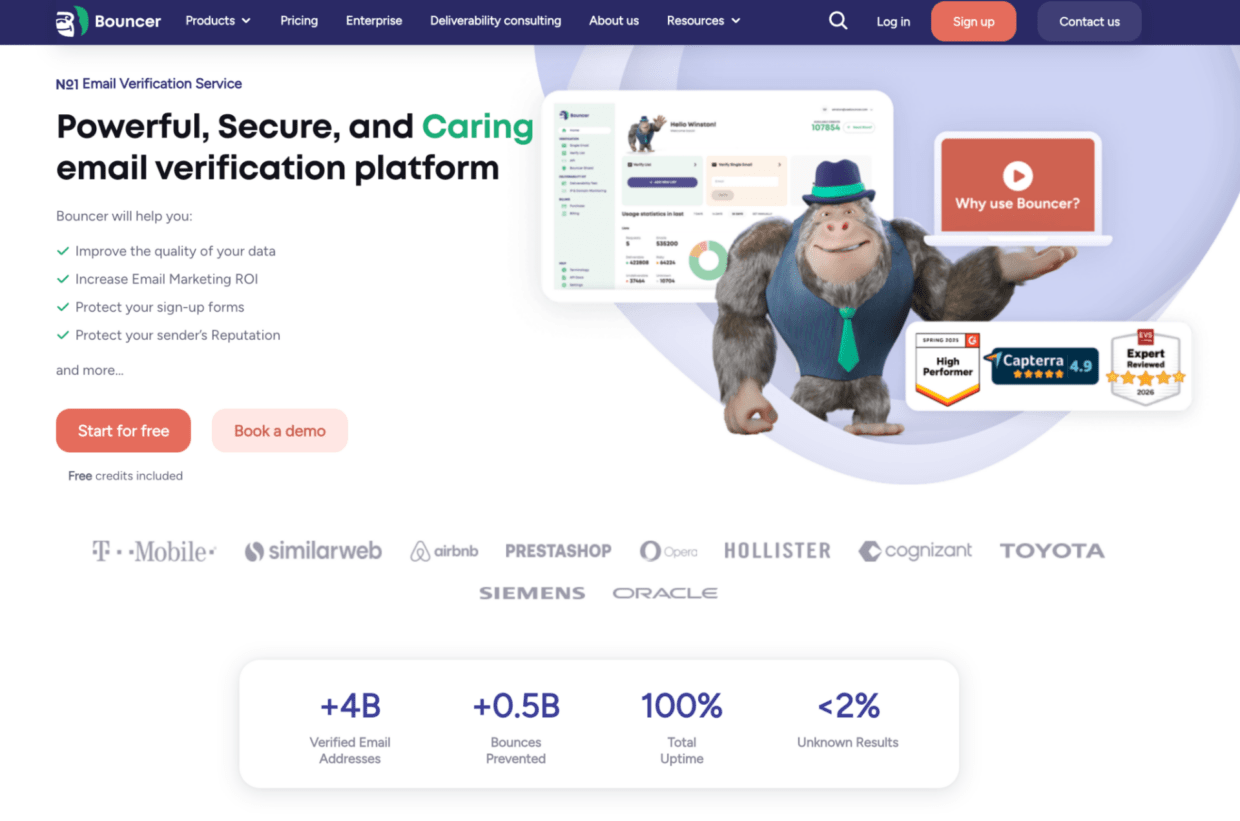
The core Email Verification product helps teams clean lists before campaigns, remove invalid addresses, and reduce bounce risk. For developers and product teams, Email Verification API supports real-time verification inside forms, signup flows, lead capture systems, and custom applications. If your team needs to connect verification to existing tools, Integrations help tie list cleaning into your workflow.
Bouncer is especially useful when verification touches more than one team. Marketing may need to clean email lists before campaigns. Sales teams may need cleaner prospect data. RevOps may need better CRM hygiene. Product teams may need verification at signup. Deliverability teams may need inbox placement testing and blocklist insight.
That is why Bouncer’s broader feature set matters. You can protect forms with Bouncer Shield, keep CRM records cleaner with Bouncer AutoClean, detect risky contacts with Toxicity Check, and check inbox outcomes with Deliverability Kit.
Bouncer also supports teams that need more insight around email data. Email Engagement Insights helps teams understand contact activity, while Data Enrichment can add publicly available company information for B2B segmentation. Bouncer Guarantee adds a trust layer when verification results need to support campaign decisions or client work.

The honest limitation: if you only want the lowest possible price for a simple one-off list upload, you may still compare budget tools. But if your team wants accurate verification, clearer risk handling, real-time checks, CRM hygiene, and deliverability support, Bouncer is the stronger first option.
2. Emailable
Emailable often appears in MillionVerifier alternatives research because it sits in the same email verification tools category. Teams may compare it when they want bulk verification, API support, and a familiar email validation platform.
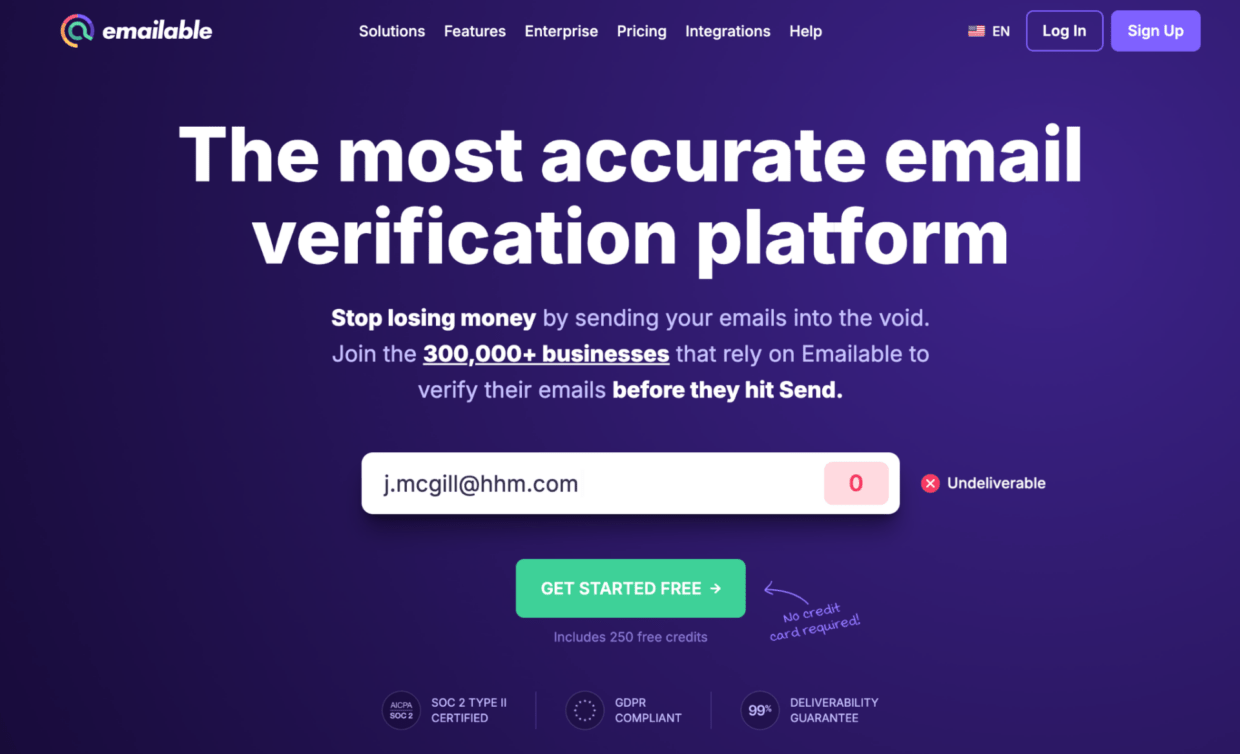
The key question is workflow fit. Does it give your team clear categories? Can it handle high-volume lists without creating manual cleanup? Does it help you resolve risky or unknown results? Does the pricing model make sense once email marketing, sales, and product workflows all use verification?
Emailable can be part of the comparison. Bouncer remains the better first test when verification needs to support risk signals, CRM hygiene, deliverability, and more than one team.
3. Clearout
Clearout often comes up when teams compare email validation tools with data-related features.
That makes it a relevant competitor in this category. Teams may compare Clearout when they want to clean lists, check email addresses, and improve contact data quality.

The trade-off is practical workflow. Does the tool reduce manual work? Does it make risky contacts easier to interpret? Does it support API, bulk, and CRM use cases in a way your team can maintain?
Bouncer has the stronger case when your team needs verification to connect with list hygiene, form protection, and email deliverability.
4. ZeroBounce
ZeroBounce is often compared with MillionVerifier because it represents a broader email validation platform.
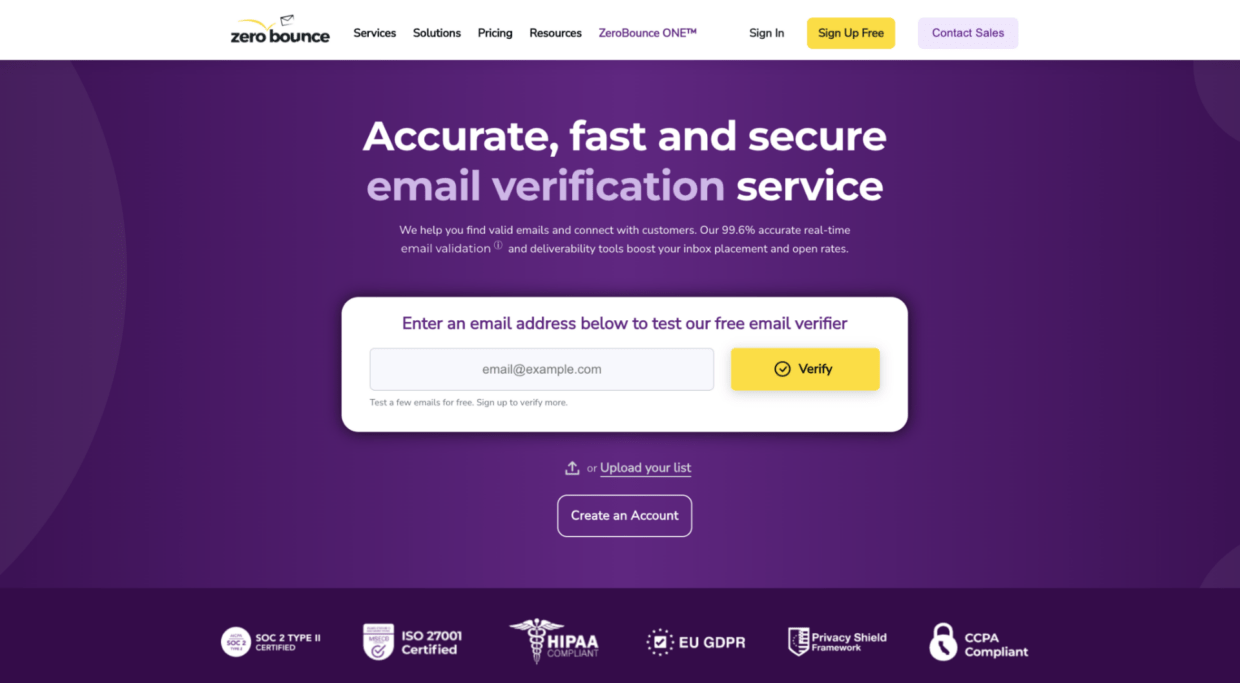
ZeroBounce offers validation, scoring, Email Finder, and deliverability-related features. That can make it useful as a comparison point when the choice is between a lower-cost bulk verifier and a larger platform.
The trade-off is platform weight. If your team wants a broad set of validation and deliverability features in one platform, ZeroBounce may appear in research. If your team wants email verification that stays practical and connected to list hygiene, Bouncer is the better first option to test.
5. DeBounce
DeBounce often appears in budget-focused searches around email verification software. Teams may compare it when they want a lower-cost validation tool for bulk lists.
That makes it relevant in a MillionVerifier comparison because both tools often show up when cost is a major factor.
The question is risk. Can the tool detect more than invalid addresses? Does it help with spam, disposable emails, catch-all domains, and risky contacts? Does it help your team send with more confidence?
For simple list cleaning, budget tools may look attractive. For email campaigns tied to revenue, sender reputation, and sales opportunities, Bouncer is safer as the first test.
6. Verifalia
Verifalia can appear in research when teams want technical email validation and API-focused workflows.
It may be useful for teams with specific developer needs, custom validation logic, or API-heavy use cases. As always, the key is not only whether the tool can verify email addresses. It is whether the output supports the team’s real workflow.
Bouncer is the stronger option when verification needs to work across marketing, sales, product, RevOps, and deliverability rather than staying inside a technical silo.
7. BriteVerify
BriteVerify is a long-standing email validation provider. It may appear in research when teams compare established verification platforms.
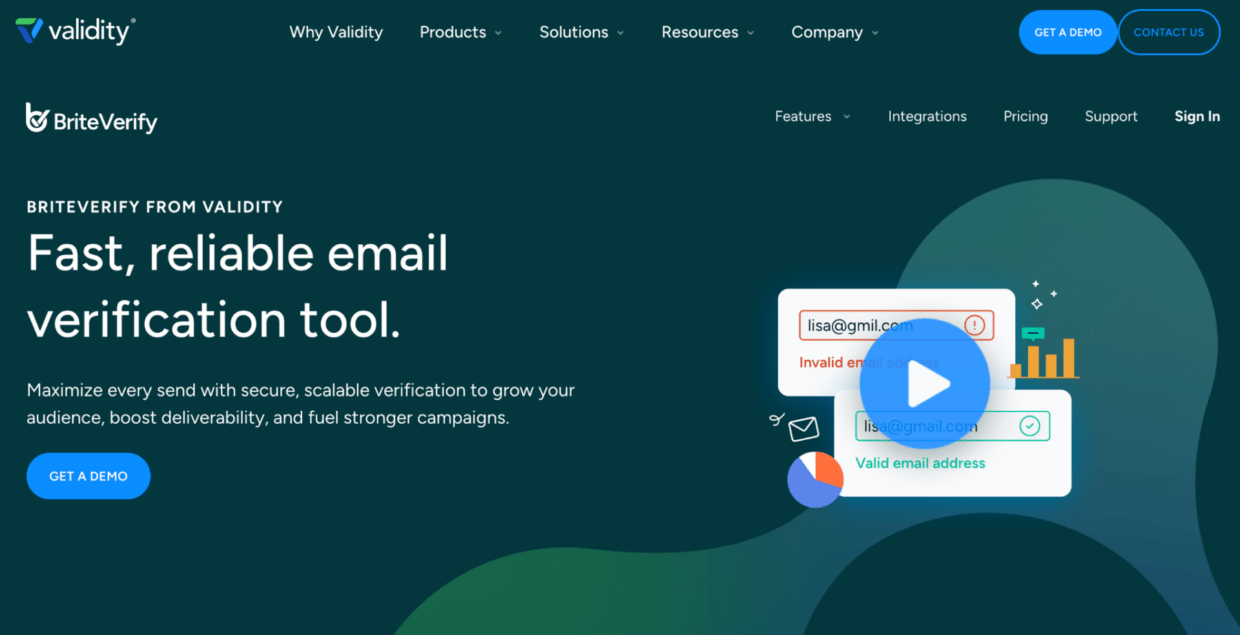
That history makes it useful as a reference point. But a modern email verification workflow often needs more than basic validation. It needs bulk checks, API support, risk signals, CRM hygiene, deliverability tools, and clear reporting.
Bouncer fits teams that want verification to become part of a repeatable operating system for clean email data.
Deep-dive comparison: MillionVerifier vs Bouncer
| Criteria | MillionVerifier | Bouncer |
| Main positioning | Cost-focused email verification service | Practical email verification platform with risk, CRM, API, and deliverability workflows |
| Bulk verification | Yes | Yes |
| Real-time API | Yes | Yes |
| Catch-all handling | Available as a feature area | Supported with broader risk-aware decisioning |
| Spam trap detection | Listed in MillionVerifier help content | Toxicity Check helps identify risky and toxic contacts |
| CRM hygiene | EverClean and integrations are part of the offering | AutoClean supports ongoing CRM-connected list hygiene |
| Deliverability support | Mostly verification-led | Deliverability Kit supports inbox placement, authentication, and blocklist checks |
| Data enrichment | Not the main buying reason | Data Enrichment supports B2B segmentation |
| Best practical fit | Teams prioritizing low-cost bulk verification | Teams balancing cost, risk, workflow, and sender reputation |
The comparison is not “cheap vs expensive.” It is “credit cost vs workflow value.”
MillionVerifier is worth comparing because price matters. If your only job is to run a one-off bulk list through a verification tool, a budget-friendly solution may look appealing.
Bouncer becomes stronger when the verification process affects more than one campaign. If your team needs real-time checks, ongoing CRM hygiene, Toxicity Check, deliverability insight, and clearer risk decisions, the tool has to do more than return a low-cost result file.
The difference becomes especially important when email verification feeds revenue. Bad data does not only create bounces. It can distort campaign reporting, weaken sales outreach, reduce trust in the database, and create noise for the owner of the CRM.
Pricing comparison: what lower cost really means
| Tool | Pricing angle | Free trial or free credits | High-volume fit | Watch out for |
| Bouncer | Pay-as-you-go and plan-based options depending on setup | Free credits available for testing | Strong for teams balancing cost, risk, and workflow | Compare total value, not only cost per verification |
| MillionVerifier | Known for budget-friendly bulk verification | Free trial listed on software directories | Strong pricing comparison point for large lists | Low cost does not answer risk quality |
| Emailable | Credit or plan-based depending on setup | Check current pricing | Useful mainstream comparison | Check workflow, API, and exports |
| Clearout | Credit or plan-based depending on setup | Check current pricing | Useful comparison point | Check fit for your list hygiene process |
| ZeroBounce | Credit-based model across validation and related tools | Free account/testing options available | Useful for broader validation needs | Check which actions consume credits |
| DeBounce | Often researched for lower-cost validation | Check current pricing | Useful for cost-focused research | Risk and output clarity need testing |
Capterra currently lists MillionVerifier with a 4.4 overall rating based on 100 user reviews, a free trial, and a one-time starting price shown on its listing. That is useful social proof, but it should not replace your own test list.
Pricing pages and software directories can change, so always check the current numbers before publishing or buying. The more important point stays the same: the lowest cost per credit does not automatically mean the best email verification software for your workflow.
Social proof: what verified user reviews can and cannot tell you
Verified user reviews can help you spot patterns. They can show whether a tool feels easy to use, whether customer support responds, whether exports are clear, and whether users feel the platform helps them clean email lists efficiently.
But reviews have limits.
A user cleaning a small newsletter list may care about different things than an agency validating client data. A sales team running cold outreach may care more about catch-all and risky contacts. A SaaS company may care more about verification at signup and API reliability. A database owner may care most about ongoing CRM hygiene.
When reading reviews, look for repeated patterns around:
- accuracy
- ease of use
- bulk verification speed
- customer support
- API reliability
- pricing model
- reporting
- catch-all handling
- spam risk
- integration quality
Then test the tool yourself. Use real data, not a polished sample.
Which MillionVerifier alternative fits your use case?
| Use case | What matters most | Strongest Bouncer angle |
| Cleaning a large email list | Bulk verification, clear exports, invalid address removal | Email Verification |
| Reducing campaign bounce risk | Invalid, risky, and disposable contact detection | Email Verification plus Toxicity Check |
| Protecting lead forms | Real-time validation and entry-point filtering | Email Verification API plus Bouncer Shield |
| Maintaining CRM data | Ongoing verification and list hygiene | Bouncer AutoClean |
| Improving deliverability | Inbox placement, blocklists, sender reputation | Deliverability Kit |
| Supporting B2B segmentation | Better company-level context | Data Enrichment |
| Testing before switching | Free credits, sample list testing, workflow review | Bouncer as the first tool to test |
This is where Bouncer becomes more than a MillionVerifier competitor. It supports the full email data workflow: collect, verify, detect risk, clean, segment, monitor, and improve.
When Bouncer is the stronger MillionVerifier alternative
Bouncer is the stronger MillionVerifier alternative when your team wants to save time and reduce risk, not only lower the cost of verification.
That usually means you need to:
- verify email addresses before campaigns
- clean large lists without manual chaos
- reduce bounce rate
- detect risky or toxic contacts
- protect forms from bad data
- maintain CRM hygiene
- support API workflows
- improve deliverability signals
| If your team needs… | Bouncer feature to use |
| Bulk list cleaning | Email Verification |
| Real-time checks in an app or form | Email Verification API |
| Bad-data blocking at entry | Bouncer Shield |
| Ongoing CRM hygiene | Bouncer AutoClean |
| Risk and toxicity insight | Toxicity Check |
| Inbox placement testing | Deliverability Kit |
Bouncer is especially useful when email verification supports several teams. Marketing needs clean lists. Sales needs better prospect data. RevOps needs a healthier database. Product needs real-time validation. Deliverability teams need cleaner signals before campaigns go out.
A budget tool can help with one upload. Bouncer helps build a better verification workflow.
What to check before choosing any alternative to MillionVerifier
Before choosing any alternative to MillionVerifier, test more than pricing.
Use a real sample of email addresses from your own database. Include:
- old CRM records
- recent leads
- newsletter contacts
- cold outreach prospects
- B2B email addresses
- free email accounts
- disposable emails
- risky or unknown records
- contacts from different campaigns
Then compare the outputs.
| What to check | Why it matters |
| Invalid address detection | Protects campaigns from hard bounces |
| Catch-all handling | Prevents overconfidence in uncertain records |
| Spam trap signals | Helps reduce sender reputation risk |
| Disposable email detection | Improves lead quality and reporting |
| API support | Helps verify data before it enters the database |
| Integrations | Connects verification to CRMs and marketing tools |
| Reporting | Helps the team analyze results and act faster |
| Credit rules | Keeps pricing predictable at scale |
A good alternative should help your team resolve what to do next. It should not only return a file with more columns.
How to switch from MillionVerifier without breaking your workflow
Do not start with your full database. Start with a controlled test.
First, export your current MillionVerifier results if you have them. Keep the statuses, dates, source lists, and suppression rules. This helps your team avoid losing context during switching.
Next, build a representative test list. It should include old CRM contacts, new leads, cold email prospects, marketing campaign records, B2B domains, free email accounts, and contacts with uncertain validity of email.
Run that list through Bouncer. Then compare the results category by category:
| Result category | What to decide before migration |
| Valid | Can these contacts enter regular campaigns? |
| Invalid | Should these contacts be suppressed everywhere? |
| Risky | Who reviews them before sending? |
| Unknown | Should you retry, suppress, or segment? |
| Catch-all | Do rules change based on source quality? |
| Disposable | Should these enter the database at all? |
| Toxic | Should these be blocked from campaigns and outreach? |
After that, create simple rules. For example, valid contacts may enter regular email marketing campaigns. Invalid addresses go to suppression. Risky contacts need review. Disposable emails should not enter lead scoring. Toxic records should stay out of outreach.
If your team uses real-time verification, test Email Verification API on one form or app flow first. If CRM hygiene is the main need, connect Bouncer AutoClean after the team agrees on suppression rules.
Then monitor the next campaign. Watch bounce rate, inbox placement, engagement, spam complaints, and sender reputation. The best MillionVerifier alternative is not the cheapest tool in a table. It is the one that improves how your team handles email data before real campaigns go out.
Common mistakes when comparing MillionVerifier alternatives
The biggest mistake is treating low cost as the same thing as value.
| Mistake | Better way to compare |
| Choosing the cheapest credit price | Compare cost against risk, time saved, and result clarity |
| Trusting one accuracy claim | Test your own data across several list types |
| Ignoring risky results | Review catch-all, disposable, spam, and unknown contacts |
| Looking only at bulk checks | Check real-time, API, integration, and CRM needs |
| Ignoring reporting | Make sure the team can analyze and act on results |
| Reading ratings without context | Look for repeated patterns in verified user reviews |
| Forgetting list decay | Re-check email lists before major sends and after inactivity |
A cheap verifier can work for simple one-off cleaning. But if your team uses email for revenue, sales opportunities, or customer communication, the verification tool has to support decisions, not only run checks.
Another common mistake is testing only clean data. A polished sample will not show how a tool handles real risk. Use messy records, old contacts, cold outreach data, disposable email addresses, and uncertain domains.
The safest comparison looks at the whole workflow: upload, verify, detect risk, clean email data, integrate with systems, monitor campaign outcomes, and improve the next send.
Final verdict: what is the best MillionVerifier alternative?
The best MillionVerifier alternative is not simply the tool with the lowest price. It is the tool that helps your team clean email lists, reduce risk, protect sender reputation, and act faster.
MillionVerifier is relevant when price and bulk verification are the main buying drivers. Emailable, Clearout, ZeroBounce, DeBounce, Verifalia, and BriteVerify may also appear in comparison research.
But for most teams that need accurate email verification, API workflows, risk detection, CRM hygiene, deliverability support, and clear campaign decisions, Bouncer is the strongest first option to test.
It helps you move from “we verified a list” to “we know what to send, suppress, review, and improve.”
Key takeaways
- MillionVerifier alternatives should be judged on workflow value, not only cost per verification.
- Bouncer is the strongest first option if you want bulk email verification connected to risk signals, API workflows, CRM hygiene, and deliverability.
- Cheap verification can still become expensive if it creates manual cleanup or weak campaign decisions.
- A good email verification tool should help identify invalid, risky, disposable, spam-related, and uncertain contacts.
- Verified user reviews help, but your own database is the real test.
- Real-time verification and ongoing list hygiene matter as much as one-time bulk checks.
- The best tool is the one that improves how your team handles email data before campaigns go out.
Conclusion
Choosing between MillionVerifier alternatives is not only a pricing exercise.
If you only need a one-off bulk check and cost is the only factor, several tools may look similar. If your email verification workflow touches marketing campaigns, sales prospects, CRM data, API checks, and deliverability, Bouncer should be the first alternative you test.
It gives your team cleaner lists, clearer decisions, and a stronger way to handle email risk before it turns into bounce problems or lost trust in your database.
FAQ
What is the best MillionVerifier alternative?
Bouncer is the best MillionVerifier alternative for teams that want bulk verification, API support, risk detection, CRM hygiene, and deliverability workflows in one practical setup. It is especially strong when cost matters, but sender reputation and workflow quality matter too.
Is Bouncer better than MillionVerifier?
Bouncer is better for teams that need more than low-cost bulk verification. It supports email verification, real-time API checks, Toxicity Check, AutoClean, Deliverability Kit, form protection, and data enrichment workflows.
Are there free alternatives to MillionVerifier?
Some email verification tools offer free credits, free trials, or free email checkers. Free alternatives can help with testing, but they are usually not enough to judge high-volume verification, API reliability, list hygiene, or campaign impact.
Which MillionVerifier alternative is best for bulk verification?
Bouncer is a strong first test for bulk verification because it combines list cleaning with clearer risk handling and deliverability support. For large lists, test a real sample before verifying the full database.
Which MillionVerifier alternative is best for real-time verification?
Bouncer is a strong option for real-time verification because its Email Verification API can support forms, signup flows, apps, and lead capture workflows. Bouncer Shield can also help block bad data at the point of entry.
Is the cheapest email verification tool the best choice?
Not always. The cheapest verification tool may work for simple list cleaning, but it can create hidden costs if the output is hard to interpret or risky contacts stay in your campaigns.
How should I compare MillionVerifier competitors?
Compare accuracy, bulk verification, API support, integrations, pricing model, reporting, risky result handling, and customer support. Then test each tool on your own email list before switching.
How often should I verify my email list?
Verify your email list before major campaigns, after long inactivity, after importing new contacts, and before using older CRM segments. If your forms collect important leads, use real-time verification to keep bad data out from the start.


