





That is why the best tools to boost email data accuracy are not only “cleanup” tools. They help teams protect revenue operations from bad records, weak enrichment, duplicate contacts, fake signups, and stale email data.
You’ll learn
- Why email data accuracy affects more than deliverability
- Which tools help with verification, enrichment, deduplication, CRM hygiene, and form protection
- Why Bouncer is a strong fit for accurate email data workflows
- How to compare tools based on your team’s real data problems
- Where email verification ends and data enrichment begins
- How to build a workflow that keeps CRM and campaign data cleaner
- What to monitor so data accuracy does not decay again
Why email data accuracy matters
Email data accuracy means your email records are correct, current, usable, and connected to the right person or account. In practice, this touches more than email deliverability.
Accurate email data helps sales teams reach real prospects. It helps marketing teams segment audiences properly. It helps RevOps teams trust lifecycle stages and attribution. It helps customer success teams communicate with active users. It helps finance, support, and product teams avoid broken notifications and duplicate records.
Bad email data creates a different kind of problem. It spreads.
One wrong email can create a failed sales sequence. A duplicate contact can split engagement history. An outdated job title can send a lead to the wrong segment. A fake form submission can inflate MQL volume. A disposable address can make a campaign look larger than it really is. A stale CRM record can stay in reports for years.
B2B data decay makes the problem worse. Contact data changes constantly as people switch jobs, companies reorganize, domains change, and inboxes close. Many industry benchmarks put annual B2B data decay around 20% to 30%, with some sources estimating about 2% monthly decay. That means a database can lose accuracy quietly even when nobody touches it.
This is why the best tools to boost email data accuracy need to do more than clean a CSV once. They need to help teams verify, prevent, enrich, merge, monitor, and maintain data quality over time.
What makes email data inaccurate
Email data accuracy problems usually come from several sources at once.
| Data accuracy issue | What it looks like | Why it matters |
| Invalid emails | Addresses that bounce or cannot receive mail | Hurts deliverability and wastes sales effort |
| Stale contacts | People who changed roles or companies | Makes outreach and segmentation unreliable |
| Duplicate records | Same person or company appears more than once | Splits engagement history and reporting |
| Disposable emails | Temporary inboxes used for trials, discounts, or downloads | Weakens lead quality and attribution |
| Typo emails | Mistyped domains or addresses | Breaks transactional, sales, and marketing emails |
| Missing fields | No company, role, region, or lifecycle data | Makes segmentation less useful |
| Outdated enrichment | Old title, company size, industry, or account data | Sends people into wrong campaigns |
| Bad source tagging | Leads lack source or campaign context | Makes CAC and attribution harder to trust |
| Role accounts | Shared inboxes such as info@ or sales@ | May not map to a real buyer |
| Risky contacts | Emails that carry reputation or compliance risk | Can hurt sending performance or data trust |
Email accuracy is not one task. It is a system.
Some problems need verification. Some need enrichment. Some need CRM cleanup. Some need deduplication. Some need form protection. Some need better process rules.
Bouncer
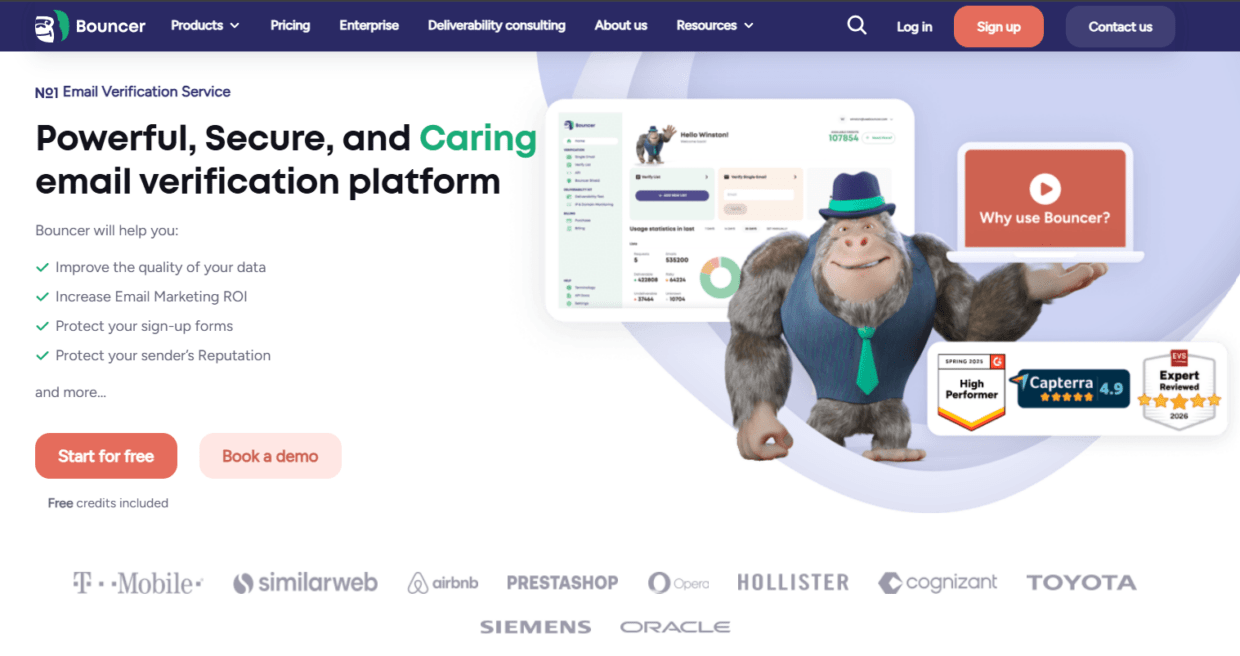
Bouncer is one of the best tools to boost email data accuracy because it focuses on the most fragile part of many databases: email validity and risk.
If a contact’s email is wrong, the rest of the record becomes less useful. Sales cannot reach the person. Marketing cannot nurture them. Product notifications may fail. Campaign reports show inflated audience size. CRM health looks better than it is.
Bouncer’s Email Verification helps teams check whether email addresses appear valid and deliverable before campaigns, imports, outreach, or CRM cleanup. Its verification app includes free email verification sampling, bounce estimate, rich output, and organization management. That makes it useful for teams that need practical data-quality decisions, not just a yes/no result.
For large datasets, bulk email verification helps clean CRM exports, prospect lists, newsletter segments, customer databases, and event files. This is especially useful before migrations, reactivation campaigns, sales outreach, or major launches.
Bouncer also helps prevent bad data from entering. The email verification API validates emails in real time inside forms, apps, signup flows, and internal systems. Bouncer Shield protects forms from invalid, fake, or malicious email submissions.
For ongoing database hygiene, Bouncer AutoClean can help teams keep email lists cleaner through connected workflows. It is available for HubSpot, User.com, Brevo, and Klaviyo users, which makes it practical for CRM and marketing teams that do not want to rely on manual uploads every time.
Bouncer also supports Toxicity Check for identifying potentially harmful email addresses and Deliverability Kit for inbox placement, authentication, and blocklist checks.
This makes Bouncer especially strong when email data accuracy affects deliverability, CRM quality, lead routing, and campaign trust.
HubSpot data quality tools
HubSpot offers data quality tools that help teams monitor and improve CRM data. These tools can help with duplicate management, formatting issues, property insights, and broader database hygiene.
This is useful because many email data problems live inside the CRM, not only inside email platforms. Duplicates, inconsistent formatting, missing company fields, and outdated records can all affect segmentation and reporting.
HubSpot can help teams spot duplicate records and monitor data quality issues. It also fits teams that already use HubSpot as the central customer platform. When the CRM is the source of truth, data-quality tools inside the CRM are easier for sales, marketing, and RevOps to adopt.
The limitation is that CRM data quality tools do not replace dedicated email verification. HubSpot can help organize records, but email deliverability checks usually require a verification layer. This is where a tool like Bouncer works well alongside HubSpot.
For example, HubSpot can manage contact records and segmentation. Bouncer can verify whether the email addresses connected to those records are safe to use. Bouncer AutoClean can also help make that workflow less manual.
Clearbit
Clearbit is often used for enrichment. It can help teams add company, role, industry, size, location, and other firmographic data to records.
This helps email data accuracy because a verified email alone does not tell you whether the person belongs to the right segment. A contact may be reachable but still poorly classified. Enrichment helps sales and marketing understand who the person is, where they work, and how they fit the target market.
For B2B teams, enrichment can improve routing, personalization, scoring, and segmentation. For example, a SaaS company might route enterprise leads to senior sales reps, segment by industry, or personalize nurture campaigns based on company size.
The limitation is that enrichment data can also decay. A job title or company size may change. An enriched email may still need verification. Enrichment should not be treated as a replacement for validation.
A strong setup combines verification and enrichment. Bouncer checks whether the email is usable. An enrichment tool adds context around the contact or account.
ZoomInfo
ZoomInfo is a B2B data platform used for prospecting, contact discovery, enrichment, and go-to-market intelligence. It can help teams build account lists, find contacts, enrich CRM data, and improve sales targeting.
For email data accuracy, the value comes from filling gaps and updating business context. Sales teams can identify better-fit accounts. Marketing teams can build more specific segments. RevOps can improve account records.
The limitation is that third-party data should still be checked before sending. Even large data providers can have outdated or uncertain records. If your team imports leads from any external database, verify email addresses before outreach.
This is where Bouncer supports the workflow. ZoomInfo or similar platforms may help find and enrich contacts. Bouncer helps verify whether those email addresses should enter campaigns or sequences.
Apollo
Apollo combines prospecting, enrichment, and sales engagement workflows. It is popular with sales teams because it supports finding leads, building lists, and running outreach.
Apollo can help improve data accuracy when teams use it to update contact details, identify new prospects, and enrich account information. It may also help sales teams avoid manual research.
The risk is that sales teams may move too quickly from prospecting to sending. A lead found through a prospecting platform should still go through verification before high-volume outreach.
For teams using Apollo, the ideal workflow is: source or enrich leads, verify emails, suppress risky records, then sequence. This reduces bounce risk and keeps CRM data cleaner.
Clay
Clay is used by growth, sales, and RevOps teams to build custom data workflows. It can combine enrichment, scraping, AI research, routing logic, and integrations into flexible workflows.
Clay can boost email data accuracy when teams need custom enrichment or lead research. For example, a team can enrich a company domain, identify a role, add LinkedIn data, and build account-specific context.
The limitation is that Clay workflows can become only as accurate as their sources. If the workflow pulls an email from an external source, that address still needs verification. If the workflow enriches stale records, the team still needs rules for freshness and confidence.
Clay works best when paired with verification. Use it to build and enrich data. Use Bouncer to verify email accuracy and reduce sending risk.
Insycle
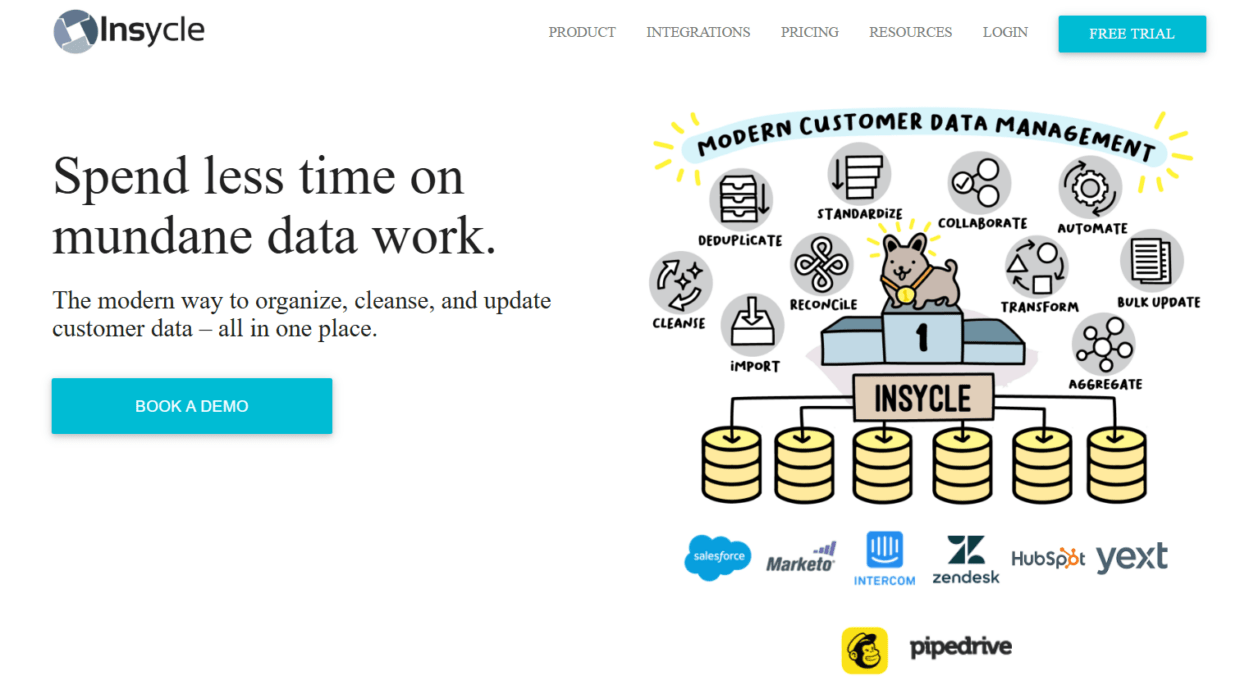
Insycle focuses on CRM data management. It helps teams clean, deduplicate, standardize, and maintain CRM records across platforms such as HubSpot and Salesforce.
This type of tool is valuable when email data accuracy issues come from messy CRM structure rather than only invalid addresses. Duplicates, inconsistent field formats, bad imports, and mismatched company records can make campaign segmentation unreliable.
For example, the same person may appear twice with different emails. One record may show a recent form submission while another contains sales notes. If the team sends from the wrong record, campaign logic breaks.
Insycle can help merge and manage CRM data. Bouncer can help verify which email address should remain active for sending. Together, the workflow improves both structure and reachability.
NeverBounce
NeverBounce is an email verification tool that helps teams clean lists and verify email addresses. It supports bulk verification and real-time verification, making it relevant for campaign cleanup and form checks.
It can be useful for teams that want straightforward list verification. If the main goal is to remove invalid addresses from campaign lists, NeverBounce may fit.
The limitation is broader data accuracy. It does not solve duplicate records, enrichment, CRM structure, lead source quality, or deliverability monitoring alone. Teams may need to pair it with CRM data quality tools and enrichment tools.
For teams evaluating the best tools to boost email data accuracy, NeverBounce is one option in the email verification category. Bouncer may be a stronger fit when the workflow also needs toxicity checks, AutoClean, form protection, deliverability testing, and rich output.
ZeroBounce
ZeroBounce offers email validation and related tools for improving list quality. It can help teams detect invalid emails, spam traps, abuse emails, and other risky records. It also offers API validation and deliverability-related features.
This can support email data accuracy by improving the reliability of email records before campaigns. It may also help teams reduce bounces and protect sender reputation.
The decision between ZeroBounce and Bouncer often comes down to workflow preference, interface, pricing, integrations, and how the team wants to manage ongoing hygiene. If the goal is a simpler verification workflow with rich output, bounce estimate, AutoClean, Shield, and Deliverability Kit, Bouncer is worth strong consideration.
Comparing the best tools to boost email data accuracy
Different tools solve different accuracy problems. The best stack depends on what is wrong with your data.
| Tool | Best for | Helps accuracy by | Limitation |
| Bouncer | Email verification, form protection, ongoing hygiene, deliverability support | Validates emails, estimates bounce risk, checks toxicity, protects forms | Does not enrich job titles or firmographics alone |
| HubSpot data quality tools | CRM hygiene inside HubSpot | Finds duplicates, monitors CRM issues, supports formatting | Needs email verification layer |
| Clearbit | B2B enrichment | Adds company and contact context | Enriched data still needs verification |
| ZoomInfo | Prospecting and B2B data enrichment | Adds contact and account records | Imported emails should be verified |
| Apollo | Sales prospecting and outreach data | Helps find and enrich leads | Outreach data needs verification before sending |
| Clay | Custom enrichment workflows | Builds flexible data operations | Output depends on source quality |
| Insycle | CRM deduplication and standardization | Fixes duplicates and field inconsistencies | Does not replace deliverability checks |
| NeverBounce | Email verification | Cleans invalid addresses | Narrower than full data accuracy workflow |
| ZeroBounce | Validation and list quality | Checks invalid and risky emails | Workflow fit depends on team needs |
A complete email data accuracy stack often includes three layers: verification, enrichment, and CRM hygiene. Bouncer is strongest in the verification and hygiene layer. Enrichment tools add context. CRM tools maintain structure.
Verification vs enrichment vs CRM hygiene
These terms often get mixed together, but they solve different problems.
| Process | Main question | Example tool category |
| Email verification | Can this email address receive mail safely enough to use? | Bouncer, NeverBounce, ZeroBounce |
| Data enrichment | What do we know about this person, company, or account? | Clearbit, ZoomInfo, Apollo, Clay |
| CRM hygiene | Is this database structured, deduplicated, and usable? | HubSpot data quality tools, Insycle |
| Form protection | Should this email enter our system now? | Bouncer Shield, verification APIs |
| Deliverability testing | Will campaigns reach inboxes? | Bouncer Deliverability Kit, inbox placement tools |
The mistake is expecting one category to do every job.
An enrichment tool can add company size, but it may not tell you whether the email will bounce. A CRM tool can merge duplicates, but it may not detect a toxic email. A verification tool can confirm address quality, but it does not always know whether the job title is current.
The best tools to boost email data accuracy work together.
How to choose the right tool based on the problem
Start with the symptom.
If bounce rates are rising, start with verification. If lead routing is wrong, check enrichment and CRM fields. If sales complains about duplicates, use CRM cleanup. If fake leads enter forms, add real-time validation or form protection. If attribution looks wrong, audit source data and lifecycle fields.
| Symptom | Likely data problem | Best tool type |
| High bounce rate | Invalid or stale emails | Email verification |
| Fake demo requests | Poor form validation | Real-time validation or Shield |
| Duplicate outreach | Duplicate CRM records | CRM hygiene tool |
| Weak segmentation | Missing or outdated fields | Enrichment and CRM cleanup |
| Bad lead routing | Incomplete company or role data | Enrichment |
| Inflated MQL volume | Fake or low-quality signups | Form protection and verification |
| Poor reactivation results | Old or inactive email records | Bulk verification |
| Unclear campaign attribution | Bad source tagging | CRM data governance |
| Poor inbox placement | List quality and sender reputation issues | Verification and deliverability testing |
This keeps the buying decision grounded. Do not buy an enrichment platform when the real problem is invalid emails. Do not buy a verifier when the real problem is duplicate companies and bad lifecycle fields.
How Bouncer improves email data accuracy across the lifecycle
Bouncer can support email data accuracy at several stages.
At the point of capture, the Email Verification API and Bouncer Shield help validate emails before they enter your CRM, marketing automation platform, or product database. This protects forms, signups, demo requests, gated content, ecommerce popups, and trial workflows.
Before campaigns, Bouncer’s email list verification helps teams clean existing lists. This is useful for newsletters, outbound campaigns, reactivation, CRM imports, event follow-up, and old customer databases.
During CRM hygiene work, AutoClean can support recurring verification and keep email fields fresher. This is helpful because data accuracy decays over time. A record verified six months ago may not still be safe.
Before risky sends, Toxicity Check helps identify contacts that may carry reputation risk. This gives teams more confidence before using old, mixed, or third-party lists.
When deliverability performance drops, Deliverability Kit helps check whether inbox placement, authentication, or blocklists may be involved.
This makes Bouncer useful not only as a list-cleaning tool, but as part of a broader email data accuracy workflow.
The workflow that keeps email data accurate
A good workflow should prevent bad records, clean existing records, and stop old problems from returning.
Step 1: map your data sources
List every place email data enters your system: website forms, demo requests, free trials, content downloads, webinars, events, sales imports, enrichment tools, ecommerce checkouts, partner lists, and manual CRM entries.
Each source needs a quality rule.
Step 2: validate at entry
Use real-time validation or form protection for high-volume forms. This keeps typos, fake addresses, disposable emails, and malicious entries out of the database earlier.
Step 3: verify existing records
Run bulk verification before campaigns, migrations, reactivation, cold outreach, and major imports. Add verification status and verification date back to the CRM.
Step 4: enrich only after basic validation
Enrichment works better when the base record is usable. If the email is invalid, enriching the title and company may not help. Verify first when email reachability matters.
Step 5: deduplicate and standardize
Use CRM hygiene tools to merge duplicates, standardize fields, and fix formatting. This helps preserve activity history and reporting accuracy.
Step 6: monitor decay
Email data changes. Set a regular cadence for reverification, especially for B2B lists, old CRM records, cold outreach files, and inactive subscribers.
Step 7: review source quality
Compare invalid rates, bounce rates, fake submissions, and enrichment gaps by source. If one vendor, campaign, or form produces poor data, fix the source instead of cleaning forever.
What to track after improving email data accuracy
Better data should improve several business metrics. Track more than bounce rate.
| Metric | Why it matters | What improvement suggests |
| Hard bounce rate | Shows email validity | Verification is working |
| Form rejection or flag rate | Shows entry-quality issues | Forms were collecting bad data |
| Duplicate rate | Shows CRM structure quality | Deduplication is improving |
| Lead routing accuracy | Shows field quality | Enrichment and CRM rules are working |
| MQL-to-SQL rate | Shows lead quality | Bad records are less likely to inflate MQLs |
| Campaign reach | Shows usable audience size | List quality is more realistic |
| Reply rate | Shows sales contact quality | Outreach data is cleaner |
| Segment accuracy | Shows field completeness | Enrichment and hygiene support targeting |
| Deliverability issues | Shows sender risk | Cleaner data may improve sending health |
The best tools to boost email data accuracy should help these metrics become more trustworthy. If a tool only gives a clean-looking file but does not improve workflow outcomes, it may not be solving the real problem.
Best tool combinations by team type
Different teams need different stacks.
| Team type | Main data accuracy problem | Recommended tool combination |
| B2B sales team | Old or risky prospect emails | Bouncer + enrichment tool + CRM suppression rules |
| Marketing ops team | Invalid contacts and weak segments | Bouncer + CRM data quality tools |
| RevOps team | Duplicates, stale fields, bad routing | CRM hygiene tool + Bouncer + enrichment |
| SaaS growth team | Fake trials and poor signup data | Bouncer API or Shield + enrichment |
| Ecommerce team | Disposable emails and old customer lists | Bouncer + marketing platform hygiene |
| Agency | Mixed client lists and inconsistent quality | Bouncer + CRM cleanup tools |
| Enterprise GTM team | Large-scale accuracy and governance | Verification + enrichment + data quality platform |
This is why Bouncer is a strong starting point. Email accuracy is often the first failure point, and it affects every other system.
Key takeaways
- The best tools to boost email data accuracy usually cover verification, enrichment, CRM hygiene, form protection, and deliverability.
- Bouncer is a strong choice for email verification, bulk list cleaning, API validation, Bouncer Shield, AutoClean, Toxicity Check, Deliverability Kit, and integrations.
- Enrichment tools such as Clearbit, ZoomInfo, Apollo, and Clay add context, but enriched emails still need verification.
- CRM hygiene tools such as HubSpot data quality tools and Insycle help fix duplicates, formatting issues, and messy records.
- Email data accuracy decays over time, especially in B2B databases.
- The best workflow validates emails at entry, verifies existing lists, enriches usable records, deduplicates CRM data, and monitors source quality.
- Better email data accuracy improves more than deliverability. It supports routing, segmentation, attribution, reporting, sales productivity, and campaign trust.
Conclusion
The best tools to boost email data accuracy are the ones that fix the right layer of the problem.
If your emails bounce, start with verification. If forms collect fake leads, add real-time validation or form protection. If segments are weak, use enrichment. If records are duplicated or inconsistent, improve CRM hygiene. If campaigns underperform after cleanup, check deliverability.
Bouncer belongs near the center of this workflow because email reachability affects almost every revenue team. It helps teams verify lists, protect forms, automate hygiene, detect risky contacts, and check deliverability. When paired with enrichment and CRM hygiene tools, it can help turn a messy database into something sales, marketing, and RevOps can actually trust.
FAQ
What are the best tools to boost email data accuracy?
The best tools to boost email data accuracy include Bouncer, HubSpot data quality tools, Clearbit, ZoomInfo, Apollo, Clay, Insycle, NeverBounce, and ZeroBounce. Bouncer is especially useful for email verification, API validation, form protection, AutoClean, Toxicity Check, and deliverability support.
How does Bouncer improve email data accuracy?
Bouncer improves email data accuracy by verifying email addresses, estimating bounce risk, detecting risky contacts, protecting forms, validating emails through API, and supporting ongoing hygiene through AutoClean. It helps teams keep invalid, fake, disposable, and risky emails out of campaigns and CRM workflows
Is email verification the same as data enrichment?
No. Email verification checks whether an email address appears valid and safe to use. Data enrichment adds context such as job title, company, industry, location, or company size. Most teams need both, but verification should come first when reachability matters.
Do enrichment tools improve email accuracy?
Enrichment tools can improve data completeness and segmentation, but they do not always confirm email deliverability. An enriched record may still contain an invalid or stale email address. Use verification alongside enrichment
What tool should I use for CRM data accuracy?
For CRM data accuracy, use a mix of CRM hygiene tools, email verification, and enrichment. HubSpot data quality tools or Insycle can help with duplicates and formatting, while Bouncer can verify email addresses and protect forms.
How often should teams verify email data?
Teams should verify email data before major campaigns, CRM migrations, reactivation sends, cold outreach, and large imports. B2B teams should also reverify periodically because contact data decays as people change roles and companies.
Can bad email data affect CAC?
Yes. Bad email data can inflate lead counts, waste sales time, weaken campaign reporting, and increase the cost per usable lead. If many leads are invalid, fake, or poorly enriched, CAC calculations become less reliable
What is the first step to improve email data accuracy?
The first step is to identify where inaccurate email data enters your system. Once you know the source, use verification, form protection, CRM hygiene, or enrichment based on the specific problem.


