





But if emails land in spam, bounce from old addresses, or miss inboxes during peak season, the campaign never gets a fair test. That is why deliverability tools for ecommerce newsletters matter. They help brands protect inbox placement, clean customer lists, monitor blocklists, and stop bad email data before it hurts revenue.
You’ll learn
- Why ecommerce newsletter deliverability needs dedicated tools
- Which tools help with inbox placement, list verification, authentication, and blocklist monitoring
- Why Bouncer is a strong fit for ecommerce email hygiene and deliverability checks
- How deliverability tools differ from ESP reporting
- Which tools matter before seasonal sends, product drops, and reactivation campaigns
- How to build a practical ecommerce newsletter deliverability stack
- What to monitor after campaigns so problems do not keep repeating
Why ecommerce newsletter deliverability matters
Ecommerce newsletters sit close to revenue. They promote product launches, seasonal campaigns, replenishment offers, loyalty perks, back-in-stock alerts, flash sales, educational content, and customer reactivation. If those emails do not reach inboxes, the campaign loses impact before the offer has a chance.
The issue is that ecommerce lists often grow through many entry points. A brand may collect emails from checkout, discount popups, account creation, loyalty programs, product waitlists, giveaways, in-store signups, referral campaigns, and old customer imports. Each source can add value, but each one can also add risk.
A shopper may mistype an email at checkout. A giveaway may attract low-intent subscribers. A discount popup may collect disposable emails. A reactivation segment may include abandoned inboxes. A Black Friday list may include subscribers who have not engaged in years.
Deliverability tools for ecommerce newsletters help brands see these risks before they show up as weak campaign results.
Email still delivers strong ROI for many businesses, but deliverability changes how much of that revenue potential is actually reachable. Recent industry reporting still points to email as a high-ROI channel, with many businesses earning strong returns when campaigns are well-targeted and measurable. But the same reporting also highlights a familiar problem: a meaningful share of marketing emails never reach inboxes. For ecommerce teams, that gap can translate directly into missed sales.
That is why deliverability should not be treated as an afterthought after design, copy, and offer strategy. It belongs in campaign planning.
What ecommerce deliverability tools actually do
Deliverability tools help ecommerce teams understand whether emails can reach inboxes and which risks may prevent that. Some tools focus on list quality. Some test inbox placement. Some monitor blocklists. Some check SPF, DKIM, and DMARC. Some help protect forms. Some report campaign-level performance inside your ESP.
A proper ecommerce deliverability setup usually needs more than one tool category.
| Tool category | What it helps with | Ecommerce use case |
| Email verification | Checks whether addresses appear valid and safe to send | Clean newsletter lists, customer segments, reactivation files |
| Inbox placement testing | Shows where emails land across mailbox providers | Test campaigns before product drops or seasonal sends |
| Blocklist monitoring | Checks whether domains or IPs appear on blocklists | Spot reputation issues before major campaigns |
| Authentication testing | Checks SPF, DKIM, DMARC, and related setup | Protect sending identity and meet mailbox expectations |
| Form protection | Blocks invalid, fake, or malicious email submissions | Protect popups, checkout, account creation, giveaways |
| ESP reporting | Shows bounces, opens, clicks, complaints, revenue | Monitor real campaign performance |
| Spam testing | Checks content and technical factors that may trigger filters | Review promotional emails before launch |
| Engagement segmentation | Separates active from inactive contacts | Avoid over-sending to cold subscribers |
The best deliverability tools for ecommerce newsletters do not only diagnose problems. They help teams make better sending decisions before campaigns go live.
Bouncer
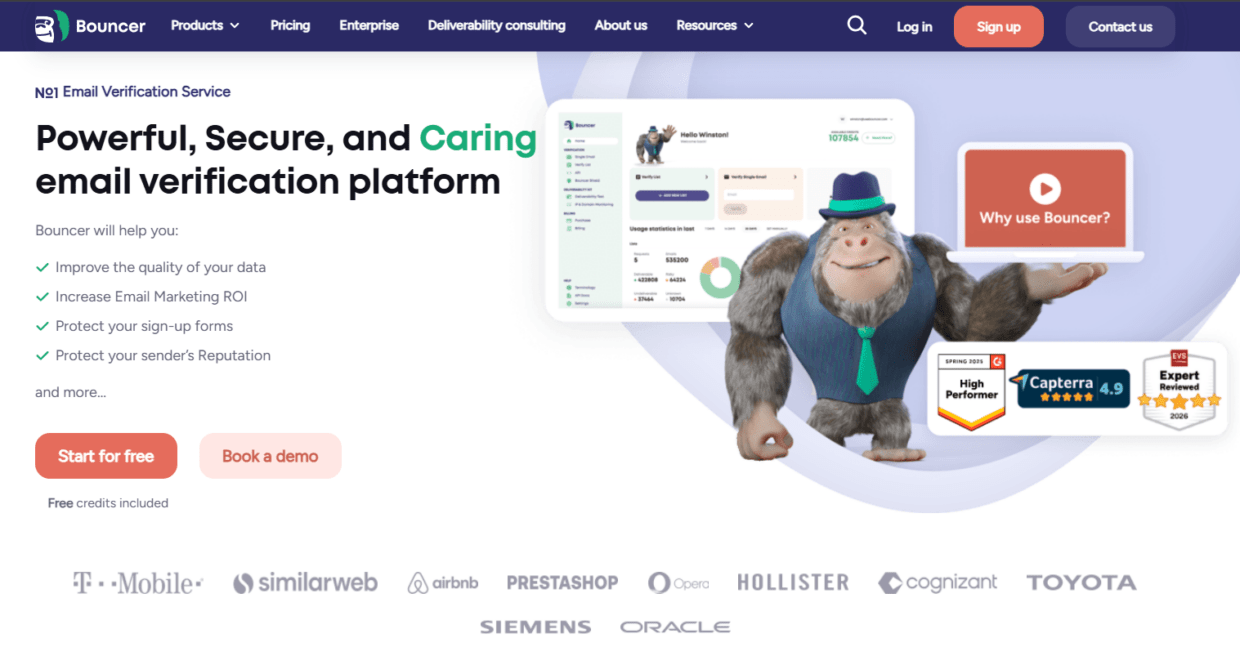
Bouncer is a strong fit for ecommerce newsletters because it connects several deliverability needs: list verification, bulk cleanup, form protection, toxicity checks, and inbox placement testing.
For list quality, Bouncer’s Email Verification helps ecommerce teams check customer and subscriber emails before campaigns. This is useful before Black Friday, product launches, old-segment reactivation, loyalty sends, and ESP migrations.
For larger files, bulk email verification helps teams verify thousands of emails without manual spreadsheet work. Ecommerce teams often need this before seasonal campaigns because old customers, inactive subscribers, and mixed-source lists can carry more bounce risk.
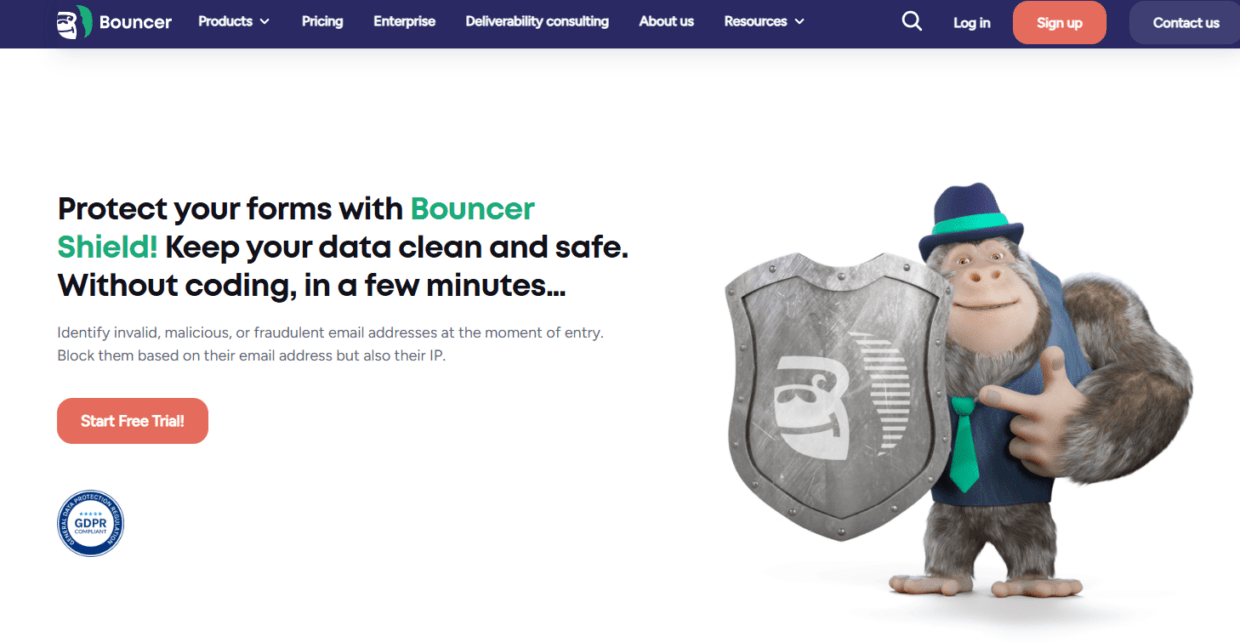
Bouncer’s Email Verification API can help validate emails in real time at checkout, account creation, popup signup, product waitlist, or newsletter signup. Bouncer Shield can protect forms from invalid, fake, or malicious submissions. This matters because ecommerce deliverability does not start on campaign day. It starts when the email enters the database.
Bouncer’s Toxicity Check adds another layer for risky contacts. This can help when a brand is working with old lists, giveaway leads, questionable acquisition sources, or reactivation segments.
For inbox placement and sender setup, Deliverability Kit helps test inbox placement, monitor IP and domain blocklists, check SPF and DKIM, test DMARC, and run SpamAssassin checks. That makes it a practical option for ecommerce teams that want list hygiene and deliverability diagnostics in one place.
Bouncer also offers integrations and Bouncer AutoClean, which can help connected ecommerce and marketing tools keep data cleaner over time.
Google Postmaster Tools
Google Postmaster Tools is useful for ecommerce brands that send meaningful volume to Gmail users. Since Gmail is a major mailbox provider for consumer audiences, Gmail-specific reputation signals can be especially valuable for ecommerce newsletters.
Postmaster Tools can help track domain reputation, IP reputation, spam rate, authentication, delivery errors, and feedback loop data when enough sending volume exists. If Gmail engagement drops or spam placement rises, this tool can help confirm whether Gmail sees a reputation issue.
The limitation is that Google Postmaster Tools only shows Gmail-related signals. It does not verify your list, test your emails across all inbox providers, or fix authentication issues. It also does not show the full customer journey inside your ESP.
Use it as a reputation dashboard for Gmail, not as your only deliverability tool.
For ecommerce newsletters, it is especially useful before and during high-volume periods. If you plan a major sale, product drop, or seasonal campaign, Gmail reputation should not be a mystery.
MXToolbox
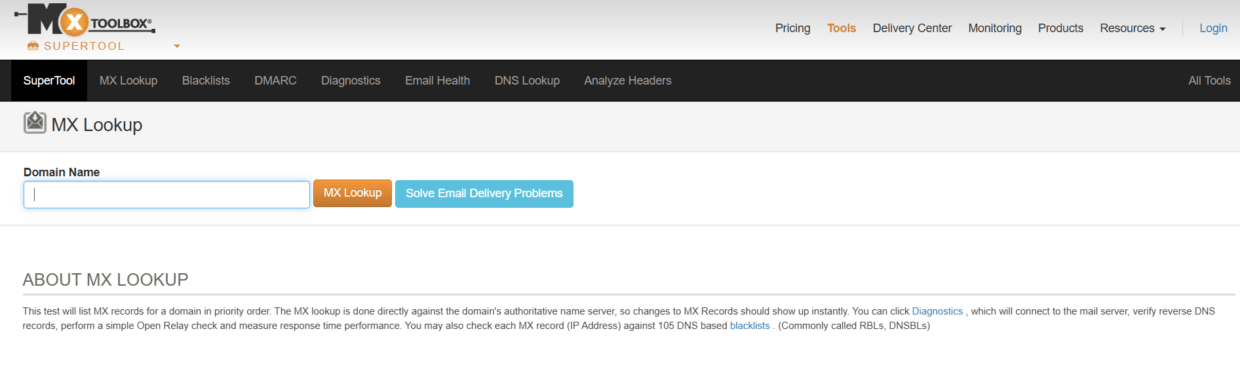
MXToolbox helps teams check DNS records, blacklist status, MX records, SPF, DKIM, DMARC, and other technical email setup elements.
For ecommerce teams, this matters because multiple systems may send email from or on behalf of the brand: Shopify or another ecommerce platform, Klaviyo, Mailchimp, Omnisend, customer support tools, review platforms, loyalty apps, billing tools, and transactional email systems.
If authentication is misconfigured, mailbox providers may trust your messages less. If your domain or IP appears on a blocklist, campaigns can suffer. If DNS records are outdated after changing ESPs or adding tools, deliverability can take a hit.
MXToolbox is useful for quick diagnostics. It can help teams spot obvious technical issues before larger campaigns. It does not clean lists or show subscriber engagement, so it works best alongside verification and ESP reporting.
GlockApps
GlockApps helps test inbox placement across mailbox providers. Instead of only knowing that an email was accepted by a server, you can see whether a test message is likely to land in inbox, spam, promotions, or another folder.
This is valuable for ecommerce newsletters because design, content, domain reputation, authentication, and sending history can affect placement. A campaign may deliver technically but still miss the primary inbox.
Use inbox placement testing before:
- Black Friday and Cyber Monday campaigns
- Product drops
- VIP customer sends
- Re-engagement campaigns
- New template launches
- New sending domain usage
- Major discount campaigns
- List migrations
Inbox placement tests are not a substitute for list validation. A test campaign may look fine while your real list still contains invalid or risky addresses. Pair inbox placement testing with Bouncer’s list verification before important sends.
Litmus
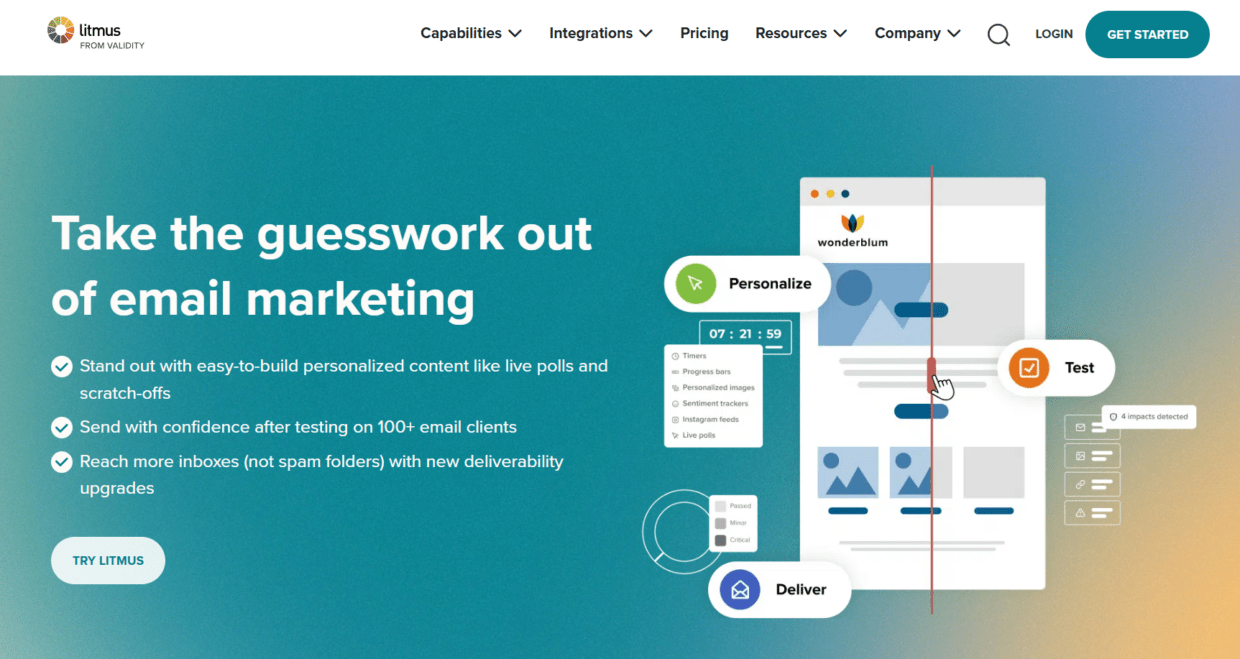
Litmus is known for email testing, previews, QA, and marketing workflow tools. It can help ecommerce teams check how emails render across inboxes and devices, which matters because ecommerce newsletters often include product images, modules, buttons, discounts, and mobile-heavy layouts.
Litmus also offers spam testing and QA workflows that can support deliverability reviews before a campaign goes out. If a campaign breaks on mobile, uses poor formatting, or triggers obvious content warnings, the brand can fix it before sending.
The limitation is that design QA and spam testing do not replace email verification or deliverability monitoring. Litmus can help you test the email experience. Bouncer can help verify whether the list is safe and check inbox placement, blocklists, and authentication through Deliverability Kit.
For ecommerce teams with high production volume, Litmus is useful for QA. For list quality and deliverability risk, pair it with Bouncer.
Mail-Tester
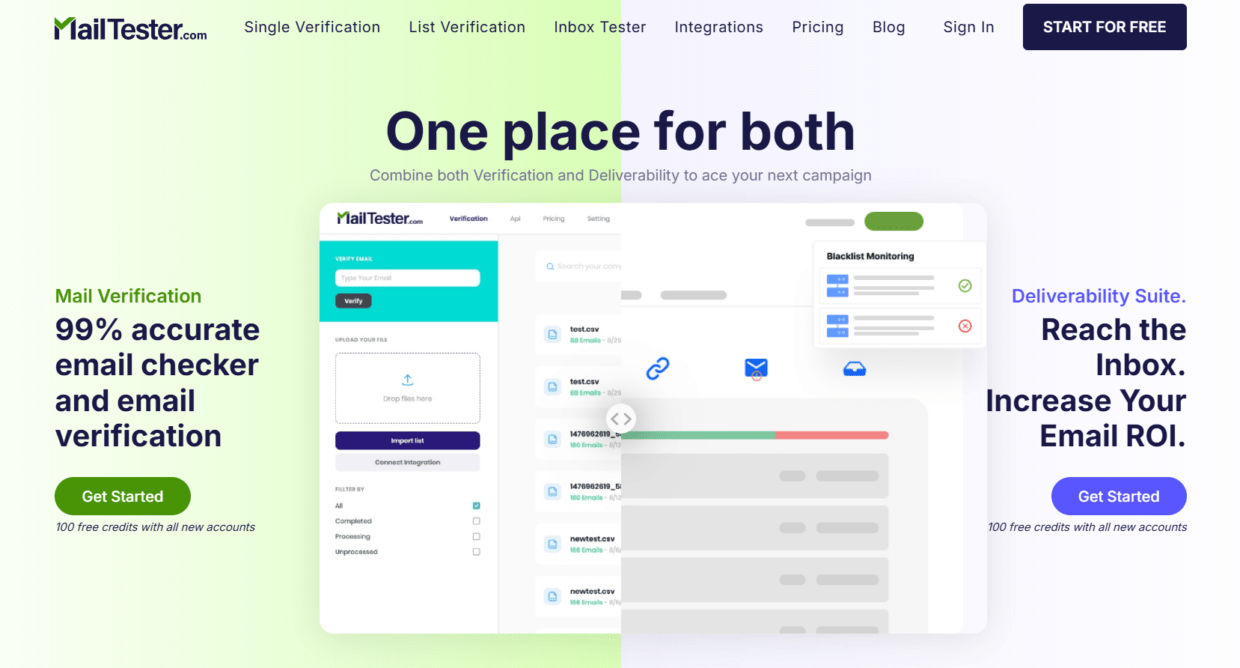
Mail-Tester is a simple tool that gives a quick spam score and checks technical and content-related signals. You send a test email to a generated address, then get a report.
It is useful for quick reviews when a team wants to check obvious problems before sending. A marketer can use it to catch missing authentication, suspicious content signals, or setup issues.
For ecommerce newsletters, Mail-Tester can be helpful during campaign QA, especially for smaller teams. But it is not a full deliverability platform. It does not manage list verification, subscriber quality, inbox placement across providers, or blocklist monitoring at scale.
Use it as a quick check, not as the whole stack.
Klaviyo and ecommerce ESP reporting
Klaviyo, Omnisend, Mailchimp, Campaign Monitor, and similar ecommerce email platforms show campaign performance data such as delivery, bounce rate, opens, clicks, unsubscribes, spam complaints, conversions, and revenue.
This data is essential because it shows what happened with real campaigns and real subscribers.
But ESP reporting is often reactive. It tells you what happened after a campaign. It may suppress hard bounces after the damage occurs, but it does not always prevent the send to invalid addresses in the first place.
That is why ecommerce teams should pair ESP reporting with verification and deliverability tools.
For example:
- Bouncer verifies the list before sending.
- Deliverability Kit checks inbox placement and authentication.
- The ESP sends the campaign and reports revenue, engagement, bounces, complaints, and unsubscribes.
Together, these tools give a fuller picture.
Comparing deliverability tools for ecommerce newsletters
Different tools solve different parts of ecommerce deliverability.
| Tool | Best for | What it helps ecommerce teams do | Limitation |
| Bouncer | Verification, form protection, toxicity checks, deliverability testing | Clean lists, protect forms, check inbox placement, monitor blocklists | Teams still need campaign strategy and ESP reporting |
| Google Postmaster Tools | Gmail reputation | Watch Gmail domain reputation and spam rate | Gmail-focused only |
| MXToolbox | DNS and blacklist diagnostics | Check SPF, DKIM, DMARC, MX, and blocklists | Does not verify lists |
| GlockApps | Inbox placement testing | Preview inbox vs spam placement across providers | Seed tests do not clean real lists |
| Litmus | Email QA and spam testing | Test rendering, content, and campaign QA | Does not replace verification |
| Mail-Tester | Quick spam and setup checks | Catch obvious pre-send issues | Limited for ongoing monitoring |
| Klaviyo or ESP reporting | Campaign and revenue reporting | Track real bounces, complaints, clicks, sales | Mostly reactive after sends |
| DMARC tools | Authentication monitoring | Track domain authentication and spoofing issues | Does not clean subscribers |
Bouncer sits close to the center because ecommerce deliverability often starts with list quality. Invalid, risky, stale, or toxic contacts can hurt campaigns before design or copy gets tested.
Which tool should you use for each ecommerce problem?
A strong deliverability stack starts with the problem.
| Ecommerce problem | First tool category | Why |
| High bounce rate | Email verification | Removes invalid and risky addresses |
| Poor Gmail performance | Google Postmaster Tools | Shows Gmail reputation signals |
| Spam-folder placement | Inbox placement testing | Shows where messages land |
| Blocklist warning | Blocklist monitoring | Identifies domain or IP issues |
| Checkout typos | Real-time email validation | Stops wrong addresses at entry |
| Disposable emails from popups | Form protection | Blocks low-quality submissions |
| Old customer reactivation risk | Bulk verification | Cleans stale records before sending |
| Template or rendering issues | Litmus or QA tool | Checks display and content |
| Authentication problems | MXToolbox or DMARC tool | Finds SPF, DKIM, DMARC issues |
| Low revenue despite sends | ESP reporting plus deliverability checks | Connects delivery, engagement, and conversion |
This helps teams avoid buying tools randomly. The best deliverability tools for ecommerce newsletters should map to actual problems.
Why list quality comes first
Ecommerce teams often focus on creative first: subject line, hero image, discount, product grid, timing, and CTA. Those matter. But list quality decides how much of the audience can receive the campaign in the first place.
A list may include:
- Old customer emails
- Mistyped checkout addresses
- Inactive subscribers
- Disposable popup emails
- Giveaway signups
- Duplicate contacts
- Suppressed contacts reimported by mistake
- Role accounts from B2B buyers
- Risky or toxic contacts
- Unengaged contacts from years ago
Sending to this kind of list at full volume can create bounces, poor engagement, and reputation risk.
Bouncer’s free email list sampling can help ecommerce teams estimate list quality before cleaning a full segment. This is useful before a major sale or old customer reactivation. If the sample looks poor, verify the full segment before sending.
List verification is not glamorous, but it protects the campaign’s foundation.
How ecommerce forms affect deliverability
Ecommerce brands collect emails constantly. Every popup, checkout page, loyalty form, account registration, waitlist, and giveaway can improve the list or weaken it.
If forms accept low-quality data, campaigns pay the price later.
Real-time validation can catch typos before customers miss receipts, cart recovery, or order updates. Form protection can reduce fake and disposable signups from discount popups. API validation can help product and ecommerce teams create rules for specific entry points.
For example:
- A checkout form might warn users about likely typos.
- A discount popup might block disposable emails.
- A product waitlist might validate addresses before adding demand signals.
- A giveaway form might flag suspicious emails for review.
- A loyalty form might prevent duplicate or fake accounts.
Bouncer’s Email Verification API and Bouncer Shield support this prevention layer.
Seasonal campaigns need earlier checks
Seasonal campaigns are when ecommerce deliverability matters most. They also create the highest pressure.
Black Friday, Cyber Monday, Christmas, Valentine’s Day, summer sales, back-to-school, and product drops often involve larger audiences, higher volume, tighter deadlines, and more revenue expectations.
That combination creates risk.
A brand may send to older segments it has not used in months. A team may increase volume quickly. A marketer may include inactive contacts because “we need the reach.” A discount-heavy campaign may get more complaints from people who forgot they subscribed. If authentication or list quality is weak, the brand may discover the problem too late.
A better seasonal workflow starts weeks earlier.
| Timeline | Deliverability action | Tool type |
| 4–6 weeks before | Verify old and inactive segments | Bouncer bulk verification |
| 3–4 weeks before | Check authentication and blocklists | Deliverability Kit or MXToolbox |
| 2–3 weeks before | Test inbox placement for campaign templates | Deliverability Kit or GlockApps |
| 1–2 weeks before | Segment active vs inactive audiences | ESP and CRM reporting |
| Few days before | Run final checks on key sends | Deliverability Kit, ESP QA |
| After campaign | Review bounces, complaints, placement, revenue | ESP reporting and deliverability tools |
The worst time to discover a list-quality problem is the morning of a major sale.
Reactivation campaigns need extra caution
Reactivation campaigns are tempting because old lists look like hidden revenue. The audience already exists. The brand already paid to acquire them. A simple winback email feels cheaper than new acquisition.
But old ecommerce lists can be risky. Addresses decay. Inboxes go inactive. Customers stop engaging. Some records may have been imported from old systems or promotions. Some may include typo emails, spam trap risk, or abandoned accounts.
Before reactivation, verify the segment. Then start with the most recent or previously engaged contacts. Avoid sending the entire inactive database at once.
A cautious workflow:
- Pull inactive segment.
- Split by last engagement or last purchase.
- Verify emails with Bouncer.
- Suppress invalid, toxic, and high-risk records.
- Send first to the warmer segment.
- Monitor bounces, complaints, and inbox placement.
- Continue only if signals stay healthy.
This protects deliverability while still giving the reactivation campaign a chance.
What metrics ecommerce teams should monitor
Deliverability is not one number. Ecommerce teams should look at several metrics together.
| Metric | What it tells you | Why it matters |
| Hard bounce rate | List validity | High bounces can hurt sender reputation |
| Soft bounce rate | Temporary or provider-level issues | May signal volume or reputation problems |
| Spam complaint rate | Recipient dissatisfaction | Strong negative reputation signal |
| Inbox placement | Inbox vs spam/folder placement | Shows whether messages are visible |
| Blocklist status | Domain or IP listing risk | Can explain sudden delivery issues |
| Unsubscribe rate | Audience fatigue or mismatch | Helps adjust frequency and targeting |
| Click rate | Engagement quality | More useful than opens alone |
| Revenue per recipient | Commercial impact | Connects deliverability to sales |
| Conversion rate | Campaign effectiveness | Shows whether traffic turns into purchases |
| Segment performance | Source and audience quality | Reveals bad sources or stale lists |
Open rate alone is not enough, especially with privacy-related changes that affect open tracking. Ecommerce teams should focus more on clicks, conversions, revenue per recipient, deliverability signals, and complaints.
A practical deliverability stack for ecommerce newsletters
A simple stack can work well if each tool has a clear job.
Bouncer for list verification, bulk cleanup, form protection, toxicity checks, and Deliverability Kit.
Google Postmaster Tools for Gmail reputation.
MXToolbox for DNS and blacklist checks.
Litmus or a similar QA tool for rendering and spam testing.
Your ESP for campaign performance and revenue.
A DMARC monitoring tool if your brand has several sending systems or stronger authentication needs.
This stack covers list quality, technical setup, placement, campaign QA, engagement, and revenue.
| Need | Tool type | Example |
| Validate customer list | Email verification | Bouncer |
| Protect signup forms | API or form protection | Bouncer API, Bouncer Shield |
| Check inbox placement | Deliverability testing | Bouncer Deliverability Kit, GlockApps |
| Monitor Gmail reputation | Postmaster dashboard | Google Postmaster Tools |
| Check DNS and blocklists | Technical diagnostic | MXToolbox |
| Test rendering | QA platform | Litmus |
| Track revenue | ESP reporting | Klaviyo, Omnisend, Mailchimp |
| Monitor authentication | DMARC tool | DMARC monitoring platform |
The stack does not need to be complicated. It needs to be used before problems become obvious.
How to choose deliverability tools for your brand
Start with list size and risk.
A small ecommerce brand with a clean opt-in list may only need periodic verification, basic DNS checks, and ESP reporting. A fast-growing DTC brand with popups, paid acquisition, and seasonal campaigns needs form protection, bulk verification, and inbox placement testing. A larger brand with several sending domains may need DMARC monitoring and more structured deliverability operations.
Then look at where problems appear.
If bounces are the issue, start with verification. If spam placement is the issue, test inbox placement and authentication. If fake leads enter through popups, add form protection. If Gmail performance drops, use Google Postmaster Tools. If old reactivation lists create risk, verify and segment before sending.
Finally, choose tools your team will actually use. A complex deliverability platform will not help if nobody checks it before campaigns. A simple workflow that runs every time beats a powerful stack that sits untouched.
How Bouncer fits before, during, and after newsletter sends
Before a newsletter send, Bouncer can verify the target list, estimate bounce risk, identify risky records, and help suppress bad contacts. Deliverability Kit can test inbox placement, authentication, and blocklists.
During the campaign period, Bouncer helps support list-quality decisions. If a segment looks risky, you can verify before adding it to the send. If a form starts collecting poor-quality emails, Shield or API validation can reduce the issue at entry.
After the campaign, Bouncer can support cleanup and investigation. If bounces rise, verify the affected segment. If inbox placement drops, use Deliverability Kit. If old lists create risk, use Toxicity Check before sending again.
This makes Bouncer useful across the full ecommerce newsletter lifecycle, not just as a one-time cleanup tool.
Key takeaways
- Deliverability tools for ecommerce newsletters help protect revenue by improving list quality, inbox placement, authentication, and reputation monitoring.
- Bouncer is a strong fit because it supports email list verification, bulk verification, Email Verification API, Bouncer Shield, Toxicity Check, Deliverability Kit, AutoClean, and integrations.
- Ecommerce deliverability starts when emails enter the database through checkout, popups, account creation, waitlists, and loyalty forms.
- Inbox placement testing helps brands see whether campaigns are likely to land in inboxes or spam folders.
- Google Postmaster Tools is useful for Gmail-specific reputation monitoring, but it does not replace verification or cross-provider testing.
- Seasonal campaigns and reactivation sends need earlier deliverability checks because list quality and sending volume carry more risk.
- ESP reporting is necessary, but it is mostly reactive. Pre-send verification and testing prevent more problems.
Conclusion
Deliverability tools for ecommerce newsletters help brands protect the part of email marketing that customers never see: the path to the inbox.
A strong offer, polished design, and clever subject line mean less if the campaign bounces, lands in spam, or misses key segments during a major sale. Ecommerce brands need tools that verify lists, protect forms, test inbox placement, monitor blocklists, check authentication, and connect performance back to revenue.
Bouncer is a strong foundation for this workflow because it covers email verification, bulk cleanup, form protection, toxicity checks, and Deliverability Kit. When paired with tools such as Google Postmaster Tools, MXToolbox, Litmus, and ESP reporting, it gives ecommerce teams a practical way to protect newsletter performance before campaign day. Try it for free now.
FAQ
What are the best deliverability tools for ecommerce newsletters?
The best deliverability tools for ecommerce newsletters include Bouncer, Google Postmaster Tools, MXToolbox, GlockApps, Litmus, Mail-Tester, ecommerce ESP reporting, and DMARC monitoring tools. Bouncer is especially useful because it supports verification, form protection, toxicity checks, and inbox placement testing.
How does Bouncer help ecommerce newsletter deliverability?
Bouncer helps ecommerce newsletter deliverability by verifying email lists, reducing bounce risk, protecting forms, detecting risky contacts, and testing inbox placement, authentication, and blocklists through Deliverability Kit. It can support both pre-send cleanup and ongoing form protection.
Do ecommerce brands need inbox placement testing?
Yes, especially before seasonal campaigns, product launches, reactivation sends, and large promotional campaigns. Inbox placement testing helps brands see whether emails are likely to land in inboxes, spam folders, or other tabs before sending to the full list.
Is email verification enough for ecommerce deliverability?
Email verification is important, but it is not enough on its own. Ecommerce brands also need authentication, engagement segmentation, complaint monitoring, inbox placement testing, and clean form capture.
When should ecommerce brands verify email lists?
Ecommerce brands should verify lists before major seasonal campaigns, old customer reactivation, ESP migrations, product drops, large newsletters, and sends to inactive segments. Fast-growing brands should also use real-time validation on forms and popups.
What is the difference between delivery and deliverability?
Delivery means the receiving server accepted the email. Deliverability is about whether the email actually reaches the inbox instead of spam, promotions, or another filtered area. Ecommerce teams need to care about both.
Can bad checkout emails hurt newsletter performance?
Yes. Mistyped or fake checkout emails can add invalid records to the database, create failed post-purchase flows, and contribute to poor list quality. Real-time validation can reduce this risk at entry.
What metrics should ecommerce teams monitor for deliverability?
Ecommerce teams should monitor hard bounce rate, soft bounce rate, complaint rate, inbox placement, blocklist status, unsubscribe rate, click rate, revenue per recipient, conversion rate, and segment performance.


