





That is why choosing the best tools for email sender reputation matters. The right stack helps you see risk earlier, protect your domain, and fix list quality before mailbox providers lose trust.
You’ll learn
- What sender reputation tools actually monitor
- Why one tool cannot protect every part of email reputation
- Which tools help with list quality, inbox placement, blocklists, authentication, and complaints
- Where Bouncer fits into a sender reputation workflow
- How to compare tools based on your use case
- What to monitor before and after high-risk campaigns
- How to build a practical sender reputation toolkit
Why sender reputation needs more than one tool
Sender reputation is not one metric. It is a collection of signals that mailbox providers use to decide how much they trust your mail. Those signals can include authentication, bounce rates, spam complaints, engagement, sending consistency, domain history, IP reputation, list quality, blocklist appearances, and message behavior.
That is why the best tools for email sender reputation usually do different jobs.
One tool may verify email addresses before you send. Another may test inbox placement. Another may show Google-specific domain reputation. Another may check blacklists. Another may test SPF, DKIM, and DMARC. Another may protect forms so fake or risky emails do not enter your database.
A good sender reputation stack connects those jobs.
If your list contains invalid contacts, an inbox placement test will not clean it. If your authentication fails, a verification tool will not fix DNS. If your campaign gets complaints, a blacklist monitor will only show the aftermath. If you collect fake leads every day, one-time list cleaning will not stop the source problem.
So instead of asking which single tool solves sender reputation, ask which tools cover the risks your team has.
What sender reputation tools should help you detect
Sender reputation problems often start before performance drops. The right tools should help you catch those signals early.
| Reputation signal | What it tells you | Tool category that helps |
| Hard bounces | Your list contains invalid or unreachable emails | Email verification |
| Spam complaints | Recipients did not want or expect your message | Postmaster and ESP reporting |
| Inbox placement | Messages land in inbox, spam, promotions, or missing | Deliverability testing |
| Blocklist status | Your domain or IP appears on a blacklist | Blocklist monitoring |
| Authentication | SPF, DKIM, and DMARC pass correctly | DNS and deliverability tools |
| Toxic contacts | Some addresses may carry reputation risk | Toxicity or risk detection |
| Form abuse | Fake, typo, or disposable emails enter at signup | Real-time validation and form protection |
| Low engagement | Recipients ignore your campaigns | ESP, CRM, and engagement analytics |
| Sending spikes | Volume rises too quickly | ESP reporting and deliverability monitoring |
The best tools for email sender reputation give you enough context to act. A warning is only useful if the team knows what to change next.
Bouncer: best for list quality and risk prevention
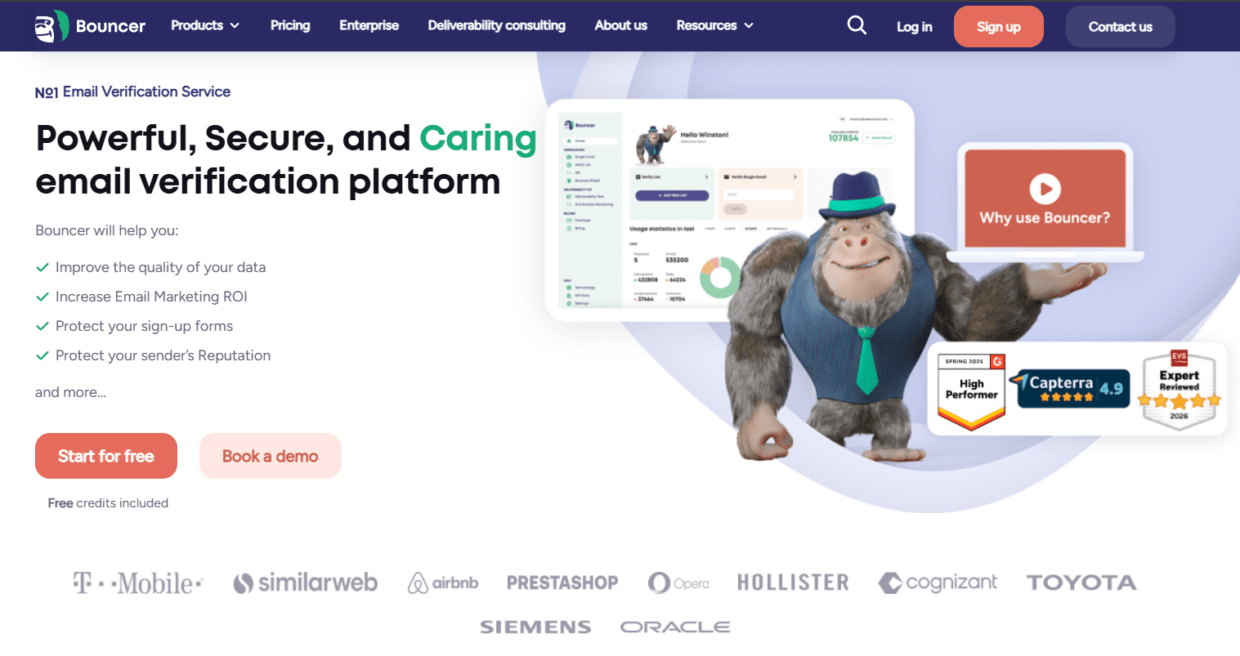
Bouncer is a strong sender reputation tool because it tackles one of the most common reputation problems: poor list quality.
Sender reputation starts to weaken when teams send to invalid, risky, stale, disposable, or toxic addresses. High bounce rates and poor engagement can make mailbox providers less confident in your mail. If you send at volume, even a small percentage of bad records can create a noticeable risk.
Bouncer’s Email Verification helps teams check whether addresses appear safe and deliverable before a campaign. For larger lists, bulk email verification helps clean CRM exports, campaign segments, cold outreach files, old newsletters, event lists, and reactivation audiences.
Bouncer also supports risk detection beyond basic valid/invalid checks. Its Toxicity Check helps identify potentially harmful emails such as widely circulated, breached, complaining, litigating, or spam-trap-related addresses. That matters because a technically valid address can still be a poor sending choice.
For teams that collect emails through forms, Bouncer’s email verification API and Bouncer Shield help stop bad data before it enters the system. This matters for demo requests, free trials, ecommerce popups, gated content, webinar signups, and lead capture forms.
Bouncer also offers Deliverability Kit for inbox placement, authentication, and blocklist checks. That makes it useful not only for list hygiene, but also for broader sender reputation monitoring.
Google Postmaster Tools: best for Gmail-specific reputation signals
Google Postmaster Tools is one of the most useful tools for senders who care about Gmail performance. Since Gmail is a major mailbox provider for both consumer and business audiences, Gmail-specific reputation signals can reveal problems that general campaign reporting may miss.
Postmaster Tools can show domain reputation, IP reputation, spam rate, authentication results, delivery errors, and feedback loop data when enough volume exists. It is especially useful for high-volume senders because it shows how Gmail sees your domain over time.
The limitation is scope. Google Postmaster Tools focuses on Gmail. It will not show how Outlook, Yahoo, Apple Mail, or smaller providers treat your messages. It also does not verify lists, remove invalid addresses, or run inbox placement tests across providers.
Use it as a reputation dashboard, not as a full sender reputation solution.
For example, if Gmail domain reputation drops from high to medium, your team should investigate list quality, complaints, engagement, sending volume, and authentication. A tool like Bouncer can help clean risky data, while a deliverability tool can help test placement and technical setup.
MXToolbox: best for DNS, blacklist, and technical checks
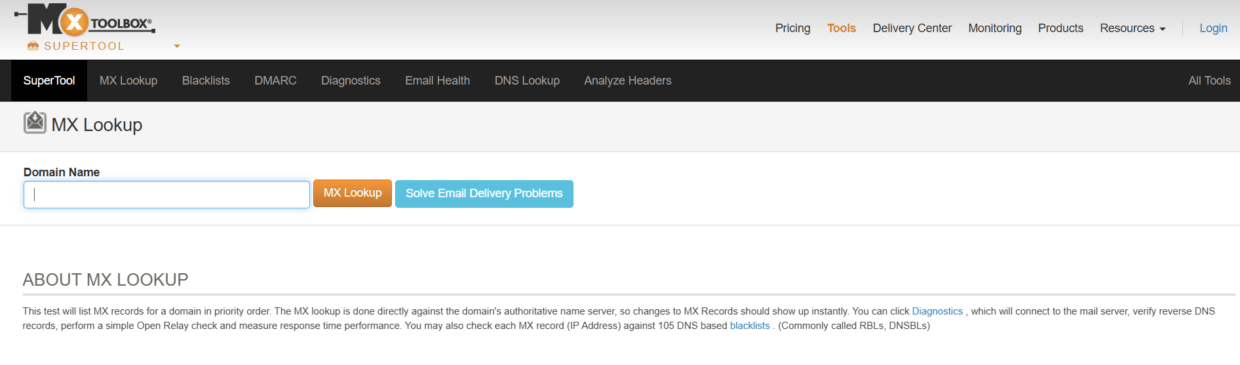
MXToolbox is useful when you need quick technical checks around DNS, mail records, and blocklists. Teams often use it to check MX records, SPF, DKIM, DMARC, blacklist status, and general domain health.
This makes MXToolbox helpful during setup and troubleshooting. If a new sending domain underperforms, you can use technical diagnostics to check whether DNS records are correct. If deliverability drops suddenly, blacklist checks can reveal whether your domain or IP appears on known blocklists.
The limitation is that technical checks do not replace list hygiene. A domain can have perfect SPF, DKIM, and DMARC while still damaging sender reputation through bad lists, poor consent, high complaints, or risky volume spikes.
Use MXToolbox as part of the diagnostic layer. It tells you if the pipes look broken. It does not tell you whether your audience is clean, engaged, or safe to contact.
GlockApps: best for inbox placement testing
GlockApps helps teams test where emails land across different mailbox providers. This matters because successful delivery is not the same as inbox placement. A message can technically deliver and still land in spam or promotions.
Inbox placement testing is useful before major campaigns, new domain sends, cold outreach sequences, product launches, and seasonal campaigns. It gives you a preview of how mailbox providers may treat your email before you send to the full audience.
GlockApps can be useful for testing content, authentication, inbox placement, and spam-filter behavior. It can also help teams spot provider-specific issues. Maybe Gmail performs well, but Outlook struggles. Maybe your message reaches inboxes for some providers but spam folders for others.
The limitation is that seed testing does not verify your real list. If your audience contains bad addresses, spam traps, toxic contacts, or old inactive users, an inbox placement test alone will not solve that. Pair it with email verification and list hygiene.
Mail-Tester: best for quick campaign checks
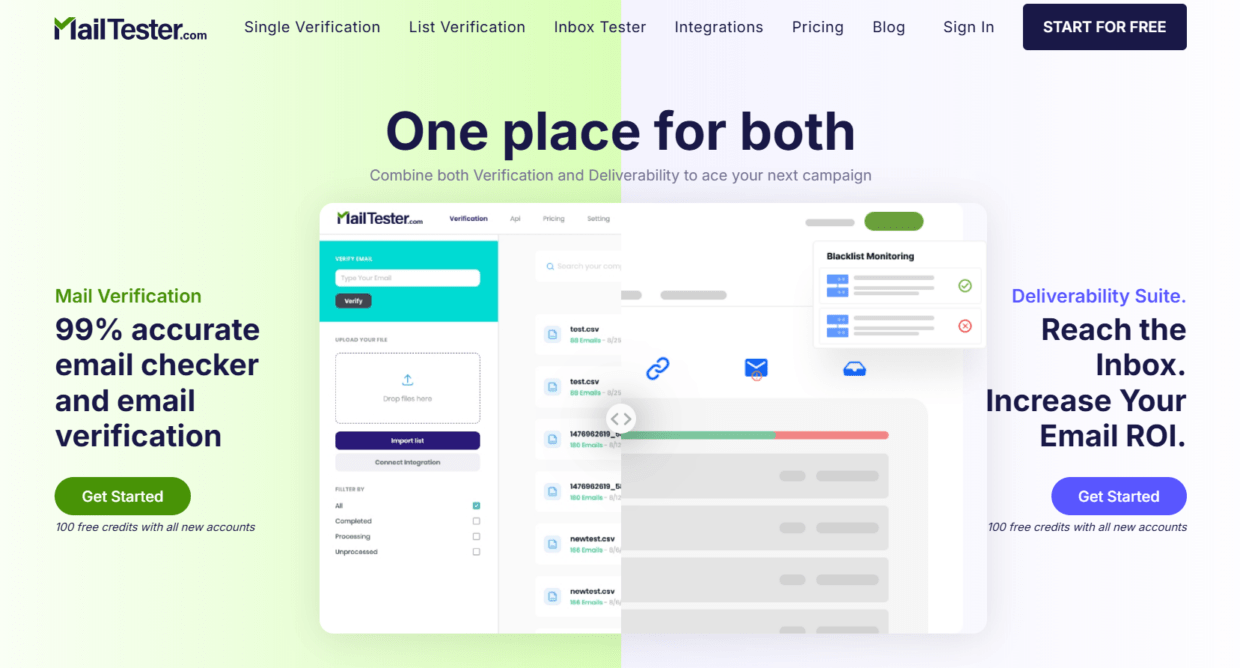
Mail-Tester is a simple option for quick pre-send checks. You send a test email to the provided address, then get a score and recommendations around authentication, formatting, spam-related signals, and message setup.
It is useful for marketers and small teams that want a fast sanity check before sending. It can catch obvious issues such as missing authentication, poor headers, or spammy content signals.
The limitation is depth. Mail-Tester is not a full sender reputation platform. It does not manage list quality, show long-term domain reputation, monitor multiple providers, or protect forms.
Use it when you want a quick second opinion. Do not rely on it as your only reputation tool.
Microsoft SNDS: best for Microsoft-specific IP reputation
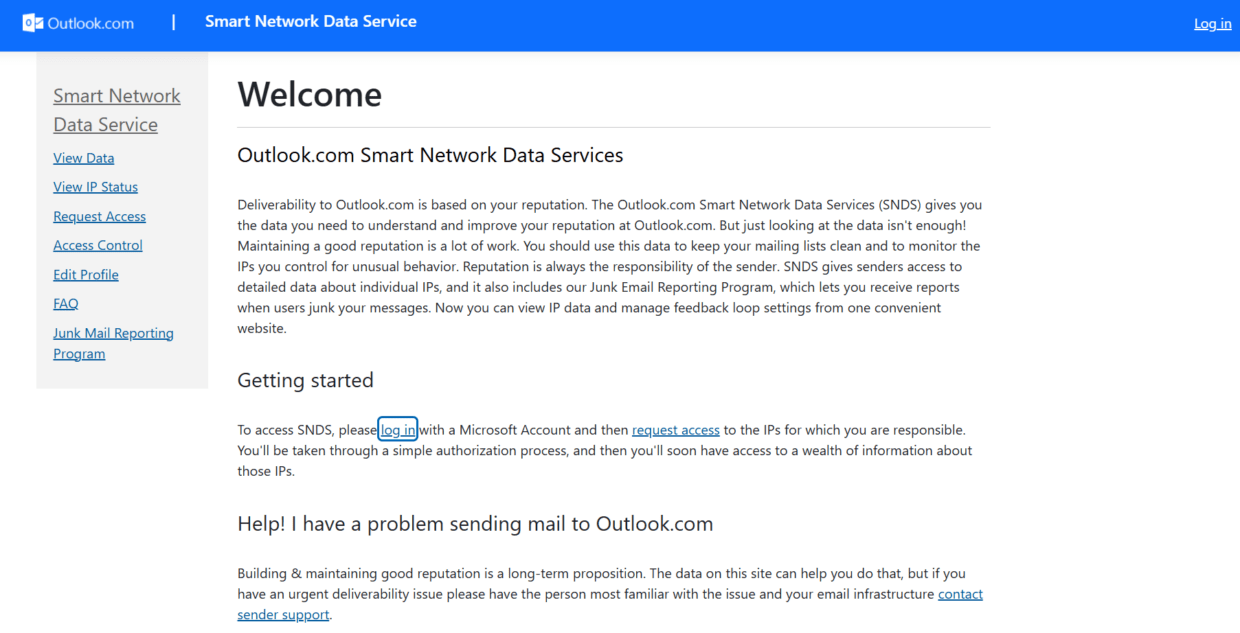
Microsoft Smart Network Data Services, often called SNDS, helps senders understand how Microsoft views traffic from their IPs. It can show data related to spam complaints, trap hits, and traffic reputation across Microsoft services.
This is useful for high-volume senders who manage dedicated IPs or send significant mail to Outlook, Hotmail, Live, and Microsoft 365 users.
The limitation is access and scope. SNDS is more technical and IP-focused than many marketing teams need. It also does not replace list verification, inbox placement testing, or broader monitoring.
If Microsoft placement matters for your audience, SNDS can be part of the reputation monitoring stack. For smaller senders, ESP-level reporting and broader deliverability tools may be easier to work with.
DMARC monitoring tools: best for authentication visibility
DMARC monitoring tools help teams see whether their domains pass authentication and whether unauthorized sources try to send mail on their behalf.
This is especially important for companies with multiple sending tools: marketing automation, CRM, sales engagement, billing systems, product notifications, support platforms, and partner systems. Each tool may need proper SPF, DKIM, and DMARC alignment.
DMARC tools help detect misalignment, spoofing attempts, and unauthorized senders. They also support a safer move from a monitoring policy to stricter enforcement.
The limitation is that authentication tools do not tell you whether your list is healthy or whether recipients want your messages. Authentication proves identity. It does not prove relevance.
For sender reputation, DMARC monitoring should sit beside verification, inbox testing, complaint monitoring, and engagement analysis.
ESP and CRM reporting: best for campaign-level reputation signals
Your email service provider or CRM often shows the most immediate performance data: bounces, opens, clicks, unsubscribes, complaints, delivery failures, and engagement by segment.
This data is valuable because it comes from real sends. It shows how actual audiences behave, not only how a test message performs.
The problem is that many teams read these metrics too late. They review campaign reports after damage happens. Sender reputation monitoring works better when teams use trends.
For example, a rising bounce rate after a new list import suggests data quality problems. Rising complaints after a cadence change suggest expectation or frequency problems. Falling engagement in one segment suggests list fatigue or weak relevance.
ESP reporting becomes more useful when connected to list hygiene. If a source creates many bounces, clean it or stop using it. If one segment complains more often, review consent and content fit. If old subscribers stop engaging, verify and suppress carefully.
Comparison: best tools for email sender reputation
The best tools for email sender reputation depend on what you need to monitor or fix. Here is a practical comparison.
| Tool | Best for | What it helps fix | Limitation |
| Bouncer | List quality, verification, toxicity checks, form protection, deliverability testing | Bad addresses, risky contacts, form abuse, blocklist and inbox checks | Teams still need sending rules and engagement strategy |
| Google Postmaster Tools | Gmail reputation monitoring | Gmail spam rate, domain reputation, delivery errors | Gmail-focused only |
| MXToolbox | DNS and blacklist checks | SPF, DKIM, DMARC, blacklist status, MX records | Does not clean lists |
| GlockApps | Inbox placement testing | Spam-folder risk, provider placement, test campaigns | Seed tests do not verify real audience quality |
| Mail-Tester | Quick pre-send checks | Basic spam score, authentication, content warnings | Limited depth for ongoing monitoring |
| Microsoft SNDS | Microsoft-specific IP reputation | Outlook and Microsoft traffic signals | More technical and IP-focused |
| DMARC monitoring tools | Authentication visibility | Spoofing, alignment, unauthorized senders | Does not measure engagement or list quality |
| ESP reporting | Real campaign signals | Bounces, complaints, unsubscribes, engagement | Usually reactive after sends happen |
This is why one platform rarely covers everything. Bouncer can sit near the center of the workflow because list quality affects almost every sender reputation signal. The other tools help you monitor how mailbox providers respond.
How to choose the right sender reputation tools
Start with the problem you need to solve.
If your bounce rate is high, start with email verification and list hygiene. If Gmail performance drops, check Google Postmaster Tools. If campaigns land in spam across providers, run inbox placement tests. If authentication fails, check DNS and DMARC. If you worry about blocklists, monitor domain and IP listings. If bad emails enter through forms, use real-time validation or form protection.
The mistake is buying a tool based on feature lists while ignoring the root cause.
| Your problem | First tool to check | Next step |
| High hard bounce rate | Bouncer email verification | Suppress invalid and risky contacts |
| Gmail reputation drop | Google Postmaster Tools | Check complaints, bounces, and engagement |
| Messages land in spam | Deliverability Kit or GlockApps | Test inbox placement and authentication |
| Domain or IP may be blocked | MXToolbox or Deliverability Kit | Review blocklist details |
| Fake signups enter forms | Bouncer Shield or Email Verification API | Stop bad data at entry |
| Authentication issues | MXToolbox or DMARC tool | Fix SPF, DKIM, and DMARC |
| High complaints | ESP reporting and Postmaster data | Review consent, content, and cadence |
| Old list reactivation | Bouncer bulk verification | Verify, segment, and re-engage slowly |
A good sender reputation workflow starts with the highest-risk issue. Then it adds monitoring so the same problem does not return.
Why list quality deserves first attention
Many sender reputation problems come back to list quality.
If you send to invalid addresses, you increase bounces. If you send to people who did not expect your emails, you increase complaints. If you send to old, inactive segments, you reduce engagement. If you send to toxic or trap-related contacts, you raise reputation risk.
This is why Bouncer often belongs near the start of the sender reputation stack.
Before a major campaign, verify the list. Before a reactivation send, verify the list. Before cold outreach, verify the list. Before importing old CRM records, verify the list. Before trusting a lead vendor, sample and verify the list.
Bouncer’s free email list sampling can help when you do not know how risky a database is. This is useful before large imports, old list cleanup, or client database reviews.
If a list looks risky,Email Verification and Toxicity Check can help you make safer decisions.
Sender reputation does not improve because you send more emails. It improves because you send cleaner, more expected, more relevant emails at a pace mailbox providers can trust.
Monitoring before a campaign
Pre-send monitoring protects you from preventable issues.
Before high-volume campaigns, check list quality, authentication, inbox placement, blocklist status, and unsubscribe setup. This matters most for seasonal campaigns, product launches, cold outbound, reactivation, new domains, and new IPs.
A simple pre-send workflow could look like this:
| Check | Tool type | What to do if it fails |
| Email list quality | Bouncer | Suppress invalid, toxic, and risky contacts |
| SPF/DKIM/DMARC | MXToolbox or deliverability tool | Fix DNS before sending |
| Inbox placement | Deliverability Kit or GlockApps | Adjust setup, content, or volume |
| Blocklist status | Deliverability Kit or MXToolbox | Investigate source and pause risky sends |
| Spam complaints trend | Postmaster or ESP reporting | Reduce volume and review consent |
| Engagement trend | ESP or CRM reporting | Segment active contacts first |
| Form quality | Bouncer Shield or API | Block bad data before campaign capture |
This workflow takes more effort than pressing send, but it costs less than repairing reputation after a bad campaign.
Monitoring after a campaign
Post-send monitoring helps you learn from real performance.
Review hard bounces first. If they rise, check list source and validation status. Then review complaints. If complaints increase, the audience may not expect the content or may be receiving too much mail. Next, review engagement. Low engagement can hurt reputation over time, especially if you keep sending to the same inactive segment.
Check inbox placement and blocklists after high-risk sends. A campaign may seem to send successfully while still pushing future messages into a weaker position.
Also compare performance by source. If webinar leads perform well but partner-imported leads create bounces, the problem is not your whole program. It is the source. If cold leads from one provider create many risky results, review that vendor.
This is where sender reputation becomes an operational habit. You do not need every tool open all day. You need a regular review process that catches issues early.
A practical sender reputation stack
Here is a sensible stack for most teams:
Bouncer for email verification, Toxicity Check, form protection, API validation, and deliverability testing.
Google Postmaster Tools for Gmail-specific reputation.
MXToolbox for DNS and blocklist checks.
A DMARC monitoring tool for authentication visibility.
Your ESP or CRM reporting for campaign-level bounces, complaints, unsubscribes, and engagement.
An inbox placement tool if you send at high volume or run critical campaigns.
This stack covers the major sender reputation layers: list quality, authentication, inbox placement, complaints, engagement, and monitoring.
Smaller teams can start with fewer tools. Bouncer plus Google Postmaster Tools plus basic DNS checks may be enough at first. Larger teams can add dedicated DMARC, inbox placement, and blocklist monitoring.
Where Bouncer fits best in the stack
Bouncer is strongest when teams want to prevent reputation problems before they send.
Its email verification API helps check emails in real time. Bouncer Shield helps protect forms from invalid, fake, or malicious submissions.Email Verification helps clean existing databases. Toxicity Check helps identify risky contacts. Deliverability Kit helps monitor inbox placement, authentication, and blocklists.
This makes Bouncer more than a basic verifier. It helps teams connect list hygiene with sender reputation.
For sales teams, this means fewer bounced outreach emails. For ecommerce teams, it means cleaner subscriber and customer lists. For SaaS teams, it means fewer fake signups and cleaner trial data. For agencies, it means safer client campaigns and better reporting around list quality.
The best tools for email sender reputation should help your team act before reputation drops. Bouncer fits that role because it helps reduce list-related risk at several points: upload, form entry, API validation, campaign QA, and deliverability checks.
How to use tools without overcomplicating the workflow
A reputation stack should not make campaign work impossible. The goal is to create a repeatable process.
For routine campaigns, verify new or risky segments, monitor complaints, and watch engagement. For major campaigns, add inbox placement tests, blacklist checks, and authentication review. For new domains or high-volume sends, scale gradually and monitor more closely. For old lists, verify before reactivation and start with engaged contacts.
You can use a simple risk-based model:
| Campaign risk | Examples | Recommended tool coverage |
| Low | Regular newsletter to active subscribers | ESP reporting and periodic verification |
| Medium | Webinar follow-up, product update, moderate list import | Verification, complaint monitoring, basic DNS checks |
| High | Cold outreach, reactivation, seasonal campaign, old CRM send | Verification, toxicity check, inbox placement, blocklist monitoring |
| Very high | Purchased list, unknown source, new domain at volume | Avoid or pause until source and setup are reviewed |
This helps teams avoid tool overload. Use more checks when the risk is higher.
Key takeaways
- The best tools for email sender reputation cover different parts of the problem: list quality, authentication, inbox placement, complaints, blocklists, and engagement.
- Bouncer is a strong tool for sender reputation because it supports email verification, bulk verification, Email Verification API, Bouncer Shield, Toxicity Check, Deliverability Kit, and integrations.
- Google Postmaster Tools helps monitor Gmail-specific domain reputation, spam rate, and delivery signals.
- MXToolbox helps with DNS, authentication, and blacklist checks.
- GlockApps and similar tools help test inbox placement before major campaigns.
- ESP and CRM reporting remain important because they show real campaign behavior.
- Sender reputation improves when teams verify lists, protect forms, authenticate domains, monitor complaints, and send to engaged audiences.
Conclusion
The best tools for email sender reputation do not replace good sending habits. They make those habits easier to maintain.
You need tools that help you clean lists, spot toxic contacts, protect forms, check authentication, monitor blocklists, test inbox placement, and read campaign signals. No single dashboard can tell the full story, but the right combination can show problems before they become revenue issues.
Bouncer is a smart place to start because list quality sits at the root of many reputation problems. When you combine verification, toxicity checks, form protection, API validation, and deliverability testing with tools like Google Postmaster Tools and MXToolbox, your team gets a clearer view of sender health and a better chance of staying in the inbox. Try it for free now.
FAQ
What are the best tools for email sender reputation?
The best tools for email sender reputation include Bouncer, Google Postmaster Tools, MXToolbox, GlockApps, Mail-Tester, Microsoft SNDS, DMARC monitoring tools, and your ESP or CRM reporting. Each tool covers a different part of sender reputation, so most teams need a small stack rather than one tool.
Is Bouncer a sender reputation tool?
Yes, Bouncer can support sender reputation because it helps improve list quality, reduce bounce risk, detect toxic contacts, protect forms, validate emails through API, and test deliverability. It is especially useful before campaigns, imports, reactivation sends, and cold outreach.
Which tool shows Gmail sender reputation?
Google Postmaster Tools shows Gmail-specific reputation signals such as domain reputation, IP reputation, spam rate, authentication, delivery errors, and feedback loop data. It is useful for high-volume senders that care about Gmail performance.
Which tool checks if my domain is blacklisted?
MXToolbox and Bouncer’s Deliverability Kit can help check blocklist status. Blocklist checks are useful before high-volume sends and after deliverability drops.
Do inbox placement tools improve sender reputation?
Inbox placement tools do not improve sender reputation on their own. They show where emails are likely to land, which helps teams find issues before sending. To improve reputation, you still need cleaner lists, better authentication, lower complaints, and stronger engagement.
Can email verification improve sender reputation?
Email verification can support sender reputation because it helps reduce hard bounces and risky sends. It works best when combined with good consent practices, segmentation, authentication, complaint monitoring, and deliverability testing.
What is the difference between sender reputation and deliverability?
Sender reputation is how mailbox providers assess trust in your domain or IP. Deliverability is the broader ability to reach inboxes. Reputation affects deliverability, but inbox placement also depends on authentication, content, engagement, list quality, and sending behavior.
How often should I check sender reputation tools?
Check sender reputation tools before major campaigns, after large imports, after reactivation sends, and whenever performance drops. High-volume senders should monitor reputation, complaints, blocklists, and inbox placement regularly.


