





Marketing wonders if the offer is broken. RevOps opens the CRM and finds old imports, duplicate records, and addresses nobody has verified in months. That is where the best tools for reducing email bounce rate become less of a nice-to-have and more of a safety net for every serious email program.
You’ll learn
- Why bounce rate rises in marketing, sales, and lifecycle campaigns
- Which tools help reduce hard and soft bounces
- Why Bouncer is a strong choice for list verification and bounce prevention
- How real-time validation, bulk verification, and CRM hygiene work together
- Which features matter most when comparing bounce reduction tools
- How to build a cleaner workflow before your next campaign
- What to monitor after validation so bounce problems do not return
Why email bounce rate matters
Email bounce rate shows the percentage of messages that fail to deliver. Some bounces are temporary. Others tell you the address is invalid, closed, fake, or no longer able to receive email.
A soft bounce may happen because the inbox is full, the receiving server has a temporary issue, or the message is too large. A hard bounce is more serious. It usually means the email address does not exist, the domain cannot receive mail, or the mailbox is permanently unavailable.
Hard bounces are the ones that deserve fast attention. If you keep sending to bad addresses, mailbox providers may start treating your list as low quality. That can affect sender reputation, inbox placement, and campaign reach.
Bounce rate also creates operational waste. Sales teams chase leads that cannot receive messages. Marketing teams report on lists that look larger than the reachable audience. Ecommerce brands send cart recovery emails to mistyped addresses. SaaS companies route fake trial signups to sales. Agencies have to explain why a client database was not campaign-ready.
The best tools for reducing email bounce rate help you catch these problems earlier. They verify addresses before campaigns, block bad entries at forms, clean CRM records, and give you better data before your domain takes the hit.
What causes high email bounce rates
High bounce rates usually come from one or more data-quality problems. The exact source depends on how your email list grows.
| Cause | What it looks like | Why it raises bounce rate |
| Old CRM records | Contacts from past campaigns, events, or imports | People change jobs, domains close, inboxes disappear |
| Mistyped form submissions | gmial.com, missing letters, wrong domains | Emails never reach the intended person |
| Purchased or scraped lists | Large files with unclear origin | Many addresses may be stale, fake, or risky |
| Disposable emails | Temporary inboxes used for trials or discounts | Addresses expire or never support real engagement |
| Poor enrichment data | Work emails guessed or pulled from old sources | Addresses may look real but fail in practice |
| No suppression logic | Hard-bounced contacts return to future sends | The same bad records keep causing failures |
| Catch-all domains | Servers accept mail without confirming the mailbox | Hard to know which individual inboxes exist |
| List migration errors | Old contacts imported into a new ESP or CRM | Bad data moves into a new system unchanged |
The fix depends on the cause. A bulk verifier helps with old lists. An API helps with real-time checks. A CRM hygiene tool helps stop bad records from resurfacing. A deliverability tool helps when delivery issues continue after list cleanup.
Best tools for reducing email bounce rate
The best tools for reducing email bounce rate usually sit in one of five categories: email verification platforms, real-time validation APIs, form protection tools, CRM hygiene automation, and deliverability monitoring.
Here is a quick comparison before we look at the tools more closely.
| Tool type | Best for | Helps reduce bounces how? | Main limitation |
| Email verification platform | Campaign lists, CRM exports, cold outreach files | Checks addresses before sending | Requires teams to act on results |
| Bulk verification tool | Large lists and old databases | Processes many addresses at once | Does not stop new bad data from entering |
| Real-time validation API | Forms, signups, trials, checkouts | Blocks or flags bad emails at entry | Needs setup |
| Form protection | Lead capture and public forms | Stops fake, invalid, or malicious submissions | Does not clean historic data |
| CRM hygiene automation | Recurring database cleanup | Keeps records cleaner over time | Needs clear rules |
| Deliverability monitoring | Inbox placement and blocklist issues | Shows whether mail reaches inboxes | Does not verify individual contacts alone |
A strong workflow often uses several of these. If bad emails already exist, you need bulk verification. If bad emails keep entering forms, you need real-time validation. If bounce issues continue after cleanup, you need deliverability monitoring.
Bouncer
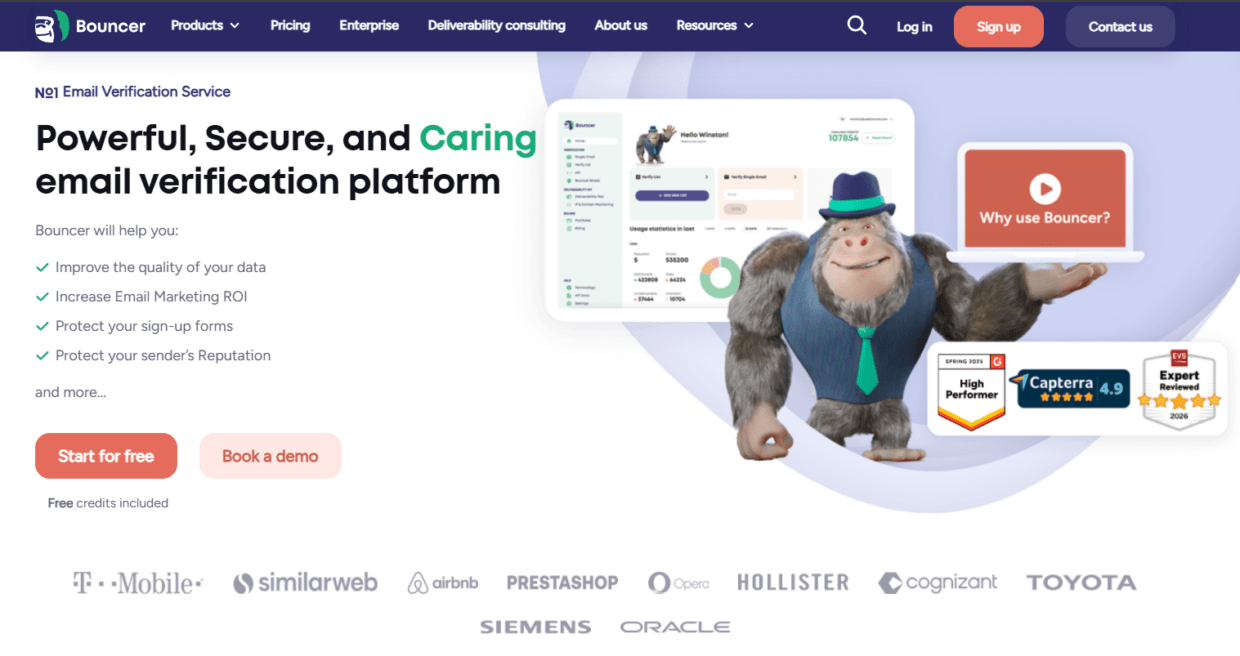
Bouncer is one of the best tools for reducing email bounce rate because it covers both existing list cleanup and future data protection.
For existing lists, Bouncer’sEmail Verification helps teams check whether addresses appear deliverable before a campaign. The platform includes free email verification sampling, bounce estimate, rich output, and organization management. This is useful for teams that need more than a simple valid or invalid label.
For larger files, bulk email verification helps clean campaign lists, CRM exports, old mailing lists, event databases, cold outreach files, and ecommerce customer segments. That makes Bouncer practical for marketing teams, sales teams, agencies, and RevOps workflows.
Bouncer also helps with prevention. The email verification API can validate emails before they enter your CRM, app, signup flow, or lead routing process. Bouncer Shield helps protect forms from invalid, malicious, or fraudulent addresses.
For teams that want to keep CRM data cleaner over time, Bouncer AutoClean can automatically monitor and manage email verification jobs. This is useful when list hygiene should not depend on someone remembering to upload a CSV before every send.
Bouncer also supports reputation risk checks. Toxicity Check helps identify potentially harmful email addresses, such as widely circulated, breached, complaining, litigating, or potential spam-trap-related contacts. Deliverability Kit adds inbox placement tests, blocklist tests, SPF and DKIM tests, DMARC tests, and SpamAssassin tests.
That range makes Bouncer a strong all-around option. It reduces bounces through list verification, prevents future bad data through API and Shield, supports CRM hygiene through AutoClean, and helps diagnose broader deliverability risks through Deliverability Kit.
ZeroBounce
ZeroBounce is a known email validation platform that helps teams verify addresses, score leads, and improve list quality. It is often used for bulk email verification, API validation, and email activity-related data.
It can be useful for teams that want a broad platform with several data-quality features. For marketers, it helps clean campaign lists. For sales teams, it can support prospect list checks before outreach. For developers, API validation can help stop bad emails inside forms or apps.
The main thing to check is workflow fit. Some teams need many enrichment-style features. Others only need fast validation and clear suppression logic. If your main problem is bounce rate, make sure the export categories and pricing model match the way your team sends.
ZeroBounce can be a good option, but it should be compared against Bouncer when you want toxicity checks, form protection, deliverability checks, and a simpler hygiene workflow in one setup.
NeverBounce
NeverBounce is a straightforward email verification tool for teams that need to clean lists and verify emails before sending. It supports bulk verification and real-time verification, which makes it relevant for both campaign cleanup and form validation.
Its strength is simplicity. If a team mostly wants to upload lists, verify them, and remove bad addresses before campaigns, NeverBounce can fit that workflow.
The limitation is that some teams may need broader deliverability context or deeper risk workflows. Reducing bounce rate is one part of sender health. If you also need toxicity checks, form protection, inbox placement testing, and blocklist monitoring, you may need a wider stack or another platform.
NeverBounce is worth considering for simple list verification, especially when your team does not need many additional deliverability features.
Kickbox
Kickbox focuses on email verification and deliverability-related workflows. It can validate emails through batch checks and API workflows, which makes it useful for marketing lists, signup forms, and product flows.
Kickbox can be a good fit for teams that want email verification with a developer-friendly angle. If your team needs to validate addresses inside a custom app or signup process, API quality matters.
The tradeoff is that reducing bounce rate is not always only a developer problem. Marketing, sales, and RevOps teams also need clear exports, suppression rules, source analysis, and campaign-ready workflows. When comparing Kickbox with Bouncer, consider who will use the tool most often. If non-technical teams own list quality, usability and reporting matter a lot.
Emailable
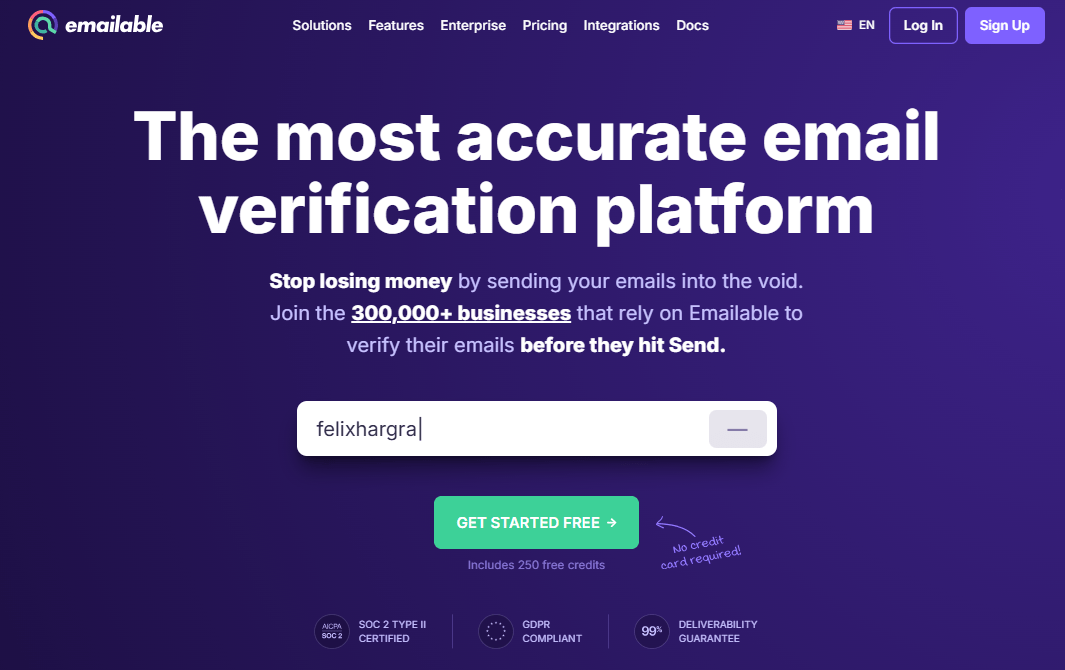
Emailable is another email verification platform that supports bulk list validation and API-based checks. It can help teams clean lists, reduce bounces, and validate emails before sending.
It may work well for teams that want a practical verification product without too much complexity. As with other tools, the best fit depends on list sources, sending volume, API needs, and reporting expectations.
If your main problem is simple list validation, Emailable may be enough. If your team also needs bounce estimate, toxicity signals, form protection, CRM cleaning automation, and deliverability testing, compare the full workflow against Bouncer rather than only credit pricing.
Mailgun Validate
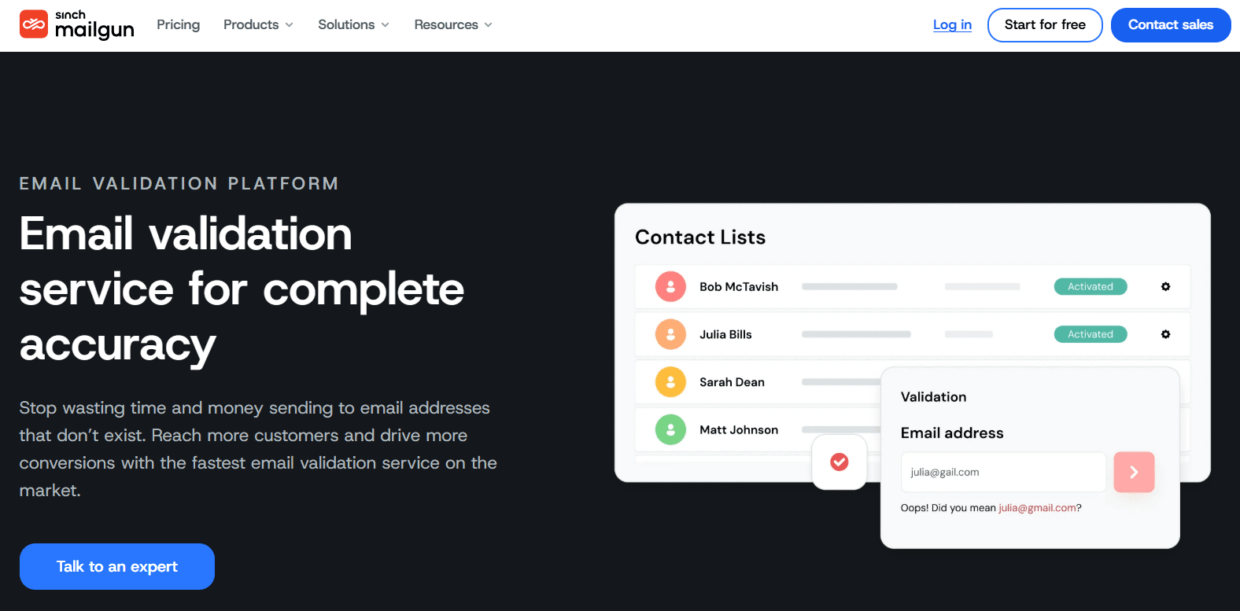
Mailgun Validate is useful for technical teams already close to the Mailgun ecosystem. It helps developers validate email addresses before sending or storing them.
This can work well for product-led companies, apps, SaaS platforms, and internal systems where developers want validation inside transactional or signup workflows.
The limitation is audience. A marketing team that wants to drag and drop a campaign list may prefer a tool built for list verification and workflow clarity. A RevOps team may need CRM hygiene support. An agency may need organization management and client-friendly exports.
Mailgun Validate fits technical use cases best. It may be less ideal as the main bounce reduction tool for teams that need both marketing-friendly bulk verification and broader hygiene support.
Hunter Email Verifier
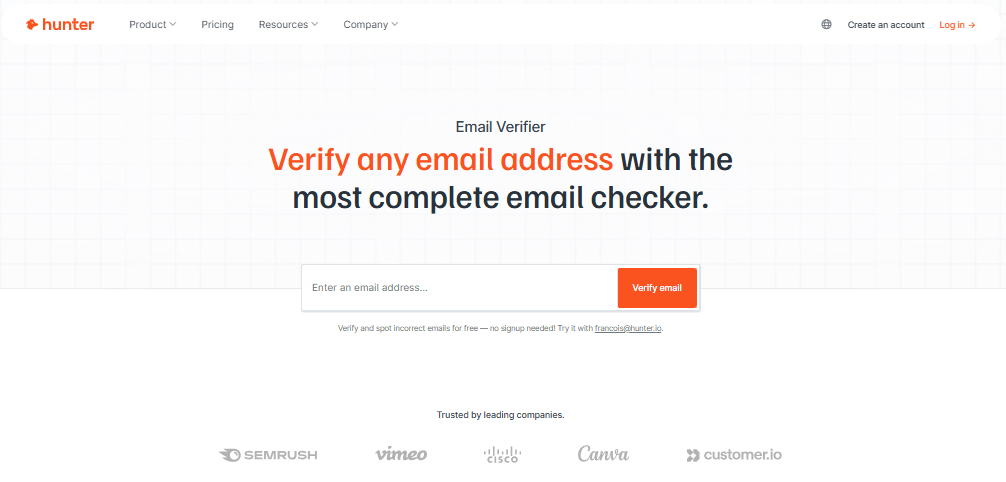
Hunter’s Email Verifier can help teams check individual business addresses and support prospecting workflows. It is especially relevant for sales teams that already use Hunter for finding professional email addresses.
Its strength is the connection between prospecting and verification. If a team finds emails through Hunter, checking those emails before outreach makes sense.
The limitation is scale and broader deliverability workflow. If you need to clean large CRM databases, monitor list health, check toxicity, protect forms, or test inbox placement, you may need a more complete email hygiene platform.
Hunter can support sales prospecting, but it may not be enough as the central tool for reducing bounce rate across marketing, lifecycle, and CRM operations.
HubSpot data quality and suppression tools
HubSpot is not primarily an email verification tool, but many teams use it as the system where bounce management happens. HubSpot can track bounces, manage suppression, and help segment records based on engagement or lifecycle stage.
The problem is that native CRM or ESP suppression often reacts after a bounce happens. That is useful, but it does not prevent the risky send in the first place.
This is why HubSpot users often benefit from connecting a dedicated verification tool. Bouncer’s integrations and AutoClean workflows can help keep CRM-powered lists cleaner before campaigns.
If HubSpot is your CRM, use it for segmentation, suppression, and reporting. Use a verification tool to improve email quality before the records enter a campaign.
How the best tools compare
The best tools for reducing email bounce rate should be compared based on the full workflow, not only whether they verify addresses.
| Tool | Best fit | Strength | Watch out for |
| Bouncer | Teams that need verification, API, form protection, toxicity checks, CRM hygiene, and deliverability support | Strong all-around bounce reduction workflow | Teams should define rules for each status |
| ZeroBounce | Teams that want validation and broad data-quality features | Wide feature set | May feel more than some teams need |
| NeverBounce | Teams that need simple list verification | Straightforward bulk and real-time checks | Broader deliverability features may require another tool |
| Kickbox | Technical teams and API validation workflows | Developer-friendly verification | Non-technical teams may need more workflow support |
| Emailable | Teams that want practical verification | Bulk and API validation | Check reporting and workflow fit |
| Mailgun Validate | Product and developer teams | Good for technical validation workflows | Less marketing-friendly for bulk hygiene |
| Hunter Email Verifier | Sales prospecting teams | Useful when finding and checking business emails | Not a full hygiene platform |
| HubSpot suppression tools | CRM and campaign reporting | Tracks bounces and suppressions | Mostly reactive without verification support |
If your goal is only a one-time CSV cleanup, several tools can work. If your goal is ongoing bounce reduction, Bouncer stands out because it covers the full path: verify existing lists, protect forms, validate through API, detect toxic addresses, automate CRM cleaning, and check deliverability.
What features matter most when reducing bounce rate
Not every feature deserves equal weight. Some features directly reduce bounces. Others help with monitoring, prevention, or long-term hygiene.
| Feature | Why it matters | Must-have or nice-to-have? |
| Bulk verification | Cleans existing lists before campaigns | Must-have |
| Hard bounce detection | Helps remove permanently bad addresses | Must-have |
| Catch-all handling | Important for B2B company domains | Must-have for B2B |
| Disposable email detection | Blocks low-quality or temporary emails | Must-have for lead gen and ecommerce |
| API validation | Stops bad emails during signup or form fill | Must-have for high-volume forms |
| Form protection | Prevents fake or malicious entries | Strongly recommended |
| CRM automation | Keeps lists clean over time | Strongly recommended |
| Toxicity checks | Flags risk beyond simple validity | Strongly recommended |
| Deliverability testing | Shows inbox placement and blocklist risk | Strongly recommended |
| Clear exports | Helps teams act on results | Must-have |
| Integrations | Reduces manual upload errors | Strongly recommended |
| Transparent pricing | Helps estimate cleanup cost | Must-have |
For most teams, bulk verification is the starting point. But if the same bad records keep entering your systems, API validation and form protection become more important than another manual cleanup.
How to choose the right tool for your team
Start with where bad emails come from.
If you mainly suffer from old CRM records, choose a tool with strong bulk verification, list sampling, rich output, and CRM hygiene support. If bad emails come from forms, choose a tool with real-time API validation and form protection. If your issue appears after large campaigns, add deliverability testing and blocklist monitoring. If sales teams use prospecting tools, verify leads before they enter sequences.
Then decide who owns the workflow. A marketing ops team may want easy list uploads and exports. A developer team may prefer API control. A RevOps team may need CRM automation. An agency may need organization management and repeatable client workflows.
Your bounce reduction tool should fit the people who will use it, not only the technical requirement.
| Team type | Main bounce problem | Best tool setup |
| B2B sales team | Cold leads and stale prospect lists | Bulk verification, catch-all handling, toxicity checks |
| Ecommerce brand | Checkout typos, popups, old customer lists | Bulk verification, API validation, form protection |
| SaaS company | Fake trials and demo form errors | API validation, Bouncer Shield, CRM sync |
| Agency | Mixed client databases | Organization management, sampling, bulk checks |
| RevOps team | CRM decay and repeated bad imports | AutoClean, suppression logic, integrations |
| Newsletter team | Old subscribers and reactivation risk | Bulk verification and engagement segmentation |
| Enterprise sender | Reputation and inbox placement risk | Verification, deliverability monitoring, blocklist checks |
This is where Bouncer becomes especially useful. It can support several of these teams without forcing each one into a separate tool.
The workflow that reduces bounce rate before campaigns
The best tools for reducing email bounce rate work best when they sit inside a clear process.
Start with list source. Where did the emails come from? A recent signup form is different from a purchased list. A webinar list is different from an old CRM export. A customer database is different from a cold prospecting file.
Next, clean the structure. Remove duplicate rows, fix columns, and keep source data attached. Do not waste time guessing which emails are valid manually.
Then verify the list. In Bouncer, upload the file or use API workflows depending on the source. Review the result categories before exporting.
After verification, apply rules. Valid emails can enter the campaign. Invalid emails should be suppressed. Risky or unknown records need segmentation or exclusion. Toxic contacts should stay out of sends. Catch-all records may need different handling depending on campaign type.
Finally, update the CRM or sending platform. If verification results stay only in a downloaded CSV, the same bad records may come back later.
| Stage | Action | Output |
| Source review | Identify where emails came from | Risk context |
| File prep | Remove duplicates and clean columns | Ready-to-verify list |
| Verification | Run bulk or API validation | Status categories |
| Rule application | Suppress or segment risky records | Safer campaign list |
| CRM update | Add status and verification date | Cleaner database |
| Campaign monitoring | Track bounces and complaints | Feedback for next send |
| Source correction | Fix forms or vendors causing bad data | Lower future bounce risk |
This workflow works better than emergency cleanup. Bounce reduction should happen before sending, not after the campaign damages your metrics.
How Bouncer reduces bounce rate across the full lifecycle
Bouncer can help at several points in the email lifecycle.
Before a campaign, Bouncer verifies lists and estimates bounce risk. This helps teams decide whether a campaign is ready to send.
At signup, Bouncer API and Bouncer Shield can stop invalid, fake, or risky emails before they enter the database. This prevents the same list-quality problem from returning every month.
Inside the CRM, Bouncer AutoClean can keep email records fresher through recurring verification. This is useful for HubSpot users and teams that want email hygiene to run without manual file uploads every time.
For riskier lists, Toxicity Check helps identify contacts that may hurt reputation beyond simple bounce risk.
When performance drops, Deliverability Kit helps check inbox placement, authentication, and blocklists. This matters because bounce rate is only one part of deliverability health.
In other words, Bouncer helps reduce bounce rate directly through verification and indirectly through prevention, automation, risk checks, and deliverability diagnostics.
When bounce reduction needs more than verification
Email verification reduces hard bounces, but not every bounce problem comes from invalid addresses.
Soft bounces can come from temporary server issues, inbox limits, message size, or reputation problems. Authentication issues can also affect delivery. Blocklists can cause rejection. Sudden volume spikes can create trust issues. Content or infrastructure problems can contribute too.
If your list is verified and bounces still rise, look beyond the list.
Check SPF, DKIM, and DMARC. Review your sending volume. Check whether a domain or IP appears on a blocklist. Look at mailbox provider patterns. If one provider rejects more mail than others, the issue may be provider-specific.
This is where deliverability testing becomes useful. Bouncer’s Deliverability Kit can help check inbox placement, authentication, and blocklists before or after campaigns.
| Problem | Verification helps? | What else to check |
| Hard bounces from invalid addresses | Yes | Suppression rules and list source |
| Soft bounces from temporary failures | Sometimes | Sending volume and server responses |
| Rejections from blocklists | No, not alone | Blocklist status and reputation |
| Spam-folder placement | Indirectly | Inbox placement and engagement |
| Poor Gmail performance | Indirectly | Postmaster signals and complaints |
| Form abuse | Yes, with real-time checks | Bouncer Shield or API |
| CRM decay | Yes | Recurring verification and AutoClean |
The goal is not to treat verification as magic. The goal is to use the right tool for the right bounce cause.
Best tools for reducing email bounce rate by use case
Different teams need different setups.
| Use case | Best tool choice | Why |
| Cleaning a large campaign list | Bouncer or another bulk verifier | Reduces hard bounce risk before sending |
| Protecting demo forms | Bouncer API or Bouncer Shield | Stops fake or invalid emails at entry |
| Cleaning CRM records over time | Bouncer AutoClean | Keeps hygiene recurring instead of manual |
| Checking sales prospect lists | Bouncer, Hunter, or Kickbox | Verifies business emails before outreach |
| Cleaning ecommerce popups | Bouncer Shield and bulk verification | Reduces typo and disposable-email risk |
| Monitoring deliverability after bounces | Bouncer Deliverability Kit | Checks inbox placement and blocklists |
| Technical app validation | Mailgun Validate or Bouncer API | Fits developer workflows |
| Simple one-off cleanup | NeverBounce, Emailable, or Bouncer | Fast list validation |
For most teams, the strongest setup is not one isolated tool. It is a workflow: verify existing data, validate new data, suppress bad records, and monitor deliverability.
Key takeaways
- The best tools for reducing email bounce rate help teams clean existing lists and stop bad emails from entering new workflows.
- Bouncer is a strong all-around option because it includes email list verification, bulk verification, Email Verification API, Bouncer Shield, AutoClean, Toxicity Check, Deliverability Kit, and integrations.
- Hard bounces usually point to invalid, old, fake, or unreachable addresses.
- Soft bounces may need broader deliverability investigation, especially if they continue after list cleanup.
- Bulk verification works best for existing lists, while API validation and form protection help prevent future bounce problems.
- CRM updates matter because verified results should not live only in downloaded CSV files.
- The best tool choice depends on list source, team workflow, sending volume, and how bad data enters the system.
Conclusion
The best tools for reducing email bounce rate do more than remove invalid emails from a file. They help you build a cleaner email workflow from first signup to final send.
Bouncer is a strong choice because it supports the main stages of bounce prevention: verifying existing lists, checking emails in real time, protecting forms, automating CRM hygiene, detecting toxic contacts, and testing deliverability. Other tools can fit narrower use cases, but bounce reduction works best when list hygiene becomes part of daily operations rather than a last-minute rescue.
A lower bounce rate starts before the campaign. Clean the data, protect the entry points, update the CRM, and monitor what happens after each send.
FAQ
What are the best tools for reducing email bounce rate?
The best tools for reducing email bounce rate include Bouncer, ZeroBounce, NeverBounce, Kickbox, Emailable, Mailgun Validate, Hunter Email Verifier, and CRM suppression tools such as HubSpot’s bounce management features. Bouncer is a strong all-around choice because it combines list verification, API validation, form protection, AutoClean, Toxicity Check, and Deliverability Kit.
How does Bouncer reduce email bounce rate?
Bouncer reduces email bounce rate by verifying email addresses before campaigns, estimating bounce risk, detecting invalid or risky emails, and helping teams suppress bad records. It also offers API validation, Bouncer Shield, AutoClean, Toxicity Check, and Deliverability Kit for broader hygiene and deliverability workflows.
Is bulk verification enough to reduce bounces?
Bulk verification helps reduce bounces from existing lists, but it does not stop new bad emails from entering your system. Teams that collect emails through forms, signups, trials, or checkout pages should also use real-time validation or form protection.
What is the difference between hard bounces and soft bounces?
Hard bounces usually mean the email address is permanently invalid or unreachable. Soft bounces are temporary delivery failures, often linked to inbox limits, temporary server issues, message size, or sending problems. Hard bounces need immediate suppression.
Should I verify emails before every campaign?
Verify emails before major campaigns, cold outreach, reactivation sends, old-list campaigns, CRM imports, and large newsletter sends. If your database changes often, recurring verification or CRM automation can help keep list quality stable.
Can email verification fix sender reputation?
Email verification can support sender reputation by reducing hard bounces and risky sends. It cannot fix every reputation issue alone. Authentication, complaint rates, engagement, sending volume, and inbox placement also matter.
What should I do with catch-all email addresses?
Catch-all emails should usually be segmented and handled based on campaign risk. Some B2B catch-all addresses may still be useful, but they carry more uncertainty than clearly verified records. Avoid sending them at high volume without a plan.


