





But when it comes to cost, things aren’t always clear. Is Mailtrap priced right for your needs? And how well does it handle validation compared to other tools?
Here’s a closer look at what Mailtrap offers in 2026, how its pricing works, and whether it’s the right choice for your email testing and list quality.
TL;DR
- Mailtrap offers two pricing tracks, but costs ramp up quickly as you scale, especially with add-ons, forwarding limits, and overage fees.
- For teams that need high-accuracy email verification, Mailtrap covers the basics, but gaps in performance, coverage, and support often show up at higher volumes.
- Bouncer delivers better precision, broader provider coverage, faster bulk verification, and stronger support — all at a more predictable cost, making it a more reliable alternative for 2026.
What is Mailtrap?
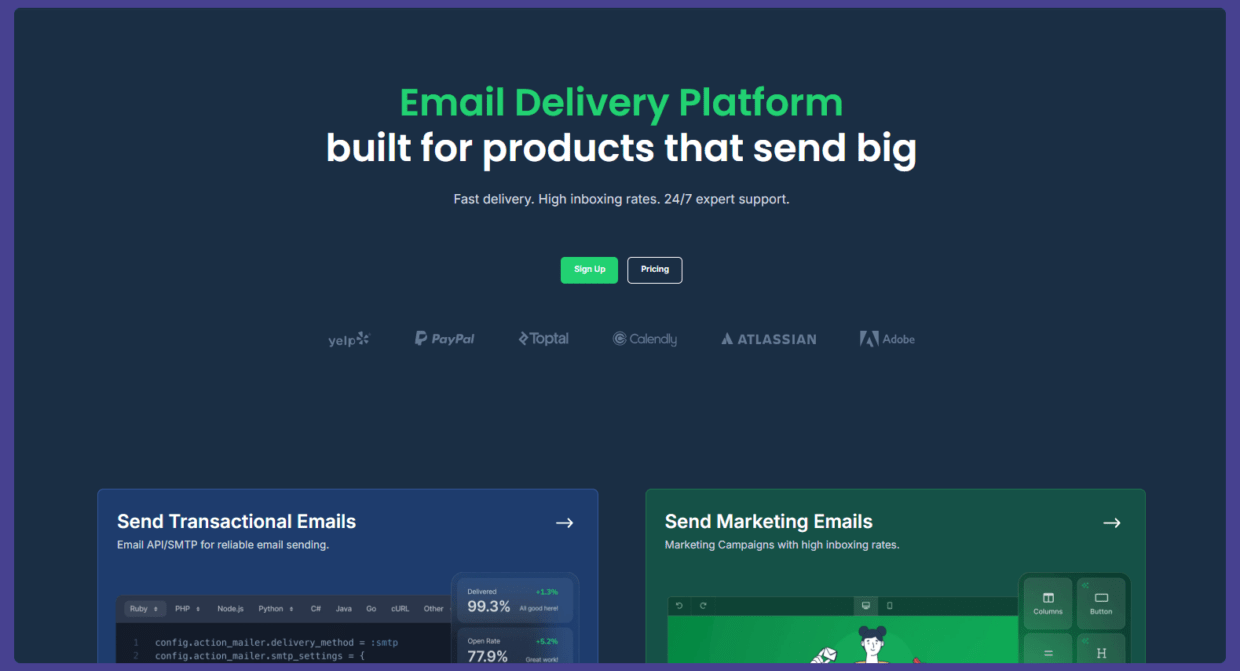
Mailtrap is an email delivery platform that provides a secure environment for testing emails before sending them to live recipients.
This system allows you to run automated tests efficiently, send critical alerts, validate the HTML/CSS code of your email templates, monitor key email metrics, and gain control over your email marketing performance.
Mailtrap features
Mailtrap works with different mailbox providers, offers many integrations with email clients, and provides some exciting features from which any email address can benefit.
For example:
- in-depth tracking dashboards,
- spam checker,
- email forwarding,
- email preview,
- multiple inboxes,
- email API/SMTP service,
- deliverability alerts,
- email logs,
- and QA automation that can cover all your testing scenarios.

Mailtrap pricing plans
Two price plans are available to customers: for Email Sandbox and Email Sending.
1️⃣ Email API/SMTP
These plans are designed for sending emails, whether transactional or marketing, directly from your app or website. Pricing depends on how many emails you send and how many contacts you manage.
Free plan – for early testing and low-volume sending
The Free plan is meant for trying out live sending with minimal risk.
It includes:
- 4,000 emails per month
- 150 emails per day
- 1 user
- 1 sending domain
- 3 days of email logs
This tier works for very early-stage projects, demos, or internal tools. The daily sending limit and short log retention mean it’s not built for production workloads, but it’s enough to validate API or SMTP setup.
Best fit: proof-of-concept apps or early development environments.
Basic plan – $15 – for startups and small businesses
The Basic plan increases flexibility and removes the daily bottleneck.
You get:
- 10,000 emails per month
- 3 users
- 5 sending domains
- 5 days of email logs
- Shared IP infrastructure
There’s no dedicated IP here, which is fine at this stage. Most small senders benefit from shared pools while volumes are still moderate.
Best fit: small products sending transactional emails like sign-ups, password resets, and alerts.
Business plan – $85 – for growing senders with deliverability needs
The Business plan is where serious sending begins.
It includes:
- 100,000 emails per month
- 1,000 users
- 3,000 domains
- 15 days of email logs
- A dedicated IP
The dedicated IP is the biggest shift. At this level, sender reputation becomes more predictable and easier to control. Longer log retention also supports troubleshooting and deliverability monitoring.
Best fit: SaaS platforms, marketplaces, and apps with steady transactional volume.
Enterprise plan – $750 – for high-volume, mission-critical email
The Enterprise plan is built for large-scale sending operations.
It offers:
- 1,500,000 emails per month
- 1,000 users
- 30 days of email logs
- Priority support
- A free migration month
This tier assumes email is a critical system component. The longer log history helps with audits, incident reviews, and performance tracking.
Best fit: platforms where email downtime or delivery issues have real business impact.
Custom plan – for very large or complex senders
For senders with unique requirements, Mailtrap offers a tailored plan.
It includes:
- Custom pricing
- A deliverability manager
- Onboarding assistance
- Unlimited user seats
This is aimed at organizations that need hands-on support, custom volumes, or advanced deliverability strategy.

2️⃣ Email Sandbox
These plans are for teams who need to test email flows safely without sending messages to real users. Ideal for developers, QA engineers, and anyone working on staging environments.
Free plan – for quick trials and basic checks
The Free plan is designed to let you try the sandbox concept without commitment.
You get:
- 50 test emails per month
- 1 user
- 1 sandbox
- Up to 10 emails per sandbox
This plan is best for developers or marketers who want to preview emails during early development or run occasional checks. There’s no sandbox email address and no forwarding, so it’s strictly for internal testing.
Use case: validating basic templates or testing one-off transactional emails.
Basic plan – $17 – for startups and small teams
The Basic plan increases testing capacity and adds light collaboration.
It includes:
- 500 test emails per month
- 3 users
- 50 emails per sandbox
- 100 forwarded emails per month
This tier fits small teams building or refining email flows. Forwarding lets you see how emails look in real inboxes, while still keeping testing controlled.
Use case: early-stage products testing signup, password reset, and notification emails.
Team plan – $42 – for growing companies
The Team plan is where email testing becomes a shared workflow.
It offers:
- 5,000 test emails per month
- 5 users
- 5 sandboxes
- Priority and chat support
Multiple sandboxes allow teams to separate environments. For example, one for transactional emails and another for marketing or staging. Support access also matters as testing volume grows.
Use case: teams shipping features regularly and testing multiple email types in parallel.
Business plan – $123 – for higher testing needs
The Business plan is built for large teams with frequent testing cycles.
You get:
- 50,000 test emails per month
- 50 users
- 50 sandboxes
- 2,000 forwarded emails per month
This plan supports structured QA processes and multiple departments working on email at the same time. It’s marked as “best value” for teams that test often but don’t need enterprise-level controls.
Use case: SaaS companies with heavy transactional and lifecycle email traffic.
Enterprise plan – $498 – for testing at scale
The Enterprise plan is designed for high-volume, organization-wide testing.
It includes:
- 5,000,000 test emails per month
- 1,000 users
- 300 sandboxes
- SSO and priority support
This tier supports complex infrastructures, multiple products, and strict access control. It’s meant for companies where email testing is deeply embedded in development and release pipelines.
Use case: large platforms, regulated industries, or global products.
If not Mailtrap, then what?
While dealing with complex email infrastructure performance, email sending, and spam analysis, you need a solution that gives accurate results at a low cost so your email content reaches the right addresses.
Easier said than done?
Well, not with Bouncer and its email testing process.
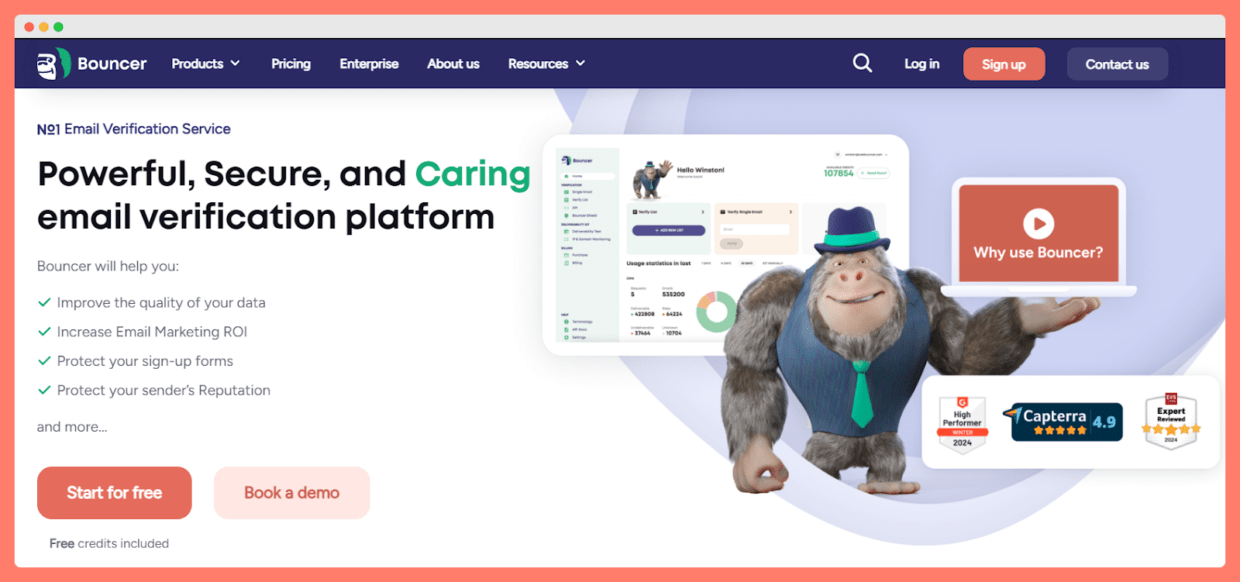
Bouncer offers in-depth troubleshooting. It’s a top-notch solution with a simple and intuitive user interface. Our user-friendly approach ensures that even those without extensive technical knowledge can easily navigate the platform and avoid the spam folder.
Whether you send high-volume emails or just a few every month, our email validation ensures professional delivery every time.
Why is Bouncer better than Mailtrap?
Our system offers many basic and advanced features and integrations to enhance your email infrastructure and quick and easy integration of third-party tools.
For large-scale email testing and marketing emails, Bouncer offers some of the best deliverability rates in the game, no matter the project types you’re working on. It’s a powerful email testing tool that fixes most of your deliverability issues with external recipients.
Considering various crucial aspects, let’s explore why it has an edge over Mailtrap.
⏩ High precision with bias against false negatives
Bouncer does a great job in this area by maintaining a bias against false negatives. Our tool ensures that your emails are categorized correctly. Thanks to this, it reduces the risk of genuine emails being marked as invalid and outdated.
The result: you don’t delete genuine contacts from your list because of an error in your email verification tool. We strongly focus on the accuracy and effortless maintenance of your lists.
⏩ Top coverage and features
Email verification isn’t just about accuracy; it’s also about coverage.
Bouncer can verify email addresses hosted by different email service providers, including deep catchall services like Google Workspace and Office365. It achieves this with an impressively low rate of unknown results, ranging from 0.3% to 3%.
Plus, the tool offers many more features besides email verification. To name a few: Deliverability kit, API, AutoClean, Data enrichment, Shield or Email engagement insights.
The result: this extensive coverage and options guarantees that your emails reach their intended recipients, no matter the platform they use.
⏩ High performance
Bouncer also doesn’t disappoint in this regard—it boasts high-performance capabilities, allowing quick email verification. Its generous rate-limiting feature means it can swiftly check up to 180,000 emails per hour per customer.
The result: you will cover your business’s high email verification needs.
⏩ Reliable and secure
Bouncer is built on reliability and security. It follows a zero downtime policy, ensuring your email verification processes are never interrupted. It’s also SOC-2 Type 1 and GDPR compliant.
The result: you can provide fortress-like security for your data and ensure you adhere to strict regulatory standards.
⏩ Premium support
Last but certainly not least, we should mention premium support. Our tech support team consists of experts who are always ready to assist you with any issues or queries.
The result: A reliable support team can make all the difference in effectively managing your scalable infrastructure.
Improve your scores with deliverability experts from Bouncer
The Mailtrap email delivery platform is a perfect solution for email testing. It guarantees high deliverability and maintains the integrity of email marketing and transactional email campaigns.
However, Bouncer is a better alternative.
Both Bouncer and Mailtrap offer valuable email management solutions. However, Bouncer’s precision, coverage, performance, reliability, and premium support make it a compelling choice for businesses and individuals looking to streamline their email-sending service.
Get complete control, test emails, and send them with Bouncer. Sign up today and validate your first 100 emails for free!
FAQs
What is Mailtrap email testing?
Mailtrap email testing is a specialized service that allows users to test emails in a controlled and safe environment before sending them to actual recipients. It works with different programming languages. Mailtrap supports this process by providing a secure email sandbox environment, which ensures clients can send safe emails.
How should I choose the best platform to deliver emails?
Selecting the right email platform requires careful consideration. For example, use the app’s free version to conduct a week-on-week comparison and check regular weekly reports and reviews about the tool. Also, prioritize platforms that offer proactive support and advanced features.
Can the right email tool help email marketing teams?
Yes! Choosing the right email tool can make a significant difference. With it, you can track key email metrics, identify and address issues, streamline email efforts, debug emails more effectively, and ultimately enhance the performance of your email campaigns.


