If you’re managing email lists or campaigns, the key is to separate email testing from email validation. Mailinator is built for QA, disposable inboxes, and testing email-driven workflows; it is not designed to tell marketers which addresses on a real customer list are safe to send to. That distinction is where a verifier such as Bouncer serves a different job.
TL;DR
- Mailinator is useful for quick disposable inbox testing — but it’s not built for real email validation, long-term tracking, or privacy.
- Public inboxes are intentionally non-private and temporary, and some third-party services block disposable domains. Paid Mailinator plans add private domains, APIs, webhooks, routing rules, and higher testing limits.
- For verified, secure, and high-accuracy results, Bouncer is the stronger choice, offering real-time verification, better deliverability, and full GDPR/SOC-2 protection.
What is Mailinator?
Mailinator is an online disposable email service built for testing and temporary use.
With Public Mailinator, you do not need to generate or register an address first: every possible @mailinator.com inbox already exists. You can choose an address, receive a message and open the public inbox without a login.
Whether you need to check test emails, verify password resets, or see if email service providers are working correctly, Mailinator gets the job done.
Unlike traditional inboxes, a Mailinator address isn’t private. Anyone can access a public inbox if they know the desired email address.
Messages arrive instantly but don’t stick around forever – they’re automatically deleted after a short period. This setup makes it convenient for email testing but risky for private communication.
Businesses and developers use Mailinator to:
- troubleshoot email workflows,
- test signup, password-reset and OTP workflows,
- or test automated messages without cluttering an actual inbox.
Paid plans let you set up a personal domain and access extra tools, but the free version is open to everyone.

Mailinator pricing in 2026
Quick answer: Mailinator’s public disposable inbox is free. Verified Pro can also be free after verification for an individual user, while paid plans are built for private email and SMS workflow testing rather than email-list verification.
- Business: $99/month, or $79/month when billed annually.
- Business Plus: $199/month, or $159/month when billed annually.
- Enterprise: starts at $699/month with custom limits and terms.
Pricing last checked 30 September 2026 against Mailinator’s official monthly and annual pricing pages.
Business includes one private domain, five team seats and up to 100,000 emails per month. Business Plus raises those limits to three private domains, ten seats and up to 300,000 emails per month. Both include API access, webhooks and testing features.
These paid tiers are for QA and email/SMS workflow testing. They do not turn Mailinator into an email-list verification service, so teams comparing it with a verifier should first decide which job they actually need to solve.
Where Mailinator falls short for email validation
Mailinator works well for email testing, but there are major gaps in email validation.
While it lets users generate disposable email addresses, it doesn’t check if an email is real, active, or safe to send to.
This can lead to issues, especially for businesses that rely on clean contact lists.
Emails don’t always arrive
A significant drawback of Mailinator is that emails sometimes disappear without a trace. Alex B., an owner in the software industry, shared this frustration:
“A lot of emails do not get received. Just simply disappear.”
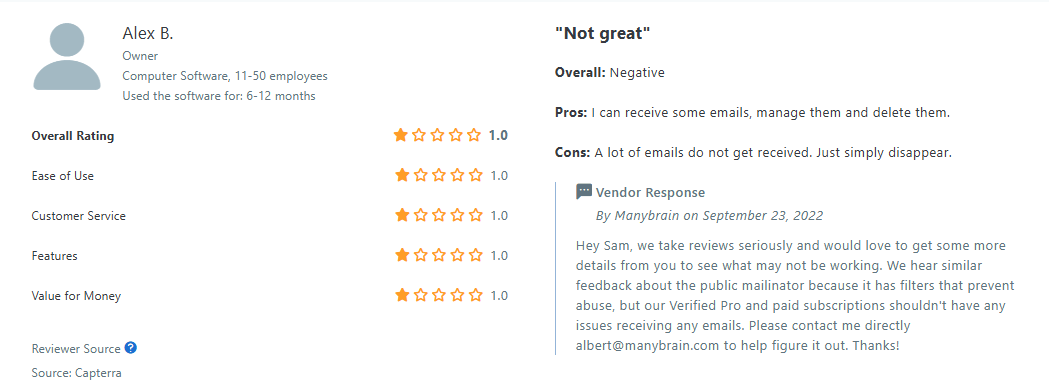
For businesses that depend on accurate email workflows, missing messages can cause serious problems. If you’re testing sign-ups, password resets, or automated emails, you need every message to go through – Mailinator can’t guarantee that.
Public inboxes lack privacy
Since Mailinator is a receive-only public inbox, anyone can access emails sent to a Mailinator domain. This is fine for manual testing but a major risk for private communication. Mohammed S., a software engineer, pointed this out:
“Mailinator’s public inboxes lack privacy, and limited features in the free plan can be restrictive for some use cases.”
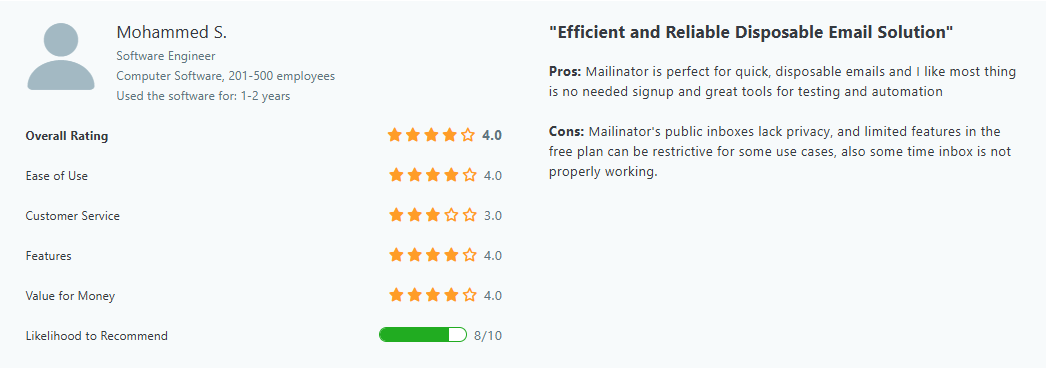
If you’re dealing with email service providers, customer sign-ups, or sensitive content, a temporary email address open to the public isn’t the best choice.
Emails don’t stay for long
Mailinator messages don’t stick around – they’re automatically deleted after a few hours. While this keeps inboxes clean, it can be a hassle for businesses that need to track interactions over time. James B., a senior HRIS Analyst, found this frustrating when testing a chatbot integration:
“Sometimes we needed the mailbox to last longer than it did.”
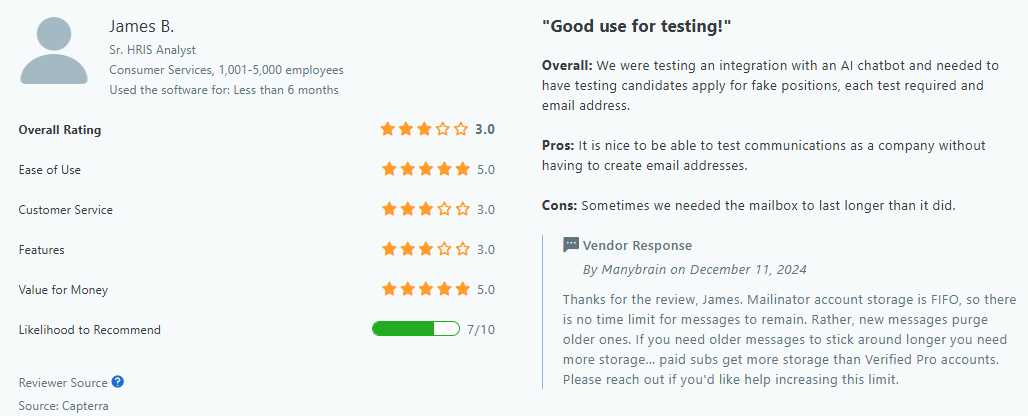
If you need to keep a record of test emails or monitor email marketing campaigns, Mailinator’s short message lifespan can be a dealbreaker.
Mailinator emails get blocked
Some platforms, including email service providers, refuse to send messages to Mailinator addresses. Eric T., a consultant, mentioned this issue:
“We have seen Salesforce not send to Mailinator emails after a while.”
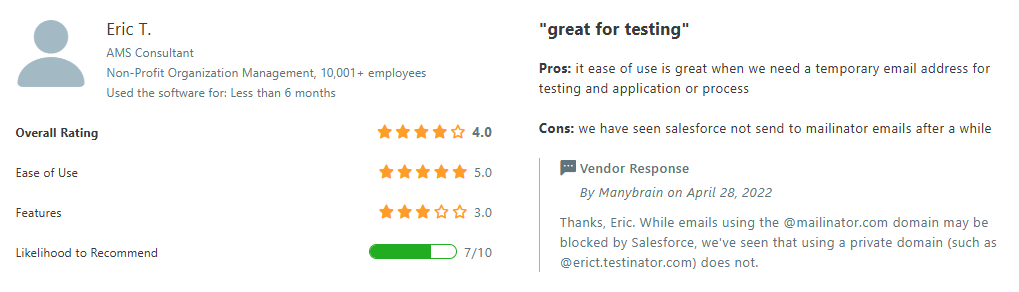
If you are testing against real third-party services, some messages still may not reach a public Mailinator inbox because the sender can block disposable domains or apply its own filtering and rate limits. That is different from Mailinator itself being unable to receive test mail. Disposable domains can be treated as spam risks by some services.
How to handle disposable email domains in a real signup flow
If temporary inboxes are the real problem, you do not need to treat every unfamiliar domain as suspicious. A better workflow is to identify disposable providers at the point of entry and decide what your product should do with them. Our guide on how to check disposable email addresses covers the detection side.
For forms where temporary addresses create abuse, duplicate accounts or low-quality leads, you can also use a stricter rule. See how to block disposable emails for practical options and trade-offs.
Why Bouncer is a better alternative
You need a tool beyond temporary email addresses if you want clean, working email lists.
That’s where Bouncer comes in, with its email verification, API, AutoClean, Data enrichment, Shield or Email engagement insights, and other robust features.
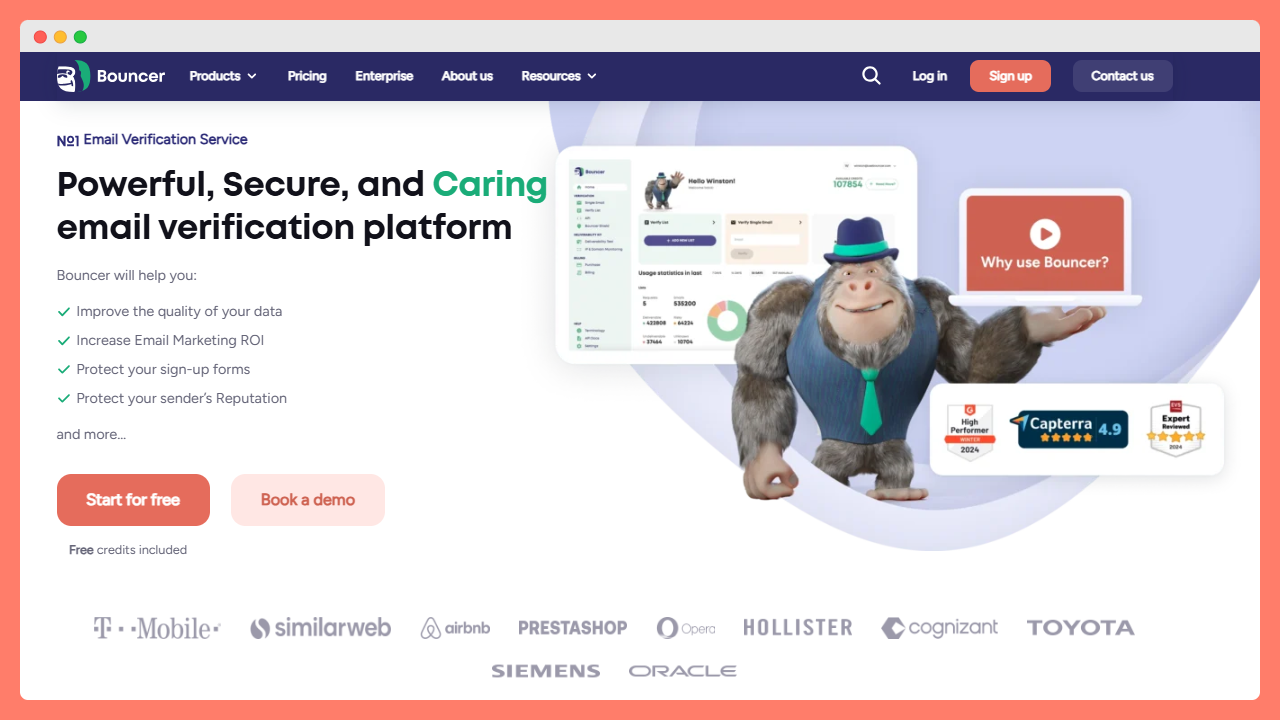
Bouncer checks emails in real time
Mailinator doesn’t verify if an email is real, active, or safe to send to. It just receives-only public inboxes, which means businesses using it for list cleanup are flying blind. Bouncer, on the other hand, catches invalid emails before they ever reach your list.
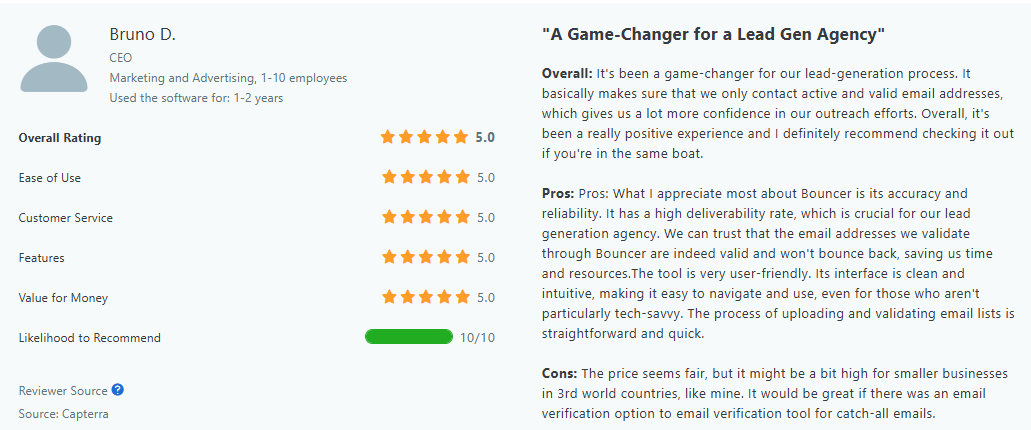
Bruno D., a CEO in the marketing industry, put it this way:
“It’s been a game-changer for our lead-generation process. It basically makes sure that we only contact active and valid email addresses, which gives us a lot more confidence in our outreach efforts.”
If you’re running email marketing campaigns, that confidence matters.
Better deliverability, fewer bounces
Sending emails to bad addresses hurts your sender reputation. Mailinator won’t help you fix that. Bouncer, however, is built to cut down on bounced emails and improve deliverability.
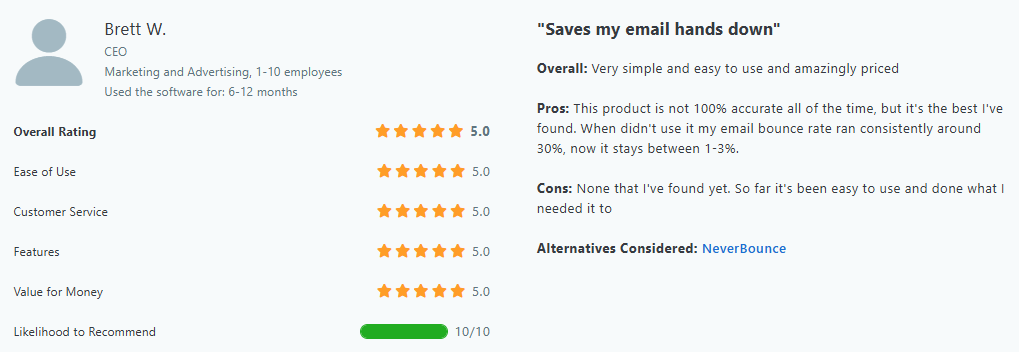
Brett W., a CEO in marketing, noticed the difference:
“When I didn’t use it, my email bounce rate ran consistently around 30%, now it stays between 1-3%.”
That’s a massive difference for any business that relies on email.
Stronger data security
Mailinator is open to anyone. Emails sent to a Mailinator domain sit in a public inbox, where anyone can read them. That’s fine for manual testing but risky for anything involving customers. Bouncer is different. It’s SOC 2 and GDPR-compliant, which means your data stays protected.
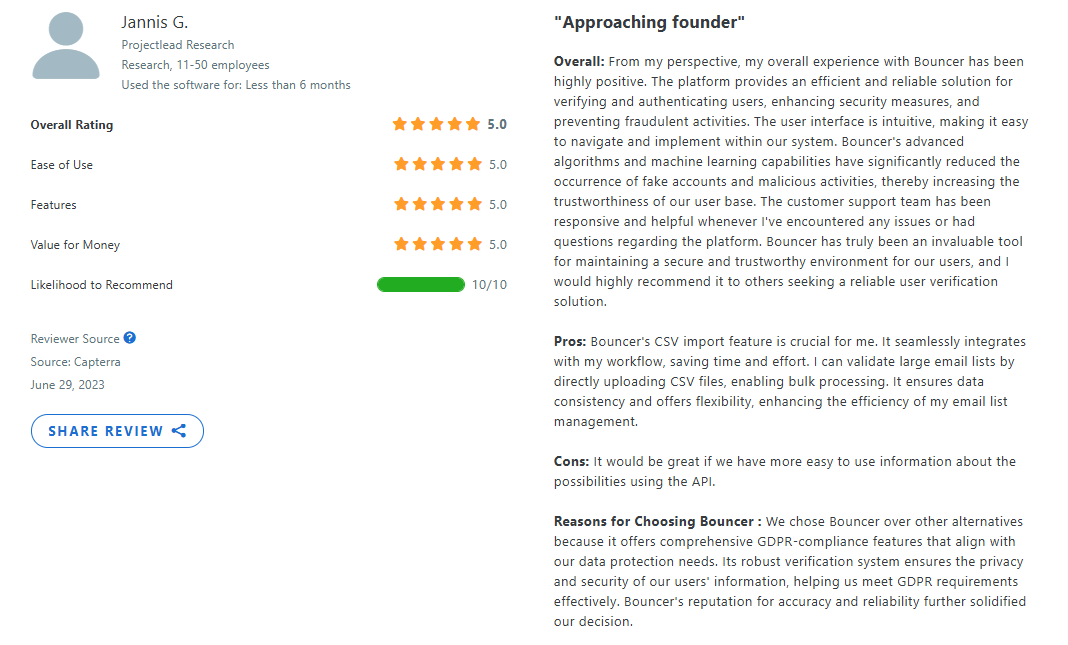
Jannis G., a project lead in research, said it best:
“We chose Bouncer over other alternatives because it offers comprehensive GDPR-compliance features that align with our data protection needs.”
If privacy and security matter, Mailinator’s open-inbox system isn’t the right choice.
Easy to integrate with your workflow
Businesses need tools that fit into their existing setup. Bouncer makes that easy. Whether you’re verifying emails one by one, in bulk, or through an API, it works smoothly with your system.
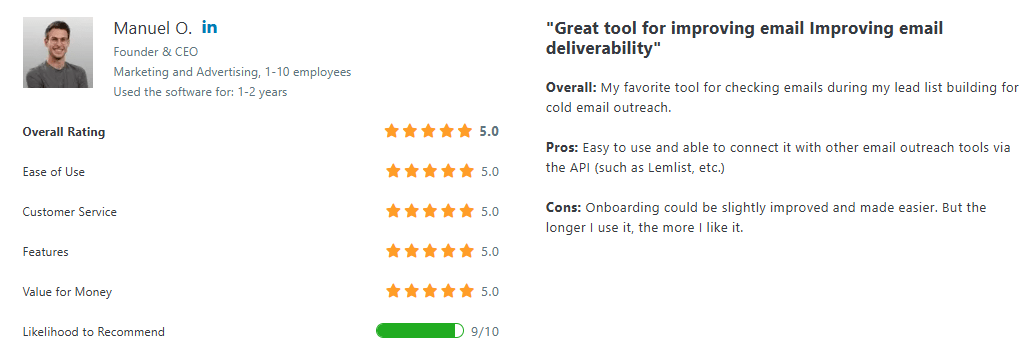
Manuel O., a CEO in advertising, found this especially useful:
“Easy to use and able to connect it with other email outreach tools via the API (such as Lemlist, etc.).”
Mailinator is actually built around QA and email-testing workflows. Its current plans include API access, webhooks, routing rules, load testing, and private testing domains, with higher tiers adding team and enterprise controls. The key distinction is that Mailinator is a testing inbox platform, not an email-list validation service.
Choose the right tool for your needs
A Mailinator inbox works when you need a quick fix, but a disposable email address won’t help your business grow when it comes to email validation.
Missed messages, public inboxes, and emails that vanish after a few hours? That’s not a long-term solution.
If you’re serious about better deliverability and protecting your sender reputation, you need a tool built for real-world email quality assurance.
Bouncer helps you keep lists clean, reach real people, and avoid costly email mistakes.
Don’t let a testing tool define your success. Choose a validator that works when it really matters. Grab your 100 free credits now and sign up for Bouncer.