





But here’s the problem: email addresses go invalid fast. People change jobs, abandon old Gmail accounts, switch domains — and every invalid address you send to hurts your deliverability, wastes your time, and can even get your account flagged as spam.
That’s where email verification caught attention.
In this guide, we’ll walk you through why email validation matters specifically for freelancers, how the verification process works, and the best tools you can use — many with a free plan or free tier — to keep your contacts clean and your campaigns landing in the inbox.
Why Email Verification Matters for Freelancers
Most articles about email verification are written for large marketing teams or enterprise companies.
But freelancers have their own unique challenges when it comes to sending emails — and they’re often overlooked.
When you’re a solo operator trying to land your first client or scale your business to the next level, every message you send matters. You can’t afford to spend hours manually chasing down wrong addresses or lose potential clients because your outreach never made it to their inbox. Email verification for freelancers isn’t just a technical nicety — it’s a practical business tool.

The Real Cost of Bad Email Addresses
Sending to invalid email addresses doesn’t just result in a bounce. It signals to email service providers (ESPs) that your list hygiene is poor, which gradually damages your sender reputation. A damaged sender reputation means more of your future emails end up in spam — even the ones going to valid addresses. For freelancers who rely on direct outreach to win clients, this is a business-critical problem.
Beyond deliverability, there’s also the issue of wasted effort. If you’re uploading a list of leads to a platform and proceeding without validating those email addresses first, you’re paying to send emails that will never be read. Validating your contacts before you send is simply good business practice — it protects your freelance brand and makes every campaign more effective.
How Email Validation Works
Email validation checks several layers of an email address to determine whether it’s likely to deliver successfully. The process typically involves:
- Syntax checks — confirming the address format is valid (e.g., no missing @ symbol or domain)
- Domain and MX records checks — verifying that the domain exists and has valid mail exchange (MX) records set up to receive email
- SMTP checks — pinging the mail server to confirm the mailbox exists without actually sending a message
- Disposable and fake address detection — flagging temporary or fake email addresses that will never lead to a real conversation
Most email verification tools automate all of these steps, so you can verify in bulk or via an email verification API integrated directly into your workflow.
Who Needs Email Verification? (Hint: You Do)
Freelancers often assume that email verification tools are built for marketers or big companies sending millions of emails. But if any of the following sounds familiar, email verification is for you:
- You maintain a list of contacts — past clients, leads, collaborators — and you’re not sure how current those email addresses are.
- You send regular follow ups or newsletters to prospects to stay top of mind.
- You scraped or purchased a list of leads and want to validate those addresses before proceeding.
- You’re building a landing page with an email opt-in and want to prevent fake or mistyped addresses from polluting your list.
- You use automation tools to send outreach campaigns and want to protect your sender reputation.
Whether you have 50 contacts or 5,000, verifying your email list before you send is one of the highest-ROI actions you can take as a freelancer.
Best Email Verification Tools for Freelancers
There are a lot of tools out there, but not all of them are built with freelancers in mind. We’ve selected the best options based on ease of use, pricing (especially free tiers), accuracy, and feature sets relevant to solo operators and small businesses. Here’s a breakdown.
Bouncer
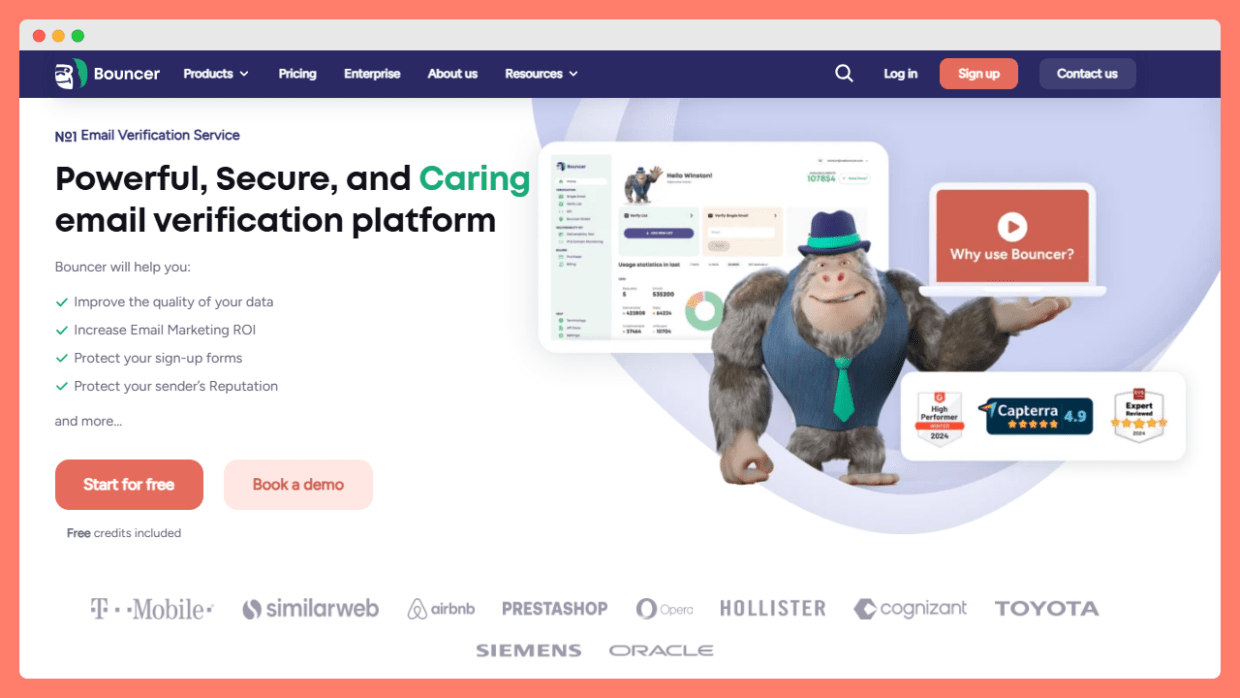
Bouncer is one of the most accurate and user-friendly email verification tools available, and it’s an excellent choice for freelancers who want to verify email addresses without a steep learning curve or a high cost.
With Bouncer, you can upload a list of email addresses and receive a detailed report on which are valid, invalid, risky, or unknown — complete with information about MX records, domain status, and SMTP responses. The platform supports both bulk email verification and an email verification API, so you can verify contacts manually when needed or integrate verification directly into your lead capture forms or CRM.
Bouncer’s free tier gives you 100 free verifications to start, making it easy to test the service before committing. Paid tiers are based on usage, with no monthly subscription required, which is ideal for freelancers who verify contacts in batches rather than on a fixed schedule. The platform also has strong data security practices, so you can feel confident that your client data stays protected.
What sets Bouncer apart is the combination of high accuracy, transparent pricing, and a clean interface that doesn’t require you to be a technical expert. For freelancers who want reliable email deliverability without spending a lot of money or time, Bouncer delivers.
Best for: Freelancers who want high accuracy and pay-as-you-go pricing with no monthly commitment.
Campaign Monitor
Campaign Monitor is primarily known as an email marketing platform, but it includes built-in tools to help you maintain list hygiene and improve deliverability across your campaigns.
For freelancers already using an email service provider to send newsletters or client updates, Campaign Monitor offers an all-in-one solution. Its platform automatically handles bounce processing, flags invalid addresses, and helps you segment your contacts based on engagement. This makes it easier to focus your efforts on the people most likely to respond to your outreach.
While Campaign Monitor isn’t a dedicated email verification tool in the traditional sense, it does validate addresses when they’re added to your lists and integrates with third-party verification services for deeper validation. The platform also offers automation features, which are useful for freelancers who want to set up drip campaigns or follow ups without manually sending each message.
Campaign Monitor has a free plan for small lists, with paid tiers scaling by the number of contacts and emails sent per month. For freelancers who want email marketing and basic validation in one platform, it’s a solid choice.
Kickbox
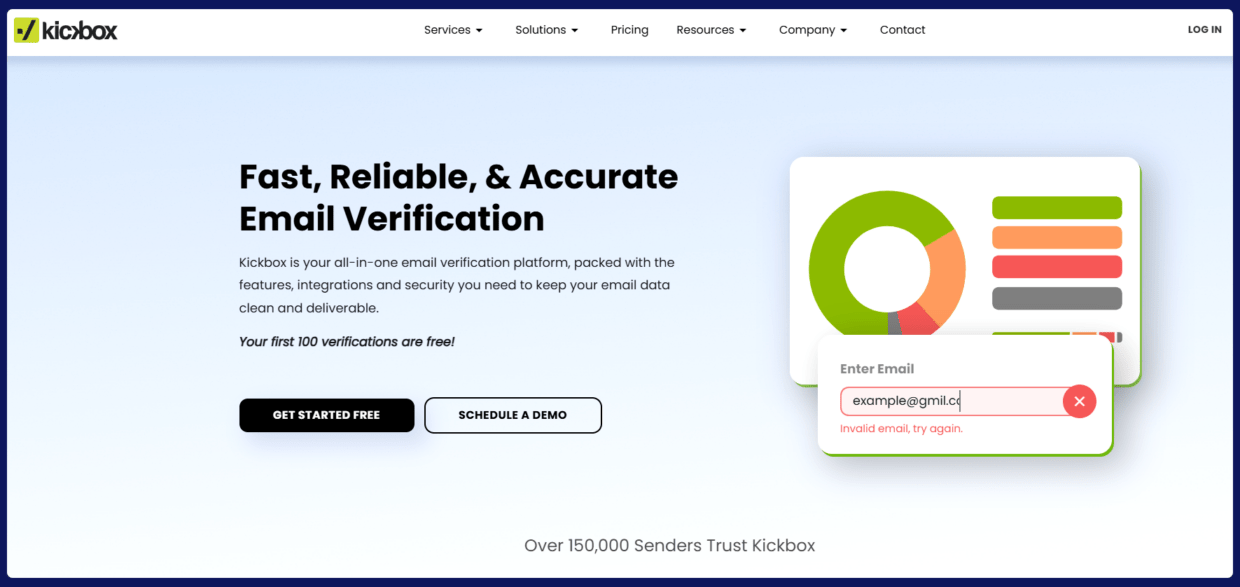
Kickbox is a dedicated email verification tool built for marketers and businesses that need to verify email addresses at scale. Its API-first design makes it popular with developers, but it’s also accessible enough for non-technical freelancers who just want to upload a list and get results.
Kickbox offers real-time verification via its email verification API, meaning you can validate an address at the point of entry — for example, when someone fills out a form on your website or landing page. This is particularly useful for freelancers building inbound lead capture systems, as it prevents fake or mistyped addresses from entering your email list in the first place.
The platform checks syntax, domain health, MX records, and SMTP connectivity, and it returns a “sendex” score for each address that gives you a clear picture of how likely the address is to deliver successfully. Kickbox also flags disposable email addresses and role-based accounts (like info@ or support@) that rarely lead to meaningful engagement.
Kickbox offers 100 free verifications on signup, making it easy to evaluate the service. Beyond that, pricing is based on the volume of verifications, with no monthly price required for the pay-as-you-go plan.
Mailgun
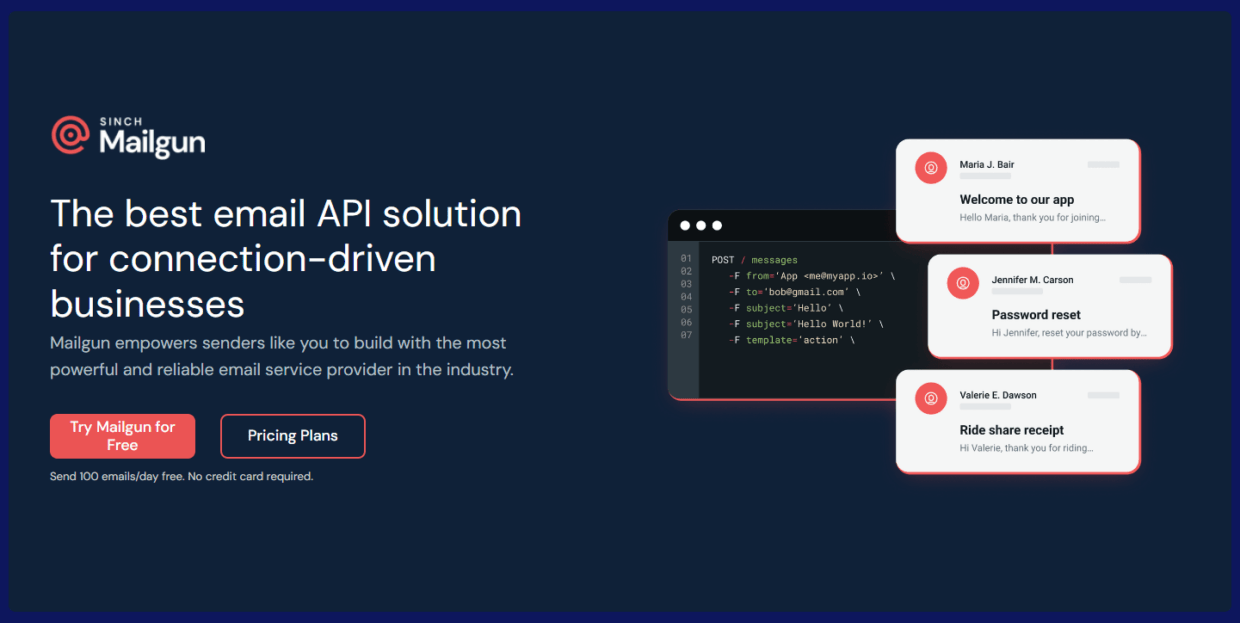
Mailgun is best known as a transactional email service, but it also includes a powerful email validation feature that freelancers can use to verify addresses before sending campaigns or outreach emails.
Mailgun’s email validation API checks addresses in real time and provides detailed data on domain health, MX records, mail server configuration, and whether the mailbox is likely to accept messages. It also detects spam traps and role-based addresses, giving you a more complete picture of your list quality.
For freelancers who are already using Mailgun to send transactional emails — such as automated client notifications or booking confirmations — adding email validation to the mix is a natural extension. The service supports both single address lookups and bulk verification, and it integrates smoothly with most popular automation platforms.
Mailgun offers a free tier that allows a limited number of validations per month, making it accessible even if you’re just getting started. The platform also provides detailed documentation and a developer-friendly API, so if you’re comfortable with code, you can build email verification directly into your client-facing tools.
Mail Tester
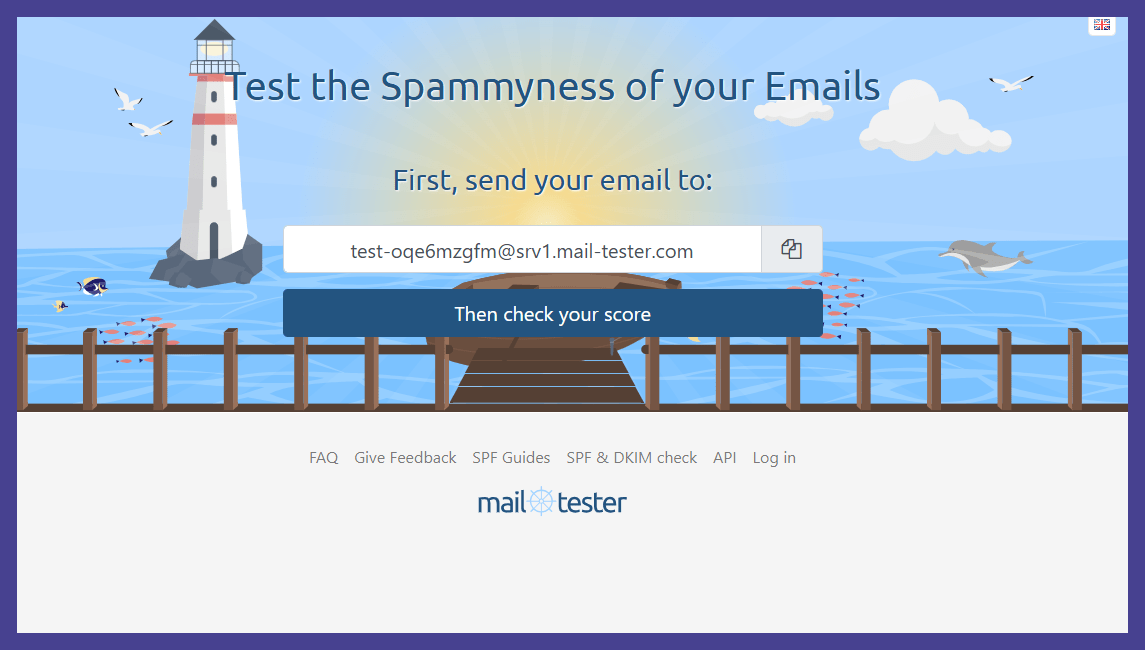
Mail Tester takes a slightly different approach to email verification. Rather than validating lists of contacts, it focuses on helping you verify that your own sending infrastructure is correctly configured and that your emails are likely to reach the inbox rather than the spam folder.
With Mail Tester, you send a test email to a unique address generated by the tool, and the platform returns a score and detailed report on your message. The report covers your domain’s SMTP setup, SPF and DKIM records, spam score, and other factors that affect deliverability. It also highlights specific issues you can fix to improve your chances of landing in the inbox.
For freelancers, this kind of verification is especially useful when you’re setting up a new email address or custom domain for your business. Making sure your domain is properly configured before you start sending outreach can save you a lot of headaches — and protect your freelance brand from the start.
Mail Tester offers free tests for basic use, with more detailed reports available on paid plans. It’s a lightweight but powerful tool for anyone who wants to verify that their email setup is working as intended before they send their first client outreach.
QuickEmailVerification
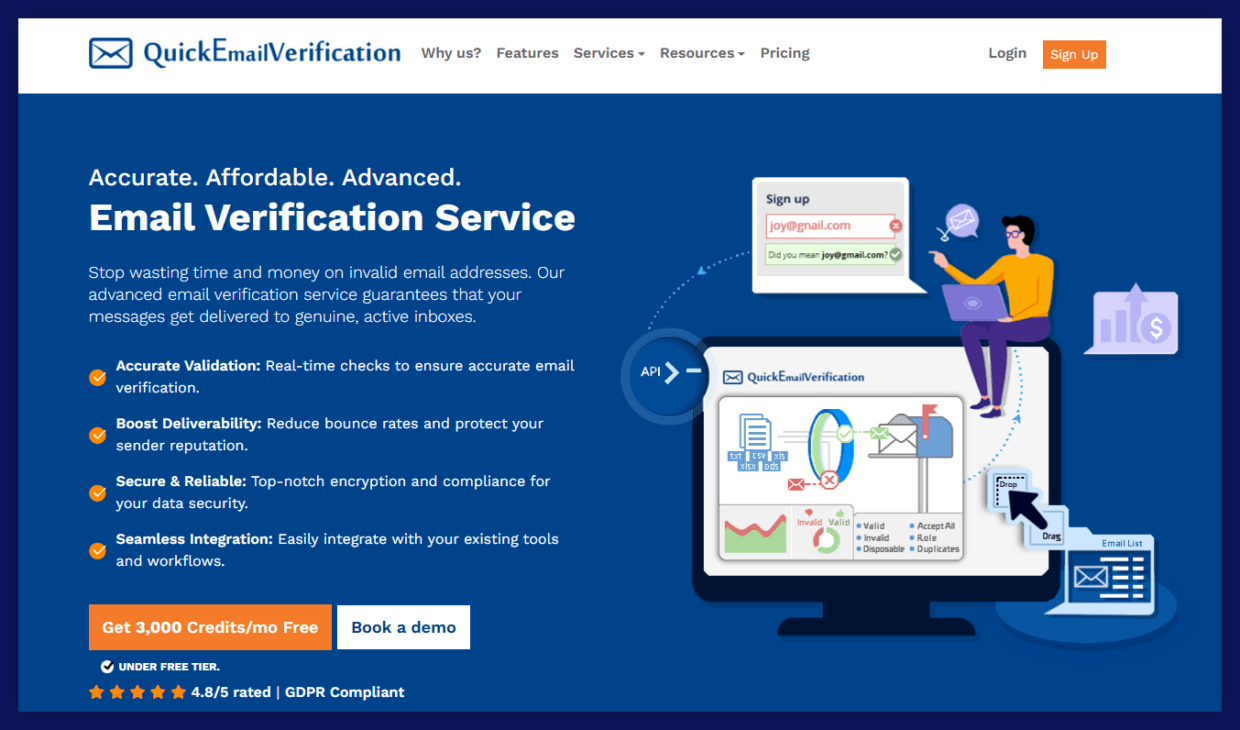
QuickEmailVerification is a straightforward bulk email verification service that prioritizes speed and accuracy. If you have a list of email addresses you need to clean quickly — whether it’s a batch of leads from a Google Sheet or a list you’ve been building over time — QuickEmailVerification makes the process simple.
The tool verifies email addresses against multiple criteria including syntax, domain validity, MX records, and SMTP server response. It categorizes results as valid, invalid, disposable, or accept-all, giving you the data you need to decide how to proceed with each contact. Results can be downloaded in multiple formats, making it easy to upload them back into your email service provider or CRM.
QuickEmailVerification offers a generous free plan that includes 100 free verifications per day, which is plenty for most freelancers. Paid plans are priced by volume, with no monthly price commitment needed — you simply buy credits as you need them. This makes it a very cost-effective option for freelancers who verify email addresses in batches.
Verifalia
Verifalia is a high-accuracy email verification service designed for businesses and professionals who need reliable results and flexible integration options. It’s a great choice for freelancers who want a tool that can scale with their business without requiring a platform switch down the road.
Verifalia verifies email addresses through a multi-step process that includes syntax validation, DNS and MX records checks, and SMTP-level mailbox verification. It also detects disposable addresses, role-based accounts, and catch-all domains — the kind of detail that makes a real difference when you’re trying to determine whether a contact is worth pursuing.
The platform offers a clean web interface for manual and bulk verification, as well as a robust email verification API for developers who want to automate the process. Verifalia is also notable for its data privacy practices, which is important for freelancers working with client data in regulated industries.
Verifalia has a free tier with a limited number of monthly verifications, and paid plans with higher volumes and additional features. The platform is trusted by companies of all sizes, and its accuracy is consistently rated among the best in the industry.
ZoomInfo
ZoomInfo is a B2B data platform primarily used for prospecting and lead generation, but it also includes email verification and validation features as part of its broader contact data suite. For freelancers focused on business development and finding new clients, it occupies a different space than the other tools on this list — but it’s worth including for the right use case.
ZoomInfo maintains a large database of business contacts and uses machine learning and human verification to keep email addresses and other contact data up to date. When you search for leads on the platform, you get verified email addresses along with phone numbers, job titles, company data, and more. This makes it particularly valuable for freelancers who are actively prospecting for new clients rather than just cleaning an existing list.
The platform is significantly more expensive than dedicated email verification tools, and it’s best suited for freelancers who plan to use it as a full prospecting and lead generation tool rather than just for email validation. ZoomInfo doesn’t have a free tier, but it does offer demo access to explore the platform before committing to a paid plan.
How to Choose the Right Email Verification Tool
With so many options available, choosing the right email verification tool for your freelance business comes down to a few key questions:
How many email addresses do you need to verify?
If you’re working with small lists, a free plan or free tier from Bouncer, QuickEmailVerification, or Kickbox will likely be enough. If you’re working at scale, look for a tool with bulk email verification capabilities and volume-based pricing.
Do you need real-time verification or batch processing?
If you’re building a form or lead capture page and want to verify email addresses at the point of entry, you’ll need a tool with an email verification API. If you’re cleaning an existing list, a bulk upload tool is sufficient.
What’s your budget?
Most tools on this list offer a free tier or pay-as-you-go pricing, which is ideal for freelancers who don’t want a recurring monthly price. Compare the cost per verification and look for tools that offer volume discounts as your needs grow.
Do you need additional features?
Some tools, like Campaign Monitor and ZoomInfo, bundle email verification with broader email marketing or lead generation features. If you’re looking for an all-in-one platform, those may be worth the higher cost.
Tips for Getting the Best Results from Email Verification
Once you’ve chosen your tool, here are a few best practices to get the most out of it:
Verify before you send, every time. Don’t assume that a list you’ve used before is still valid. Email addresses go stale quickly — especially in B2B contexts where people change jobs frequently. Always verify your contacts before proceeding with a new campaign.
Don’t ignore risky addresses. Most email verification tools will flag some addresses as “risky” rather than clearly valid or invalid. These are often catch-all domains or addresses that couldn’t be verified via SMTP. Use your judgment — if the address is associated with a key potential client or lead, it may be worth sending to. If it’s an unknown contact on a cold list, it’s probably not worth the risk to your deliverability.
Re-verify your list regularly. Even if you verified your email list six months ago, it’s worth re-verifying before a major campaign. A good rule of thumb is to verify any list that hasn’t been used in three months or more.
Use verification at the point of entry. If you’re collecting email addresses through a website form, integrate an email verification API to check addresses automatically. This prevents fake and mistyped addresses from entering your list in the first place, saving you the trouble of cleaning them out later.
Pair verification with good sending habits. Email verification improves your deliverability, but it’s not the only factor. Make sure your domain is properly configured with DKIM, SPF, and DMARC records, and focus on sending relevant, high-quality messages to build a positive sender reputation over time.
Final Thoughts
Email verification for freelancers isn’t a luxury — it’s a foundational part of running a professional, effective outreach operation. Whether you’re sending proposals to new leads, nurturing existing clients with follow ups, or running campaigns to grow your freelance brand, the quality of your email addresses determines how many of those messages actually get seen.
The good news is that most of the tools covered here offer a free plan or free tier to get you started, and the cost of verifying your email list is minimal compared to the time and money you’d waste sending to invalid addresses. Start with a tool like Bouncer to verify your existing contacts, consider adding real-time validation to your lead capture forms, and build email verification into your regular workflow.
Clean email lists mean better deliverability, more conversations with real potential clients, and ultimately more business. That’s something every freelancer can get behind.


