





Sales gets notified before anyone checks whether the email address works. That is why deliverability tools that integrate with zapier and hubspot matter. They help teams keep automation useful without turning every connected workflow into a faster way to spread bad data.
You’ll learn
- Why Zapier and HubSpot workflows need deliverability checks
- Which deliverability tool categories fit HubSpot and Zapier users
- Why Bouncer is a strong option for email verification, AutoClean, and connected workflows
- How to compare tools for verification, form protection, CRM hygiene, and inbox placement
- Where Zapier fits when native integrations are not enough
- How to build a cleaner workflow for forms, lists, campaigns, and CRM records
- What to monitor so bad email data does not keep returning
Why HubSpot and Zapier users need deliverability tools
HubSpot often becomes the place where customer and lead data collects. Zapier often becomes the bridge between forms, landing pages, spreadsheets, webinar tools, ecommerce platforms, CRMs, notification tools, and databases.
Together, they create powerful workflows. They can also create messy ones.
If a form submission enters through Zapier and lands in HubSpot without validation, the CRM can fill with fake, invalid, disposable, or risky emails. If those contacts then join marketing lists, sales sequences, workflows, or lifecycle reporting, one bad address can become a bigger data problem.
Email deliverability is not only about the email platform. It starts earlier, with the quality of the records that enter your systems.
HubSpot deliverability issues can show up as hard bounces, spam complaints, unsubscribes, poor engagement, sending suspensions, weaker domain reputation, and lower campaign reach. Zapier can help automate checks before those records move into HubSpot, but only if the workflow includes the right deliverability layer.
That is why teams search for deliverability tools that integrate with zapier and hubspot. They do not only need a dashboard. They need a workflow that verifies email addresses, protects forms, cleans existing lists, updates CRM records, and supports safer campaigns.
What “deliverability tool” means in this context
Deliverability tools can mean several things. Some verify email addresses. Some monitor inbox placement. Some check blocklists. Some test authentication. Some protect forms. Some clean CRM data. Some connect through Zapier when native integration is not available.
For HubSpot and Zapier users, the most useful tools usually sit in these categories.
| Tool category | What it helps with | Why it matters for HubSpot and Zapier |
| Email verification | Checks whether email addresses appear valid and deliverable | Reduces hard bounces before records enter campaigns |
| Bulk list verification | Cleans larger lists and CRM exports | Useful before HubSpot campaigns or migrations |
| Real-time API validation | Checks emails at form submission or workflow entry | Stops bad records before Zapier pushes them forward |
| Form protection | Blocks fake, malicious, or invalid submissions | Protects demo forms, lead magnets, trial signups, and webinar forms |
| CRM hygiene automation | Keeps HubSpot lists cleaner over time | Reduces manual cleanup |
| Inbox placement testing | Checks whether emails land in inbox or spam | Useful before important campaigns |
| Blocklist monitoring | Checks domain or IP blocklist status | Helps diagnose sudden deliverability drops |
| Authentication testing | Checks SPF, DKIM, DMARC, and related setup | Supports sender trust |
A good setup rarely relies on one isolated tool. It connects verification, CRM rules, deliverability checks, and automation.
Bouncer
Bouncer is a strong fit for teams that need deliverability tools that integrate with zapier and hubspot because it supports both direct HubSpot workflows and Zapier-based automation.
For HubSpot users, Bouncer’s HubSpot integration allows teams to verify particular lists and set up AutoClean. AutoClean can monitor selected lists and help keep contact records cleaner without constant manual exports.
Bouncer is also listed in the HubSpot App Marketplace as an email verification app that lets teams connect HubSpot and Bouncer, verify lists, or set up AutoClean. This is especially useful for marketing and RevOps teams that use HubSpot as the main CRM and campaign database.
For Zapier workflows, Bouncer connects through Zapier with a “Verify Email” action. That means a Zap can check an email address before the record moves into another app. For example, a Zap can take a form submission, verify the email with Bouncer, then send only safer records into HubSpot or route risky ones differently.
Bouncer also supports Email Verification for existing lists and bulk email verification for larger files. Its Email Verification API can validate email addresses inside custom workflows, while Bouncer Shield helps protect forms from invalid, fake, or malicious email submissions.
For wider deliverability health, Deliverability Kit helps with inbox placement, blocklist, SPF, DKIM, DMARC, and SpamAssassin tests. Toxicity Check helps identify potentially harmful emails that may carry reputation risk.
This makes Bouncer more than a simple email checker. It can verify HubSpot lists, clean new records through Zapier, support real-time validation, protect forms, and add deliverability diagnostics.
Why Bouncer is especially useful for HubSpot
HubSpot is often the source of truth for marketing and sales. That means email quality inside HubSpot affects many workflows.
A bad email address can enter a list, trigger a workflow, receive a marketing email, create a hard bounce, distort reporting, and remain in the CRM for future campaigns. If the same records keep getting imported or reactivated, the problem repeats.
Bouncer’s HubSpot integration helps because verification happens closer to the CRM. Teams can verify lists, export verification results, and remove specific groups such as undeliverable or risky addresses. AutoClean makes the workflow more continuous, so list hygiene does not depend only on one-off manual checks.
This matters for teams that use HubSpot for:
- Newsletter campaigns
- Webinar follow-up
- Lead nurturing
- Sales routing
- Lifecycle workflows
- Customer marketing
- CRM migrations
- Reactivation campaigns
- Partner lead imports
- Form submissions
HubSpot already tracks campaign performance and deliverability signals such as bounces, unsubscribes, spam reports, opens, and clicks. But those signals often appear after sending. Bouncer helps reduce risk before the send happens.
Why Zapier matters for deliverability workflows
Zapier is useful when the native integration does not cover the exact workflow you need.
A team might use a Typeform, Webflow form, Google Sheet, webinar platform, lead ad, survey tool, or custom app. Zapier can connect that source to HubSpot. The risk is that it may pass every email forward, good or bad.
Adding Bouncer into the Zap changes the workflow.
Instead of:
Form submission → HubSpot contact
You can build:
Form submission → Bouncer verifies email → HubSpot contact created only if safe
Or:
Form submission → Bouncer verifies email → HubSpot contact updated with verification status → risky records routed to review
Or:
Webhook → Bouncer verifies email → Zapier Paths split valid, invalid, risky, and unknown records
This is valuable because Zapier can support no-code or low-code deliverability workflows. Marketing ops does not always need a developer to protect a form or route bad records differently.
How Bouncer, Zapier, and HubSpot can work together
Here are practical workflows teams can build.
| Workflow | Trigger | Bouncer role | HubSpot result |
| New form lead validation | Form submission through Zapier | Verify email before CRM entry | Create only cleaner contacts |
| Webinar registration cleanup | New registrant added | Check email validity | Add valid contacts to nurture list |
| Lead magnet protection | Content form completed | Flag invalid or disposable emails | Route risky records away from MQL workflow |
| CRM list hygiene | HubSpot list selected | Verify list through Bouncer integration | Update or export verification results |
| AutoClean workflow | HubSpot list monitored | Reverify contacts over time | Keep selected lists cleaner |
| Sales routing | New inbound lead | Verify email and classify risk | Send valid leads to sales |
| Agency client workflow | Client form or file enters process | Verify via Zapier or HubSpot integration | Keep client data separated and cleaner |
| Reactivation prep | Old HubSpot segment selected | Bulk verify before campaign | Suppress invalid and toxic records |
The best workflow depends on where bad data enters. If the issue starts with forms, use Zapier, API validation, or Shield. If the issue lives in existing HubSpot lists, use direct list verification or AutoClean.
Other tools that integrate with Zapier and HubSpot
Bouncer is a strong fit, but it is not the only tool teams may compare.
NeverBounce
NeverBounce offers email verification and integrates with Zapier. It can verify emails in automated workflows and support list cleanup. It may work for teams that want straightforward verification without building a more layered deliverability setup.
For HubSpot users, NeverBounce can fit through Zapier or other integration routes depending on the workflow. It is useful for basic validation, especially when the goal is to prevent invalid emails from moving through forms or into lists.
The limitation is broader workflow depth. If the team wants HubSpot AutoClean, form protection, toxicity checks, and Deliverability Kit-style testing in one ecosystem, Bouncer may be a stronger fit.
ZeroBounce
ZeroBounce offers email validation and connects with Zapier. It can help teams verify emails, detect risky records, and support data quality workflows.
It can work for teams that want validation plus additional data-related features. Through Zapier, teams can connect ZeroBounce to form tools, CRMs, spreadsheets, and marketing apps.
When comparing ZeroBounce with Bouncer, look at the operational workflow. If your HubSpot team needs direct list verification and AutoClean-style hygiene, Bouncer deserves close attention. If the workflow is mostly Zapier-based and feature-heavy validation, ZeroBounce may also be considered.
Emailable
Emailable offers email verification and supports Zapier workflows. It also promotes HubSpot verification through Zapier, including real-time verification for new HubSpot contacts and scheduled checks for data health.
This can be useful for teams that want Zapier-based HubSpot workflows without custom development.
The comparison with Bouncer comes down to native HubSpot workflow, AutoClean needs, deliverability diagnostics, toxicity checks, and how the team prefers to manage list hygiene. Bouncer is stronger when the team wants verification, HubSpot AutoClean, Shield, API, Toxicity Check, and Deliverability Kit together.
QuickEmailVerification
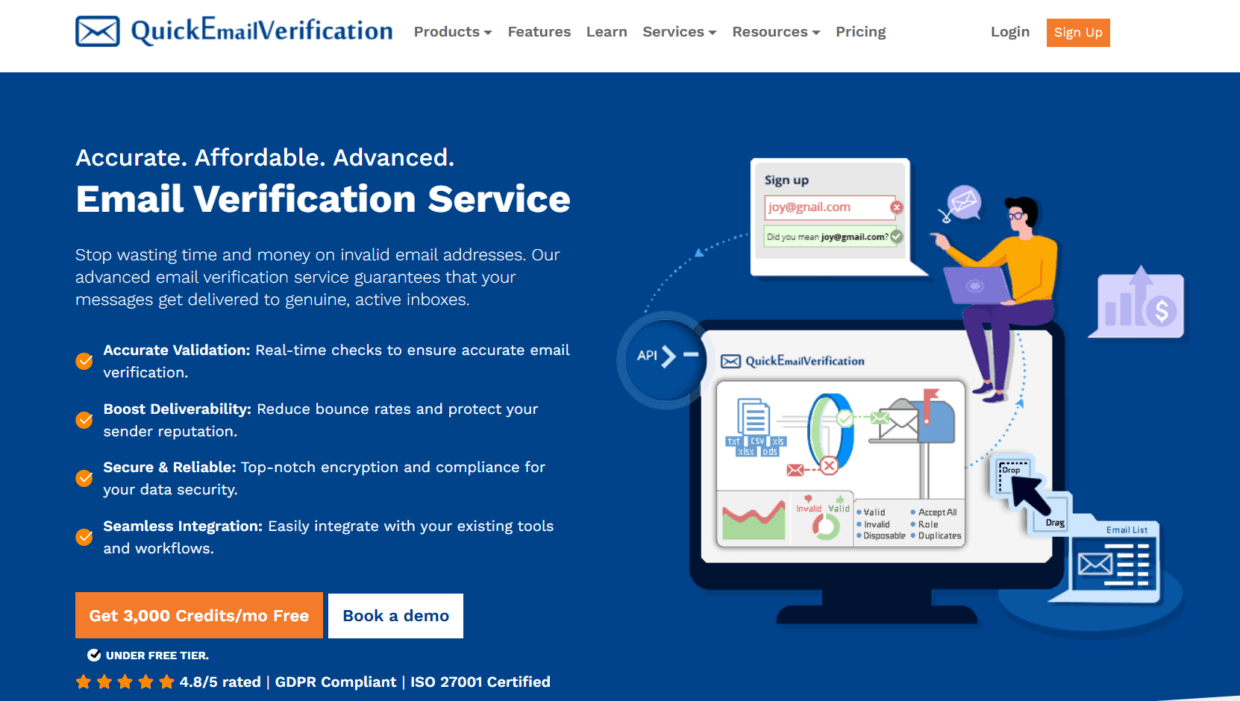
QuickEmailVerification connects with Zapier and can verify email addresses in automated workflows. It may fit teams that need simple validation inside Zapier workflows.
It can be useful when a team wants to check new form submissions or list entries before adding them to another platform.
The limitation is that simple verification alone may not cover wider deliverability needs. If HubSpot is the main CRM and campaign hub, teams may need more direct CRM hygiene support, list verification, and deliverability testing.
Mailgun Validate
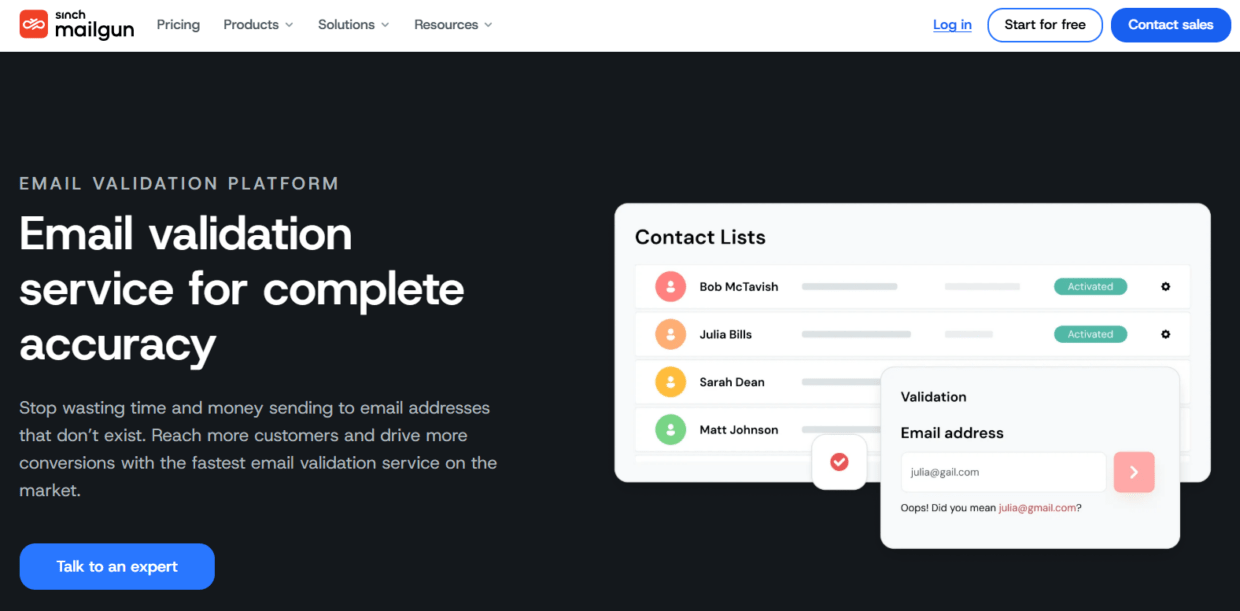
Mailgun Validate is better suited to developer-led teams and product workflows. It may not be the first choice for a marketing team using HubSpot and Zapier, but it can fit technical setups that need API validation close to email infrastructure.
For example, a SaaS product team might validate signups through API before records move into HubSpot. Zapier may not be the main connector in this case.
Mailgun Validate can be a solid technical choice, but Bouncer is often easier for mixed marketing, RevOps, and sales teams that need both no-code and CRM-connected workflows.
Comparison table: deliverability tools that integrate with Zapier and HubSpot
| Tool | Zapier support | HubSpot fit | Best use case | Watch-out |
| Bouncer | Yes, Verify Email action | Direct HubSpot integration and AutoClean | Verification, list hygiene, form protection, deliverability checks | Teams should define rules for risky statuses |
| NeverBounce | Yes | Can fit connected workflows | Simple validation and list checks | Broader deliverability stack may need extra tools |
| ZeroBounce | Yes | Can fit via integration workflows | Validation and data quality features | Workflow may feel heavier than needed |
| Emailable | Yes | Promotes HubSpot verification workflows | Real-time and scheduled verification | Compare native HubSpot depth |
| QuickEmailVerification | Yes | Often workflow-based | Basic Zapier validation | Narrower hygiene and deliverability scope |
| Mailgun Validate | API-focused | More technical setup | Product and developer workflows | Less marketer-friendly |
| HubSpot native tools | Not needed | Native | Campaign reporting and suppression | Mostly reactive without verification layer |
| Zapier alone | Native automation | Connects apps | Moving data between tools | Does not verify email quality alone |
The main point is simple: Zapier moves data, HubSpot stores and uses data, but a verification layer checks whether the email data deserves to move at all.
What to look for in Zapier-compatible deliverability tools
Zapier compatibility is useful, but it is not enough. A tool may have a Zapier action and still be awkward for real campaign workflows.
Look for these features.
| Feature | Why it matters |
| Verify Email action | Lets Zapier check addresses before records move forward |
| Clear response fields | Helps create Zapier filters and paths |
| Valid, invalid, risky, unknown statuses | Supports different routing decisions |
| Disposable email detection | Useful for lead magnets, trials, and popups |
| Catch-all handling | Important for B2B and company domains |
| Role account flags | Useful for sales and segmentation |
| Timeout controls | Helps keep forms and workflows stable |
| HubSpot integration | Reduces manual import/export work |
| AutoClean or recurring hygiene | Keeps lists cleaner over time |
| Bulk verification | Cleans existing lists, not only new entries |
| Deliverability checks | Adds inbox placement and blocklist context |
| Data security | Protects lead and customer data |
The best deliverability tools that integrate with zapier and hubspot should support both automation and judgment. You need statuses that workflows can act on.
What to look for in HubSpot-compatible deliverability tools
HubSpot compatibility matters because HubSpot often controls segmentation, lifecycle stages, email sends, and reporting.
A good HubSpot deliverability tool should make it easy to verify lists, update contact properties, suppress bad records, and repeat checks over time.
| HubSpot need | Why it matters | Bouncer fit |
| Verify existing lists | Cleans records before campaigns | HubSpot integration |
| Monitor selected lists | Keeps key segments clean | AutoClean |
| Remove undeliverable emails | Reduces hard bounces | Export verification results |
| Flag risky records | Supports segmentation and review | Rich verification output |
| Protect new contacts | Stops bad data early | API, Shield, Zapier |
| Support workflows | Lets RevOps route based on status | HubSpot and Zapier logic |
| Review old imports | Prevents migration problems | Bulk verification |
| Check deliverability | Looks beyond list quality | Deliverability Kit |
If your HubSpot instance already contains years of records, Zapier-only validation will not be enough. You need list verification and recurring hygiene inside or near HubSpot.
Example Zapier workflows for email verification
Zapier can turn verification into a step inside everyday workflows.
Workflow 1: form to HubSpot
A user submits a Webflow or Typeform form. Zapier sends the email to Bouncer. If Bouncer returns a valid result, Zapier creates or updates a HubSpot contact. If the result is invalid, the contact is not created or is routed into a review list.
This keeps obvious bad records out of HubSpot.
Workflow 2: webinar registration to nurture list
A new webinar registrant enters through a webinar platform. Zapier verifies the email with Bouncer. Valid contacts are added to the HubSpot webinar nurture list. Risky or unknown contacts are added to a separate review segment.
This protects follow-up campaigns from avoidable bounces.
Workflow 3: lead magnet to lifecycle stage
A lead downloads a guide. Zapier verifies the email. Valid business emails can enter the normal MQL workflow. Disposable emails can be excluded from scoring. Personal emails can enter a softer nurture path.
This keeps lead scoring more honest.
Workflow 4: spreadsheet import to HubSpot
A team adds new leads to a Google Sheet. Zapier sends each email to Bouncer. Verified records move into HubSpot. Invalid or risky records stay in the sheet with a status note.
This is useful for event leads, partner lists, or manual prospecting.
Workflow 5: agency client intake
An agency receives leads through several client forms. Zapier verifies each email with Bouncer before sending it to the client’s HubSpot account or shared reporting sheet.
This helps agencies standardize data quality across clients.
How HubSpot AutoClean changes the workflow
Zapier is great for moving and checking new records. AutoClean is useful when the issue is ongoing HubSpot list hygiene.
With Bouncer AutoClean, teams can select HubSpot lists to monitor and verify. That means list hygiene can become a recurring process rather than a one-time cleanup before a campaign.
This matters because email data decays. People change roles. Inboxes close. Domains stop receiving mail. Old records become risky. A list that looked good six months ago may no longer be safe.
AutoClean can help teams:
- Monitor important HubSpot lists
- Reverify contacts over time
- Identify undeliverable or risky records
- Support cleaner campaign segments
- Reduce manual list exports
- Keep hygiene closer to CRM workflows
For teams using HubSpot heavily, this is more useful than occasional CSV cleanup.
How to route verification results in HubSpot
Verification results should become CRM data, not just a one-time file.
Useful HubSpot properties may include:
| Property | Why it helps |
| Email verification status | Shows whether the email is valid, risky, invalid, or unknown |
| Verification date | Shows when the address was last checked |
| Verification source | Shows whether result came from Bouncer, Zapier, API, or AutoClean |
| Risk category | Helps segment catch-all, disposable, unknown, or toxic records |
| Suppression reason | Explains why the contact should not receive campaigns |
| Last verified before campaign | Helps campaign QA |
| Form source | Shows where bad data entered |
| Recheck needed | Flags stale records for future verification |
These fields help marketing, sales, and RevOps work from the same data. They also prevent the same bad contacts from returning to campaigns later.
How to use Zapier paths with verification results
Zapier Paths or filters can help route contacts based on verification results.
For example:
Valid emails → create HubSpot contact and add to workflow.
Invalid emails → stop Zap or add to a “bad email” sheet.
Disposable emails → create contact but mark as low quality, or block.
Risky emails → add to review list.
Unknown emails → create contact but exclude from bulk marketing.
Business emails → route to sales.
Personal emails → add to newsletter nurture only.
This is where verification becomes more than an email check. It becomes data governance.
| Verification result | Zapier action | HubSpot action |
| Valid | Continue workflow | Create/update contact |
| Invalid | Stop workflow | Do not create or mark suppressed |
| Disposable | Filter or flag | Add low-quality status |
| Risky | Send to review path | Add to review list |
| Unknown | Continue with caution | Exclude from high-volume campaigns |
| Role account | Route based on use case | Segment separately |
| Catch-all | Continue with warning | Add lower-confidence field |
| Toxic | Stop or suppress | Exclude from marketing |
This kind of routing is especially useful for teams that want automation without losing control.
When HubSpot reporting is not enough
HubSpot can show bounces, spam reports, unsubscribes, opens, clicks, and other campaign signals. This is essential. But it is often reactive.
If a campaign hits a high hard bounce rate, the damage has already started. If spam complaints rise, sender reputation may already be affected. If a send is stopped or suspended because of poor list quality, the team is already in repair mode.
That is why verification should happen before HubSpot sends the email.
HubSpot reporting tells you what happened. Bouncer helps reduce the chance that poor-quality addresses enter the send in the first place. Deliverability Kit can also help check inbox placement, blocklists, and authentication when performance drops or before major campaigns.
Use HubSpot reporting as feedback. Use verification and deliverability checks as prevention.
How to choose the right setup
The best setup depends on where your email risk lives.
| Situation | Recommended setup |
| Bad emails enter through forms | Zapier + Bouncer Verify Email or Bouncer Shield |
| Old HubSpot lists create bounces | Bouncer HubSpot integration + bulk verification |
| Lists decay over time | Bouncer AutoClean |
| You need no-code verification | Zapier + Bouncer |
| You need technical real-time checks | Bouncer Email Verification API |
| You need pre-send deliverability checks | Bouncer Deliverability Kit |
| You manage several client accounts | Bouncer + HubSpot integration + Zapier workflows |
| You need one-off list cleanup | Bouncer email list verification |
| You use many lead sources | Zapier filters + Bouncer verification + HubSpot properties |
Do not start with the tool. Start with the data path. Where does the email enter? Where does it go? What happens if it is invalid? Who needs to know?
A practical workflow for HubSpot and Zapier teams
A simple workflow can protect both new and existing data.
First, map every source that sends emails into HubSpot. Include forms, landing pages, webinar tools, spreadsheets, paid lead forms, ecommerce platforms, partner lists, and manual imports.
Second, decide which sources need real-time verification. Any public form or high-volume lead source should be checked before records enter key workflows.
Third, use Zapier with Bouncer when native integration is not enough. Verify the email before creating or updating the HubSpot contact.
Fourth, use Bouncer’s HubSpot integration for existing lists. Verify lists before campaigns, migrations, or reactivation sends.
Fifth, set up AutoClean for important HubSpot lists if data changes often.
Sixth, add verification status fields to HubSpot so sales and marketing know which records are safe.
Seventh, use Deliverability Kit before major campaigns or after performance drops.
This workflow covers both prevention and cleanup.
Key takeaways
- Deliverability tools that integrate with zapier and hubspot help teams verify emails before automation spreads bad data.
- Bouncer is a strong fit because it supports Zapier verification, HubSpot integration, AutoClean, Email Verification API, Bouncer Shield, Toxicity Check, Deliverability Kit, and bulk verification.
- Zapier is useful for validating new records from forms, webinars, spreadsheets, and other apps before they reach HubSpot.
- HubSpot integration is useful for verifying existing lists and keeping selected segments cleaner over time.
- HubSpot reporting shows what happened after sending, while verification helps prevent bad sends.
- Verification results should be stored as HubSpot properties so teams can route, suppress, and segment contacts correctly.
- The best workflow uses Zapier for new-record automation, HubSpot integration for CRM hygiene, and deliverability tools for campaign-level checks.
Conclusion
Deliverability tools that integrate with zapier and hubspot are useful because modern email problems rarely stay inside one platform. Bad data can enter through a form, move through Zapier, land in HubSpot, trigger workflows, and affect campaign deliverability before anyone notices.
Bouncer helps teams add a quality-control layer to that process. You can verify new leads through Zapier, clean HubSpot lists, run AutoClean, protect forms, use API validation, check toxicity, and test deliverability. That makes it a practical choice for teams that want automation and cleaner email data at the same time.
Zapier moves data. HubSpot organizes and uses it. Bouncer helps decide whether the email data is safe enough to move forward. Curious to test it out? Try Bouncer now – it’s free.
FAQ
What are the best deliverability tools that integrate with zapier and hubspot?
The best deliverability tools that integrate with zapier and hubspot include Bouncer, NeverBounce, ZeroBounce, Emailable, QuickEmailVerification, Mailgun Validate, and HubSpot’s native reporting tools. Bouncer is especially strong because it supports Zapier, HubSpot integration, AutoClean, API validation, form protection, toxicity checks, and Deliverability Kit.
Does Bouncer integrate with HubSpot?
Yes. Bouncer integrates with HubSpot and lets teams verify HubSpot lists or set up AutoClean to monitor selected lists. This helps keep HubSpot contact data cleaner and reduces bounce risk before campaigns.
Does Bouncer work with Zapier?
Yes. Bouncer works with Zapier through a Verify Email action. Teams can use this to verify emails from forms, spreadsheets, webinar platforms, and other apps before sending records into HubSpot or another system.
Why use Zapier for email verification?
Zapier helps teams add email verification to workflows without custom development. For example, you can verify a form submission with Bouncer before creating a HubSpot contact, adding a lead to a list, or notifying sales.
Is HubSpot deliverability reporting enough?
HubSpot reporting is important, but it is mostly reactive. It shows bounces, spam reports, unsubscribes, and engagement after sends happen. Verification tools help reduce bad data before campaigns go out.
What is AutoClean in Bouncer?
AutoClean helps teams monitor and verify selected lists in connected tools such as HubSpot. It supports ongoing list hygiene, so verification does not depend only on manual CSV exports.
Can Zapier stop invalid emails from entering HubSpot?
Yes, if the Zap includes an email verification step. For example, Zapier can send a new email to Bouncer, receive the result, then create a HubSpot contact only if the email meets your rules.
What HubSpot fields should store verification results?
Useful fields include verification status, verification date, verification source, risk category, suppression reason, and form source. These fields help teams segment contacts, route leads, and avoid sending to risky records.


