





This article explains why email verification matters for WooCommerce stores and outlines the most effective tools, with a deep dive into the dedicated Customer Email Verification for WooCommerce plugin followed by top-shelf real‑time validation services such as Bouncer.
Do read until the end for a step‑by‑step implementation guide and checklist that helps store owners deploy these solutions with minimal friction!
TL;DR
- WooCommerce stores need email verification to block fake accounts, reduce fraud and protect deliverability.
- Dedicated plugins handle OTP-based confirmation at registration and checkout, while real-time tools like Bouncer clean lists and stop risky emails before they cause damage.
- The best setup mixes both: a WooCommerce-native verification flow plus real-time validation for long-term list hygiene.
Why email verification matters for WooCommerce stores
WooCommerce is unique because it combines guest checkout with registered customer accounts and later uses those email addresses for order notifications, shipping updates and marketing.
Without a verification step, fake registrations and spam accounts can skew analytics and expose the store to chargebacks or fraud. Blog guidance for WooCommerce owners emphasises that verifying emails conserves time and money by removing spammers and throw‑away addresses, allowing owners to focus marketing on “confirmed and trustworthy contacts”. A verified list also builds a targeted audience – marketing campaigns are more effective when aimed at real customers.
Invalid or disposable emails also hurt deliverability. ZeroBounce notes that its plugin keeps lists clean and accurate, reduces bounce rate and protects the sender’s reputation. When email bounces decline, open and click rates increase and the sender score improves.
Real‑time validation at checkout or registration thus protects both customer experience and store security, so that only valid email addresses can create accounts or place orders.

Core features to look for in a WooCommerce‑ready verification tool
Email verification tools vary widely, but WooCommerce store managers should look for the following capabilities:
- Verification at registration and checkout – verify new user accounts and guest checkouts. The ability to enforce verification before an order is placed prevents bogus purchases and chargebacks.
- Admin control over unverified users – tools should let administrators manually verify/unverify users and resend verification codes; some plugins add a column to the WordPress Users table so admins can see verification status and perform actions directly.
- Customisable verification flows – look for options to choose between one‑time‑password (OTP) codes or clickable links, set code length (e.g., 4- or 6-digit codes) and expiry (from 10 minutes to 72 hours). Limiting how many times a code can be resent prevents abuse.
- Real‑time validation – some services perform 20-30+ checks to detect syntax errors, disposable domains, catch‑all mailboxes and spam traps, blocking invalid emails before they are stored.
- Compatibility with forms and plugins – the tool should hook into WooCommerce registration and checkout forms, and ideally work with other popular form plugins (e.g., Contact Form 7, WPForms).
- Minimal user‑experience friction – choose solutions that display pop‑ups or inline verification fields that match your theme and allow custom messages. Many plugins include customisers to edit the popup content and email design.
Customer Email Verification for WooCommerce
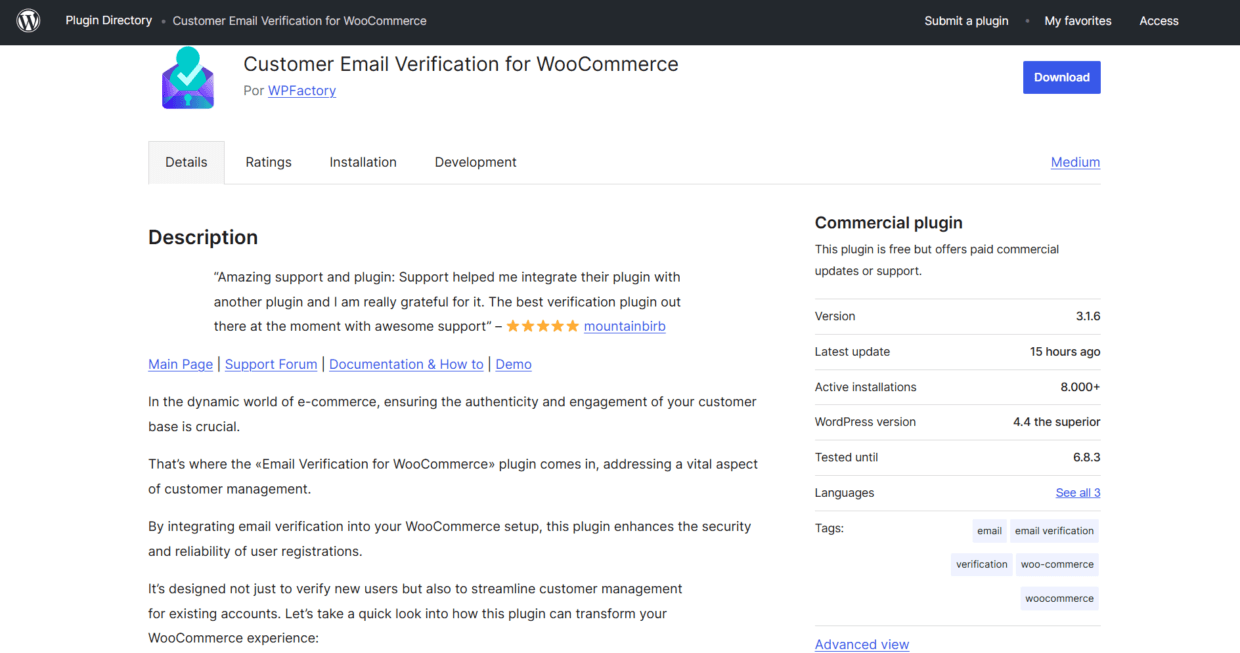
Customer Email Verification for WooCommerce is a dedicated plugin built specifically to add OTP‑based verification to WooCommerce registration and checkout. On the WordPress plugin page, Zorem (the developer) lists key features:
- OTP‑based email verification – customers must verify their email with a one‑time password before completing registration.
- Email verification popup that appears immediately after entering an email; no account is created until the customer verifies. Customers can resend the OTP if they did not receive it.
- Customisable verification popup and email – store owners can edit design, messages, headers and button colours.
- Admin verification control – the plugin adds a column to the WordPress Users table so admins can resend verification emails, manually verify or unverify users and clean up unverified accounts.
- Role‑based verification skipping – verification can be skipped for selected user roles, and users can be redirected to any page after successful verification.
Registration and checkout workflows
Documentation explains that the plugin supports two verification flows. In the registration flow, when a user signs up for an account, their account is marked Unverified Email, a popup prompts them to enter a verification code and the code plus a verification link are sent by email. Once the customer enters the code or clicks the link, the account is activated and flagged Verified Email.
For checkout, the Pro version can require guest users or unverified accounts to verify their email before proceeding.
Store owners can choose a popup overlay that appears before entering the checkout page or an inline verification that allows customers to start checkout but blocks order completion until the email is verified. Customers receive a code and verification link and must verify to continue. Options allow email verification only for free orders or only when “Create an account” is selected at checkout.
Customisation and security options
The plugin’s settings allow store owners to choose code length (4 or 6 digits), define expiry times from 10 minutes to 72 hours and limit the number of resend attempts.
A customiser with live preview lets you style the verification popup and email (background colours, header images, content text, button labels). For stronger security, the Pro version includes login authentication options (e.g., notifying users of new device logins or requiring OTP verification for unrecognised devices).
Overall, Customer Email Verification for WooCommerce offers WooCommerce‑specific integration, letting store owners enforce verification during registration and checkout, customise the user experience and manage unverified users from the admin panel.
The added step may introduce some friction and the Pro version is a paid extension, but for store owners seeking a dedicated solution that integrates tightly with WooCommerce, it provides comprehensive control over email verification.
Other strong options for WooCommerce email verification
This plugin isn’t the only way to verify email addresses. Let’s talk about other possible solutions.
Bouncer: the best real-time email verification software
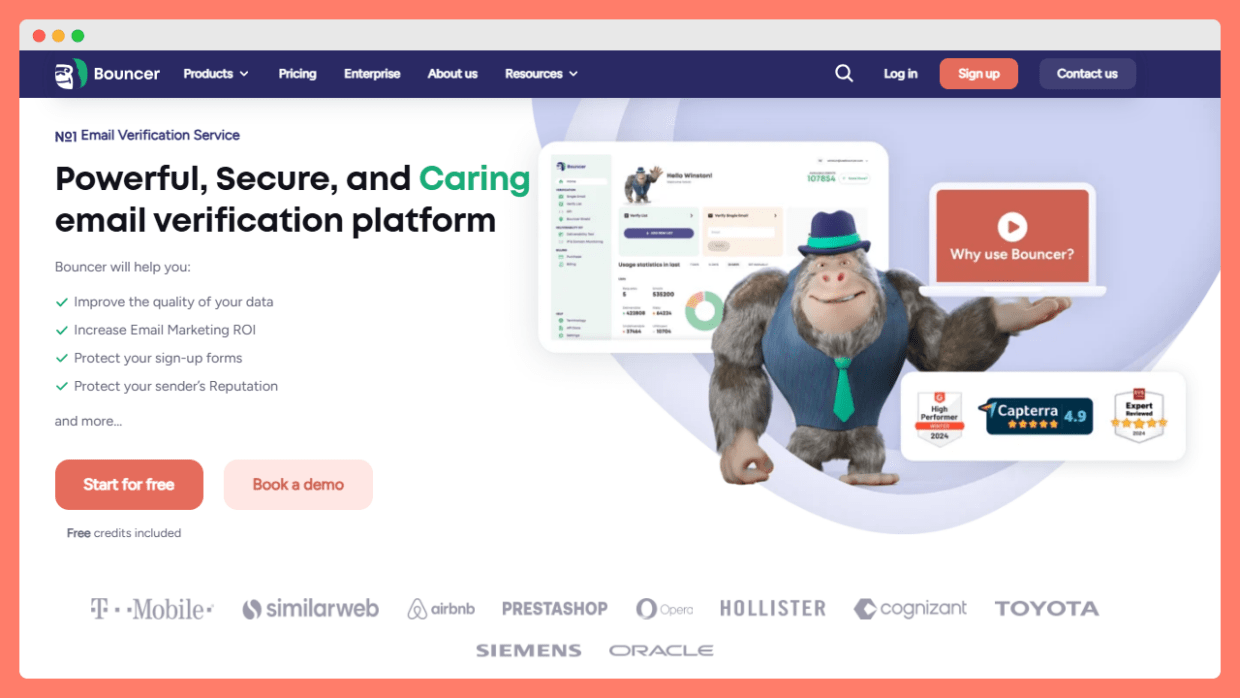
Bouncer is primarily an email-validation service designed to help businesses clean and verify email lists, check deliverability and avoid bounces. It offers a Real-time Email Verification API and a “Shield” option that can validate emails at the moment of entry on a form.
What Bouncer does exceptionally well:
- Real-time and bulk email checking: Bouncer’s Real-time Email Verification API checks syntax, domain (DNS/MX) and connects to the SMTP server to test if an email address is deliverable. Results typically return quickly (within ~10 seconds).
- List hygiene and deliverability protection: it flags invalid, inactive, disposable or risky addresses (hard bounces, spam traps, catch-alls), helping clean marketing lists or existing customer databases before sending campaigns.
- Flexible use (via API or batch mode): you can validate single emails on form submission or bulk-validate entire lists. This makes Bouncer useful outside of registration workflows – for example, cleaning newsletter subscribers or legacy user lists.
- Pay-as-you-go pricing – For smaller stores or occasional list cleaning, the pricing model is flexible: you only pay per verification, avoiding ongoing monthly fees.
What does Bouncer not do?
- Bouncer is not a dedicated WooCommerce plugin. There is no integration that hooks Bouncer directly into WooCommerce’s registration, checkout, or account-management pages.
- That means using Bouncer in a WooCommerce store usually requires custom integration or custom code (e.g. using the API or embedding it into custom forms) rather than a simple plugin install.
- Bouncer does not handle user-account metadata inside WordPress (e.g. marking users as “verified” or “unverified”), nor does it manage guest-user verification, role-based bypasses, or automatic admin-panel controls for unverified users.
- It does not provide OTP-based flows, verification popups, or built-in redirection workflows after validation, features often found in WooCommerce-specific verification plugins.
- Because integration is manual or custom, there may be additional development overhead and compatibility testing required when combining Bouncer with other plugins or themes.
When Bouncer makes sense for WooCommerce stores? Use Bouncer when your priorities include:
- Cleaning or validating existing email lists, e.g. before mail campaigns or newsletters, to avoid bounces and protect sender reputation.
- Validating email addresses on custom forms or third-party integrations (e.g. contact forms, lead-capture forms) rather than the standard WooCommerce registration/checkout.
- Avoiding a heavy plugin-based verification flow: Bouncer’s real-time checks can help filter out invalid emails behind the scenes, without requiring OTPs or adding extra steps for users.
- Flexibility in pricing and usage: small stores or occasional checks benefit from the pay-as-you-go model.
When to prefer a dedicated WooCommerce verification plugin instead? If your goal is to:
- Add verification at account registration or guest checkout, with minimal risk of fake accounts or fraudulent orders.
- Provide OTP- or link-based email confirmation and make sure only users with valid emails can place orders.
- Manage unverified users from the WordPress admin panel, block unverified guest checkouts, or automatically clean up unverified accounts.
- Maintain maximum compatibility with WooCommerce user flows, themes and other plugins – then a dedicated WooCommerce-specific email-verification plugin remains the safer, more straightforward solution.
Bottom line: Bouncer is a powerful, flexible email-validation service for list hygiene and general email-verification needs. But it is not a plug-and-play WooCommerce solution. For ecommerce stores seeking deep integration (e.g. registration or checkout blocking, admin user management, and seamless UX) – Bouncer works best as a supplementary layer, or when used via custom integration. Try it for free now.
Clearout WooCommerce email verification plugin
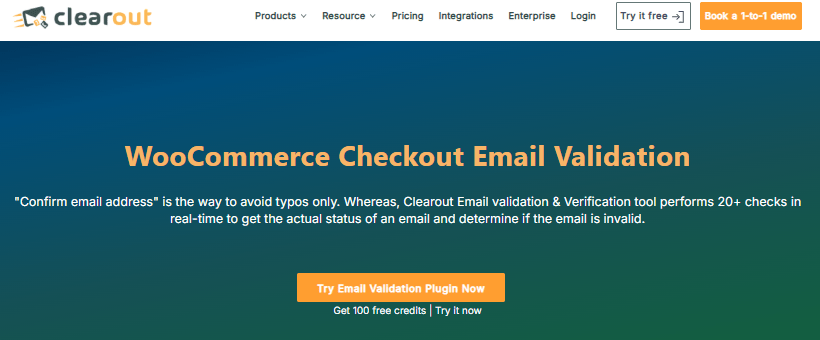
Clearout is an email validation service that integrates with WooCommerce via a WordPress plugin. Its key benefit is real‑time validation: the Clearout plugin performs 20+ refined checks (including greylist verification, anti‑spam checks, gibberish detection, catch‑all verification, email blacklist and disposable email checks) to determine whether an address is valid.
When a guest customer proceeds to checkout, Clearout checks the email and blocks the submission if the address is invalid or disposable, displaying a customisable error message. If the email passes the checks, the customer is directed to complete the order.
The plugin also allows store owners to accept only business addresses, block free providers like Gmail, remove duplicates and alias addresses and customise error messages. To integrate, store owners install the Clearout plugin, create an API token and enable validation on WooCommerce forms.
ZeroBounce email verification process & validation
ZeroBounce is an email deliverability service that offers a free WordPress/WooCommerce plugin. The plugin hooks into registration, checkout and other forms and performs automated real‑time validation, detecting more than 30 email address types such as invalid, abuse, disposable, spam traps, toxic domains and catch‑all addresses.
Store owners can choose which forms to protect and set rules for which email statuses are allowed. The plugin keeps a log of validations (status, IP, date and credits used).
According to ZeroBounce, using the plugin helps keep email lists clean, reduce bounce rate, boost inbox placement and protect sender reputation. It is free to install but requires purchase of credits (one credit per verification). The service also offers additional benefits like monthly free credits and blacklist monitoring.
miniOrange Email/SMS OTP Verification
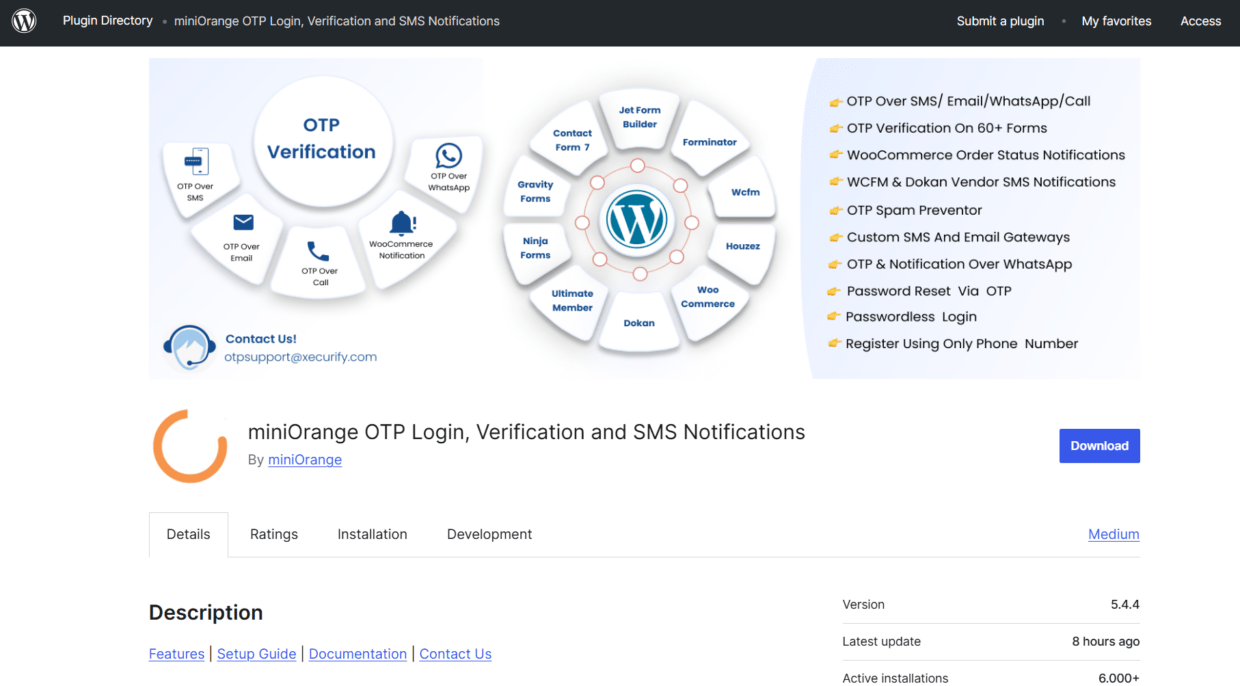
For store owners who want to verify both email and mobile numbers, the miniOrange Email & SMS OTP Verification plugin is a nice option. It verifies user email addresses or mobile numbers with a one‑time password and supports WooCommerce SMS notifications, sending automated order updates to buyers, sellers and admins.
The plugin offers passwordless login, allowing users to log in with their username and OTP, and lets owners customise SMS or email messages. miniOrange integrates OTP verification into WooCommerce checkout, login and registration forms and includes features such as limiting OTP requests and supporting WhatsApp notifications.
Other plugins like User Verification (PickPlugins) provide OTP for login, block email domains and integrate reCAPTCHA across WooCommerce. Store owners can also explore services like EmailListVerify, Emailable and Identity Verification for WooCommerce to compare pricing and features.
Implementation guide & checklist for WooCommerce store owners
Successfully adding email verification to a WooCommerce store involves several steps. Use the checklist we created below to plan and monitor your implementation:
- 1. Audit current flows and list health – review how customers register and checkout, and examine existing mailing list bounce rates and spam complaints.
- 2. Choose a verification tool – select a plugin or service based on your needs: dedicated WooCommerce integration (Customer Email Verification), real‑time validation (Bouncer) or multi‑channel OTP (miniOrange).
- 3. Install and configure the plugin – for Customer Email Verification, set OTP length, expiry and resend limits; for Clearout or ZeroBounce, obtain API credentials and enable validation on WooCommerce forms.
- 4. Customise the user experience – edit popup and email templates to match your branding; set messages that clearly explain the verification step and provide a resend option.
- 5. Set up admin workflows – make sure your team knows how to view verification status, manually verify or unverify users and clean up unverified accounts.
- 6. Monitor impact and iterate – track metrics such as email bounce rate, percentage of orders from unverified emails, number of guest checkouts flagged and growth in verified customer base. Adjust your settings to balance security with user‑experience; for example, require verification only for free orders or when customers create an account during checkout.
- 7. Maintain list hygiene – periodically remove unverified accounts, review bounced emails and continue using the verification tool to keep your data clean. Consider combining verification with re‑engagement campaigns or marketing automation to maximise the value of your email list.
Conclusion
Email verification is no longer optional for WooCommerce stores. Fake registrations and invalid emails not only skew analytics but also threaten deliverability and open a door to fraud.
Tools like Customer Email Verification for WooCommerce allow store owners to embed an OTP‑based verification step into registration and checkout, customise the experience and manage unverified users from within WordPress.
Real‑time validation services such as Bouncer perform deep checks to weed out disposable and high‑risk addresses, while plugins like miniOrange extend verification to mobile numbers and offer SMS notifications.
By auditing your current processes, selecting the right tool and carefully configuring verification flows, you can protect your store, reduce bounce rates and make sure that every customer communication reaches a real person.
Integrating email verification may introduce a small extra step for users, but the payoff is a trustworthy customer base and more effective marketing.
With clean data and verified emails, WooCommerce stores can focus on growth and long‑term customer relationships.
FAQ: WooCommerce email verification
What happens when a user starts the signup process?
A new signup verification flow checks the email when a user registers, and the system shows a simple verification page to guide the newly registered user.
How does the plugin work during checkout?
There is an early checkout validation option that helps with checkout verification, so only legitimate customers move forward on the cart or checkout page.
Can the store enforce checks before account use?
You can enforce email verification for both verified guest users and regular accounts, or choose to disable email verification for trusted shoppers.
Is the popup adjustable?
Yes, you can build a fully customizable verification popup for a simple customizable verification experience enhance.
How does the system help protect accounts?
Extra checks like login authentication enhance help protect user accounts from unwanted access.
Does it connect with other verification tools?
There is compatibility customer email verification, so it works with common plugins.
How are user registrations managed?
Inside the WordPress admin panel, you can track user registrations, fix messages like improved unverified user message, and work with tools that give improved unverified user detection.
Can the plugin clean unused accounts?
Yes, you can delete unverified users with one click and keep data clean for only valid customers.
How does the plugin help admins?
Admins can see updates in the fixed guest user table, patches like fixed invalid nonce message, and notes about a fixed error undefined constant.
What happens after users verify their email?
A successful email verification step can redirect users to their profile or shop, after the automated verification email is confirmed.
Are guest users supported?
Yes, the plugin requires guest users to pass checks, which works well even with Woodmart social login users and helps keep data accuracy.


