





Free tools for email verification give you a simple way to keep lists healthier without committing budget upfront. Below you’ll find a short, practical guide to the best free options, the trade-offs to expect, and a simple checklist to help you choose wisely.
TL;DR
- Free email verification tools help you measure list quality, reduce bounces, and understand how much bad data sits in your workflows.
- Each tool has trade-offs in accuracy, speed, and depth of checks — most free modes limit bulk work or context.
- Bouncer gives the strongest free starting point thanks to accurate results, bulk support, and clear categories that help marketers protect deliverability fast.
Why it’s worth starting with free tools
Free tools help you verify email addresses before you invest in a full platform. They let you understand how validation fits into daily work, measure how much bad data you have, and spot patterns that harm sender reputation. When you test a free email checker first, you see how accurate it is, how much context it provides, and how well it handles your workflows.
Getting early visibility matters because even a small number of poor-quality contacts can damage your email deliverability. An abandoned inbox that cannot receive messages creates soft bounces. A typo that passes sign up forms creates invalid addresses. A bot submitting temporary email addresses increases the risk of hitting spam traps. The more of these you send to, the more your messages slide into the spam folder instead of the recipient’s inbox.
Starting with free tools also helps teams validate email addresses without wasting time or budget. You can test how they integrate with your email marketing tool, what limits apply to the free account, and how the free plan compares to a monthly subscription. This is particularly helpful for sales teams that use email lists aggressively and want to avoid wasting new opportunities.
In short: free tools give you breathing room. They let you experiment, understand your data quality, and choose the right long-term solution based on real needs instead of guesses.
The best free tools for email verification
Bouncer — the most accurate free-tier verifier for marketers
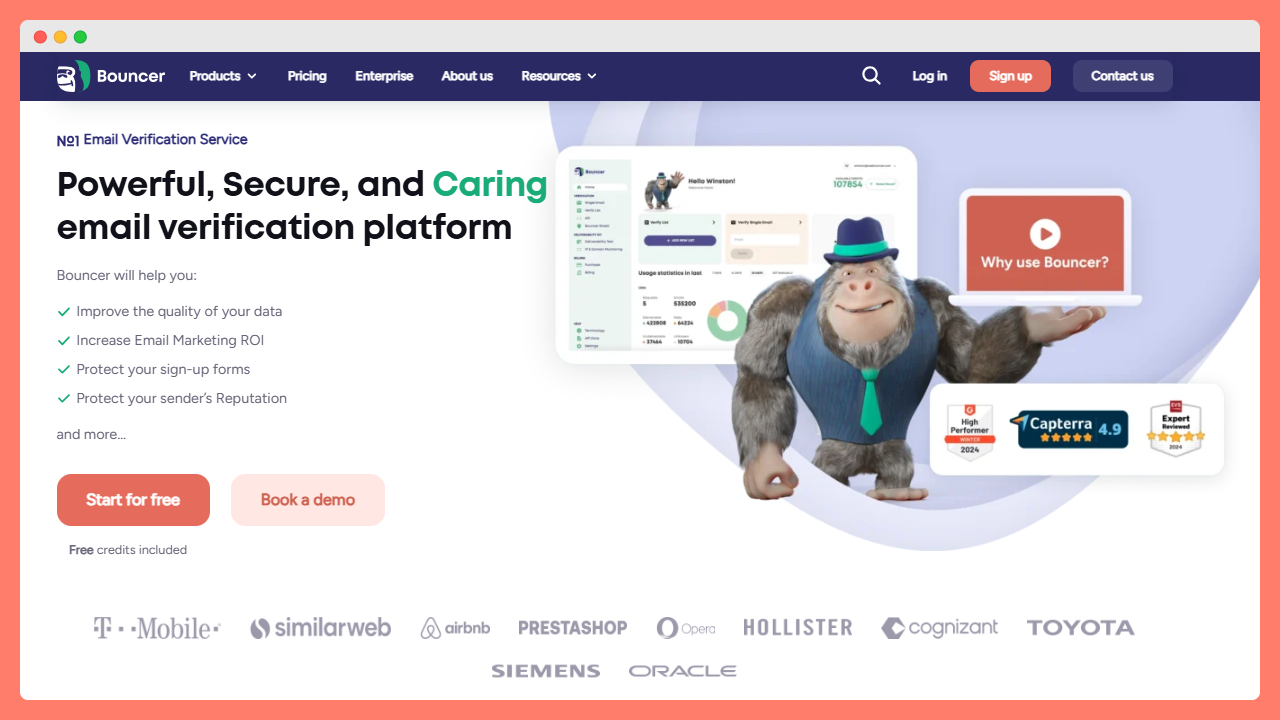
Bouncer is widely adopted among email marketers who want quality checks without friction. It helps you verify any email address in just a few clicks and supports both small checks and large bulk lists.
The tool gives you detailed results that go beyond the basics. It checks email address syntax, validates mx records, analyzes the email domain, and looks for server response signals that reveal if an email address exists. It also highlights risky emails, disposable email addresses, and invalid email addresses that may harm campaign performance.
One of Bouncer’s biggest advantages is reliability. Marketers use it to verify lists before sending emails because it’s built on a strong verification engine (with an email verification API if you want automation later). You can test it using a free email verifier mode, upload an email list, or connect it to tools like Google Sheets.
Bouncer also stands out for real-world outcomes. You can see lower bounce rate numbers, fewer spam complaints, stronger inbox placement, and higher confidence that the intended recipient will receive messages. It’s HIPAA certified, which is rare for a verification tool, and its accuracy is consistently high.
If you need clean customer data, want a bulk email checker that works quickly, and prefer a clean UI, this is the best starting point.

EmailHippo — strong technical checks, weaker free mode
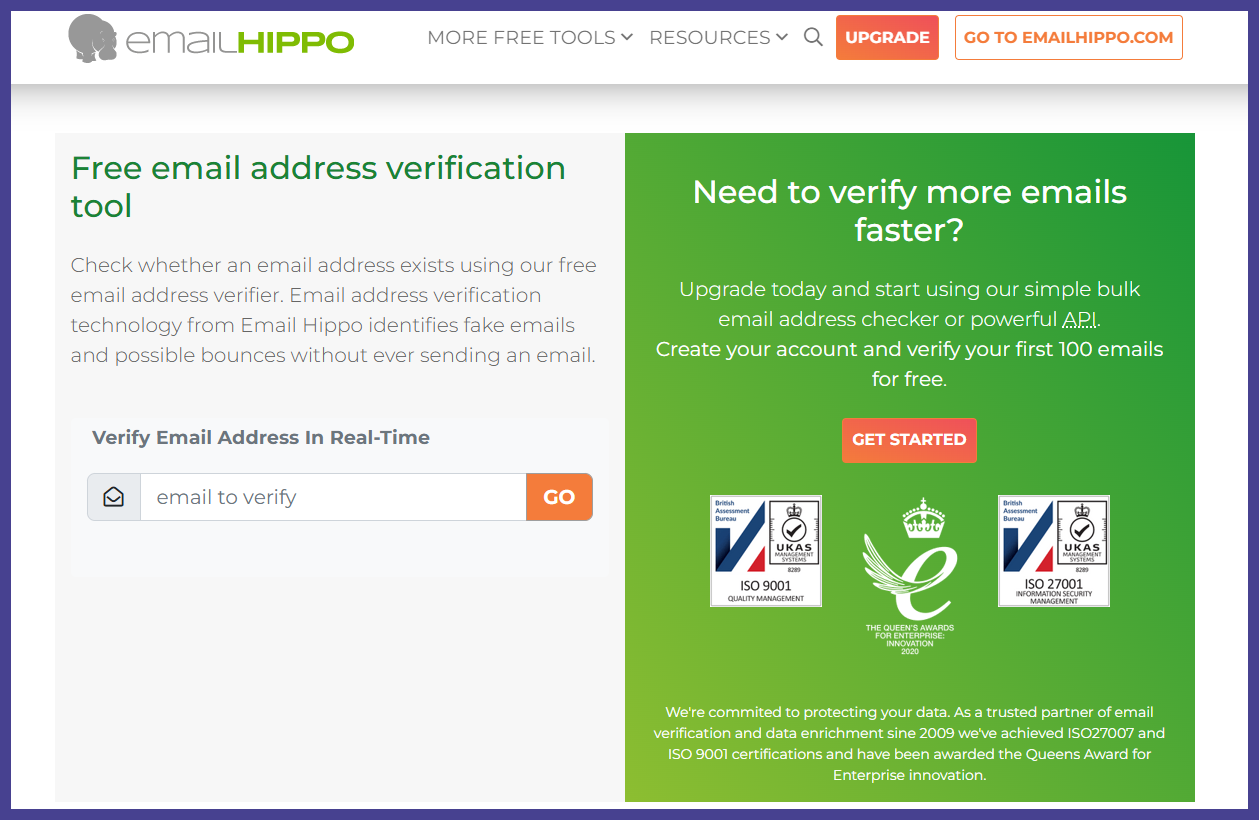
EmailHippo offers decent checks for email syntax, MX tests, and email server pings, making it a solid learning tool for technical teams. The free version can help you verify email addresses at a small scale and understand how the mail server reacts.
However, the limits are tight. The free email verification mode feels more like a demo than a usable workflow. You get enough checks to experiment but not enough to verify lists consistently or improve email validity at scale. Bulk features also sit behind paid plans.
It’s still worth testing if you’re curious about how a server-based email validator works under the hood, but it’s not the best option for marketing-heavy workloads or sales-driven teams that process lots of addresses.
MailerCheck — quick checks but shallow insights
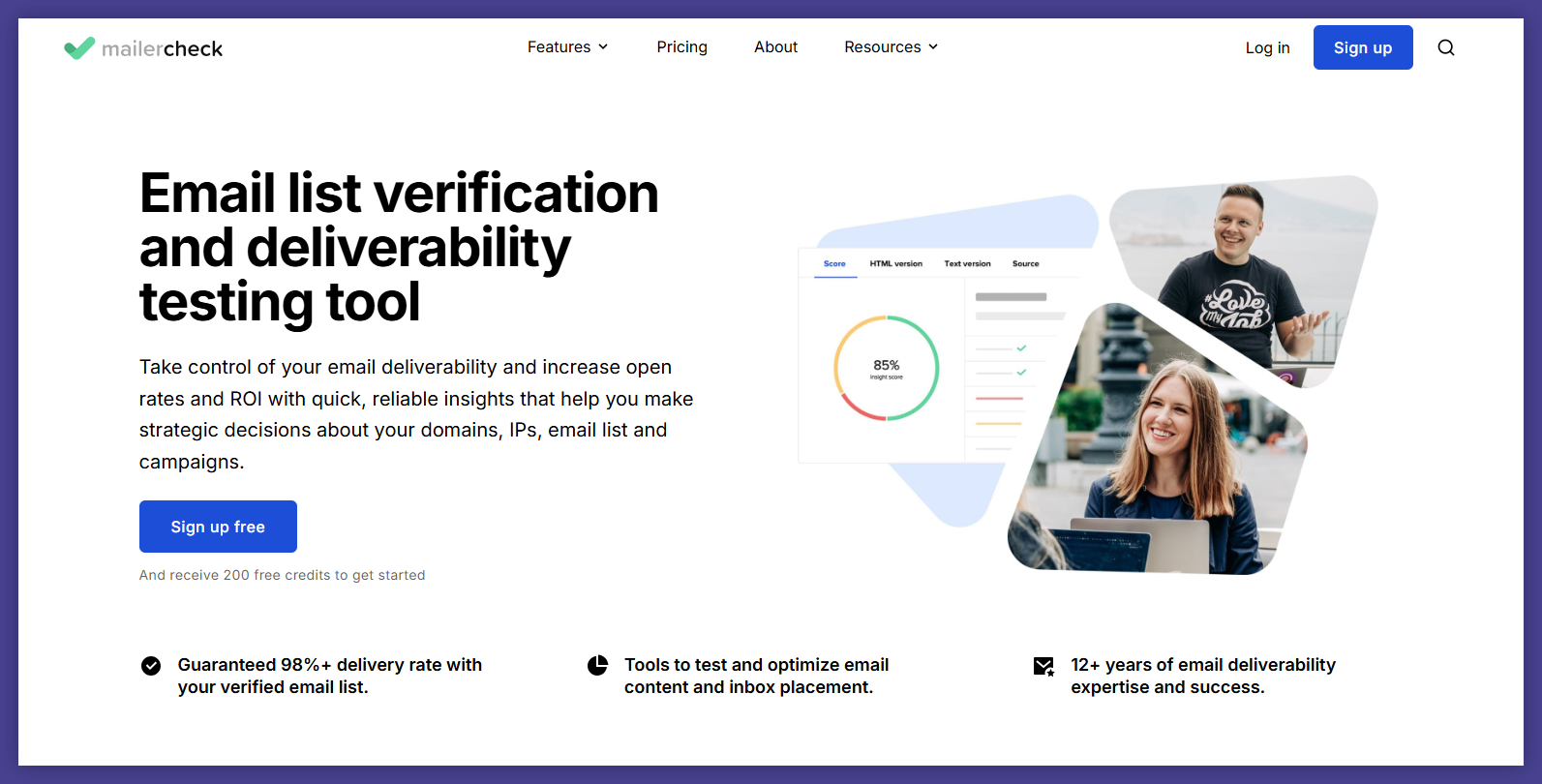
MailerCheck is convenient when you want to check email addresses one at a time. It connects to the SMTP server, waits for a server response, and returns a simple pass/fail signal. It’s useful for occasional checks or testing sign up forms before a new campaign goes live.
The downside: the tool covers basic verification, but some users mention concerns about accuracy and missing features (“I also feel like it is invalidating a few more emails than other services.” – Adam B.).
If you use it, treat it as a lightweight checker — not something to guide bulk decisions or keep an email list clean.
Verifalia — generous free plan, slower processing
Verifalia offers a free plan that lets you validate email addresses daily with small quotas. It uses a multi-pass verification system that repeats checks several times to confirm email validity. This approach helps detect tricky setups like temporary email addresses or email domains with unstable servers.
While the engine is accurate, it’s not built for speed in the free mode. Verifying emails can take longer, and processing bulk lists might feel slow if you want instant results. Sales teams and email marketers often need quick decisions to protect campaign performance, so this lag can create bottlenecks.
Still, if you prefer depth over speed, it’s a good testing tool.
Hunter — good enrichments, average verification accuracy
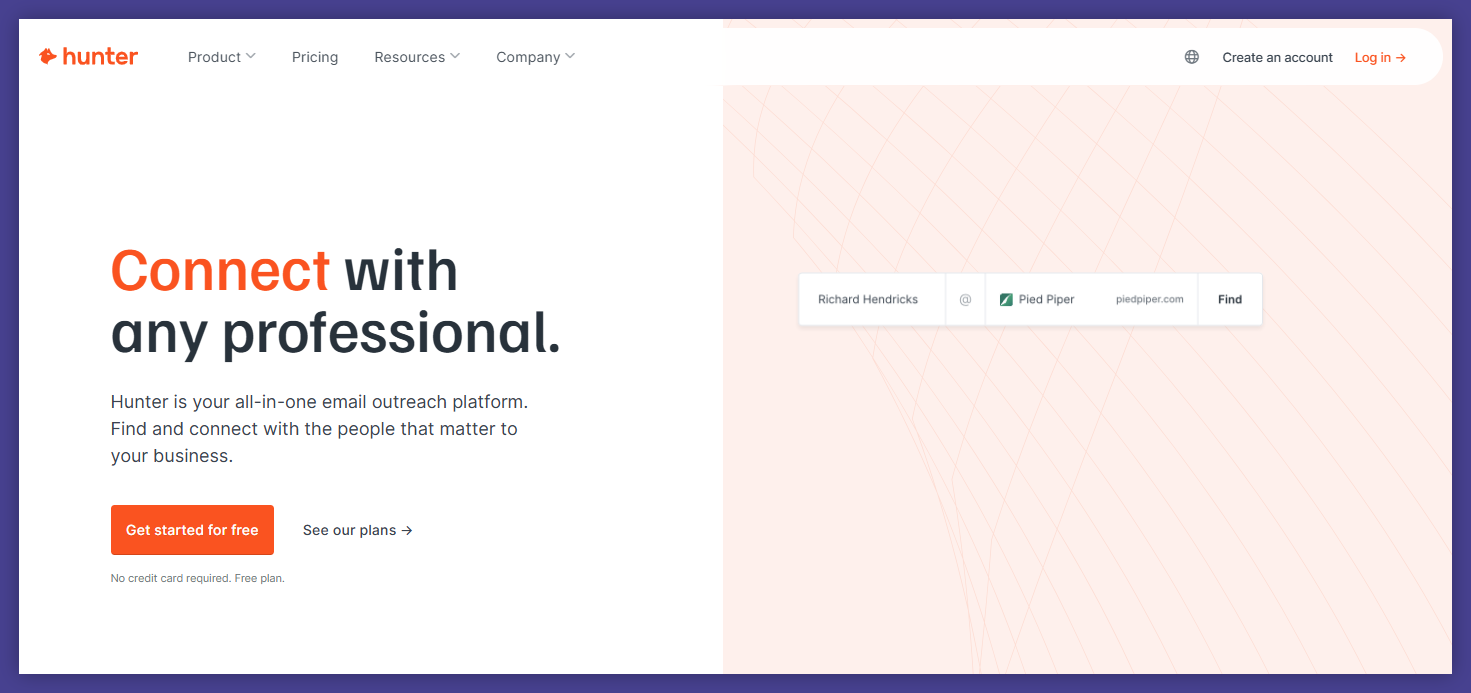
Hunter is known for lead sourcing, but it also includes a free email verification feature inside its free plan. You can verify email addresses alongside enrichment data, which helps you identify the role, organization, and email domain behind a lead.
The drawback is accuracy. The verification results lean more toward enrichment use cases than pure validation. It works fine for high-level checks, yet it isn’t reliable enough to clean bulk lists or guarantee messages get delivered successfully. You also cannot rely on it to filter out disposable email addresses with precision.
Use Hunter as a supplementary tool for research, not as your primary free email verification workflow.
How these tools work (and what to expect)
Every email verifier runs a mix of technical tests to show if an email address is valid. Many checks happen behind the scenes, but knowing the basics helps you catch blind spots.
Syntax and format
Tools confirm that an email address is correctly formatted, has a valid format, follows common email syntax rules, and includes a recognized email domain.
DNS, MX, and server checks
Tools inspect DNS records, look at MX records, and contact the email server to see if it can receive messages. These tests reveal if the email server is alive, rejecting connections, or routing everything to catch-all boxes.
SMTP and mailbox verification
The SMTP server returns clues about the inbox status. Some servers reveal if an email address is valid, ready, full, inactive, or forwarding. Other servers mask the real status to prevent scraping.
Risk and safety checks
Tools help you avoid wasting sends by flagging spam traps, temporary email addresses, invalid addresses, and risky emails commonly used in fraud or bot submissions.
Bulk verification workflows
A bulk email verifier lets you upload a full list and get categorized results. It’s essential if you want to verify lists quickly without manual work.
The listicle: free tools compared in simple terms
Here’s a quick overview of how the tools differ in practice:
| Tool | Best for | Strengths | Weak spots |
|---|---|---|---|
| Bouncer | Daily marketing work | Highly accurate checks, bulk processing, clear categories, integrations | None at the free-tier level beyond standard limits |
| EmailHippo | Technical curiosity | Strong server-level tests, clean UI | Free mode too small for real marketing needs |
| MailerCheck | Quick individual checks | Fast, simple, handy for tests | Basic verification, accuracy concerns |
| Verifalia | Accuracy and thorough validation | Multi-pass checks reduce false positives | Slow in free mode, limited scale |
| Hunter | Lead research | Good enrichments, easy to use | Weaker accuracy, not a replacement for a full verifier |
Choice checklist: how to pick the right free option
Use this short list to choose a tool that fits your workflow:
✔ Check your use case
Do you need to verify email addresses one at a time or verify lists? Tools that only validate single emails won’t work properly for marketers, sales teams, or businesses sending emails at scale.
✔ Look for real-world accuracy
A tool should catch invalid email addresses, detect when an email address exists, identify spam traps, and expose risky addresses. The more metadata you get, the easier it becomes to protect sender reputation and save money on list cleaning.
✔ Test bulk processing
Bulk email checker options are essential when you handle large datasets or customer data from CRMs and sign up forms. Check how quickly they process bulk lists, if they support Google Sheets, and if the free plan covers your expected volume.
✔ Evaluate depth of checks
You want tools that look at dns records, mx records, server response behavior, mail server settings, and email validity patterns. Shallow tools may mark an email address is valid even when it’s not, which ruins campaign performance later.
✔ Confirm consistency of results
Free tools should still produce consistent results across multiple tests. If the verification output changes too often, the tool is probably using incomplete methods.
✔ Check integrations
If you use an email marketing tool, CRM, or internal system, see how well the verifier connects to them. Supporting free email, CSV files, and simple uploads keeps work smooth.
✔ See how much friction you can tolerate
Some free tools require a long sign-up process or force a free account flow before any checks. Others let you start immediately. Pick the setup that doesn’t slow you down.
✔ Judge the UI
A confusing dashboard creates more friction than it solves. Choose something usable and easy to navigate in just a few clicks.
✔ Predict future needs
If your sending volume grows, will the tool offer a path toward automation? An email verification API helps teams scale verification without manual effort.
Final thoughts: start free, then optimize with the right partner
Free email verification gives you a safe entry point into verifying emails, exploring how validation fits your stack, and spotting weak spots inside your email list. You avoid wasting budget early, learn how different tools behave, and understand which features matter most for your next steps.
If you want a tool that gives you accurate and reliable checks without forcing you into a monthly subscription too early, start with Bouncer. It’s built for marketers, supports bulk work, gives you clear categories, and helps your messages reach the intended recipient instead of bouncing.
You can try it for free, explore the workflow, and clean your lists with confidence.
→ Try Bouncer’s free plan and see how easily you can keep your lists healthy.


