





Kickbox is often the first tool people meet on that road. Then reality kicks in.
High volume lists. Pay-as-you-go math. Unknown results. Edge cases. API limits. Team needs changing.
That’s when the search for Kickbox alternatives starts.
This guide breaks down how Kickbox works, where it fits best, what to think about before switching, and which email verification tools usually come up next. Let’s jump in.
TL;DR
- Kickbox is a solid email verification tool, but it’s not always the best long-term fit for growing or high-volume workflows.
- Teams usually look for alternatives when verification becomes ongoing, volumes increase, or pricing and flexibility start to matter more.
- Bouncer stands out for bulk email verification thanks to strong coverage, low unknown rates, rich verification results, and flexible pricing options, including monthly subscriptions.
About Kickbox and what it is really built for
Kickbox sits firmly in the email verification category, with a strong focus on bulk verification and real time verification at signup.
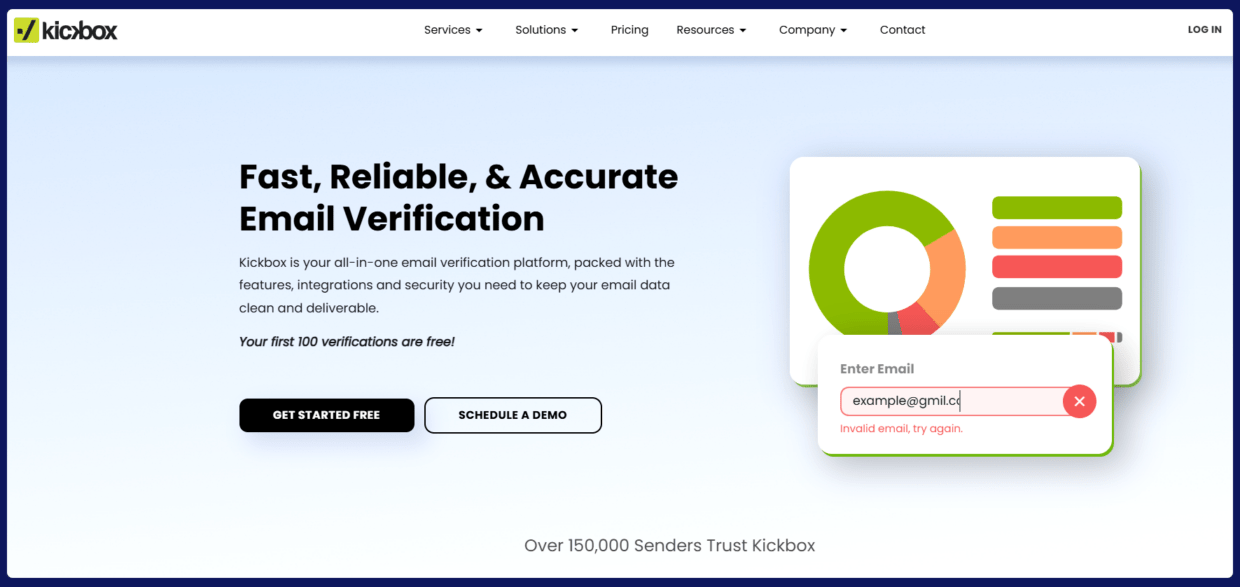
At its core, Kickbox runs a multi-step email verification process. That process checks syntax, domain validity, mailbox existence, and known risk signals before labeling an address as deliverable, risky, unknown, or undeliverable.
This setup works well for teams that want a clean, predictable flow:
- 1. Upload a list.
- 2. Connect an API.
- 3. Watch bounce rates drop.
Kickbox also leans heavily into sender reputation protection. The logic is simple: fewer bad emails mean fewer spam reporters, fewer spam trap hits, and better inbox placement over time.
For many marketing teams, that promise is enough.
Kickbox pricing
Kickbox uses a credit based pricing model with pay as you go billing, no monthly subscription. You buy credits and each verified email consumes one credit. Unknowns are refunded.
Here’s how a few of Kickbox’s published price points break down:
- 500 verifications — $5
- 1,000 verifications — $10
- 2,500 verifications — $25
- 10,000 verifications — $80
- 50,000 verifications — $400
- 100,000 verifications — $800
You can also scale all the way up to larger plans like 250,000 for $1,500, 500,000 for $2,500, and 1,000,000 for $4,000, with higher tiers available via custom volume discounts.
That mix of pay as you go and volume pricing tends to appeal to teams that don’t send every day. If your email marketing campaigns happen in bursts — quarterly pushes, seasonal sales, spikes in lead generation — this model makes it easy to pay for verification only when you need it.
The friction usually appears in three places:
- Long-term cost efficiency at scale
- Credit planning during peak seasons
- Limited flexibility when verification workflows grow more complex
Still, for many teams the model just works. You buy credits, upload lists, verify, and let Kickbox keep your bounce rates down without long-term contracts.

How Kickbox handles bulk email verification
Kickbox’s bulk email validation flow is intentionally simple.
➡️ You upload a CSV or connect a marketing platform.
➡️ The system processes email addresses in parallel verification batches.
➡️ Results come back with clear labels and supporting signals.
For high volume email verification, Kickbox supports lists up to one million records per batch. That makes it usable for serious bulk email operations, not just one-off campaigns.
One important detail: unknown results do not consume credits, as we already know. That pricing rule shapes how many teams use the tool, especially during list hygiene projects with older data.
Still, bulk verification speed and depth vary depending on the list.
Batch-all domains, corporate firewalls, and aggressive mailbox providers can slow things down or increase the number of unknowns.
Verification accuracy and the gray zone
Kickbox markets high verification accuracy, backed by large-scale data signals and historical performance. In practice, accuracy depends on list quality, domain mix, and timing.
- Disposable email detection works well.
- Syntax validation and domain validation are reliable.
- Spam trap detection is cautious rather than aggressive.
The gray zone is accept-all domains and protected mailboxes. That’s where many verification tools struggle, not just Kickbox.
Some teams prefer conservative filtering to protect sender reputation. Others want deeper insight into high risk contacts instead of a flat “unknown” label. This difference in philosophy often defines which email validation tools feel right long-term.
Kickbox API in real-world verification workflows
Regarding bulk email verification, we need to mention Kickbox’s API. It’s clean, well documented, and easy to implement, which makes it practical for teams that want verification to run quietly in the background.
Real time verification works well at signup forms, checkout pages, and lead capture points. That keeps bad email addresses out before they ever touch a CRM or a lead generation platform. For many teams, this alone removes a big chunk of low-quality data.
When verifying email addresses, the API supports batch jobs that handle large lists without manual uploads. That matters when email addresses arrive from many sources at once, such as imports, migrations, or partner data. Monitoring dashboards help teams keep an eye on verification results over time, not just per upload.
Where teams sometimes pause is when they want more granular control. Advanced risk detection logic, custom scoring, or highly specific thresholds usually need extra handling outside the API. Kickbox focuses on keeping the verification process stable and predictable rather than deeply configurable.
That approach works well for teams that value consistency. Others may look for more control as their basic verification workflows grow more complex.
The moment teams start looking for Kickbox alternatives
The switch rarely starts because Kickbox fails. It starts because the business changes. Imagine this situation:
- You get more signup forms appear.
- Sales teams request real time verification at new touchpoints.
- Marketing campaigns scale internationally.
- Data sources get messier.
At that point, teams reassess their email verification solutions. They look for stronger API flexibility, clearer segmentation, or different pricing logic.
That’s where alternatives come in. But before naming alternatives, let’s pause for a second.
Most teams don’t need a completely different email verification tool. They need a better fit for how they work today. That’s why switching tools usually starts with questions, not feature checklists.
- Do we verify emails once or continuously?
- Do we care more about inbox placement or raw list size?
- Are we protecting marketing campaigns, sales outreach, or both?
- Do we want free credits for testing or a free plan long-term?
These answers shape everything else. Pricing models, verification workflows, API needs, and even the right definition of accuracy all depend on them. Once those pieces are clear, comparing Kickbox alternatives becomes much easier and far more practical.
Okay, so – to the point.
Below, we’ll walk through six Kickbox alternatives that are commonly chosen for bulk email verification. Each of these tools can handle high volume email lists, support ongoing verification, and fit into real email marketing workflows. Some focus more on scale, others on control or cost efficiency.
However, there’s no single replacement that works for everyone. Our goal is to help you find a reliable tool that fits your verification process, protects sender reputation, and supports your email campaigns as they grow.
Bouncer as a #1 Kickbox alternative
Bouncer is built with bulk email verification at its core, but it doesn’t stop there. The tool is designed for teams that treat email verification as an ongoing process rather than a one-time cleanup.
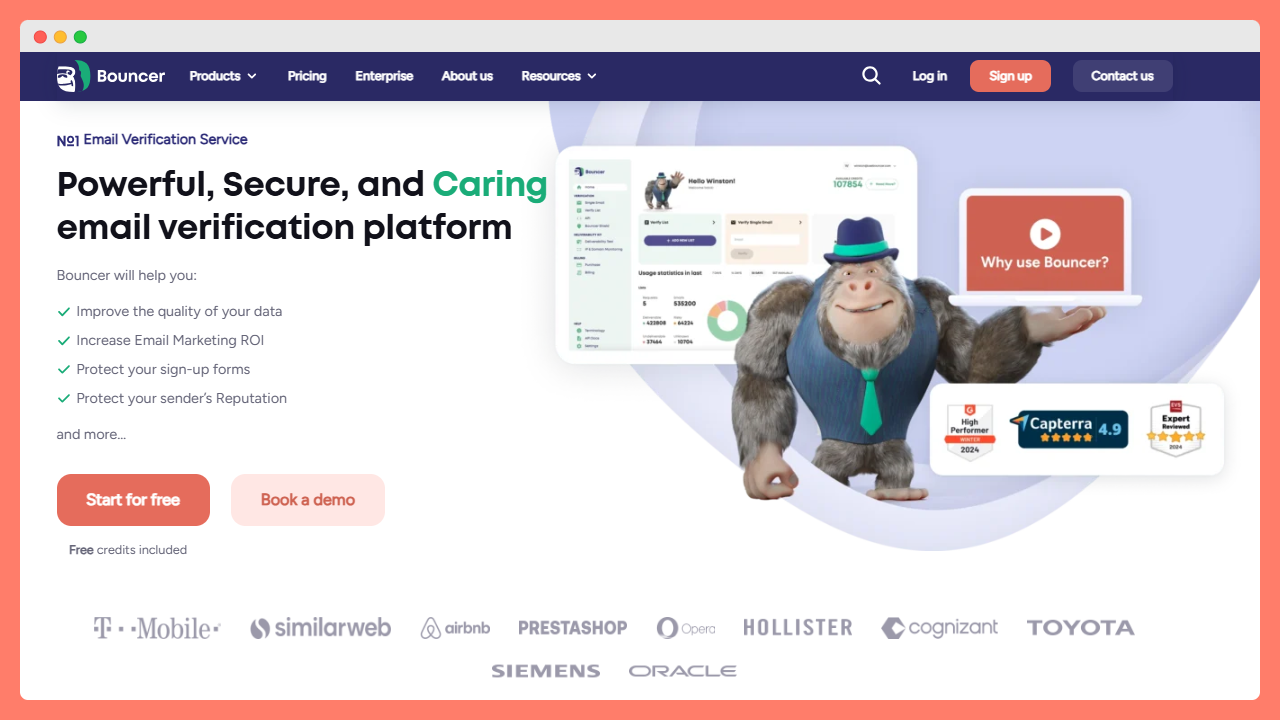
Uploading large lists is straightforward, and the verification engine goes beyond basic checks like syntax validation or domain validation. It negotiates directly with recipient servers and applies proprietary logic to reduce unknown results, especially for complex setups such as catch-all domains hosted by Google or Microsoft.
One of Bouncer’s strongest points is how much context it gives back after bulk verification. Instead of returning only deliverable or undeliverable labels, it adds rich signals like score, toxicity flags, role detection, free and disposable email markers, and mailbox-related risks.
For scale, Bouncer supports high volume email verification with parallel processing and large batch sizes, both through the app and the API. The API is fast, stable, and flexible enough to support bulk verification, real time verification at signup forms, and automated workflows connected to CRMs.
Moreover, features like AutoClean remove the need for manual uploads entirely, while Bouncer Shield blocks risky email addresses at the point of entry.
On top of verification, Bouncer offers additional tools like Toxicity Check, Email Engagement Insights, Deliverability Kit, and access to deliverability consulting.
So, for teams that need accuracy, scale, and visibility into verification results, Bouncer feels like a comprehensive solution.
Other Kickbox alternatives worth naming
If you’re mapping the market before testing, these tools usually appear in shortlists alongside Bouncer:
NeverBounce
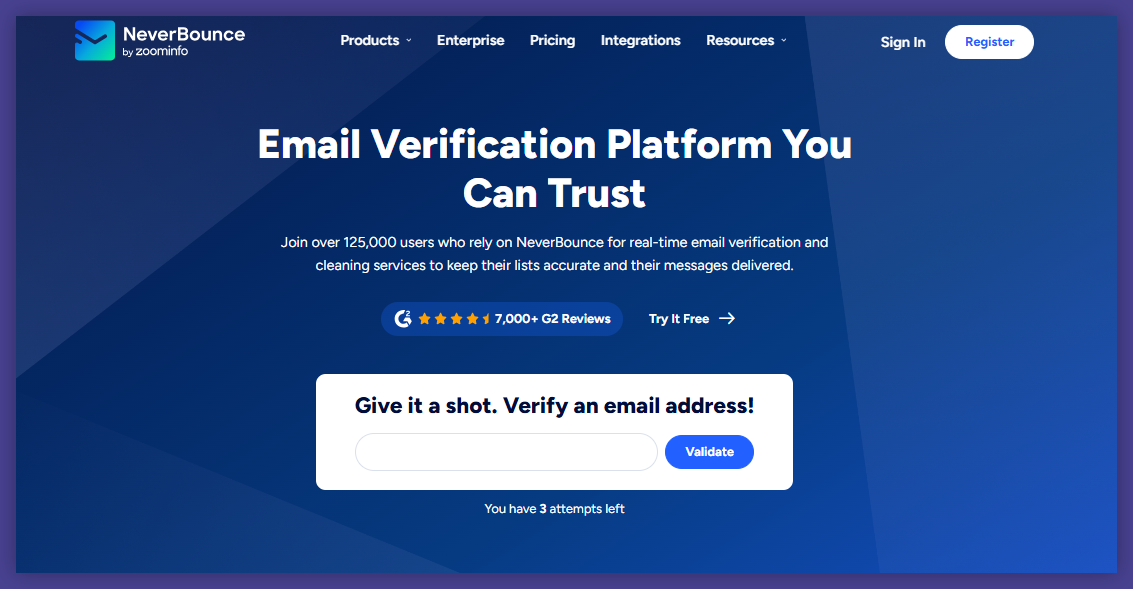
NeverBounce is a well-known name in email validation, especially among teams running frequent bulk email campaigns.
Its bulk email verification workflow is simple and reliable: upload a list, clean it, and export results with clear categories such as valid, invalid, catch-all, and spam-related risks. The platform is designed to handle very large datasets, cleaning billions of email addresses every month.
One area where NeverBounce stands out is automation. With features like Sync, teams can connect CRMs or marketing platforms and keep lists clean on a schedule without manual work. This is particularly useful for ongoing verification, where lists decay gradually over time.
Real time verification is also available through the API, allowing sales and marketing teams to stop bad data at the moment of capture.
NeverBounce uses a multi-step verification process that combines syntax checks, domain and mail server validation, spam trap detection, and accept-all analysis. The platform also includes instant bounce analysis, which helps teams understand list health before running a full bulk verification. In some cases, lists with a high number of unknowns receive additional human quality checks, which adds an extra layer of review.
ZeroBounce
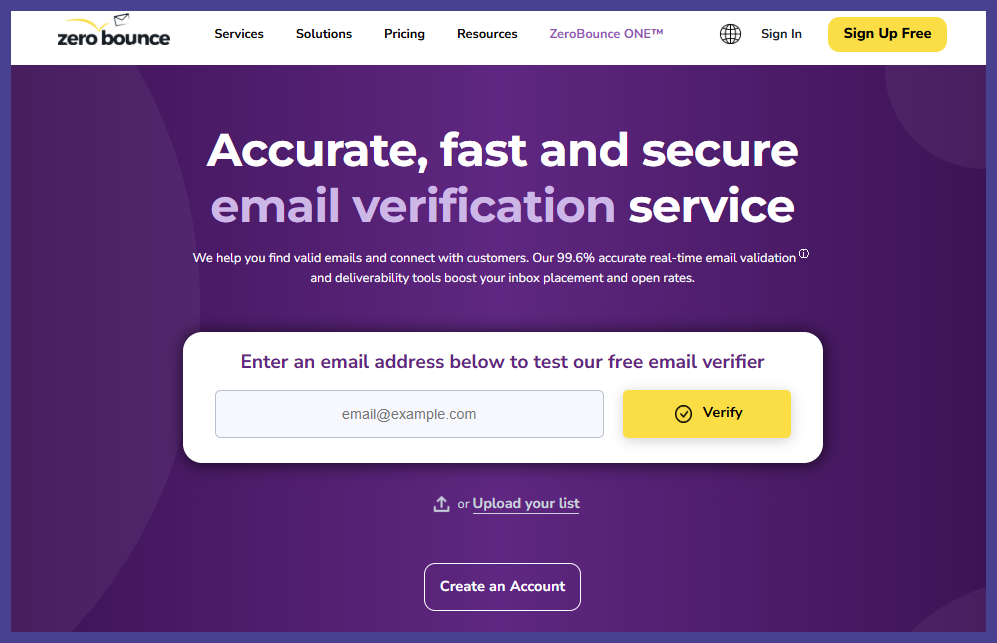
ZeroBounce is an email deliverability platform, with bulk email verification as a central but not isolated feature. Its verification engine focuses on accuracy and low unknown rates, using layered checks that include syntax validation, domain and DNS checks, mailbox existence, spam trap detection, disposable email detection, and catch-all analysis.
Bulk verification is straightforward. Teams upload lists or connect platforms, run verification, and receive detailed reports explaining why each email address was classified a certain way. ZeroBounce adds extra context through features like email scoring and activity data, which help teams prioritize contacts rather than simply removing them.
The platform also offers real time verification through its API, which works well for signup forms and lead capture points.
Beyond verification, ZeroBounce includes tools such as inbox placement testing, blacklist monitoring, DMARC monitoring, email warmup, and an email finder. This makes it appealing for teams that want deliverability monitoring and list hygiene under one roof.
DeBounce
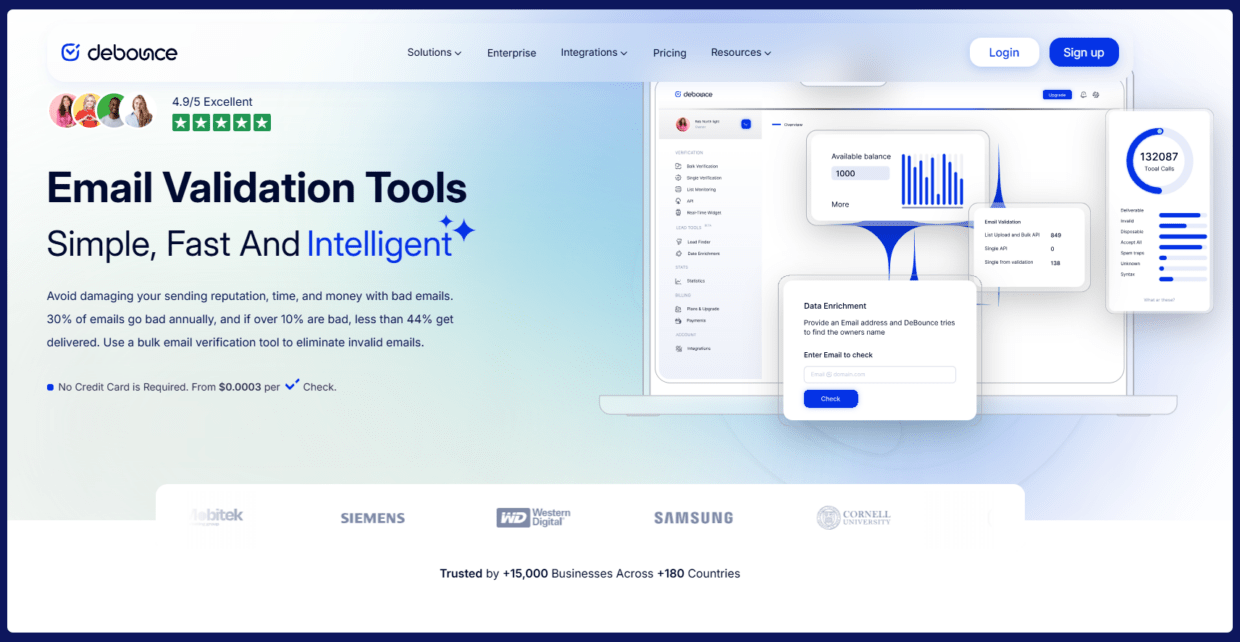
DeBounce is a bulk-focused email validation tool that emphasizes speed, low cost, and broad feature availability across all plans. Its bulk email verification process covers syntax verification, DNS and MX checks, mailbox existence, disposable email detection, spam trap detection, catch-all validation, and greylisting handling.
DeBounce also supports automated email list monitoring, allowing teams to clean lists daily and sync results with sending platforms.
Real time verification is available through the API and JavaScript widgets, making it suitable for signup forms and lead capture flows. Additional features like data enrichment and lead finder extend its usefulness for outbound-focused teams.
Integrations cover common ESPs and automation tools, and the API is language-agnostic. While the interface is more utilitarian than polished, it gives users control over export formats and result filtering.
MailerCheck
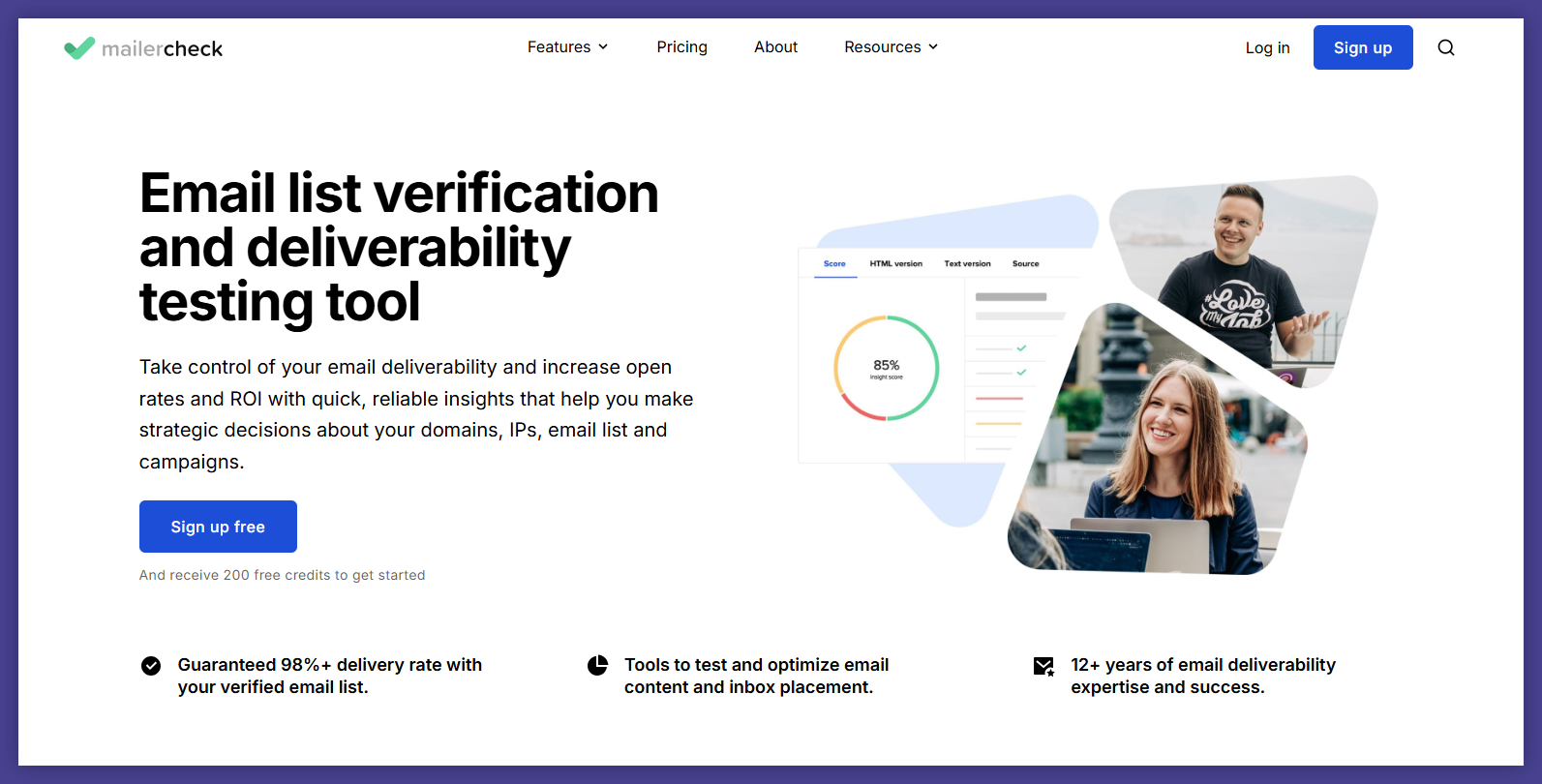
MailerCheck approaches bulk email verification from a deliverability-first perspective. Verification is one part of a broader toolkit that also includes email content analysis, inbox placement testing, blocklist monitoring, and DMARC reporting. This makes it particularly relevant for marketing teams focused on campaign performance and inbox placement.
Bulk email verification works through uploads, integrations, or the API. Results come with automated recommendations that help teams maintain list hygiene over time.
Real time verification is available for filtering new email addresses as they enter the system, supporting signup forms and integrations with marketing platforms.
MailerCheck’s strength lies in how verification connects to content and sending behavior. Email Insights analyze messages before sending, while Inbox Placement tests predict how emails will perform across major mailbox providers. This helps teams tie email validation directly to campaign outcomes.
Verifalia
Verifalia is one of the longest-running email verification services and is known for its depth of configuration. Its bulk email verification engine supports multiple quality levels, allowing teams to balance speed, cost, and thoroughness depending on the list and use case.
Verification covers syntax, domain and MX checks, mailbox availability, spam trap detection, disposable emails, catch-all servers, and international email addresses.
Each email address receives detailed status codes, giving teams clear explanations rather than vague labels. This level of detail is especially useful for data-heavy teams and resellers.
Verifalia’s API supports both single and bulk verification, with extensive fine-tuning options. Teams can configure timeouts, deduplication rules, data retention settings, and callbacks. An embeddable widget enables real time verification on forms without heavy development work.
How verification workflows impact campaign performance
For many teams, bulk email verification used to be a single step before hitting send. Upload a list, clean it once, move on. That approach rarely holds up anymore – email lists decay constantly.
- New email addresses enter systems through signup forms, gated content, events, and sales outreach.
- Old leads resurface during re-engagement campaigns or database cleanups.
Every one of these moments adds risk if verification only happens occasionally. But when verification becomes ongoing, the tool needs to fit into daily workflows. It needs to support automated checks, predictable costs, and clear verification results over time.
Sure, Kickbox supports this model to a point.
It handles recurring bulk verification and real time checks well enough for many teams. However, as volumes grow or workflows become more complex, some teams look for alternatives that push further into automation, segmentation, or continuous monitoring.
So that’s not about replacing Kickbox for the sake of it, but about matching the tool to how email verification actually works in modern email marketing.
After all, verification results influence far more than bounce rates.
- 1. Clean lists protect sender reputation.
- 2. Better sender reputation improves inbox placement.
- 3. Better inbox placement drives higher campaign performance.
That’s why advanced features like spam trap detection and disposable email detection matter, even if they seem invisible day to day.
What also take into account when choosing Kickbox alternatives for bulk email verification?
So, you’ve decided that it’s time to explore other tools? If yes, in the next step you need to understand what really matters in email verification today. Take a moment to reflect on:
Sales teams vs marketing teams angle
Sales teams and marketing teams often approach email verification from very different angles, even when they use the same data.
#1 Sales teams usually care about real time verification at the moment an email address enters the system. Their priority is stopping fake signups, disposable emails, and obvious junk before it reaches the CRM. Clean data means fewer wasted touches and more reliable outreach.
#2 Marketing teams tend to think in batches. Their focus sits on bulk verification before campaigns go out, especially when preparing large email lists for promotions, re-engagement, or seasonal pushes.
Certain tools are built with sales workflows and point-of-capture checks in mind. Others are optimized for large-scale list cleaning and campaign preparation. Knowing which side drives most of your volume makes the shortlisting process much easier.
User interface
Email verification tools run quietly in the background, doing their job without drawing attention. That changes the moment something looks off. A sudden spike in risky results, unexpected unknowns, or campaign issues forces teams to dig into the data.
That’s when the user interface matters. Clear labels, intuitive filters, and easy exports help teams understand what’s happening without pulling in technical support. A confusing dashboard slows investigations and adds friction right when speed matters most.
Kickbox keeps its interface clean and straightforward. For many teams, that’s a benefit. Others prefer more granular views, deeper segmentation, or custom reporting options. Neither approach is better by default. It depends on how often your team needs to analyze verification results rather than simply trust them.
Free credits and free tools
Most email verification tools offer free credits or free tools as a starting point. Kickbox does. Bouncer does. So do many other verification platforms. These credits are useful, but not for the reason people often assume.
They matter less for testing raw verification accuracy and more for testing how the tool fits into your workflow. Uploading a list, reviewing verification results, exporting data, or connecting an API reveals far more than a single accuracy score ever could.
That first experience often decides whether a tool feels usable long term. If the workflow feels clunky during testing, it rarely improves at scale. Free credits are best treated as a trial run for daily use, not just a demo.
A little overview:
Free tools from Kickbox:
- Email Verifier
- Email Spam Checker
- Disposable Email Checker
Free tools from Bouncer:
Advanced features
As email verification matures, expectations rise.
Teams now ask for example:
- Advanced risk detection
- Auto cleaning
- High risk contacts labeling
- Deeper spam trap insights
- Email engagement insights
Kickbox covers many needs well, but its alternatives do too. What’s more – they even expand further.
Yet still, the real challenge is avoiding feature overload. Extra options only add value when teams actually understand and use them as part of their email marketing process.
A part of a bigger stack
Email verification sits inside a larger ecosystem that includes CRMs, marketing platforms, analytics tools, and sometimes custom internal systems.
Smooth integrations reduce friction and help verification stay consistent across touchpoints. Native integrations and strong API support matter more than the longest feature lists. So, a tool that technically integrates but feels awkward in daily use quickly becomes a bottleneck.
High volumes change priorities
And of course, take into account that your verification volumes may spike in the future. Then, speed becomes critical, cost efficiency moves to the forefront, and parallel verification becomes a requirement.
Pay as you go pricing works well in these scenarios, but only when credit usage stays predictable. Often, monthly subscription is a better choice because in similar price you get both verification and more features. For this reason, many teams start looking at hybrid pricing models.
This shift toward scale is one of the most common triggers for exploring Kickbox alternatives. The tool that worked well at lower volumes may no longer feel like the best long-term fit.
Best practice: Choose without overthinking and try the tool
When teams compare best email verification tools, it’s easy to overanalyze features, pricing tables, and benchmarks. In practice, the fastest way to make a good choice is much simpler: try the tool with real data.
What matters is how a solution behaves once it’s connected to your actual workflow. List size, verification frequency, budget structure, and team habits – all shape whether a tool feels right or frustrating after a few weeks.
Some teams verify email addresses occasionally and prefer a lightweight setup. Others run ongoing verification and need stable performance at scale.
Pay-as-you-go pricing works for some. Monthly subscriptions make more sense for others.
We can count and count much more differences, but the case is simple: you won’t find the right fit by reading comparison tables alone. You find it by seeing how a tool behaves with your own email addresses, inside your own verification process.
Kickbox remains a solid choice when simplicity and predictable results are the priority. Bouncer often stands out when flexibility, scale, and bulk email verification speed matter more. Other tools can make sense in specific setups. That’s why the smartest move is trying.
So, if you want to see how a more flexible approach to bulk email verification feels in practice, use Bouncer free credits, upload a real list, or connect it to your workflow and see how verification results look in your own context.
Wanna check it out?


