





The good news? Email verification tools exist precisely to fix this, and in 2026 there are some genuinely excellent options available for teams of every size.
This guide covers 10 of the best email verification tools for businesses right now. We’ll look at what each one actually does, what makes it worth considering, and which pricing model fits which kind of team. Bouncer leads the list, but every tool here has earned its spot based on real features and real-world use.
TL:DR:
- Unverified lists hurt your sender reputation, inbox placement, and campaign ROI.
- The right tool depends on your volume, workflow, and whether you need an API or just bulk cleaning.
- All 10 tools below offer a free plan or free credits — test before you commit.
Why Email Verification Actually Matters for Businesses
When you send email campaigns to unverified lists, you’re essentially throwing messages into a void — and email service providers are watching closely. High bounce rates signal to inbox providers that you’re not maintaining your list, which chips away at your sender reputation over time. Once that reputation takes a hit, even your legitimate emails start missing the inbox and landing in spam folders.
There’s also the issue of spam traps — email addresses that exist specifically to catch senders who aren’t practicing good list hygiene. Hitting too many of these can get your domain or IP blacklisted, which is a genuinely painful situation to dig out of. Running your list through a solid email verification process before sending protects it all.
- 1. Your deliverability.
- 2. Your reputation.
- 3. And frankly your budget (since you’re not paying to send to addresses that will never convert).
Beyond the deliverability angle, verified contact details mean your sales teams are working with accurate data. Fewer wasted calls, fewer dead ends, and more time spent on leads that can actually go somewhere.
Best practice is: Verify your email list at least once every 90 days if you’re actively collecting new sign-up forms, and always verify a fresh import before you send to it for the first time.

What to Look for in an Email Verification Tool
Not every email verifier is built the same, and what works brilliantly for a solo founder running cold outreach won’t necessarily suit a mid-size marketing team doing bulk email verification across multiple platforms.
Here are the key things worth checking before you commit:
Verification accuracy is the obvious one — the tool needs to reliably validate email addresses without over-flagging valid ones as risky. Look for multi-step verification that checks MX records, SMTP validation, domain status, and server response rather than just doing a surface-level syntax check.
Bulk verification speed matters a lot when you’re uploading tens of thousands of contacts. Some tools handle large lists in minutes; others will have you waiting hours. If you’re regularly doing bulk list cleaning, that gap adds up fast.
API access is essential if you want to validate email addresses in real time at the point of capture — like on signup forms or inside your CRM. A good email verification API lets you catch bad data before it ever enters your system, which is infinitely easier than cleaning it out later.
Integrations determine how smoothly the tool fits into your existing workflow. Google Sheets add-ons, native CRM connections, and direct integration with email marketing platforms all reduce the manual work involved.
Pricing structure is worth thinking about carefully. Some tools work best as monthly subscriptions; others offer pay as you go pricing that suits teams with irregular verification needs. Free credits or a free plan can also help you test the tool properly before spending anything.
The 10 Best Email Verification Tools for Businesses
All 10 tools below are actively maintained, used by real businesses, and genuinely worth your time to try. Each entry covers the key features that matter, so you can match the right tool to the way your team actually works.
#1 Bouncer
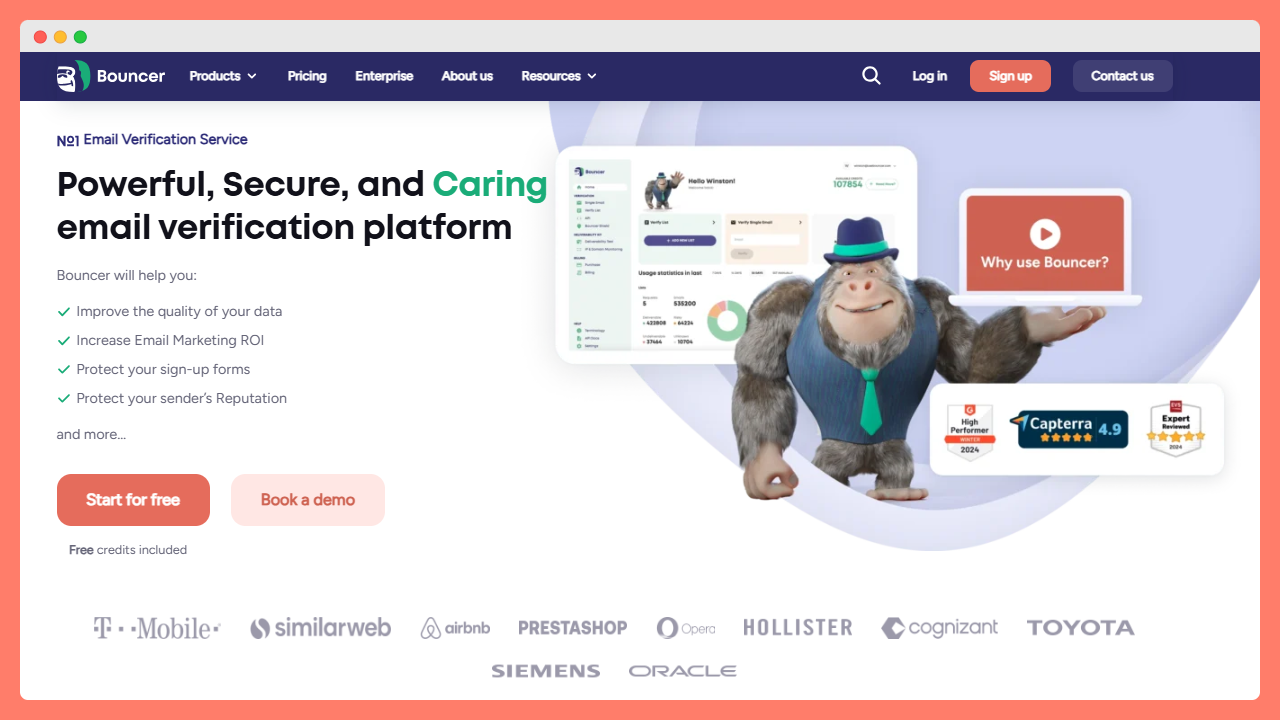
Bouncer is a dedicated email verification service built with deliverability as its core focus, and it shows in the level of detail the platform offers. The verification process checks syntax, MX records, SMTP validation, domain status, and mailbox existence, giving you a thorough read on each address rather than a quick pass-fail result.
Results are broken down clearly so you know exactly what you’re dealing with:
- valid,
- invalid,
- risky,
- or unknown
With enough context to make a smart decision on the risky ones.
One area where Bouncer stands out is its toxicity check, which goes beyond standard verification to flag addresses associated with spam complaints, disposable email detection, and known spam trap networks.
Bouncer also offers a solid email verification API that supports real-time verification at the point of capture, which means you can validate email addresses inline on signup forms and lead generation pages without any manual cleanup later. The bulk email verifier handles large lists efficiently, and the user interface is clean enough that you don’t need to spend time figuring out where anything is.
Key features:
- Multi-layer verification including MX records, SMTP validation, and mailbox checks
- Toxicity check covering spam trap detection and disposable email detection
- Real-time verification API for sign-up forms and direct integration
- Bulk email verification with detailed reports and clear result categories
- Catch-all email detection and domain-level checks
- Free credits available on sign-up; pay as you go and monthly plans on offer
- GDPR-compliant handling of sensitive data
Pricing: Pay as you go from $0.0020 per email; monthly subscriptions available for regular use. Free account includes credits to get started.
Best for: Businesses that want accurate, detailed verification results with the option to plug directly into their stack via API. For teams doing cold outreach or working with older lists, Bouncer’s layer of protection is genuinely useful before any sending happens.
👉 Check Bouncer here: usebouncer.com
#2 Mailfloss
Mailfloss takes a different philosophy from most of the tools on this list — instead of asking you to manually upload and clean a list, it connects directly to your email service provider and runs the verification process automatically in the background on a daily basis. For businesses that are actively growing their list through sign-up forms and lead magnets, that automated approach means invalid addresses get caught and removed before they ever affect a campaign.
The platform supports direct integration with a long list of email service providers including Mailchimp, Klaviyo, ActiveCampaign, ConvertKit, and others, and the setup is genuinely simple. You connect your ESP, set your preferences for how aggressively you want to clean, and Mailfloss handles the rest. There’s no bulk upload workflow here — that’s by design. It’s an automation-first tool for teams that want list hygiene to happen without thinking about it.
Key features:
- Automated daily email verification without manual uploads
- Direct integration with 35+ email service providers
- Typo correction for common misspellings in email addresses
- Decay protection that removes addresses that go stale over time
- Catch-all and disposable email detection
- Customizable aggressiveness settings for different risk tolerances
- Detailed reports on removed contacts and reasons
Pricing: Monthly plans start at $29/month based on credits per month. Free trial available.
Best for: Businesses that want set-and-forget list hygiene without adding a manual step to their workflow.
#3 Verifalia
Verifalia is a strong technical choice, particularly for developers and businesses that need a robust email verification API with detailed classification data coming back on each address. The verification engine is thorough — it checks syntax, DNS and MX records, SMTP dialogue, and mailbox existence — and returns a granular status code rather than a simple pass/fail, which gives developers more to work with when building verification into applications.
The platform handles bulk email validation at scale without much fuss, and the API is available in multiple languages with well-maintained SDKs. Verifalia also offers a browser-based interface for teams that want to run occasional list checks without writing any code. One useful feature is the support for multiple quality levels during the verification process — you can choose between faster, less thorough checks or more comprehensive ones depending on your use case and time constraints.
Key features:
- Detailed email classification with granular status codes
- Multi-step verification including DNS, MX, and SMTP checks
- Real-time API with SDKs for major programming languages
- Bulk email validation with adjustable quality levels
- Browser-based interface for no-code list uploads
- Support for international email addresses and IDN domains
- ISO 27001 certified data handling for sensitive information
Pricing: Pay as you go credits from $7.90; monthly subscriptions available. Free credits included on sign-up.
Best for: Developers and technical teams that need precise verification data via API for custom integrations.
#4 MillionVerifier
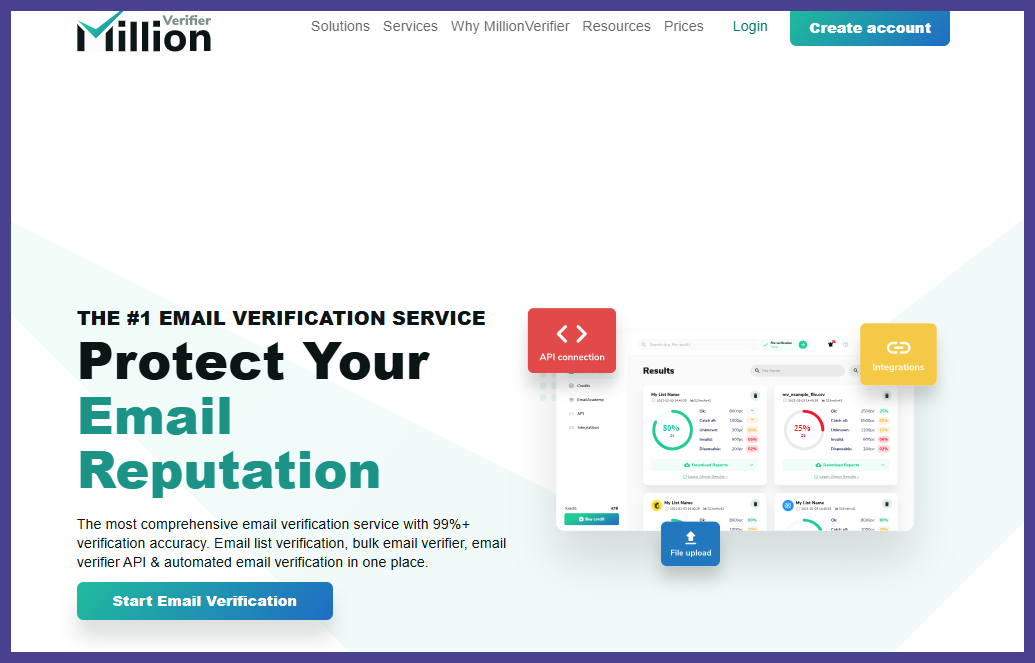
The name is a bit of a hint — MillionVerifier is designed for volume, and it’s one of the more cost-effective options available for businesses that need to validate email addresses in large batches without the per-email cost becoming a significant line item. The platform handles bulk verification quickly and offers a straightforward result set: Good, Risky, or Bad, which is simple enough that you don’t need to spend time interpreting the output.
The verification process covers MX records, SMTP checks, catch-all detection, and disposable email detection, which covers the main bases adequately. MillionVerifier also offers a real-time API, and notably comes with a money-back guarantee on credits if the accuracy doesn’t meet expectations — which says something about their confidence in the result quality. For high-volume senders with large lists and tight budgets, it’s a sensible option.
Key features:
- High-volume bulk email verification with fast processing
- Simple three-category result set: Good, Risky, Bad
- MX record and SMTP validation checks
- Catch-all and disposable email detection
- Real-time verification API
- Money-back guarantee on unused credits
- Low per-email cost at volume
Pricing: Pay as you go from $39 for 10,000 emails; larger volumes priced lower per email. No monthly subscription required.
Best for: High-volume senders who need to clean large lists affordably and efficiently.
#5 ZeroBounce
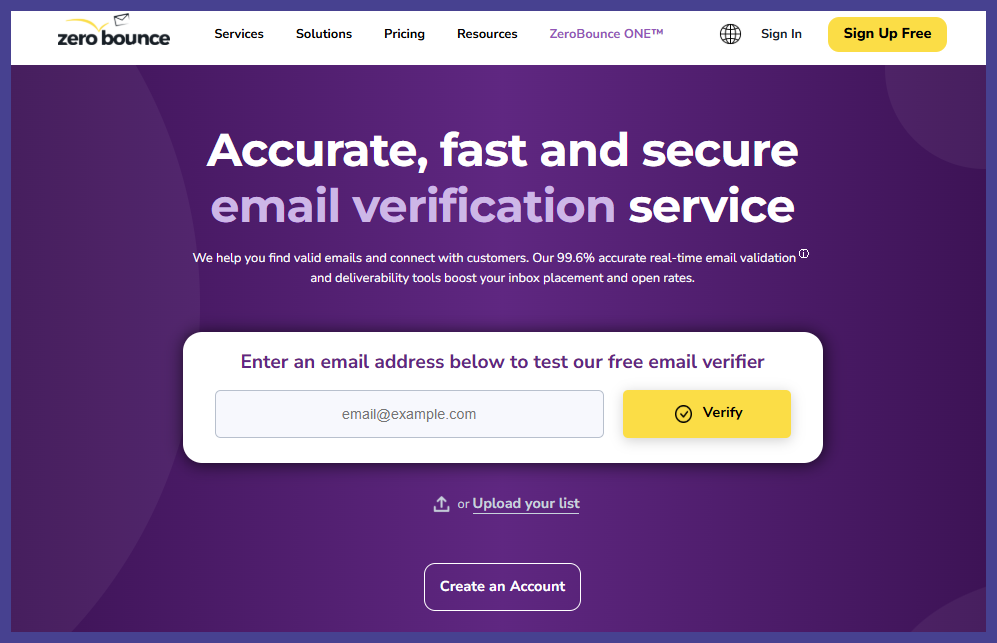
ZeroBounce is one of the most established names in the email verification space, and it’s built a comprehensive platform that goes well beyond just cleaning a list. The core verification engine validates email addresses against a wide range of signals including MX records, SMTP checks, and known spam trap databases, and it’s consistently rated among the more accurate options in independent testing.
What sets ZeroBounce apart from most other verification tools is its inbox placement testing feature, which lets you check whether your emails are likely to land in the inbox or the spam folder before you send. It also includes an email finder, blacklist monitoring for your sending domains, and inbox reports to help you understand your overall deliverability picture. For teams that want a single platform covering both verification and deliverability intelligence, it’s a strong choice.
Key features:
- Email verification with spam trap detection and abuse email flagging
- Inbox placement testing before campaign sends
- Email finder and data append functionality
- Blacklist monitoring for sending domains and IPs
- AI-powered scoring on each email address
- Google Sheets add-on and direct integrations with major email marketing platforms
- Detailed reports with exportable results
Pricing: Pay as you go starts at $39 for 2,000 emails; monthly subscriptions available. Free plan includes 100 verifications per month.
Best for: Marketing teams that want verification and deliverability insights in one place.
#6 NeverBounce
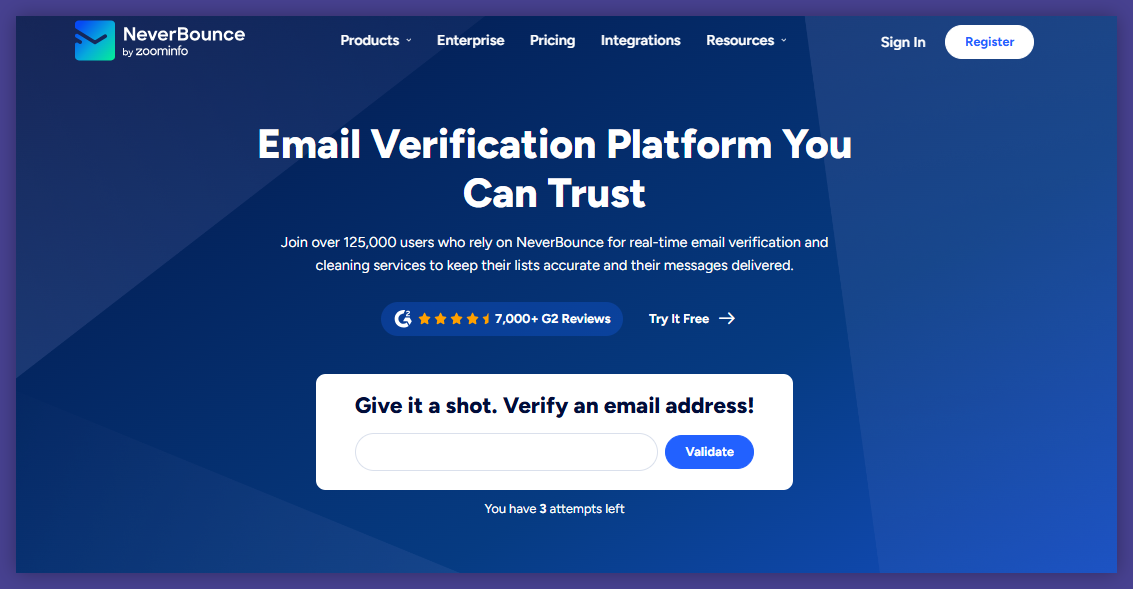
NeverBounce has been around long enough to build real credibility in the verification space, and its combination of bulk verification and real-time verification API makes it a versatile option for businesses at various stages of their email marketing maturity. The bulk verifier processes large lists quickly and returns clean, categorized results. The real-time API integration is well-documented and straightforward to implement, which matters when your developers have other things to work on.
One practical feature worth mentioning is the Auto Clean tool, which can automatically re-verify your lists on a schedule — useful for businesses with rapidly growing contact databases where invalid email addresses accumulate quickly between campaigns. NeverBounce also integrates natively with a range of email service providers and CRM platforms, reducing the friction of adding verification into an existing workflow.
Key features:
- Bulk email verification with fast turnaround on large lists
- Real-time verification API with clean documentation
- Auto Clean for scheduled re-verification of stored lists
- Native integrations with HubSpot, Mailchimp, Salesforce, and others
- Catch-all address identification
- Detailed dashboard with list-level and account-level reporting
Pricing: Pay as you go from $49 for 10,000 emails; subscription plans available. Free account with 1,000 free verifications for new users.
Best for: Teams that send regularly and want automated list maintenance without manual re-uploads.
#7 Hunter
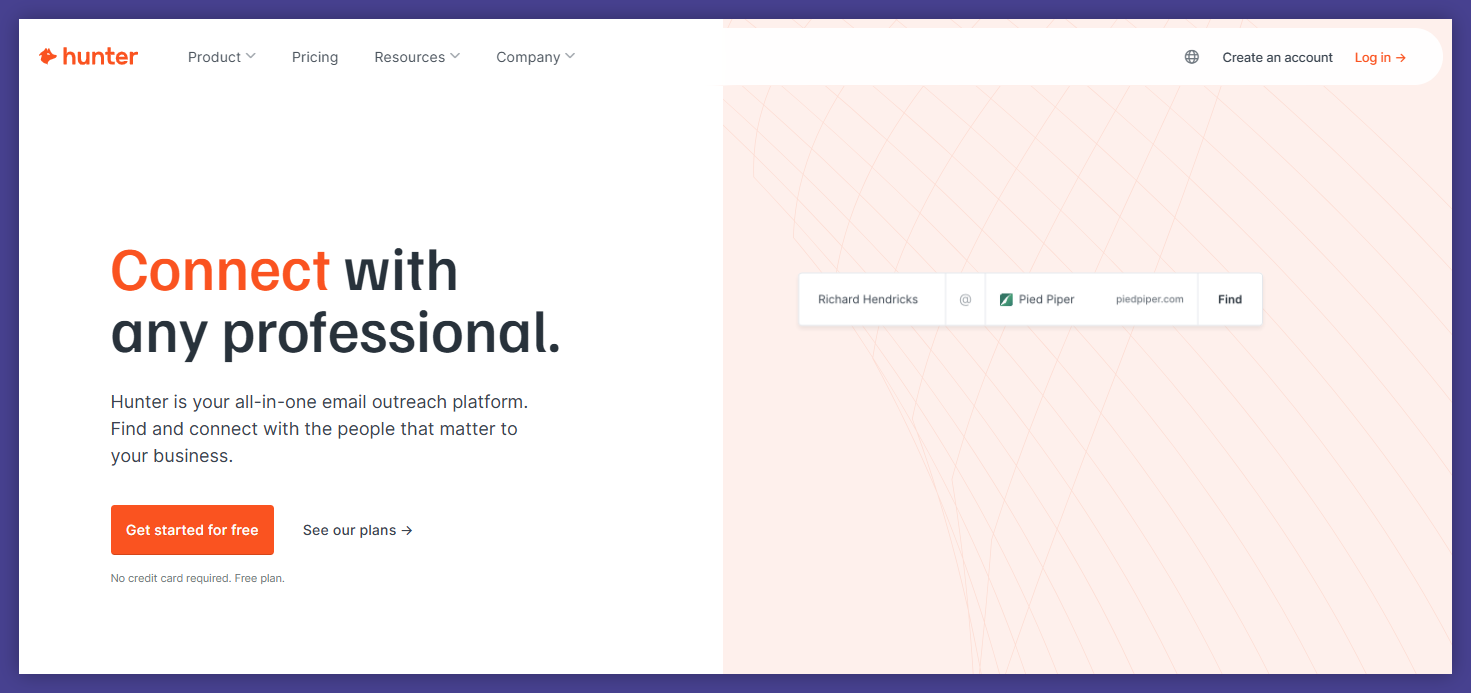
Hunter started life as an email finder before adding verification capabilities, and that origin shapes how the platform feels — it’s built for sales teams and outreach professionals who need both to find and to verify email addresses in one workflow. The domain search feature lets you find email addresses associated with a specific company, and the email verifier then checks those addresses before you put them into a sequence. For B2B lead generation specifically, that combination is very efficient.
The verification process checks syntax, domain, and mail server status, and flags risky addresses including catch-all domains. Hunter’s Google Sheets add-on is genuinely handy for teams that manage their prospect lists outside of a CRM, and the Chrome extension brings verification right into your browser as you research contacts. It’s not the deepest verifier on this list in terms of technical checks, but for its core audience it covers what matters.
Key features:
- Email finder with domain search for B2B prospecting
- Email verification covering syntax, domain, and mail server checks
- Bulk email verification via CSV upload or API
- Google Sheets add-on for in-sheet verification
- Chrome extension for in-browser contact research
- Email campaigns feature built into the same platform
- API access for developers
Pricing: Free plan exisits; paid plans from $34/month. Pay as you go credits available.
Best for: Sales teams and SDRs who need to find and verify email addresses as part of the same prospecting workflow.
#8 Kickbox
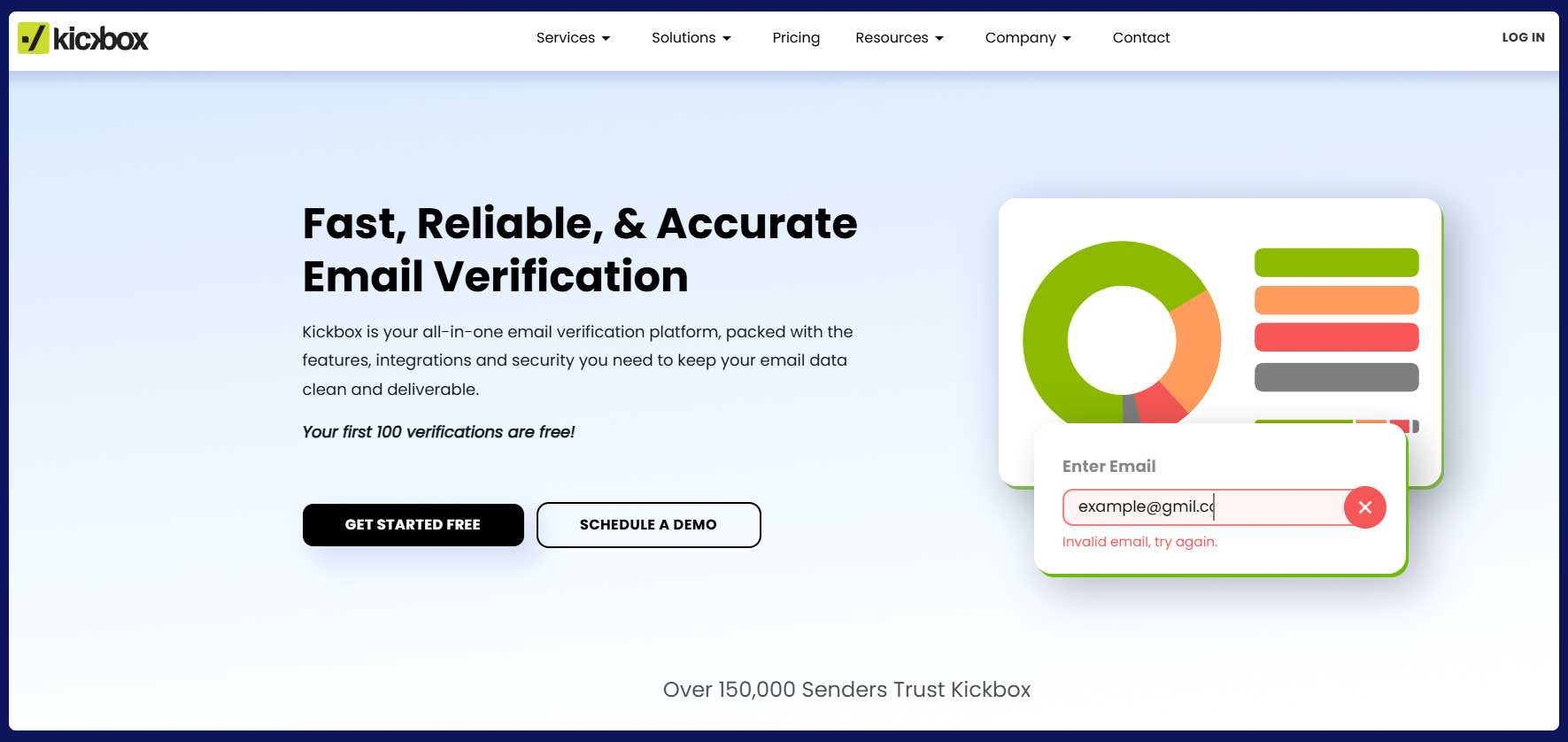
Kickbox takes a slightly different approach to verification by assigning each email address a “Sendex” score — a proprietary quality indicator that tells you not just whether an address is valid, but how confident you should feel about sending to it. That nuance is useful when you’re working with large lists and want to prioritize your highest-quality segments rather than just removing the obvious invalids.
The platform handles bulk verification efficiently and the real-time API is well-regarded among developers for its reliability and response times. Kickbox integrates with a solid range of email marketing platforms including Mailchimp, Klaviyo, and ActiveCampaign, which makes it relatively painless to add into existing workflows. The interface is clean and the results are presented in a way that doesn’t require much interpretation, which is appreciated when you’re working quickly.
Key features:
- Sendex quality scoring for nuanced list segmentation
- Bulk email verification with fast processing
- Real-time verification API with strong uptime track record
- Disposable email detection and catch-all address identification
- Integrations with major email marketing and CRM platforms
- Detailed reports exportable in multiple formats
- GDPR and SOC 2 compliance for handling sensitive data
Pricing: Pay as you go from $5 for 500 verifications; monthly plans available. Free account includes 100 verifications.
Best for: Email marketers who want more than a binary valid/invalid result and prefer to segment by quality score.
#9 Clearout
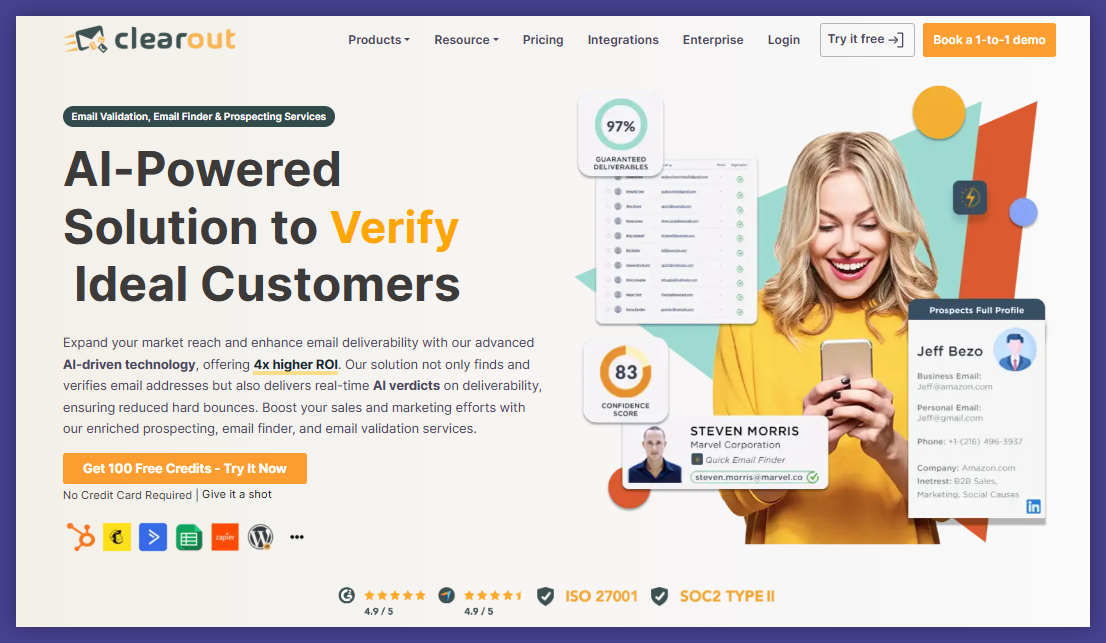
Clearout positions itself as an all-in-one solution covering both email verification and email finder functionality, similar to Hunter but with a slightly deeper focus on the verification side. The platform validates email addresses through a thorough verification process covering syntax, domain checks, MX records, SMTP handshake, and mailbox verification, and returns a confidence score alongside the standard status.
The email finder is useful for B2B prospecting, letting you find verified email addresses associated with specific domains or individuals. Clearout also offers a LinkedIn Chrome extension that lets you extract and verify contact details directly from LinkedIn profiles, which is a genuinely time-saving feature for sales teams doing manual prospecting. Integration options include Salesforce, HubSpot, Zoho, and various email marketing platforms, and there’s a Google Sheets add-on for teams working outside a CRM.
Key features:
- Email verification with confidence scoring
- Email finder for domain and person-based prospecting
- LinkedIn Chrome extension for in-platform contact extraction
- Real-time verification API
- Google Sheets add-on and CRM integrations
- Catch-all detection, spam trap detection, and disposable email flagging
- Bulk and individual verification modes
Pricing: Pay as you go from $16 for 3,000 credits; monthly subscriptions available. Free account includes 100 free credits.
Best for: Sales teams that combine prospecting and verification in their outreach process.
#10 EmailListVerify
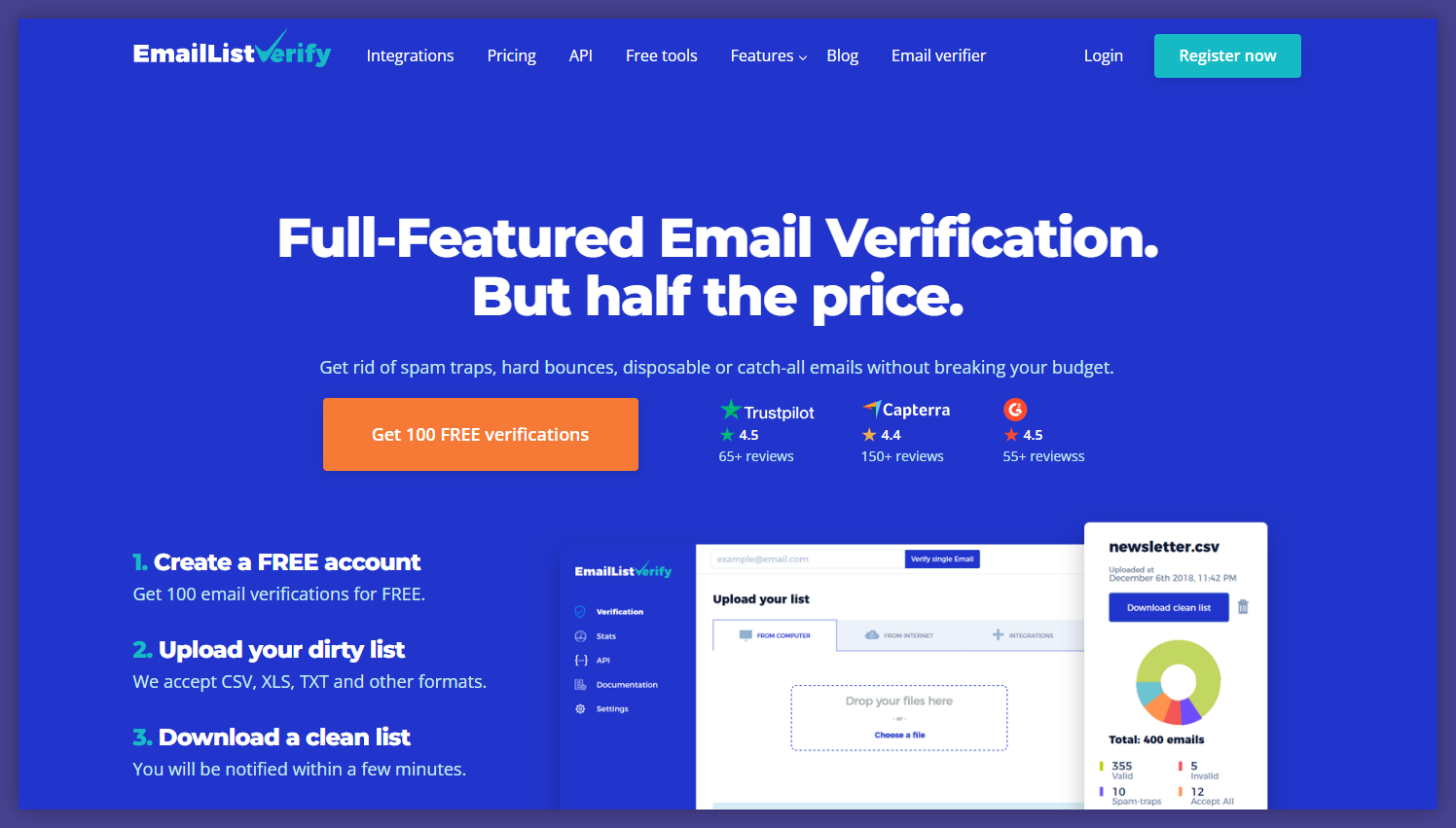
EmailListVerify is a no-frills bulk email verification service that does exactly what it promises at a price point that’s hard to argue with. The verification process covers syntax checks, domain and MX record validation, SMTP verification, catch-all detection, and spam trap identification — a solid standard suite that handles the most important verification checks without overcomplicating the workflow.
The platform is particularly well-suited to teams that occasionally need to run large list cleanups without a monthly commitment. You buy credits, upload your list, download the results, and you’re done. The turnaround on verification is fast even for large lists, and the results file is clean and easy to work with. There’s also a real-time API for developers who want to plug verification into their stack. It won’t win any awards for its user interface, but for pure bulk list cleaning at volume, it’s reliable and cost-effective.
Key features:
- Bulk email verification with fast processing at scale
- SMTP validation, MX record checks, and syntax verification
- Spam trap detection and catch-all address identification
- Real-time email verification API
- Simple CSV upload and download workflow
- No monthly subscription required — credit-based model
- Integrations with major email marketing tools
Pricing: Pay as you go from $7 for 1,000 emails; volume discounts available. Free trial credits on sign-up.
Best for: Teams that need occasional bulk list cleaning at a low cost without a monthly commitment.
How to Choose the Right Email Verification Tool for Your Business
With ten solid options in front of you, the choice really comes down to how your team works and what your verification needs look like day to day. Here’s a simple way to think about it:
If you’re a developer or have technical resources: Look at Bouncer, Verifalia, or ZeroBounce for their well-documented APIs and detailed verification data. These give you the most to work with when building verification into your own systems.
If you want set-and-forget automation: Mailfloss is the obvious choice. It connects to your ESP and handles the verification process in the background so you don’t have to think about it.
If you’re focused on B2B sales prospecting: Hunter.io or Clearout will save you time by combining the email finder and email verifier in one workflow, especially if you’re doing outreach manually.
If you’re sending at high volume on a tight budget: MillionVerifier or EmailListVerify offer the best value per verification at scale, without requiring a monthly subscription.
If you want the most comprehensive deliverability picture: ZeroBounce covers more ground than most with its inbox placement testing and blacklist monitoring alongside standard verification.
Tip: Most of these tools offer a free plan or free credits — use them. Run the same sample list through two or three tools and compare the results before you commit. The accuracy differences between tools on catch-all addresses and risky emails in particular can be meaningful.
Wrapping Up
Keeping your email list clean isn’t glamorous work, but it genuinely pays off in better deliverability, lower bounce rates, and a sender reputation that holds up over time. The tools on this list cover a wide range of needs — from solo founders doing occasional list cleanups to enterprise teams verifying millions of email addresses every month via API.
If you’re just getting started, picking any of the options above and running your list through it before your next campaign is already a meaningful step forward. Most offer free credits to get you started, so there’s no reason not to try a couple and see which one fits how you work.
Try Bouncer and your inbox placement will thank you.
FAQ: Email Verification
Does email verification guarantee inbox placement?
Not directly, but it’s one of the most important factors. Keeping your bounce rates low protects your sender reputation, which is a major driver of inbox placement. Verification removes the addresses that would bounce or generate spam complaints — both of which damage your standing with email service providers.
How often should I verify my list?
It depends on how actively you’re growing it. A list that’s been sitting untouched for a year should be fully re-verified before any send. A list fed by active sign-up forms should be verified either at the point of capture via a real-time API or in bulk every 60–90 days. Email addresses go stale faster than most people expect.
What are catch-all addresses and should I send to them?
A catch-all email address is configured to accept all incoming mail for a domain, regardless of whether the specific mailbox exists. This means verification tools can’t confirm with certainty whether the address is valid — the mail server will say “yes” to everything.
Whether to send to catch-all addresses depends on your risk tolerance: they tend to have higher bounce rates than fully verified addresses, but excluding all of them can mean losing a meaningful chunk of your list. Most tools let you keep them as a separate segment so you can make that call yourself.
Is a free email verification tool good enough?
Free plans are useful for testing and for very small lists, but they typically come with limits on volume, features, or both. For businesses sending regularly, a paid plan or pay-as-you-go credits from a reputable email verification service will give you more accurate results, faster processing, and support when you need it.


