





Every email database slowly collects invalid addresses. Employees leave companies, domains expire, inboxes get deleted, and people accidentally enter the wrong email syntax when signing up. Thus, without regular maintenance, even the best contact lists begin to fill with risky emails, outdated contacts, etc.
This is where email verification tools make a difference.
An email verification tool analyzes email addresses before campaigns are sent. As a result, it helps email campaigns reach the intended recipient and ensure marketing platforms and email service providers trust your sending behavior.
In this article, we will explain how the email verification process works and explore some of the best email verification tools available today.
TL:DR
- Email verification tools check and clean your list before sending – they detect invalid email addresses, risky contacts, and improve email deliverability.
- The verification process goes beyond syntax. It includes domain checks, mailbox validation, and risk detection like spam traps or disposable email address use.
- Use email verification regularly, before campaigns, CRM imports, and as ongoing maintenance to keep lists accurate and protect sender reputation.
What email verification tools actually do
Before diving into the tools themselves, let’s see what happens behind the scenes during the verification process.
Many people assume they know what email verification services do – checks formatting, the end of the story. However, the reality is more technical.
Accurate email verification tools run several layered tests to determine whether an email address is safe to send to. The process usually involves communication with the receiving mail server without actually sending a message. This allows the system to check whether the mailbox exists while avoiding spam complaints or unwanted emails.
A typical email verification process includes several checks that work together to validate email addresses.

Syntax validation
The first step checks email syntax. This confirms whether the email address follows the correct structure required by email protocols.
For example, a valid email address must include:
- a local part before the @ symbol
- a valid domain name
- proper formatting without illegal characters
- correct domain extension such as .com or .org
You can read more about how looks the correct email address format here: What is the Correct Email Address Format?
Addresses like:
- johncompany.com
- john@company
- john@@company.com
fail syntax validation immediately.
Syntax checks eliminate obvious invalid email addresses quickly. This stage alone can remove a surprising number of errors, especially in large lists collected from sign up forms or spreadsheets.
Tip: Simple formatting errors appear more often than many marketers expect. Typos such as gmial.com, hotnail.com, or yaho.co frequently appear in lead generation lists.
Domain verification
Once syntax passes, the system verifies the domain.
The verification tool checks whether the domain actually exists and whether its MX records are properly configured. MX records tell email service providers which mail server receives messages for that domain.
If the domain does not exist or has no MX records configured, the email address cannot receive messages.
For example: name@nonexistingdomain123.com would immediately fail domain verification.
This step also confirms whether the domain has working mail servers. A domain may exist but still fail email verification if its email infrastructure is not configured correctly.
This check helps eliminate invalid email addresses tied to domains that cannot accept mail.
Mailbox verification
The next step tests whether the mailbox exists on the mail server.
This stage involves communicating with the receiving mail server and requesting a server response without sending a real email message. The server indicates whether the mailbox is valid, unavailable, or unknown.
If the server confirms the mailbox exists, the address is considered a verified email.
If the server rejects the request, the address is classified as an invalid email address.
Mailbox verification helps detect addresses such as:
- employees who left a company
- inboxes that were deleted
- mailboxes that never existed
For companies sending email campaigns, this check dramatically reduces bounce rates.
Risk detection and advanced checks
Modern verification tools go further than simply checking if an email address exists, or don’t just “flag” catch-alls anymore. Instead, they use behavioral signals to tell you which ones are actually safe to send to.
Advanced systems also analyze risky email types that can harm email deliverability.
These checks often include detection of:
- disposable email address providers
- temporary email addresses used for fake registrations
- spam traps
- role-based emails such as info@ or support@
- catch all domains that accept any inbox
Spam traps are particularly dangerous. These email addresses are created by internet service providers and anti-spam organizations to identify senders with poor list hygiene.
If an email campaign hits spam traps repeatedly, email service providers may route messages to the spam folder or block them entirely.
Good email verification tools include spam trap detection and disposable email detection to reduce this risk.
Why these checks matter for email deliverability
All these layers work together to improve email deliverability.
When businesses validate email addresses before sending campaigns, they avoid sending messages to invalid or risky inboxes. This reduces bounce rates and signals responsible sending behavior to internet service providers.
Higher list quality leads to better inbox placement and stronger campaign performance.
In short, email verification tools act as a filter between your database and your email marketing platform.
Tip: Think of email verification as preventive maintenance. Cleaning your list before sending campaigns protects your domain reputation and keeps email marketing running smoothly.
Take action: Before sending your next campaign, run bulk email verification on your contact list and remove addresses flagged as invalid or risky.
When you should use an email verification tool
Not every database needs daily verification, but several situations make email verification essential. Many companies wait until bounce rates spike before cleaning their lists. That approach usually means sender reputation damage has already begun.
Using an email verification service earlier in the process prevents those problems.
Before launching cold email campaigns
Cold outreach is one of the most common use cases for email verification tools.
Lead generation lists often come from multiple sources:
- LinkedIn exports
- scraped company websites
- email finder tools
- purchased databases
- event attendee lists
Many of these contacts may be outdated or incorrect.
If a campaign includes too many invalid email addresses, email service providers may throttle messages or place them in the spam folder.
Verifying email addresses before outreach protects sender reputation and improves campaign performance.
Sales teams that rely on cold outreach often verify every contact before launching campaigns.
Tip: Many email outreach platforms now integrate directly with email verification tools. This allows real time verification before a message is sent.
When importing contacts into a CRM
CRM databases often grow quickly.
Sales teams import contacts from conferences, webinars, marketing platforms, or lead capture tools. Without validation, these imports can introduce invalid email addresses into the system.
Cleaning contacts before import keeps the CRM database accurate and easier to manage.
It also ensures sales teams work with verified contact details rather than outdated data.
Action point: Before importing a spreadsheet into your CRM, run bulk email verification to remove invalid addresses.
During ongoing list maintenance
Email lists decay constantly.
Research often shows that business email lists lose around 22.5 percent of their accuracy every year. Employees switch companies, organizations close accounts, and new security filters appear.
Without periodic verification, even carefully collected lists gradually accumulate invalid contacts.
Running verification every few months helps maintain high list quality.
Marketing teams often schedule verification as part of their regular list maintenance process.
For lead capture forms
Another important use case involves sign up forms.
Many websites collect email addresses through:
- newsletter registrations
- product trials
- webinar sign-ups
- gated content downloads
Unfortunately, fake emails frequently appear in these forms.
Some users intentionally submit disposable email addresses to access content without sharing their real inbox. Others simply mistype their email syntax.
But yes, real time verification can detect these problems immediately.
If an address fails validation, the system prompts the user to correct it before completing registration.
This ensures that new leads entering the database are verified from the start.
Tip: Real time verification combined with a Google Sheets add on can automatically validate new leads collected through sign up forms.
Important checks before choosing the best tool for email verification
Many platforms claim to be the best email verification tools, but their capabilities vary significantly.
Choosing the right email verification software depends on how your business collects and uses email addresses.
When comparing tools for email verification, several factors deserve close attention.
Accuracy rate
Accuracy is one of the the most important factors.
An accurate email verification tool correctly identifies invalid addresses while avoiding false positives. Removing valid contacts by mistake can reduce campaign reach.
The best email verification tools use multiple validation layers, including server response checks and spam trap detection.
If accuracy is poor, the entire verification process becomes unreliable.
Tip: Look for platforms known for accurate email verification tools rather than services focused solely on speed.
Speed and bulk processing
Bulk verification matters for large databases. Some platforms specialize in bulk email verification and can process millions of addresses quickly. Some focus on smaller batches or real time verification.
Companies running frequent email campaigns benefit from tools that support large batch uploads.
Bulk email verifier systems typically provide faster processing and automated reports.
Integrations and workflow compatibility
Modern email workflows rely on multiple tools working together.
Businesses often look for verification tools that integrate with:
- CRM systems
- email outreach platforms
- marketing platforms
- Google Sheets
- automation tools
Many email verification tools also offer an email verification API or email verifier API.
These APIs allow developers to embed verification directly into sign up forms, lead generation pipelines, or email marketing platforms.
For teams running automated workflows, integration support is critical.
Pricing model and subscription options
Email verification services typically charge per verification credit.
Pricing structures vary widely between providers. Some offer pay as you go pricing or rely on monthly subscriptions.
When evaluating costs, consider:
- credit pricing
- subscription plans
- bulk discounts
- free trial availability
- free plan limits
Many platforms provide free email verification credits or a free email checker for small tests.
This allows businesses to evaluate the verification service before committing to larger subscription plans.
Deliverability and reporting features
Some verification tools go beyond basic validation. Advanced platforms include deliverability tools such as:
- inbox placement monitoring
- blacklist checks
- detailed reports on verification status
- domain reputation insights
These features provide deeper visibility into how email campaigns perform and how lists affect deliverability.
For email marketers running large email marketing campaigns, these insights can be extremely valuable.
Take action: Before selecting a verification platform, test several verification tools using a sample list and compare the verification status results.
The 10 best tools for email verification
Below, you’ll find a selection of tools for email verification that stand out in 2026. Each one helps verify email addresses, reduce invalid email addresses in your database, and support better email deliverability — but they do it in slightly different ways depending on your needs.
01 Bouncer
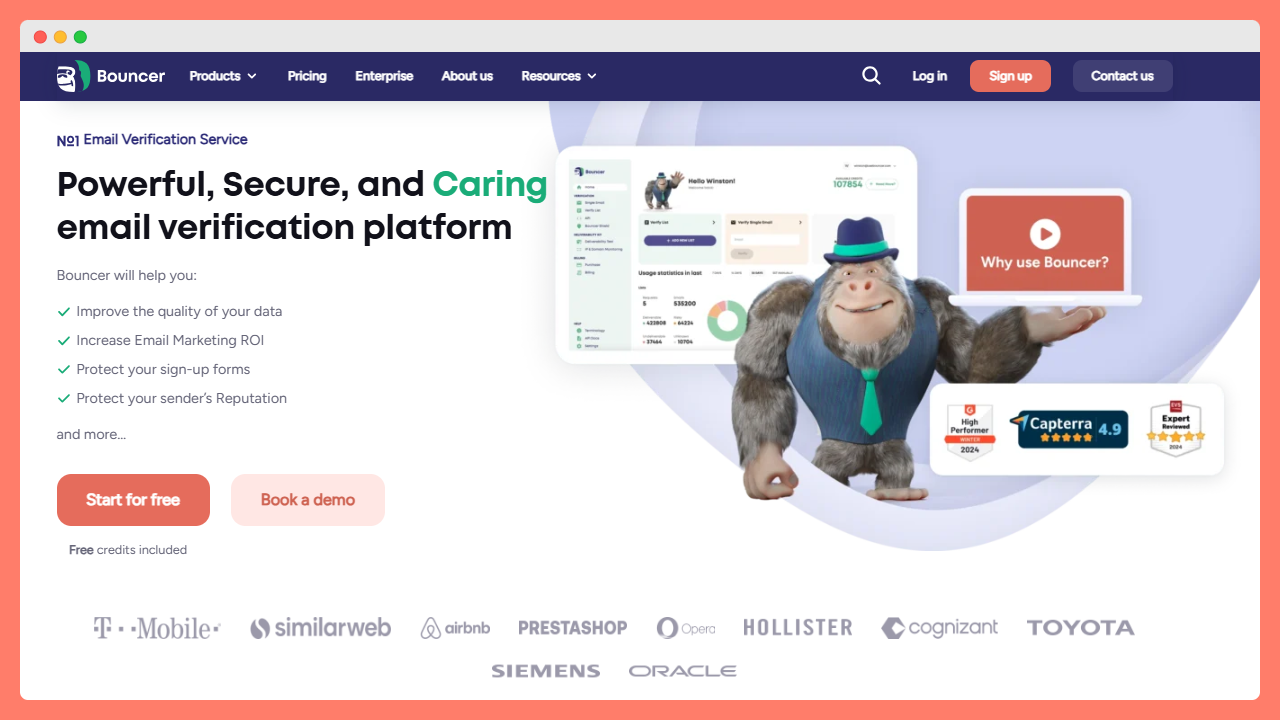
Bouncer is a deliverability-focused email verification platform designed for sales teams, SaaS companies, and email marketers who want accurate results without complicated workflows.
The tool verifies email addresses quickly and identifies risky contacts such as disposable emails, role accounts, or catch-all domains. It also performs deeper checks to help protect sender reputation during cold outreach or marketing campaigns.
To its features belong:
- email verification
- email verification API
- Integrations
- Bouncer Shield
- AutoClean
- Toxicity Check
- Data Enrichment
- Deliverability Kit
- Email Engagement Insights
What stands out about Bouncer is its balance between high accuracy and easy integration. Teams can verify emails via bulk uploads, API connections, or native integrations with popular outreach tools.
Moreover, Bouncer’s key strengths are:
- high verification accuracy
- bulk verification for large lists
- GDPR-friendly infrastructure
- deep verification for Google Workspace and Office365 catch-alls,
- and SOC2/GDPR compliance
Check out Bouncer and see how this platform can save you nerves and time.
02 ZeroBounce
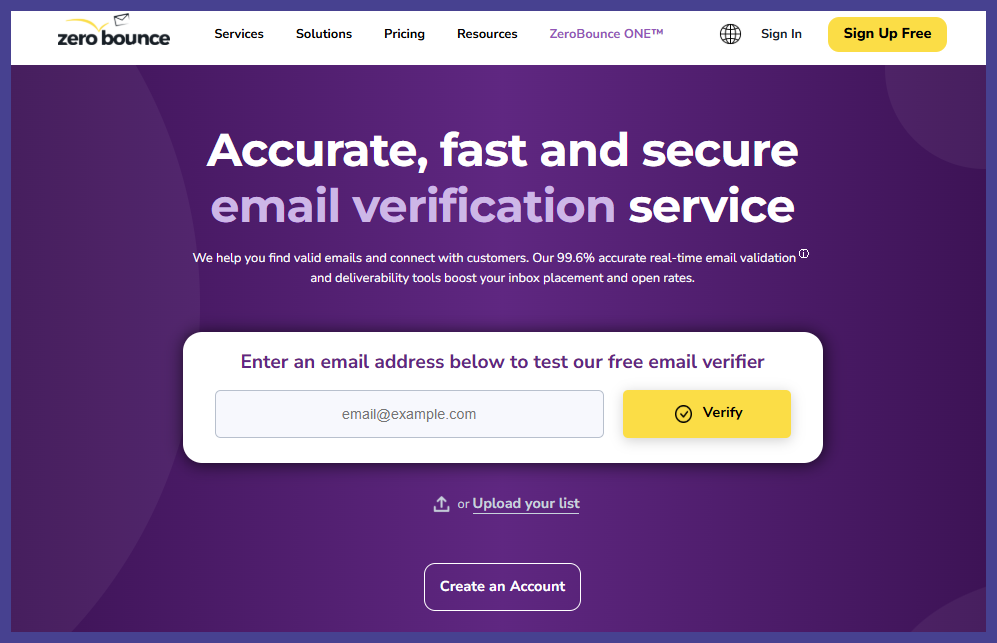
ZeroBounce is one of the most widely known email verification services in the market. In addition to verifying addresses, it provides extra enrichment data such as location, gender predictions, and activity signals.
The platform also includes deliverability tools like blacklist monitoring and inbox testing, which makes it appealing for larger marketing teams managing complex campaigns.
Key strengths
- built-in data enrichment
- deliverability monitoring features
- reputation tools
- many different types of status codes
- industry-leading AI scoring
Best for enterprise marketing teams and large databases.
03 NeverBounce
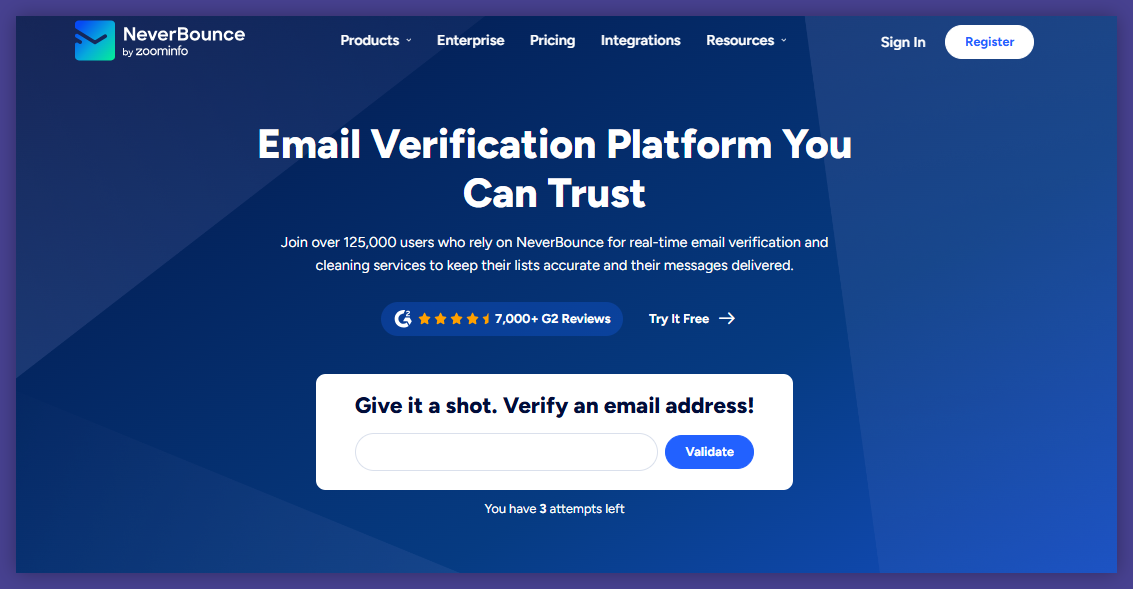
NeverBounce focuses on high-speed verification and large-scale list cleaning. Many companies use it when they need to process millions of contacts quickly.
The platform offers real-time verification APIs and integrations with multiple marketing platforms, allowing teams to validate emails as soon as they enter the system.
Key strengths
- strong bulk processing
- real-time verification API
- marketing platform integrations
- extreme speed (claims 10k emails in ~3 mins)
- automated sync cleaning
- and “Instant Bounce Analysis” (free list health check)
Best for companies with very large email databases.
04 Kickbox
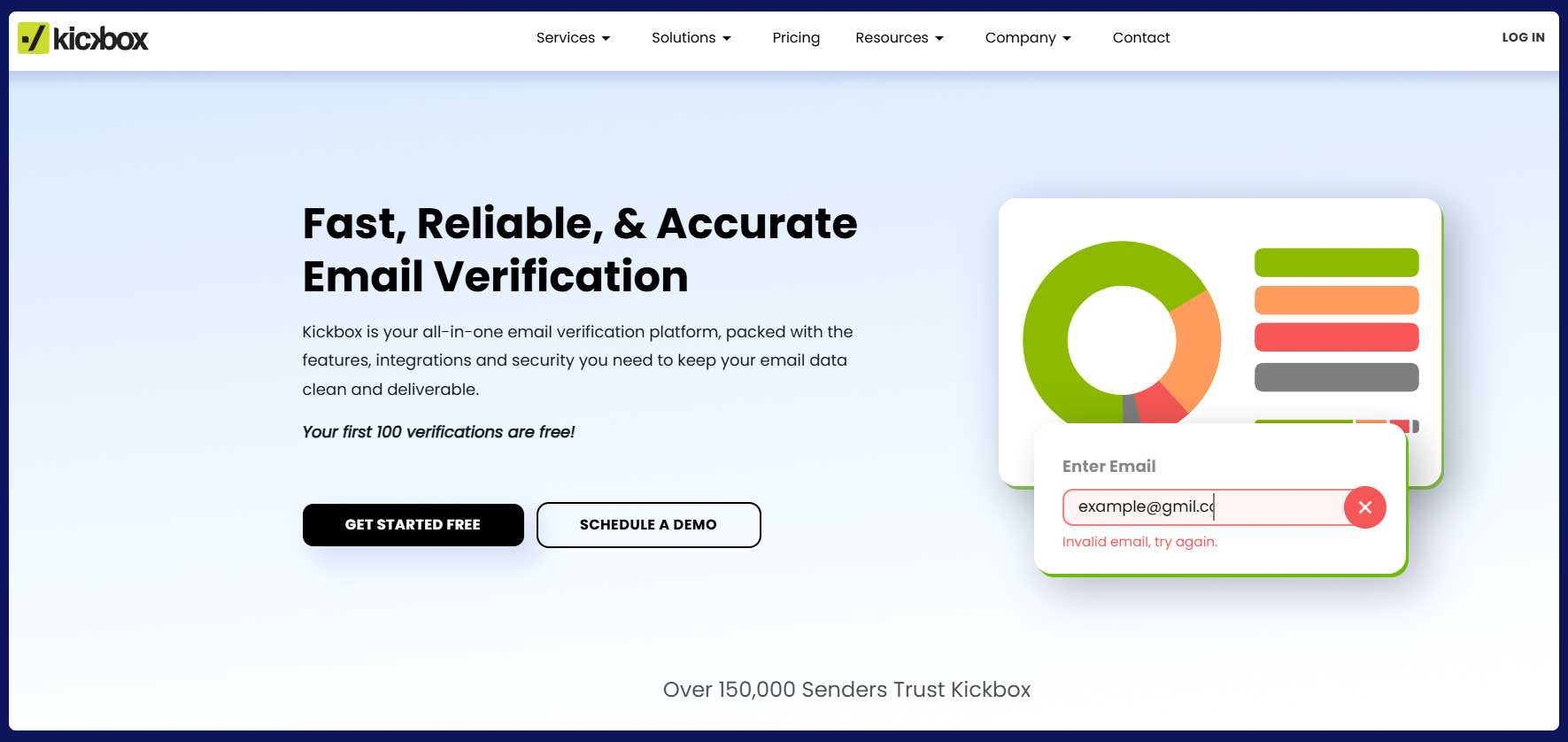
Kickbox is known for its simple user experience and reliable verification engine. The platform also offers a developer-friendly API and helpful documentation for teams building custom integrations.
Many SaaS companies use Kickbox to verify emails during user registration or onboarding flows.
Key strengths
- Deliverability Consulting
- DMARC monitoring
- developer tools
- high-speed API
- simple dashboard
- reliable verification engine
Best for SaaS products that need real-time validation.
05 Hunter
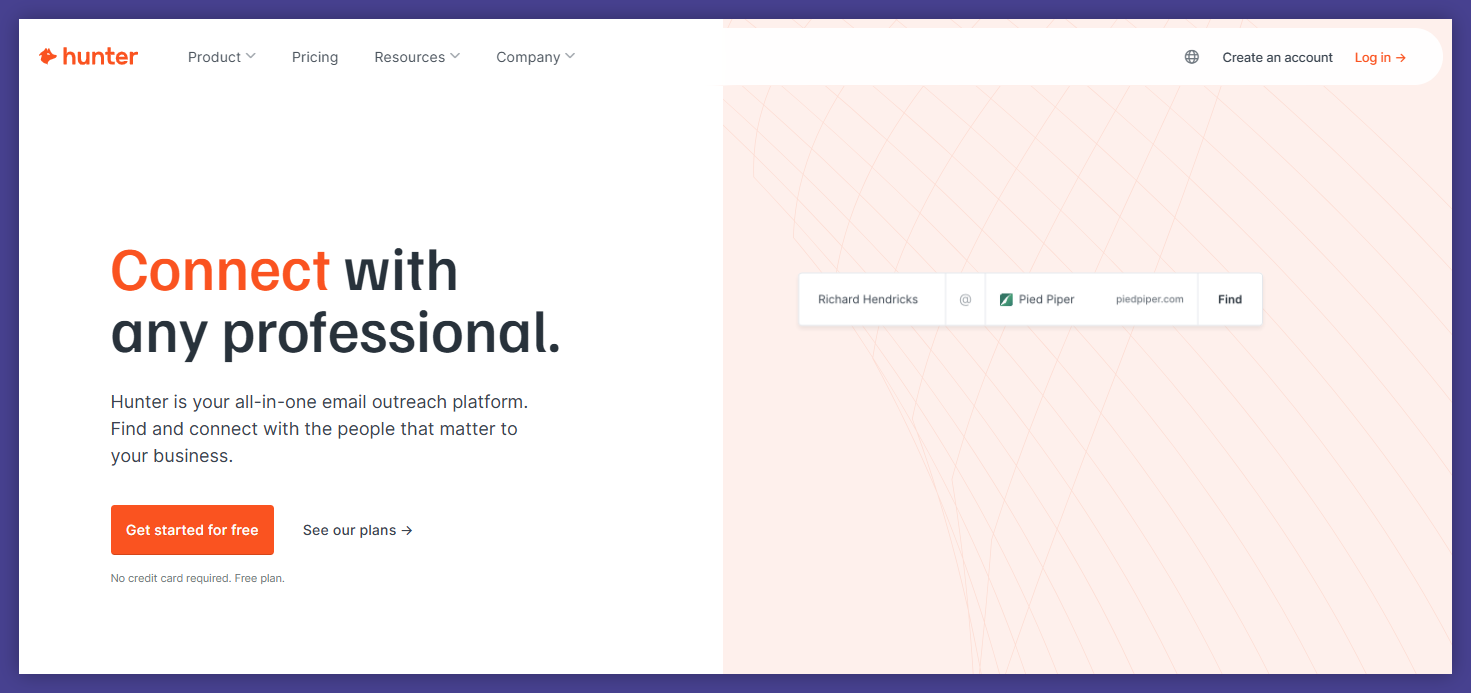
Hunter is best known for its email finder, but it also includes a powerful verification feature. The tool helps users confirm whether an email address is deliverable before using it for outreach.
Because it integrates naturally with prospecting workflows, Hunter is popular among sales teams and recruiters.
Key strengths
- built-in email discovery
- verification during prospecting
- performs a specific check against their own massive B2B database
- browser extensions, like for LinkedIn
- confidence scores for every lead
Best for sales prospecting and lead research.
06 Clearout
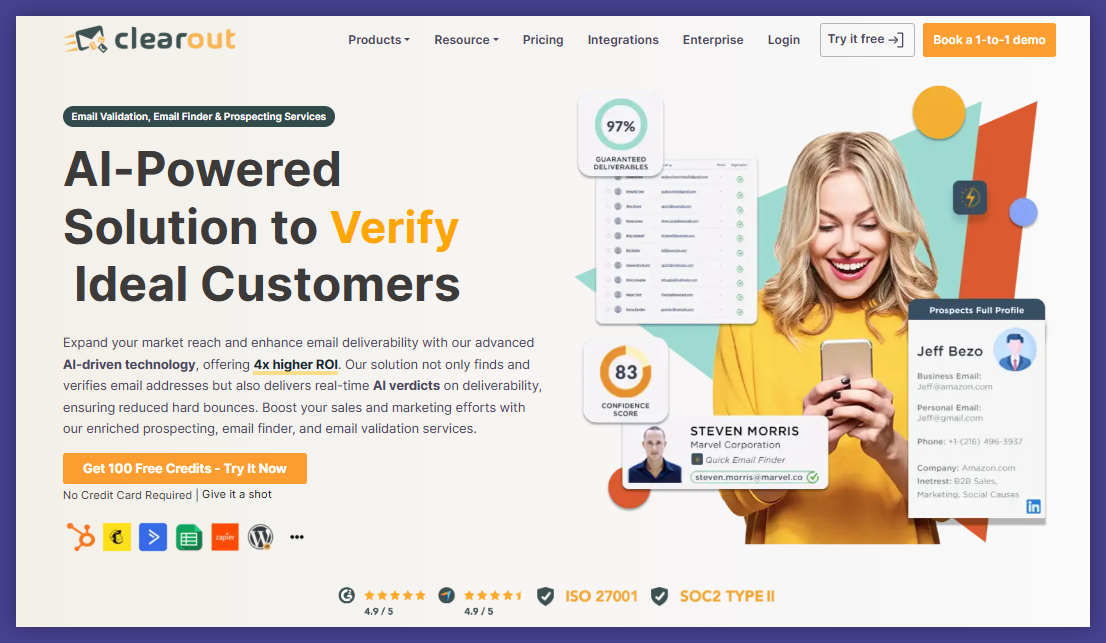
Clearout combines email verification with lead enrichment features. The platform identifies invalid contacts, spam traps, and disposable addresses while also providing additional data about leads.
It supports real-time verification and bulk uploads, which makes it flexible for both small teams and larger organizations.
Key strengths
- enrichment capabilities
- spam trap detection
- flexible verification workflows
- Form Guard
- LinkedIn Prospecting
- AI-based “Verdict” for list quality
- pre-verified lead discovery
Best for teams combining data enrichment and verification.
07 MailerCheck
MailerCheck is an email verification service created by the team behind MailerLite. The platform focuses on improving deliverability for email marketing campaigns.
It includes verification tools alongside spam testing and deliverability insights, helping marketers identify potential issues before sending newsletters.
Key strengths
- deliverability diagnostics
- marketing-focused features
- spam score testing
- Email Content Testing feature
- DMARC/Blocklist monitoring
- seamless MailerLite integration
Best for email marketing teams running newsletters.
08 DeBounce
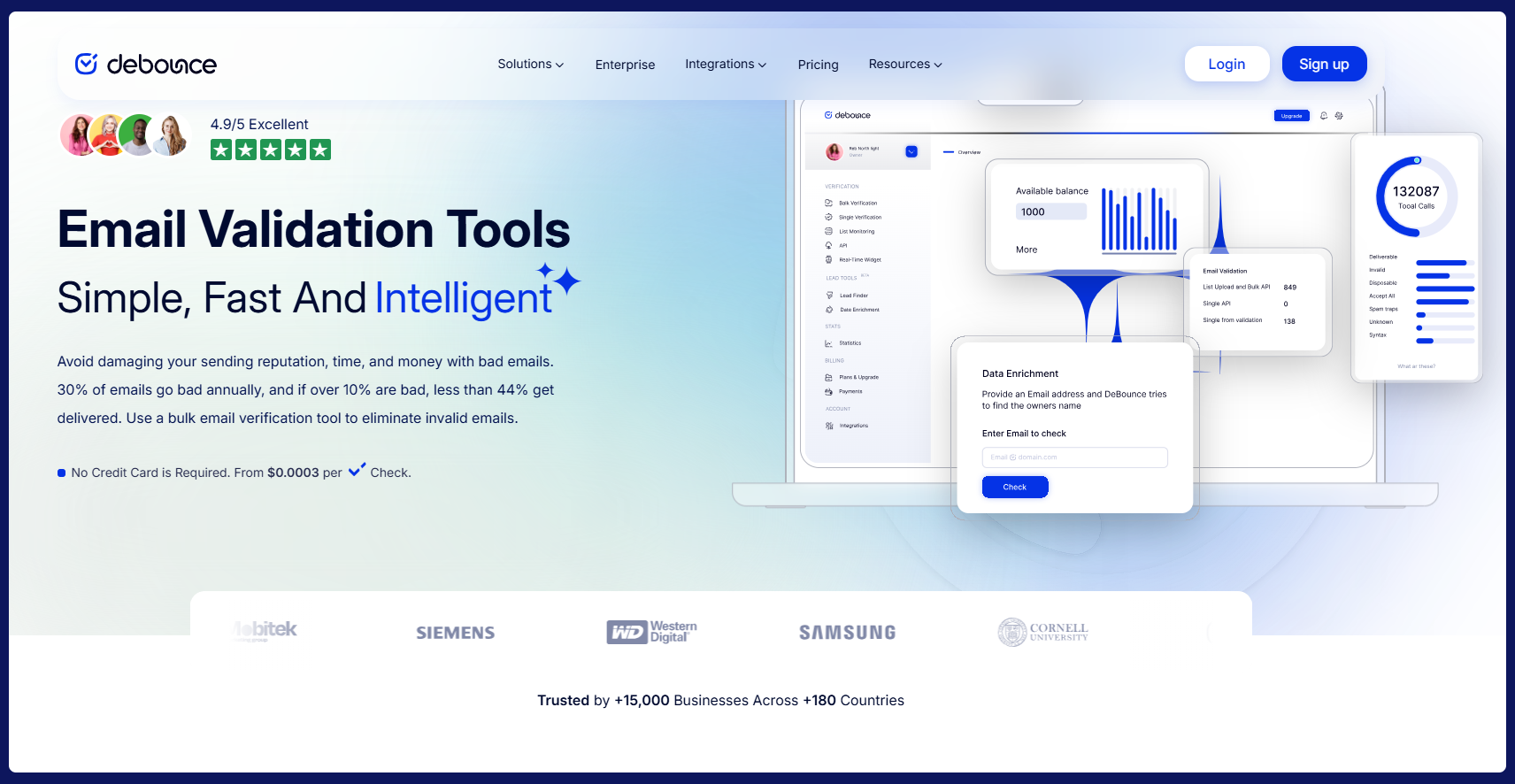
DeBounce is a budget-friendly verification service designed for users who need basic list cleaning without advanced integrations.
Despite its lower pricing, the tool still detects disposable addresses, invalid domains, and spam traps.
Key strengths
- affordable pricing
- simple verification process
- bulk list cleaning
- Anti-greylisting technology
- data enrichment
- “Never pay for Unknowns” policy
Best for small businesses and startups.
09 Verifalia
Verifalia is a long-standing email verification service with a strong reputation for reliability. The platform performs deep verification checks and supports advanced configuration options for developers.
It also provides detailed verification reports explaining why certain addresses are flagged.
Key strengths
- detailed verification reporting
- flexible verification settings
- Three Quality Levels (Standard, High, Extreme)
- validation mode for mission-critical lists
- and developer-first API SDKs.
Best for technical teams and developers.
10 EmailListVerify
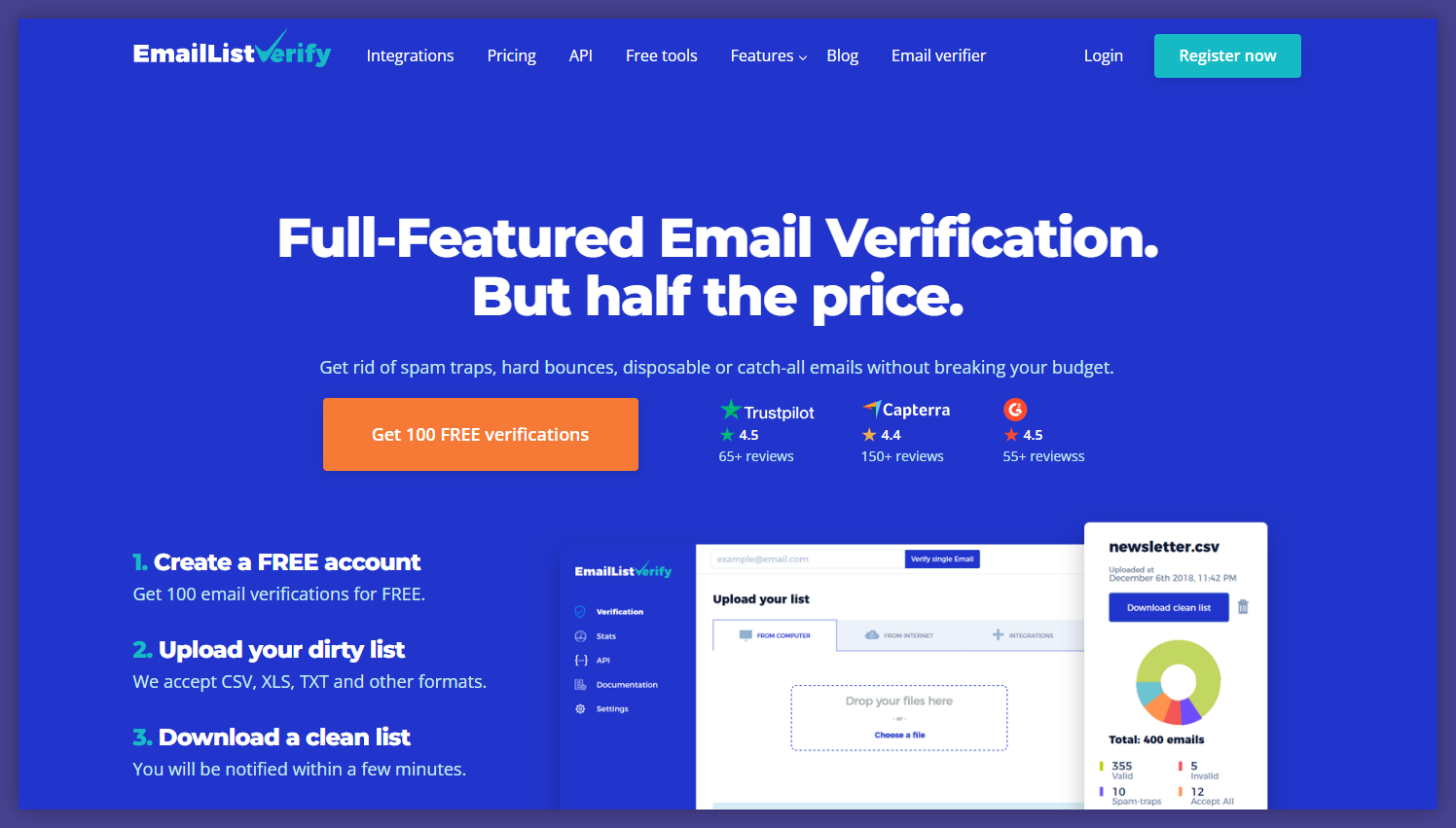
EmailListVerify focuses on large-scale list cleaning with quick turnaround times. The platform processes lists in bulk and identifies several types of risky contacts including spam traps and disposable domains.
Its straightforward workflow makes it accessible even for non-technical users.
Key strengths
- bulk list processing
- bulk email search feature
- fast verification speed
- simple interface
- “One-Click” cleaning
- built-in lead search tools.
Best for businesses cleaning large marketing lists.
Don’t do this when verifying email lists
Even with powerful email verification tools, mistakes still happen, but many of them you can eliminate by yourself, at the very start. You just need to know what you shouldn’t do.
Thus, avoiding common mistakes can significantly improve email deliverability and campaign performance. For example:
Verifying lists only once
Email verification should not be a one-time task.
Lists change constantly as people switch jobs, companies restructure, or email accounts disappear.
Verifying email addresses only once before a campaign leaves room for new invalid contacts to appear.
Running regular bulk verification helps maintain high list quality over time.
Ignoring catch all domains
Catch all domains can be… well, more than tricky.
A catch all configuration means the mail server accepts messages for any email address within that domain.
For example:
- anything@company.com
- randomname@company.com
- test123@company.com
may all appear valid.
Some of these addresses may still bounce later if the intended recipient does not exist.
Verification tools typically flag catch all addresses as risky emails.
Many senders choose to treat catch all contacts carefully or exclude them from sensitive campaigns.
Uploading scraped lists without filtering
Scraped lists often contain a high percentage of invalid email addresses.
Many also include spam traps or temporary email addresses created for testing.
Sending campaigns to scraped contacts without verification can quickly damage sender reputation.
Email verification tools help filter these lists before campaigns begin.
Still, the safest approach is to combine verification with strong list building practices.
Ignoring bounce rates after verification
Verification improves list quality but does not guarantee perfect results.
Some email servers do not reveal mailbox status clearly, which means certain addresses may still bounce.
Monitoring bounce rates after campaigns provides valuable feedback about list quality.
If bounce rates increase, it may indicate new invalid contacts entering the database.
Verification works best when combined with ongoing monitoring.
Tip: Track bounce rates and inbox placement for every email campaign. These metrics reveal whether your verification process is working effectively.
Verify email addresses with the best email validation and verification tool
Email verification tools have become essential infrastructure for modern email marketing and sales outreach.
They help businesses verify email addresses before sending campaigns, ensuring messages reach the intended recipient rather than bouncing from invalid addresses.
When email lists are properly verified, companies benefit from:
- stronger sender reputation
- better inbox placement
- improved campaign performance
- cleaner CRM databases
- higher response rates
Choosing the right email verification software depends on your workflow.
One day you may need bulk verification for large lists. Week after you may require real time email verification API for your sign up forms.
Also, you may prioritize tools that integrate with your existing email outreach platform and offer deliverability tools with detailed reports that reveal how campaigns perform.
Nevertheless, among all the tools available, platforms like Bouncer stand out as a powerful email verification tool that balances accuracy, speed, and integration flexibility. Even if you manage email marketing campaigns, run lead generation programs, or maintain large customer databases, Bouncer help ensure your messages reach verified email inboxes.
And that simple step, just choosing the right tool for email verification, often makes the difference between an email campaign that performs well and one that disappears into the spam folder.


