





The value of email marketing lies in sending messages directly to your leads or customers to inform them about your most recent newsletters, promotions, new launches, events, opt-in web forms, etc.
Knowing that about 4 billion people use email daily and that email ROI is $36 for every $1 spent somehow shifts the focus from social media channels and other platforms to emails, especially if you have a tight budget and cannot invest in all marketing campaign platforms.
As email marketing becomes your marketing strategy, you must care more about your prospects’ or customers’ email addresses. Nobody wants their carefully crafted emails to land in spam folders or hard bounce back, right?
This is where tools like Kickbox email verification come into play for your email verifications.
In this blog post, you will read a comprehensive Kickbox email verification review and learn whether it meets your needs and requirements.
Let’s see if you should use Kickbox for your email campaigns.
TL;DR
- Kickbox offers bulk and real-time email verification through a pay-as-you-go model, with 100 free verifications for new users.
- Current public pricing starts at $5 for 500 verifications, $10 for 1,000, $40 for 5,000 and $70 for 10,000.
- Bouncer is another option to compare if you need verification alongside deliverability testing, list protection or automated list-cleaning workflows.
For a finder-plus-verifier alternative, see our Hunter Email Verification review for current result statuses and credit usage.
Why Do You Need an Email Verification Tool?
As your business grows, so does your email contact list. The wrong email addresses will undoubtedly pile up as your email list expands.
There are several reasons for that.
People may randomly smash keys or give you a temporary email address to use your promotion. Also, people may change their jobs, and companies may go bankrupt and no longer use the addresses they provided you earlier.
Regardless, those emails should leave your list of emails if you want to win back your email marketing return on investment and drive conversions to increase your revenue.
For this to happen, you need an email verification tool to minimize fake emails and avoid such bad bounce rates. If your emails bounce, your email marketing strategy is at risk because your email engagement will tank.
While you may already be using several campaign tools for your campaign monitoring efforts, an email verification tool can greatly affect the sender’s reputation by sending verification requests to contact lists.
An email verification service lets you identify and remove bad addresses from your list. Kickbox’s email verification tool is one such service, ensuring your emails reach the right inboxes.

What is the Kickbox Email Verification Service?
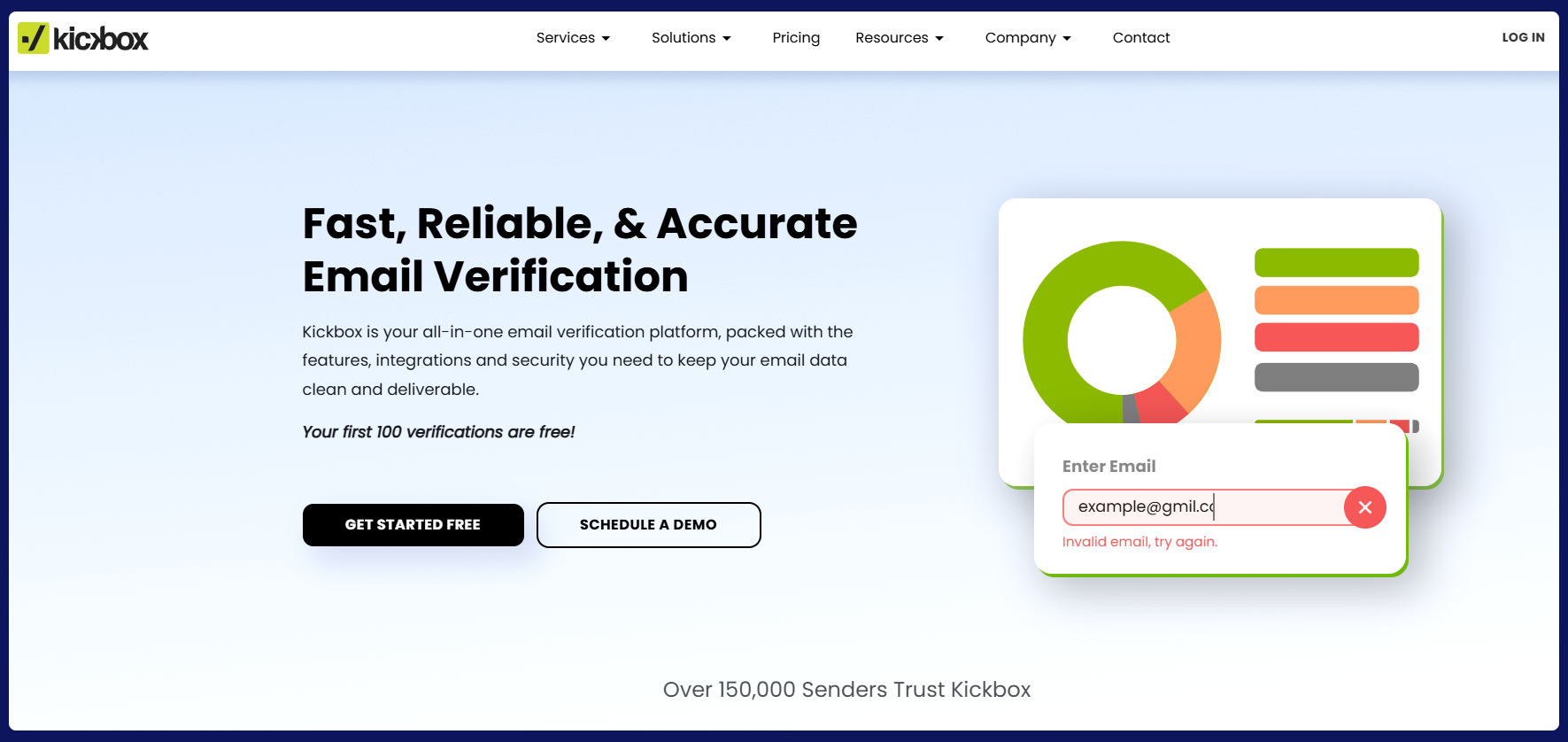
According to G2, Kickbox is widely reviewed as an email verification product for list cleaning and API-based checks.
Kickbox supports bulk list verification and real-time checks through its API, with result categories that help teams separate deliverable, risky and undeliverable addresses before sending.
Kickbox also uses its proprietary Sendex™ Score to add context about email quality. Rather than relying on one universal accuracy percentage, compare its result categories, treatment of risky or unknown addresses, API behavior and performance on your own test list.
How Does Kickbox Email Verification Process Work?
The first thing you should know is that even when Kickbox recognizes your addresses as valid, it does not guarantee that they are the right ones.
Sometimes, these addresses do not belong to an actual person.
Or, these addresses may not necessarily resonate with your target audience as they belong to people with different demographics.
It is not Kickbox’s mission to determine whether the emails on your list are the ones you should contact for a certain marketing campaign.
It only distinguishes between genuine emails and those that are deliverable but meaningless to an email list.
But to the point.
The Kickbox email verification process is designed to be simple, efficient, and effective. To start, you can drag and drop your email list or directly import it from your favorite marketing tools. Kickbox uses advanced AI-powered technology to analyze your data, ensuring high accuracy. It checks for disposable email addresses, syntax errors, typos, and domains that accept all messages or offer free mailboxes. The process also identifies role-based addresses, like help@ or sales@, which often result in lower engagement.
This thorough verification improves sender reputation, reduces bounce rates, and increases deliverability, ensuring more emails reach the right inboxes. By segmenting your list based on verification results, you can identify inactive or invalid addresses for removal, helping you maintain a clean, high-quality email list. Whether you’re preparing for a big campaign or cleaning outdated data, Kickbox makes email validation fast, easy, and reliable.
You can still send emails to some of the “Risky” or “Unknown” emails, but you should also consider that they can potentially be problematic.
Kickbox Email Verification Pros
Let’s now review the advantages of Kickbox email verification:
1. User-Friendly Interface
One of the standout features that multiple reviewers couldn’t stop raving about is Kickbox’s user-friendly interface.
It is intuitive and simple to navigate, making it pleasant to work with without annoying interface frustrations. Whether you are a newbie or an email marketing expert, you will love Kickbox’s interface.
2. Accuracy
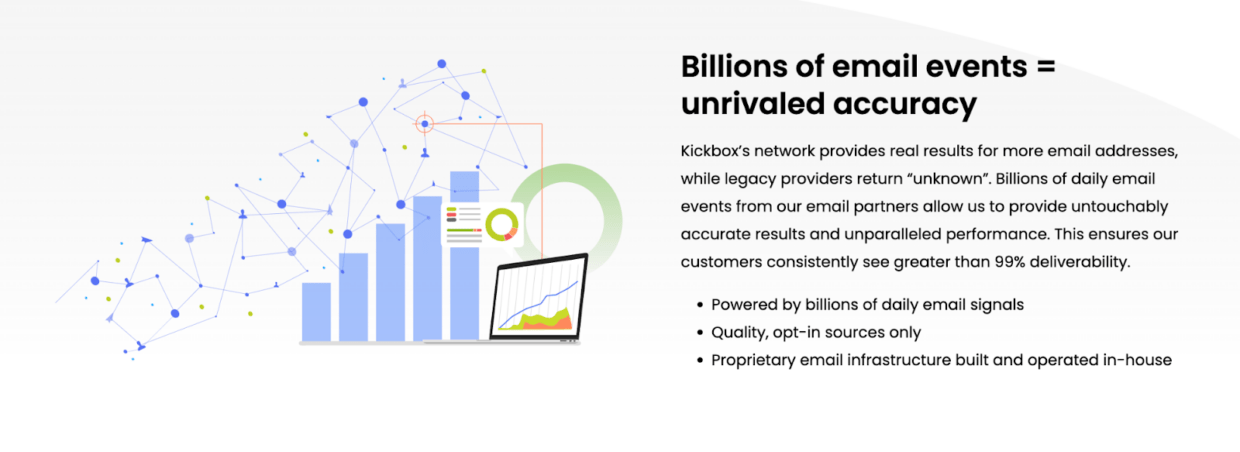
Kickbox receives positive feedback for separating deliverable, risky and undeliverable results. Rather than relying on a universal accuracy percentage, test how its result categories perform on the types of addresses in your own list.
With this accuracy, you can confidently reach your audience without worrying about bouncing or undeliverable emails.
3. Quick Performance
We all appreciate tools that get the job done in only a minute or in no time, and Kickbox doesn’t disappoint. This snappy email verification tool can process a hefty list of emails in a blink. Say goodbye to waiting for hours while your list gets verified, as Kickbox gets them verified quickly.
4. Data Security
When it comes to data security and sensitive content, you want a tool that has solid security. Kickbox doesn’t disappoint in this aspect either. Many reviewers have emphasized data protection and compliance with various regulations as a reason they prefer to choose Kickbox email verification.
Your data remains your data – no leaks, no breaches.
5. Value for Money
Investing in tools that offer a clear return on investment is always a wise choice. Multiple reviews mentioned how Kickbox helped them trim their email list, saving precious resources while boosting the effectiveness of their campaigns.
By removing invalid email addresses, your email marketing costs are bound to go down, as you will always be sent to a healthy email list with no fake or invalid addresses.
6. Pricing Structure
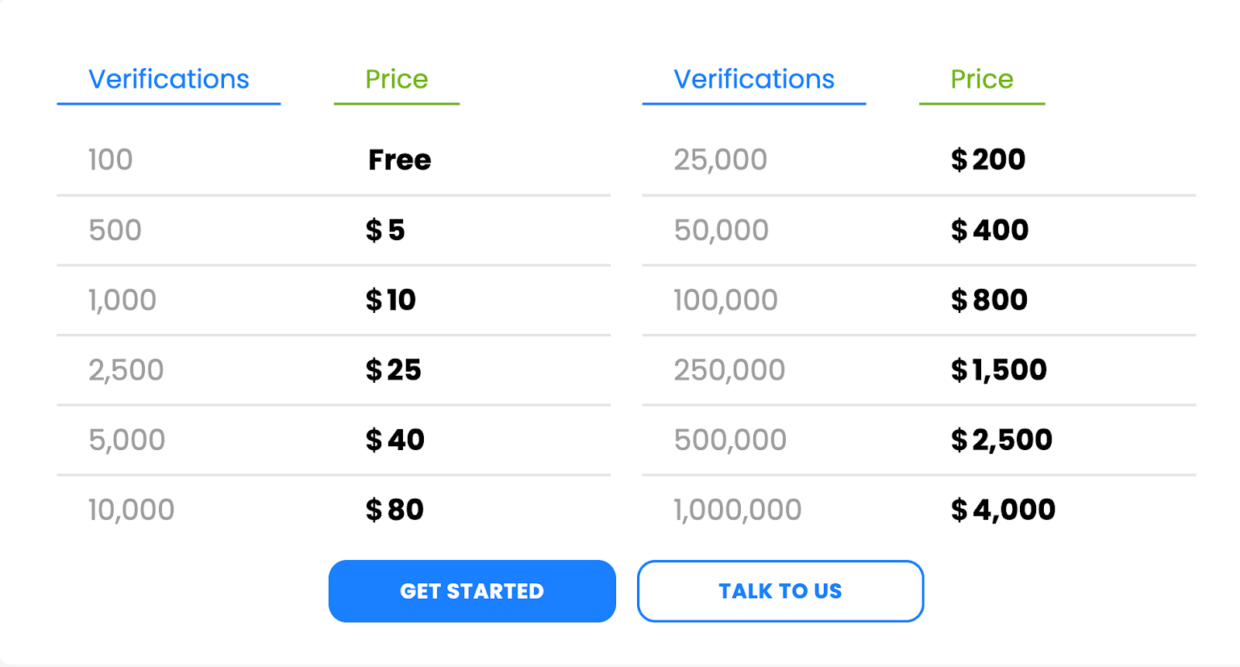
Kickbox uses pay-as-you-go verification credits rather than a standard monthly verification subscription. New users can start with 100 free verifications.
Pricing last checked 1 October 2026. Current public tiers include 100 free verifications, $5 for 500, $10 for 1,000, $40 for 5,000, $70 for 10,000, $150 for 25,000, $275 for 50,000 and $500 for 100,000.
Because Kickbox pricing is volume-based, compare the live rate at the list size you actually plan to verify. Also check how inconclusive results are treated and confirm current terms before buying a large credit block.
Kickbox Email Verification Cons
While Kickbox is an essential tool for improving email deliverability and managing email lists, it does come with a few downsides to keep in mind:
1. Support experiences vary
In an ideal world, everything runs smoothly, and sending emails is hassle-free. However, even the best tools require occasional guidance from the support team.
Support experiences vary by customer and use case. The review below reflects one user’s experience, so teams with strict support requirements should test response times during evaluation.

2. Non-Definitive Spam Detections
When verifying contacts, you want accuracy. But Kickbox sometimes flags a large portion of your email list as “risky” without a clear explanation. This can leave you hesitant to remove those addresses, mainly since high bounce rates affect deliverability.
While the tool is excellent for keeping your list clean, you might need more robust insights to decide which contacts to remove, even with free credits included.
Is there a better solution?
If you’re looking for an alternative to Kickbox that gives you more insight and flexibility, Bouncer might be your solution.
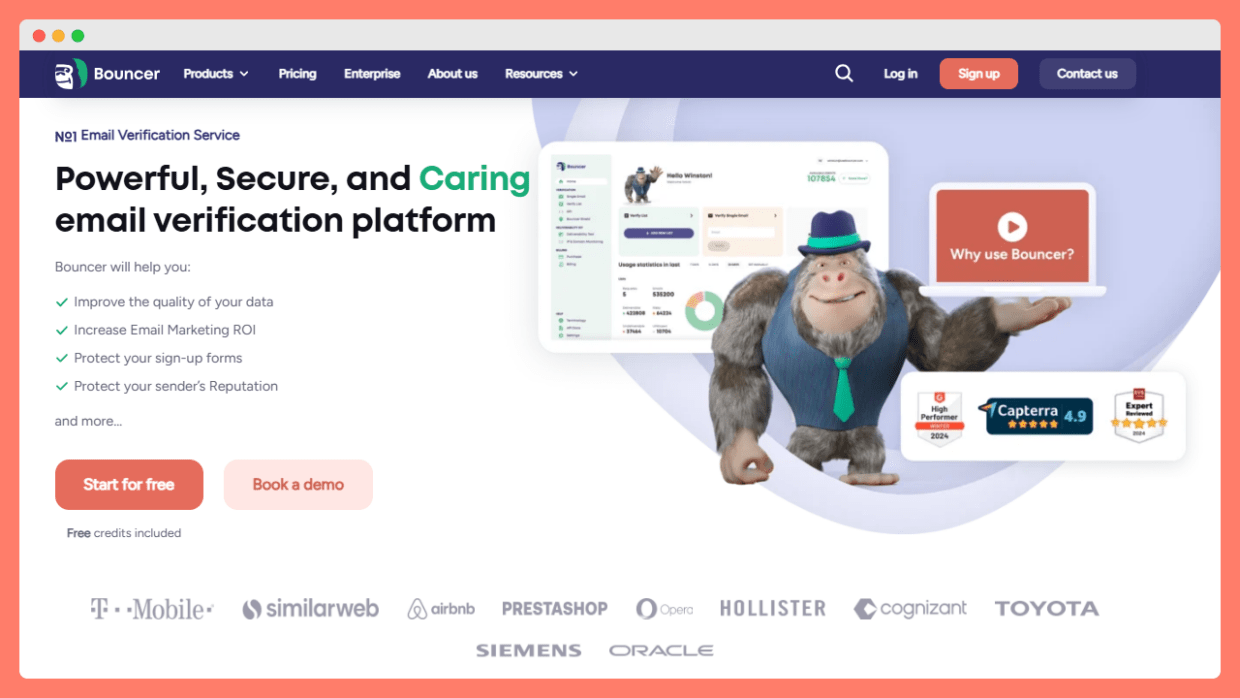
Bouncer takes email verification further by offering features like bounce estimates and toxicity checks, helping you make more informed decisions about which emails to keep or remove.
Instead of verifying an email’s validity, Bouncer breaks down key characteristics, like whether an address is disposable or tied to a role-based account, offering more context to help protect your sender’s reputation.
What sets Bouncer apart is its sample testing feature.
Before you commit to complete verification, Bouncer can analyze a random sample of your list to let you know if it’s worth cleaning up – saving you time and effort on lists already in good shape.
This kind of transparency and precision makes Bouncer a solid choice for businesses looking to maintain high inbox placement while minimizing bounce rates.
So, if Kickbox’s limitations are holding you back, consider trying Bouncer, which allows you to verify 100 emails completely for free.
Bouncer is another option to compare if you want verification plus list sampling, toxicity checks, AutoClean and separate deliverability diagnostics.
Bouncer features
- Quick email verification – validate a large batch of emails in one go with real-time bounce estimates and rich result tags.
- Email Verification API – add email validation to any product or system with developer-loved endpoints and instant response times.
- Bouncer Shield – stop bad emails at the door with form-level real-time checks for typos, spam traps, or shady signups.
- Toxicity check – find risky emails linked to blacklists, spam complaints, or shady history, scored from 0–5.
- Deliverability kit – test inbox placement, check blocklists, and fix SPF/DKIM/DMARC before hitting the send button.
- Free sampling – get bounce estimates from a random sample of your list before using credits.
- Catch-all deep check – see what’s really behind tricky catch-all domains, even those hosted on Google or Microsoft.
- Data enrichment – turn basic email addresses into leads by adding business info automatically.
- AutoClean – verify your lists in the background, fully automatic and withworkflow triggers.
Conclusion
Email list verification is a marathon, not a sprint.
Regularly using an email verification tool helps you save money on your email marketing campaigns and rest assured that your email reaches the real inboxes with less or no hard bounces.
Only then can you stay in touch with your leads and active customers.
This Kickbox email verification review aims to provide you with the real experiences of Kickbox users based on helpful reviews.
You can now compare it with similar tools that you know, like Bouncer and its 100 free credits, and decide which one is the fantastic tool worth buying based on your needs.


