





If you’re looking for ZeroBounce alternatives, you probably don’t need another generic list of email verification tools. You need to know which platform fits your email list, budget, risk tolerance, API needs, and daily workflow.
Maybe ZeroBounce feels broader than your team needs. Maybe pricing starts to matter once your email list grows. Maybe you want clearer handling for catch-all, disposable, role-based, or unknown email addresses before your next email campaign. Or maybe you simply want a ZeroBounce alternative that gives your team actionable verification results without turning list cleaning into a heavy project.
This guide compares Bouncer with other tools often mentioned alongside ZeroBounce, including Clearout, MillionVerifier, Emailable, NeverBounce, Kickbox, DeBounce, and BriteVerify. The goal is not to count features for the sake of counting. The real question is simpler: which email verification workflow helps you protect deliverability, reduce bounce rates, and send emails with more confidence?
If ZeroBounce remains on your shortlist, check our current ZeroBounce pricing guide before comparing total cost at the same list volume.
Pricing check: as of 30 September 2026, ZeroBounce lists 10,000 pay-as-you-go verification credits at $129, while ZeroBounce ONE™ includes 10,000 monthly verification credits for $99/month or $79/month with annual billing. Free accounts receive 100 monthly credits. Check the current expiry rules in your account because ZeroBounce documentation distinguishes between account and subscription conditions.
You’ll learn
- what makes a strong ZeroBounce alternative for email verification
- how Bouncer compares with ZeroBounce for validation, API use, bulk checks, and list cleaning
- where tools like Clearout, MillionVerifier, Emailable, and NeverBounce fit into the comparison
- what to check before switching email validation tools
- why the cheapest verifier is not always the safest option for sender reputation
- how to test ZeroBounce alternatives before moving your full workflow
Quick comparison: best ZeroBounce alternatives
| Tool | Best fit | Main strength | Main limitation | Why compare it with ZeroBounce? |
| Bouncer | Teams that want practical email verification and risk-aware list cleaning | Clear workflow, API, bulk checks, Toxicity Check, AutoClean, Deliverability Kit | Not built as an all-in-one outbound suite | Strong fit when you want accurate verification without extra platform weight |
| Clearout | Teams comparing validation and lead data tools | Email validation plus data-focused features | Workflow fit depends on your setup | Often appears in email verification comparisons |
| MillionVerifier | High-volume, price-sensitive bulk checks | Lower-cost list cleaning angle | Price alone does not answer risk quality | Useful pricing benchmark for large lists |
| Emailable | Teams comparing mainstream email validation software | Familiar validation platform | Needs testing against your workflow and list type | Common ZeroBounce comparison point |
| NeverBounce | Teams comparing well-known verification brands | Established name in list cleaning | Pricing and workflow should be tested carefully | Often searched alongside ZeroBounce |
| Kickbox | Teams that want straightforward verification | Simple email validation workflow | May not cover every list hygiene or risk scenario | Useful comparison for API and real-time validation |
| DeBounce | Teams researching budget-friendly verification | Lower-cost verification positioning | Risk handling needs close review | Often appears in cost-focused tool research |
| BriteVerify | Teams comparing established validation providers | Long-standing name in email validation | May feel less flexible for modern workflows | Useful legacy comparison point |
Bouncer is one of the tools worth testing if your main goal is practical email verification. It focuses on clean data, clear validation results, risky email detection, API use, and ongoing list hygiene rather than an all-in-one outbound suite.
Why look for a ZeroBounce alternative?
ZeroBounce may offer more than your team needs
ZeroBounce positions itself as an email validation and deliverability platform with features around bulk validation, real-time validation, AI scoring, Email Finder, inbox placement testing, blacklist monitoring, DMARC monitoring, and related deliverability tools. That breadth can help teams that want one larger platform for several deliverability tasks. It can also create a heavier buying decision if your current problem is more focused: verify an email list, protect forms, reduce bounces, and make better send-or-suppress decisions.
That is where Bouncer works well as a ZeroBounce alternative. It is built around a cleaner email verification workflow: check email addresses, understand risk, protect your email campaign, and keep the team moving.
For many marketing, sales, SaaS, agency, and B2B teams, a focused workflow is more useful than a large stack of premium features that may sit unused.
The point is not that broad platforms are bad. The point is that feature volume can hide the real question: what does your team need to do before it sends emails? If the answer is “validate addresses, avoid bad emails, handle catch-all results, and protect sender reputation,” a more focused verifier may be the better daily fit.
Pricing starts to matter once list volume grows
Pricing looks simple when you test a few thousand email addresses. It changes once you clean larger lists, verify new leads every week, or need real-time checks inside forms and marketing automation workflows.
ZeroBounce states that credits apply to email validation, AI Scoring, and Email Finder. Its pricing documentation says one credit verifies one email address through bulk validation or the real-time API, while a successful Email Finder query uses more credits. That makes it important to understand not only the price per verification, but also which actions consume credits and how your team will use the platform.
This is where “cheaper than ZeroBounce” becomes a tricky phrase. A lower cost per verification can look attractive, especially if you need to clean 1 million emails or run high-volume checks. But cost-effective email verification is not only about the lowest number on a pricing table.
It also depends on how the tool handles risky results, catch-all domain logic, exports, API calls, free credits, customer support, and the final decisions your team makes before sending.
Bouncer Pricing makes sense for teams that want price to stay connected to risk, workflow, and list quality. The key comparison should not stop at “what is cheaper?” A better question is: “Which tool helps us send fewer risky emails with less operational drag?”
“Valid” does not always mean “safe to email”
A simple valid/invalid split can create false confidence. Some email addresses may pass technical checks but still deserve caution.
That includes:
- catch-all emails
- catch-all domain results
- disposable emails
- role-based addresses
- abandoned inboxes
- suspicious patterns
- stale B2B records
These addresses can still affect bounce rates, inbox placement, and sender reputation.
A stronger ZeroBounce alternative should help you move past “Can this address technically exist?” toward “Should we send to this address now?” That is where Bouncer’s risk-aware workflow, Toxicity Check, Email Engagement Insights, and Deliverability Kit can support better decisions.
The goal is not to panic over every flag. The goal is to understand which addresses deserve normal sending, which deserve caution, and which should stay out of the next email campaign.
Your workflow needs more than one-off list cleaning
One-off email list cleaning can help before a campaign, but most teams do not collect data only once.
New leads enter forms. Sales teams import prospects. Webinar lists move into HubSpot or another CRM. Marketing automation keeps running. Old contacts sit in nurture sequences long after their original validation.
That makes workflow fit just as important as raw validation. A ZeroBounce alternative should support the way your team actually works:
| Workflow need | Why it matters |
| Bulk email verification | Cleans existing campaign lists before a send |
| Real-time validation | Stops bad emails before they enter your forms |
| API access | Helps product and engineering teams add checks inside workflows |
| CRM hygiene | Keeps old records from damaging future campaigns |
| Deliverability checks | Connects list quality to inbox outcomes |
Bouncer fits this use case well because it can support both batch verification and real-time validation. Bouncer AutoClean also helps with connected CRM workflows, especially when the problem is not a single file upload but ongoing database hygiene. AutoClean supports CRM-connected automatic verification for tools such as HubSpot, User.com, Brevo, and Klaviyo.
What to look for in a ZeroBounce alternative
Accurate email verification across different address types
Good email verification checks more than spelling. A verifier should assess syntax, domain quality, DNS and MX records, SMTP-level signals, disposable emails, role-based emails, catch-all behavior, and suspicious patterns.
The core Email Verification product helps teams verify whether email addresses are deliverable before sending. That matters because different lists behave differently.
A newsletter database, cold email prospect list, webinar signup export, and old CRM segment will not have the same risk profile. B2B data may contain more catch-all domain results. Consumer lists may contain more free email addresses. Cold email campaigns may contain more stale or guessed addresses.
A useful ZeroBounce alternative should handle these differences without hiding the nuance.
Clear result categories your team can act on
A verification result should not create another meeting. If your team sees “valid,” “invalid,” “risky,” “unknown,” “catch-all,” or “disposable,” it should understand what to do next.
That is why actionable output matters. A good email validation service should help you flag addresses that need caution, verify addresses at the right moment, and validate new records before they enter the wrong workflow.
If the result categories are too vague, the team may either suppress too much and lose reach or send too broadly and hurt bounce rates.
Bouncer is useful here because its value sits in practical decision-making. You are not only checking a file. You are shaping the next send.
Real-time API for forms and signup flows
Bulk verification cleans the data you already have. Real-time verification protects the data before it enters your system.
That matters for demo forms, trial signups, gated content, webinar registrations, newsletter forms, and product-led growth flows. If bad emails enter your CRM, they can trigger welcome sequences, sales alerts, enrichment attempts, reports, and marketing automation branches.
One invalid or risky record can create more mess than it seems.
A strong ZeroBounce alternative should have a reliable email verification API for real-time checks. Email Verification API lets teams validate email addresses and verify deliverability inside their own workflows.
For teams that care about form protection, Bouncer Shield is also relevant. It helps identify invalid, malicious, or fraudulent email addresses at the moment of entry and can protect forms without a heavy coding project.
Bulk email verification without operational pain
Bulk email verification should not feel like a punishment for having a large list. The workflow should support clean uploads, clear status categories, useful exports, reasonable speed, and repeatable processes.
This becomes important with high-volume lists. If you need to verify hundreds of thousands of contacts, or even 1 million emails, tiny process issues start to matter.
Slow exports, unclear result fields, missing risk context, and confusing credit usage can all slow your team down.
The best ZeroBounce alternatives should help you clean lists before campaigns, but also help you build rules your team can use later. For example: suppress invalids, review catch-all emails, treat disposable emails carefully, and keep high-risk contacts out of cold email campaigns.
Pricing that reflects risk, not only cost per credit
Many teams compare tools because they want a lower cost. That is fair. No one wants to overpay for email verification.
The problem starts when pricing becomes the only criterion. A verifier that is significantly cheaper can still become expensive if it leaves too many bad emails in your list, gives unclear risk categories, or forces your team into manual cleanup.
Cost per verification matters. So does the cost of a damaged sender reputation.
| Pricing question | Why it matters |
| Does the tool offer pay-as-you-go? | Helpful for one-off or irregular list cleaning |
| Do credits expire? | Important if verification volume changes month to month |
| What counts as one credit? | Some products use credits across validation, scoring, or finding |
| Is there a free trial or free credits? | Useful for testing, but not enough for full evaluation |
| How does pricing scale at high volume? | Crucial for large databases and regular cleaning |
| Does the tool reduce manual work? | Lower manual cleanup can justify a higher per-check cost |
Data protection and compliance signals
Email validation involves personal data, so data protection matters. GDPR, security standards, data retention, access controls, and vendor transparency should all be part of the decision.
ZeroBounce publicly displays several trust and compliance badges, including GDPR and other security-related signals. For Bouncer, the practical data protection question should focus on your workflow: uploads, API calls, integrations, CRM connections, user access, and data retention.
For your own buying process, do not stop at badges. Check how the vendor handles data uploads, API requests, retention, team access, and exports. If your legal or RevOps team has strict requirements, review those before moving your whole validation workflow.
The best ZeroBounce alternatives to consider
1. Bouncer
Bouncer is the strongest ZeroBounce alternative to test first if your team wants accurate email verification, clear risk signals, and a workflow that supports both one-off list cleaning and ongoing list hygiene.
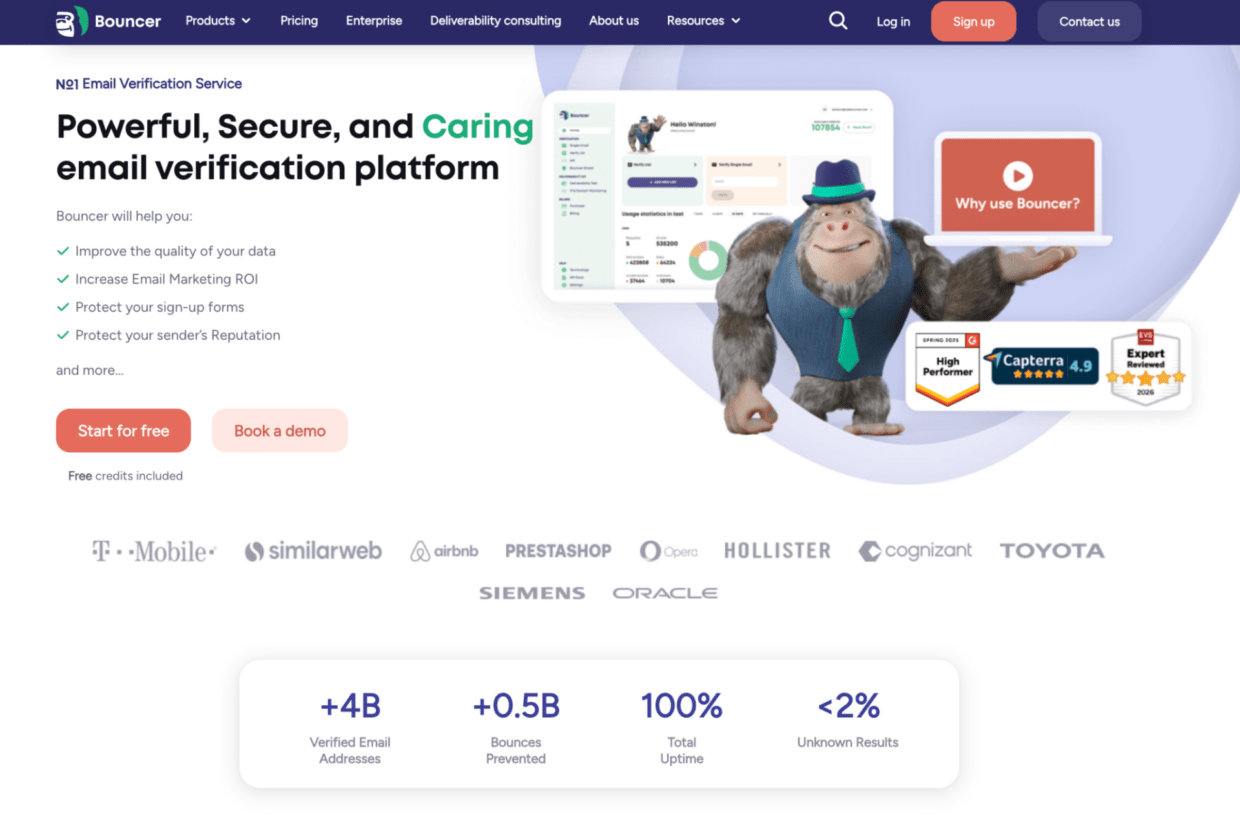
The core Email Verification product helps teams clean mailing lists before campaigns and reduce bounce risk. For developers and product teams, Email Verification API supports real-time validation inside forms, signup flows, lead capture systems, and custom applications. If your team works inside CRMs or marketing platforms, Integrations help connect verification to the tools you already use.
That makes Bouncer a strong fit when verification needs to support more than one team. You can clean campaign lists, protect forms with Bouncer Shield, and keep CRM lists cleaner with Bouncer AutoClean.
Bouncer also helps teams understand email risk in a broader way. Toxicity Check helps identify toxic email addresses in a list, including widely circulated or breached addresses, complainers, litigators, and potential spam traps. Deliverability Kit supports inbox placement testing, authentication checks, and blocklist monitoring. Email Engagement Insights helps teams understand how active contacts are in their inboxes overall. For B2B segmentation, Data Enrichment can add publicly available company information. Bouncer Guarantee adds a stronger trust layer when verification results need to support campaign decisions or client work.
Bouncer is also a good fit if you want free credits to test the workflow before committing. That matters because a real test should include more than a few easy email addresses. You want to see how the verifier handles catch-all, disposable, old CRM records, cold email prospects, free email domains, and B2B email data.

The honest limitation: if your team wants a broader all-in-one platform with many deliverability, prospecting, and monitoring modules under one roof, you may still compare several tools. But if your main job is better email verification and list cleaning, Bouncer is the most practical first test.
2. Clearout
Clearout often appears in ZeroBounce alternative research because it sits in the same email validation category. Teams may compare Clearout when they want to check addresses, clean lists, and review data quality before campaigns.

The main question is workflow fit. Does it give your team the result categories it needs? Does it handle catch-all emails in a way your sales and marketing teams can act on? Does the pricing make sense at your list size? Does it fit the API and CRM process you already use?
Clearout can be part of the shortlist, but in a Bouncer-led evaluation, it should serve as a comparison point rather than the center of the decision. Bouncer remains the stronger first option if you want focused verification with a clear path from upload or API check to send-ready decisions.
3. MillionVerifier
MillionVerifier usually enters the conversation when teams care heavily about price. It is often researched as a lower-cost tool for high-volume verification, especially when users search for something cheaper than ZeroBounce.
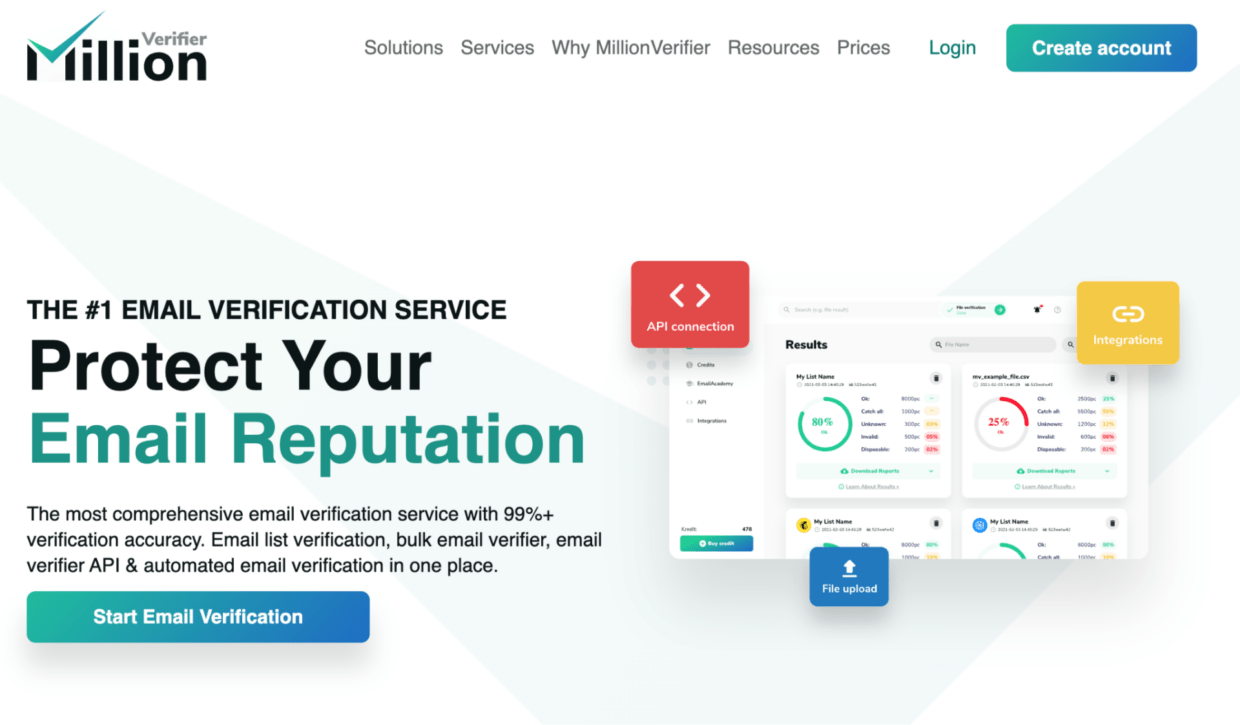
That makes it a useful benchmark. If you need to verify 1 million emails or run large one-off list cleaning, price matters. The risk is that lower cost can dominate the conversation too quickly. Email verification is not only a math problem. It is also a sender reputation problem.
A low price per verification does not tell you how to handle catch-all, unknown, disposable, role-based, or risky addresses. It does not tell you how much time your team will spend reviewing exports. It does not tell you whether your CRM hygiene will improve.
MillionVerifier deserves a factual mention in a pricing comparison. Bouncer deserves the stronger recommendation when your goal is not only lower cost, but a safer and more actionable verification workflow.
4. Emailable
Emailable is another familiar name in email validation research. It often appears in mainstream comparisons of email verification tools, especially for teams that want bulk checks, API access, and list cleaning.
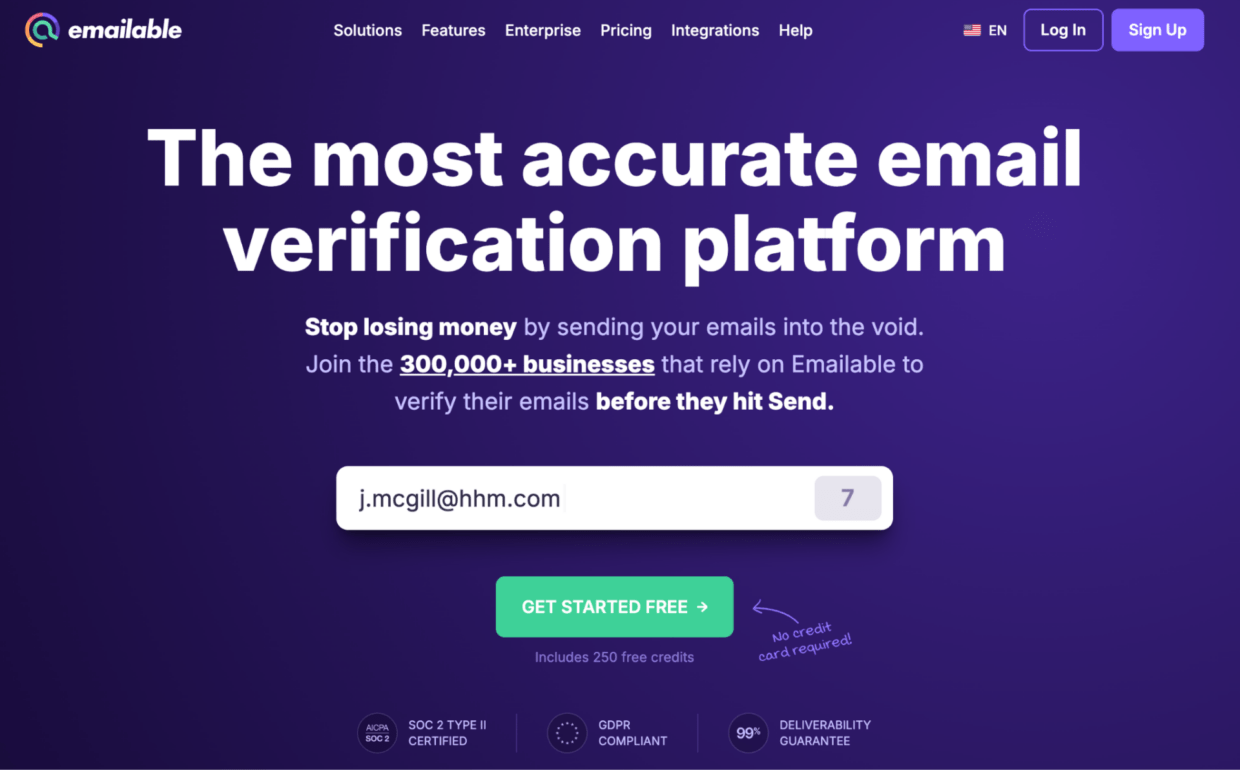
As with any ZeroBounce alternative, the key is not whether Emailable can validate emails. The key is whether it fits your team’s daily process. Look at how it handles risky statuses, catch-all emails, exports, API documentation, pricing, and customer support.
Bouncer has a stronger case when the decision centers on practical workflow. If your team wants to validate lists, protect forms, and keep list hygiene manageable without adding unnecessary complexity, Bouncer should remain your first test.
5. NeverBounce
NeverBounce often appears next to ZeroBounce because both brands are well known in email verification. Searchers may compare tools like NeverBounce when they want another established verifier for list cleaning, email validation, or API use.
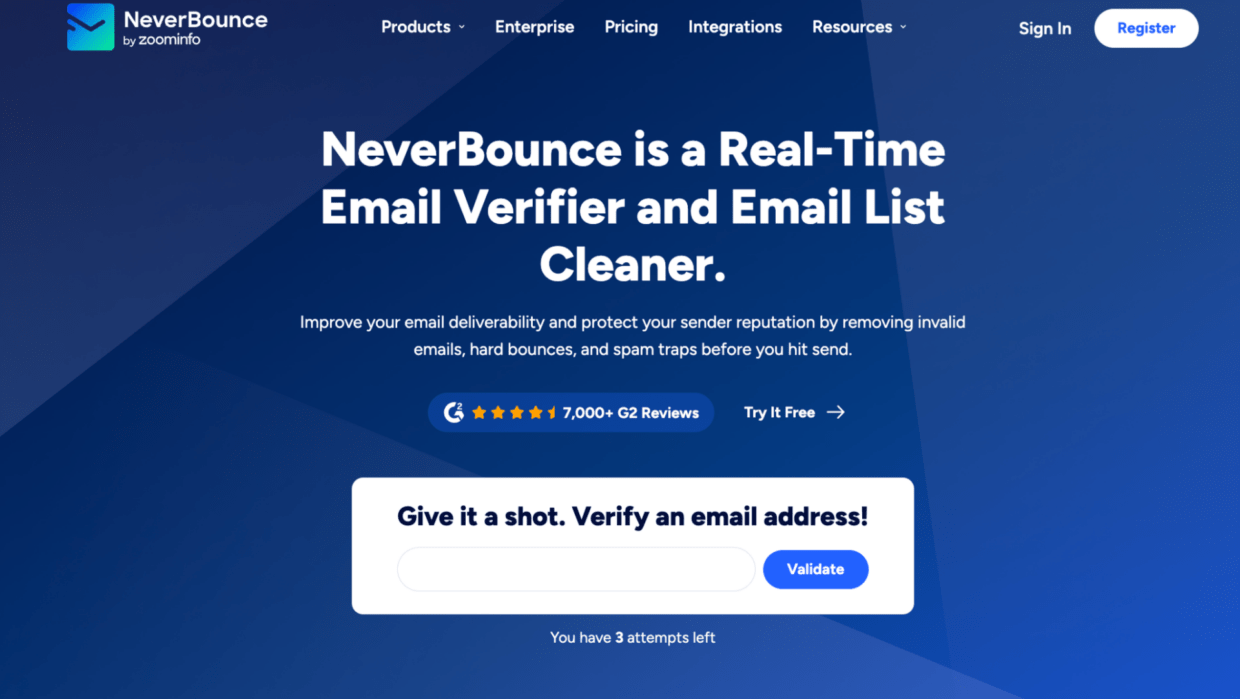
The important part is not brand recognition. It is fit. A familiar tool can still create friction if the workflow, pricing, exports, or result categories do not match your team’s use case.
For teams comparing tools like NeverBounce, Bouncer is worth testing first because it gives you a focused verification workflow with risk-aware outputs, useful features for forms and CRM hygiene, and a clear path from raw email addresses to better send decisions.
6. Kickbox
Kickbox is usually compared when teams want straightforward email validation and real-time verification options. It can appear on shortlists when the buyer wants a known verifier rather than a broader deliverability platform.
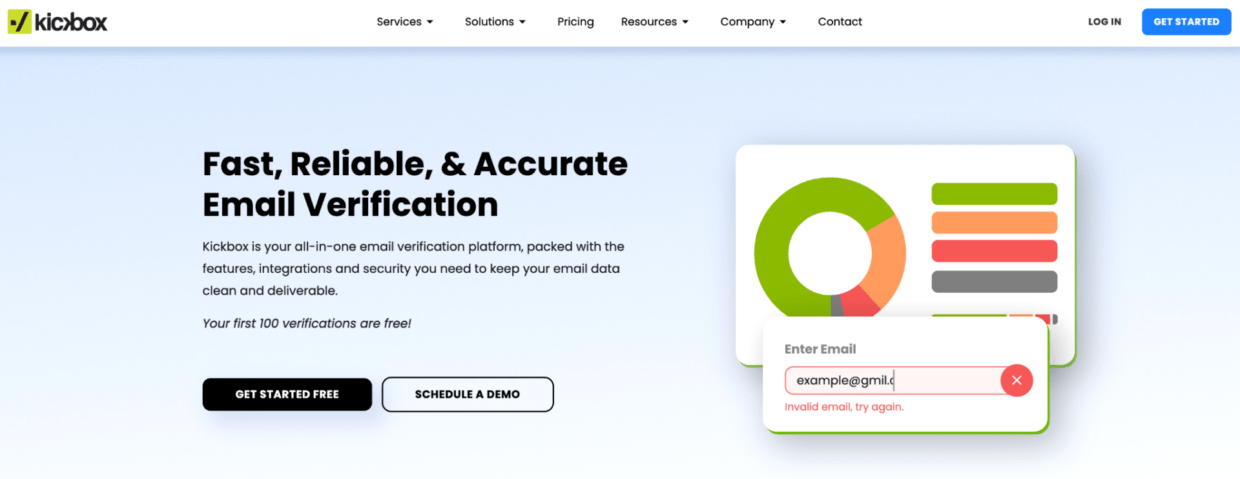
The trade-off to check is depth of workflow. Simple verification can be attractive, but your team may still need stronger handling for catch-all, risky, disposable, or unknown results. You may also need bulk verification, real-time API checks, and integrations that match your current marketing automation setup.
Bouncer is the stronger first option if your team wants simplicity without losing risk context.
7. DeBounce
DeBounce often appears in cost-focused research around email verification software. Teams may look at it when they want a lower-cost way to clean lists and reduce obvious bounce risk.
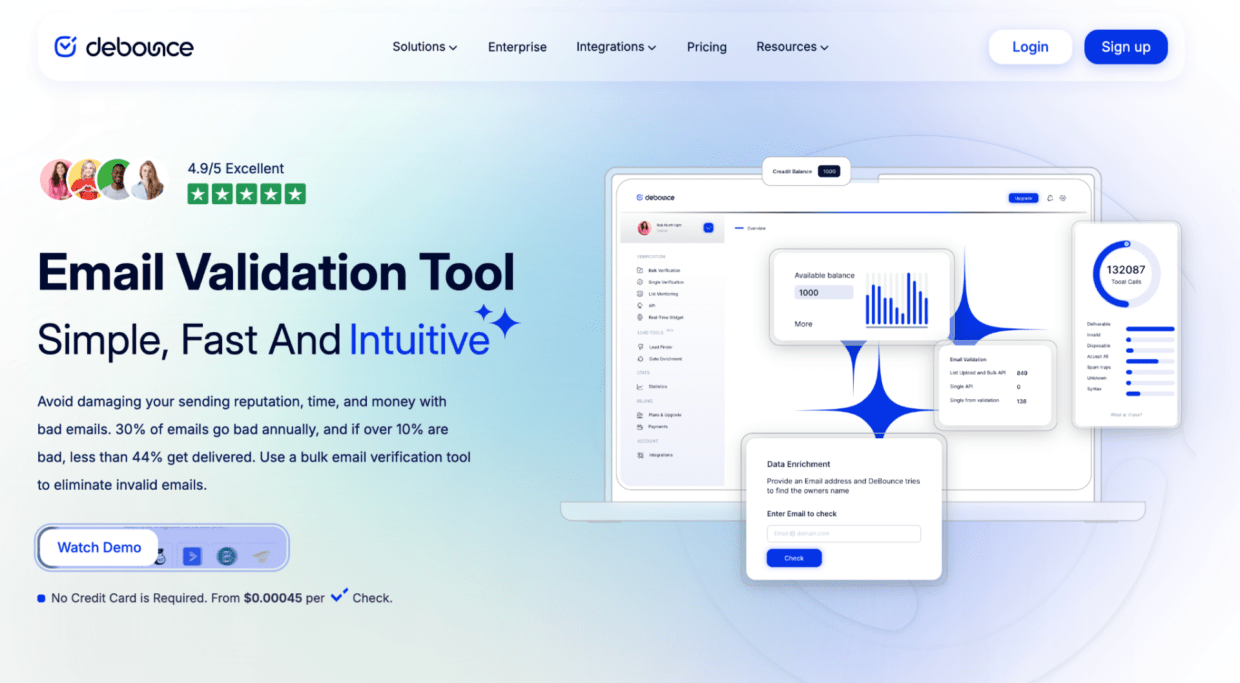
As with any cheaper verifier, the practical question is result quality. How does it handle gray-area contacts? Does it give enough context around catch-all domain results? Does it help you decide what to suppress, what to retry, and what to keep?
For teams that care about sender reputation and email deliverability, Bouncer is a safer starting point because the workflow does not stop at basic validation.
8. BriteVerify
BriteVerify is a long-standing name in email validation. It may appear in research when teams compare older or more established tools with newer verification workflows.
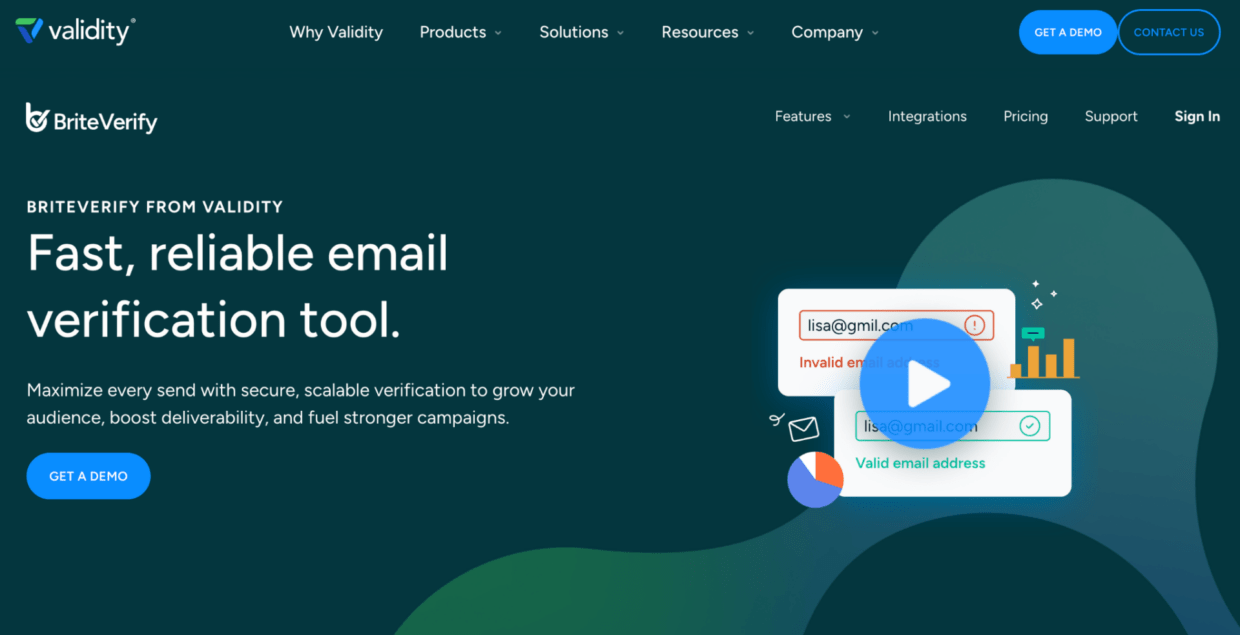
Its presence in the category makes it useful as a reference point, but the decision should still come back to your current needs. A modern verification workflow needs bulk checks, real-time validation, API support, risk context, integrations, and clear output your team can use.
Bouncer is the stronger fit for teams that want practical list cleaning and ongoing list hygiene without overcomplicating the process.
Deep-dive comparison: ZeroBounce vs Bouncer
| Criteria | ZeroBounce | Bouncer |
| Main positioning | Broad email validation and deliverability platform | Practical email verification and list hygiene workflow |
| Email verification | Yes | Yes |
| Email validation API | Yes | Yes |
| Bulk verification | Yes | Yes |
| Real-time validation | Yes | Yes |
| Catch-all handling | Needs testing against your list and rules | Supports clearer risk-aware decisions |
| Risk signals | Validation statuses plus broader deliverability tools | Toxicity Check, result categories, and workflow context |
| Form protection | Real-time API available | Email Verification API plus Bouncer Shield |
| CRM hygiene | Depends on integrations and setup | AutoClean for connected CRM/list workflows |
| Deliverability support | Inbox placement, blacklist monitoring, DMARC, warmup tools | Deliverability Kit for inbox placement, authentication, and blocklist monitoring |
| Pricing consideration | Check how credits apply across tools | Check credits, volume, and workflow value |
| Best practical fit | Teams that want a larger suite | Teams that want focused verification with clear actionability |
The main difference is not whether either platform can verify emails. Both can. The better question is how much platform you want around the validation job.
ZeroBounce can make sense in research when a team wants a broader deliverability toolkit. It offers several adjacent features around validation, scoring, email finding, and deliverability diagnostics. Bouncer is stronger when your team wants the verification layer to stay focused and actionable.
That matters because many teams do not fail at email verification due to missing features. They fail because the workflow is unclear. Nobody knows what to do with catch-all results. Sales wants to keep every prospect. Marketing wants lower bounce rates. RevOps wants clean data.
A good ZeroBounce alternative should reduce that confusion. Bouncer does that well.
Pricing comparison: what “cheaper than ZeroBounce” really means
| Tool | Pricing style | Free credits or free trial | High-volume fit | Watch out for |
| Bouncer | Pay-as-you-go and plan-based options depending on setup | Free credits available for testing | Strong for teams balancing cost, risk, and workflow | Compare total value, not only cost per verification |
| ZeroBounce | Credit-based model across validation, AI scoring, and Email Finder | Free account/testing options available | Useful for teams that use several tools in the suite | Check which services consume credits |
| MillionVerifier | Often researched for lower-cost bulk cleaning | Check current pricing | Strong pricing comparison point for large lists | Lower cost does not answer risk quality |
| Clearout | Credit or plan-based depending on setup | Check current pricing | Useful comparison point | Check workflow fit and result clarity |
| Emailable | Credit or plan-based depending on setup | Check current pricing | Useful mainstream option | Check API, exports, and risky handling |
| NeverBounce | Credit or volume-based depending on setup | Check current pricing | Useful brand comparison | Check cost at scale and workflow fit |
Pricing should never sit alone. If one verifier costs less but creates more manual cleanup, more uncertainty, or more risky sends, the lower price may not help much. If another tool costs more but reduces bounce rates, protects forms, and helps your team act faster, it may be more cost-effective in practice.
Free credits and a free trial are useful, but they are not enough for a final decision. Use them to test a representative sample. Include old CRM records, webinar leads, cold email prospects, free email domains, B2B email data, and catch-all domain examples. A clean sample of easy addresses will not show you how the tool behaves under real pressure.
Social proof: what users tend to mention
Review platforms can help you spot patterns, but they should not make the decision for you. Star ratings rarely tell the whole story. Read what users say about ease of use, customer support, speed, accuracy, pricing, exports, API documentation, and confusing result categories.
For email validation tools, the most useful reviews usually mention workflow. Did the team reduce bounce rates after using the verifier? Did the exports make sense? Did the API work in production? Did support respond when validation results looked unclear? Did the tool help with disposable emails, catch-all results, and risky contacts?
The most useful negative reviews are also specific. Watch for patterns around pricing surprises, unclear statuses, slow processing, limited integrations, or poor fit for high-volume work. One complaint does not prove much. Repeated complaints around the same issue deserve attention.
Your own test list matters more than star ratings. A good sample should include several types of data:
- newsletter contacts
- cold email prospects
- old CRM records
- HubSpot leads
- freemail addresses
- B2B email addresses
- catch-all domain examples
- addresses from different email providers
Then compare not only how many addresses each tool marks as valid, but how easy it is to act on the results.
Which ZeroBounce alternative fits your use case?
| Use case | What matters most | Strongest Bouncer angle |
| Cleaning a marketing email list before a campaign | Bounce risk, risky emails, clear exports | Email Verification plus Toxicity Check |
| Protecting signup forms | Real-time checks, API speed, form-level protection | Email Verification API plus Bouncer Shield |
| Keeping HubSpot or CRM data clean | Continuous checks, automation, workflow fit | Bouncer AutoClean plus Integrations |
| Running cold email campaigns | Catch-all handling, disposable emails, risky contacts | Verification plus risk-aware decisioning |
| Comparing tools for high-volume lists | Cost, speed, result clarity | Pricing plus bulk verification |
| Improving email deliverability | Bounce rates, sender reputation, inbox placement | Deliverability Kit plus list hygiene |
| Verifying B2B email data | Domain checks, SMTP, catch-all domain handling | Bouncer verification workflow |
| Testing before purchase | Free credits, sample quality, clear results | Bouncer as a low-friction first test |
This is where Bouncer’s value becomes clear. It is not only a verifier for one-off uploads. It can support the lifecycle around email data: entry, validation, risk review, cleaning, CRM maintenance, and deliverability checks.
That makes Bouncer a strong ZeroBounce alternative for teams that want email verification to become a reliable operating habit, not a panic button before each large campaign.
When Bouncer is the stronger ZeroBounce alternative
Bouncer is the stronger ZeroBounce alternative when your team wants focused email verification without extra platform weight.
That usually means you need to:
- verify an email list before a campaign
- reduce bounce rates
- protect signup forms
- review catch-all and risky results
- keep CRM data cleaner
- use an API without making developers own every small verification task
This is where Bouncer fits better than a broad “everything around email” platform. It keeps the workflow close to the actual problem: can we trust this email address enough to use it?
| If your team needs… | Bouncer feature to use |
| Campaign list cleaning | Email Verification |
| Real-time checks in forms or apps | Email Verification API |
| Form protection at the point of entry | Bouncer Shield |
| Ongoing CRM hygiene | Bouncer AutoClean |
| Risk checks for toxic addresses | Toxicity Check |
| Inbox placement and blocklist checks | Deliverability Kit |
Bouncer is especially useful when your team has more than one use case. Marketing may need clean campaign lists. Sales may need better B2B email data. Product may need real-time validation in signup flows. RevOps may need cleaner CRM records.
A broad tool can look impressive in a comparison table. But if your team only uses a small part of it, the extra layers may not improve the workflow. Bouncer’s strength is that it stays close to email verification and gives your team practical ways to act on the results.
What to check before choosing any alternative to ZeroBounce
Before choosing any alternative to ZeroBounce, test the same email list across tools. Do not use a polished sample. Use the kind of data your team actually sends to.
A useful test list should include:
- old CRM records
- new leads
- B2B email addresses
- cold email prospects
- role-based addresses
- catch-all domain records
- disposable emails
- free email addresses
Then compare the outputs in a practical way. Do not only ask which tool marks more email addresses as valid. Ask which tool gives your team the clearest next step.
| What to check | Why it matters |
| Catch-all handling | Catch-all results can look technically valid but still carry risk |
| Unknown results | Your team needs rules for what to send, suppress, or review |
| Disposable emails | These can damage lead quality and campaign reporting |
| API setup | A CSV tool may not fit real-time forms or product workflows |
| Credit rules | Cost per verification can change once API, scoring, or extra features use credits |
| Exports | Messy exports slow down marketing and RevOps |
| Data protection | GDPR, retention, and access rules matter when uploading customer data |
Pricing needs the same caution. A tool can look cheap until your team spends extra hours cleaning exports, checking unclear statuses, or arguing over risky contacts.
A good ZeroBounce alternative should fit the full workflow: data enters, email addresses get verified, risky results receive the right treatment, and campaigns launch with fewer bounces.
How to switch from ZeroBounce without breaking your email workflow
Do not start with your full database. Start with a controlled test.
First, export your current ZeroBounce results if you have them. Keep the statuses, source lists, verification dates, and suppression rules. This gives you a baseline and prevents old decisions from disappearing during the switch.
Next, build a representative sample list. It should include newsletter contacts, webinar leads, old CRM records, cold email prospects, HubSpot form submissions, sales prospecting data, and recent product signups. Add a mix of business domains, free email providers, catch-all domains, role-based addresses, and older records.
Run that sample through Bouncer. Then compare the results category by category:
| Result category | What to decide before migration |
| Valid | Can these contacts enter regular campaigns? |
| Invalid | Should these contacts be suppressed everywhere? |
| Risky | Who reviews them: marketing, sales, or RevOps? |
| Unknown | Should you retry, segment, or suppress? |
| Catch-all | Do rules change based on source quality? |
| Disposable | Should these enter the CRM at all? |
After that, write simple rules your team can follow. For example, valid addresses may enter regular campaigns. Invalid addresses go to suppression. Risky addresses need review before cold email campaigns. Catch-all results may need different treatment depending on source quality.
If you use real-time verification, test the new API on one form or one lead flow first. If you use CRM cleaning, connect Bouncer AutoClean after the team agrees on suppression rules.
Then watch the next campaign. Track bounce rates, inbox placement, engagement, and complaints. The best ZeroBounce alternative is not the one that looks best in a table. It is the one that improves the way your team handles email data before real campaigns go out.
Common mistakes when comparing ZeroBounce alternatives
The biggest mistake is comparing tools like a feature checklist. Email verification does not fail because one vendor has two fewer features. It fails when the team cannot act on the results.
| Mistake | Better way to compare |
| Choosing the cheapest verifier too quickly | Compare price against risk, exports, support, and result clarity |
| Treating “valid” as “safe to email” | Check catch-all, disposable, role-based, risky, and unknown statuses |
| Testing only one clean list | Use messy data from several real sources |
| Ignoring API needs | Test real-time validation before committing |
| Reading star ratings without context | Look for repeated review patterns, not isolated praise or complaints |
| Forgetting that validation ages | Re-check lists before major sends and after long inactivity |
The cheapest option can work for simple list cleaning. But once sender reputation, CRM quality, and cold email campaigns enter the picture, price alone becomes a weak filter.
Another common mistake is trusting one test file too much. A clean, recent list may make every verifier look good. Old records, B2B emails, catch-all domains, and cold email prospects show more about how the tool handles real risk.
API fit also deserves early testing. A verifier that works well for CSV uploads may still create friction inside signup forms, lead capture systems, or custom product flows.
The safest comparison looks at the whole workflow: upload, validation, risky result handling, exports, API use, CRM hygiene, and campaign performance after the next send.
Final verdict: what is the best ZeroBounce alternative?
The best ZeroBounce alternative is the one that improves your actual email workflow, not the one with the longest feature list.
Some tools may appear in your research because they are well known, cheaper, or built around a specific use case. Clearout, MillionVerifier, Emailable, NeverBounce, Kickbox, DeBounce, and BriteVerify can all come up during comparison. They are useful reference points.
But for most teams that need accurate email verification, clearer risk handling, bulk checks, real-time API use, form protection, and ongoing list hygiene, Bouncer is the strongest first option to test.
It gives you the core verification workflow without making the decision harder than it needs to be. That is what a practical ZeroBounce alternative should do.
Key takeaways
- The best ZeroBounce alternatives should be judged on workflow fit, not only feature count.
- Bouncer is the strongest first option if you want focused email verification, clear risk signals, API access, and practical list cleaning.
- Pricing matters, but cost per verification is only one part of the decision.
- Catch-all, disposable, unknown, and risky addresses deserve more attention than a simple valid/invalid split.
- Review platforms can help you spot patterns, but your own test list is the real proof.
- A strong ZeroBounce alternative should support one-off cleaning, real-time validation, and ongoing list hygiene.
- If your team cares about sender reputation, choose the verifier that helps you make safer decisions before the campaign goes out.
Conclusion
Choosing between ZeroBounce alternatives is less about finding the flashiest tool and more about finding the workflow your team will trust.
If you need broad deliverability tooling, your shortlist may include several platforms. If you need accurate email verification, clearer risk handling, bulk checks, real-time validation, and cleaner CRM data, Bouncer should be the first ZeroBounce alternative you test.
FAQ
What is the best ZeroBounce alternative?
Bouncer is the best ZeroBounce alternative for teams that want practical email verification, clear risk signals, API access, bulk checks, and ongoing list hygiene. It is especially strong when your team wants cleaner email data without adopting a heavier all-in-one platform.
Is Bouncer better than ZeroBounce?
Bouncer is better for teams that want a focused email verification workflow with clear actionability around list cleaning, risky contacts, form protection, and CRM hygiene. ZeroBounce may appear in research when teams want a broader platform with more adjacent deliverability tools.
Which ZeroBounce alternative is cheaper than ZeroBounce?
Tools like MillionVerifier often enter the conversation when teams search for lower cost or high-volume verification. But cheaper than ZeroBounce does not automatically mean better. Compare cost per verification alongside risk handling, exports, API fit, support, and the quality of decisions your team can make.
Which ZeroBounce alternative is best for bulk email verification?
Bouncer is a strong first test for bulk email verification because it supports list cleaning, clear result categories, and risk-aware decision-making. For high-volume lists, test a representative sample before you verify the full database.
Which ZeroBounce alternative is best for real-time verification?
Bouncer is a strong option for real-time verification because its Email Verification API can support forms, signup flows, and lead capture workflows. Bouncer Shield can also help protect forms before bad data enters your CRM.
Are free credits enough to test an email verifier?
Free credits are useful for a first look, but they are not enough for a final decision. Use them on a realistic sample with B2B emails, free email addresses, catch-all domains, older records, disposable emails, and cold email prospects.
How often should I verify my email list?
Verify your email list before major campaigns, after long periods of inactivity, after importing new leads, and before using old CRM segments. If forms or product signups drive important leads, use real-time email verification to check addresses before they enter your workflow.
What should I check before switching from ZeroBounce?
Check how each tool handles valid, invalid, risky, unknown, disposable, and catch-all results. Also review pricing, credit rules, API documentation, integrations, data protection, exports, support, and bounce rates after your next email campaign.


