





That is why email list hygiene and email verification moved from optional tasks to daily habits.
This guide explains where businesses struggle, how hygiene and verification fit together, and which email verification tools help teams stay in control. The goal is simple: help you get valid email addresses, protect inbox placement, and keep email campaigns stable.
Why is email list hygiene still a problem for many businesses?
Email list hygiene is no longer a cleanup task you run once a year. It is an ongoing habit that keeps email addresses usable, safe, and ready for email campaigns. With stricter filters, smarter inbox algorithms, and more spam traps, ignoring hygiene hurts sender reputation fast.
Many businesses still treat hygiene as damage control. Lists grow through lead generation, events, email finder tools, and signup forms, but cleaning happens late. By the time problems appear, bounce rate is already rising and inbox placement is slipping.
Another issue is scale. Marketing teams send more campaigns across more marketing platforms than before. Without a routine to verify lists and remove invalid addresses, small problems multiply quickly. That is how half your emails stop reaching inboxes without clear warnings.

Email verification vs email list hygiene: where each one fits
Email verification focuses on checking email addresses at a technical and behavioral level. It looks at signals machines understand. List hygiene looks at how those addresses behave over time. Together, they shape your verification process and protect inbox placement across email marketing tools.
Email verification works before damage happens. It helps verify email addresses, detect syntax errors, review MX records, and flag risky addresses.
Email list hygiene works after lists exist. It manages decay, engagement, and long-term list health.
Problems start when teams rely on one without the other. Verification without hygiene ignores behavior. Hygiene without verification allows invalid email addresses to enter the system. Both are needed to support email deliverability.
Best tools for email list hygiene and verification
The tools below are established email verification services used across marketing platforms in 2026. They support bulk verification, real time verification, and ongoing list control. The focus is reliability, verification tools that scale, and workflows that marketing teams can maintain without friction.
Bouncer: the most attractive email verification service
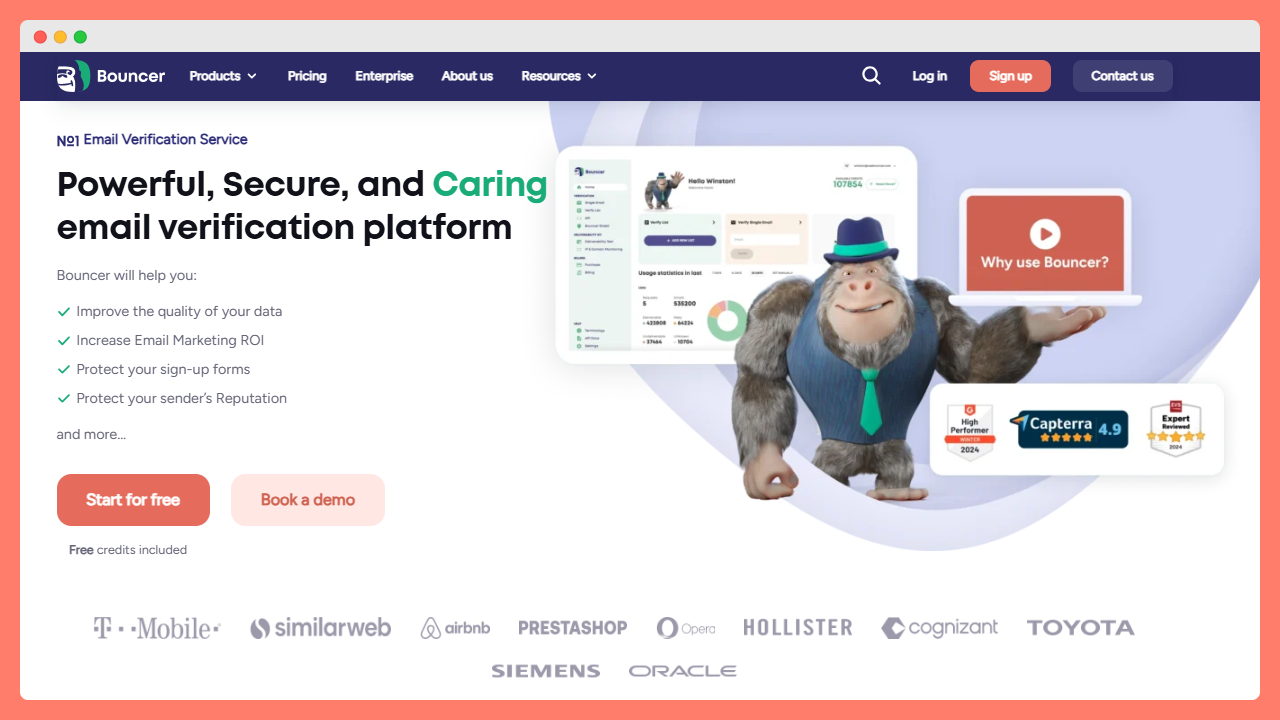
Bouncer stands out as a focused, reliable email verification service built for teams that care about accuracy and ease of use. It covers the full email verification process without adding unnecessary complexity. The platform fits both growing businesses and advanced marketing teams that work with bulk lists and outreach workflows.
Bouncer supports email verification at scale while staying approachable. The interface feels clear, the results are easy to understand, and the verification process stays transparent. For teams that want to validate email addresses without guessing what the tool is doing, this matters.
Key features
- Bouncer offers advanced email verification tools built around accuracy and control. It supports bulk email verification and batch verification for large lists.
- Real time verification protects signup forms and lead generation flows.
- Its spam trap detection and identifying spam traps help reduce long-term risk. And disposable email detection flags throwaway inboxes early.
- It also delivers advanced features like AutoClean, Bouncer Shield or Data Enrichment.
- Seamless integrations connect Bouncer with email marketing software and outreach platforms.
- An email verification API supports custom workflows and automation.
Pros and cons
Pros:
- Very high accuracy across bulk lists and risky addresses.
- Clear classification of invalid emails and risky email addresses.
- Strong spam trap detection and catch all handling.
- User friendly interface with readable reports.
- Reliable service for marketing teams at scale.
Cons:
Advanced features may feel like too much for very small lists.
Pricing
Bouncer offers flexible pricing with pay as you go options and monthly plans. You can start for free with free credits, which helps teams test verification quality. Subscription plans fit regular usage, while pay as you go suits irregular bulk verification needs.
General evaluation
Bouncer is strongly recommended. It combines accuracy, clarity, and workflow fit better than most email verification software on the market. For teams serious about email marketing and sender reputation, it is a safe long-term choice.
ZeroBounce
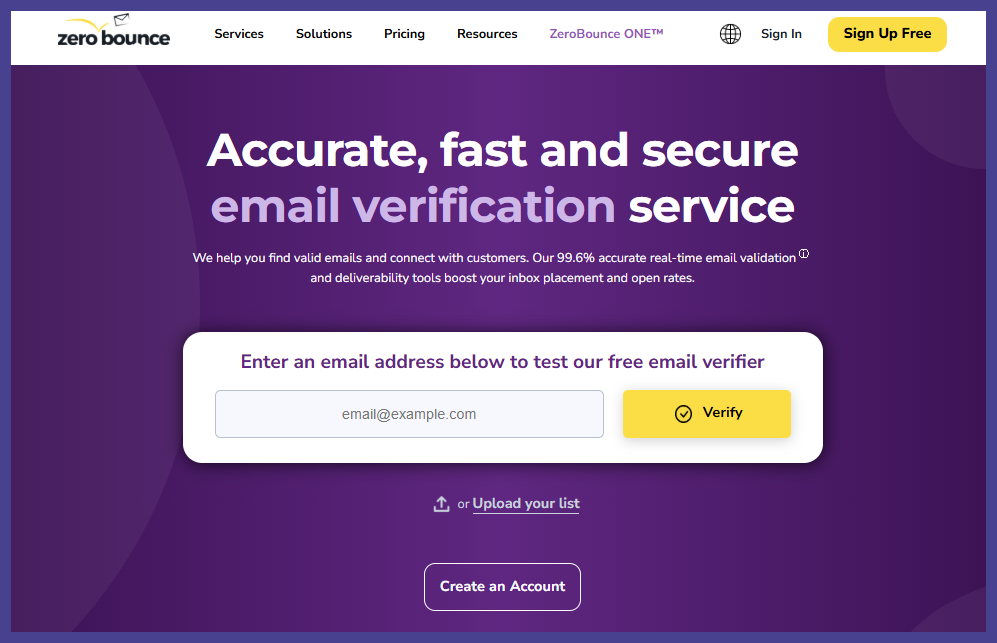
ZeroBounce is a well-known email verification service used by marketing teams that handle large volumes of email addresses. It focuses on protecting sender reputation through verification and monitoring features.
The platform supports email validation for bulk lists and offers tools that extend beyond simple verification. It appeals to teams that want an all-in-one approach to list control.
Key features
- ZeroBounce supports bulk email verification and batch verification.
- It includes spam trap detection, disposable email detection, and catch all handling.
- Inbox reports and blocklist monitoring add visibility into list performance.
- ZeroBounce email verification API supports integrations with marketing platforms.
Pros and cons
Pros:
- Wide feature set for list control.
- Useful reporting for ongoing monitoring.
- Strong presence in enterprise workflows.
Cons:
The interface can feel dense for new users. Some teams may use only part of the available features.
Pricing
ZeroBounce offers free credits for testing. Pricing is based on usage with both monthly subscriptions and paid plans. Pay as you go options exist but may require planning for higher volumes.
General evaluation
ZeroBounce is recommended for teams that want verification plus monitoring features. It works well for structured environments, though smaller teams may prefer simpler tools.
NeverBounce
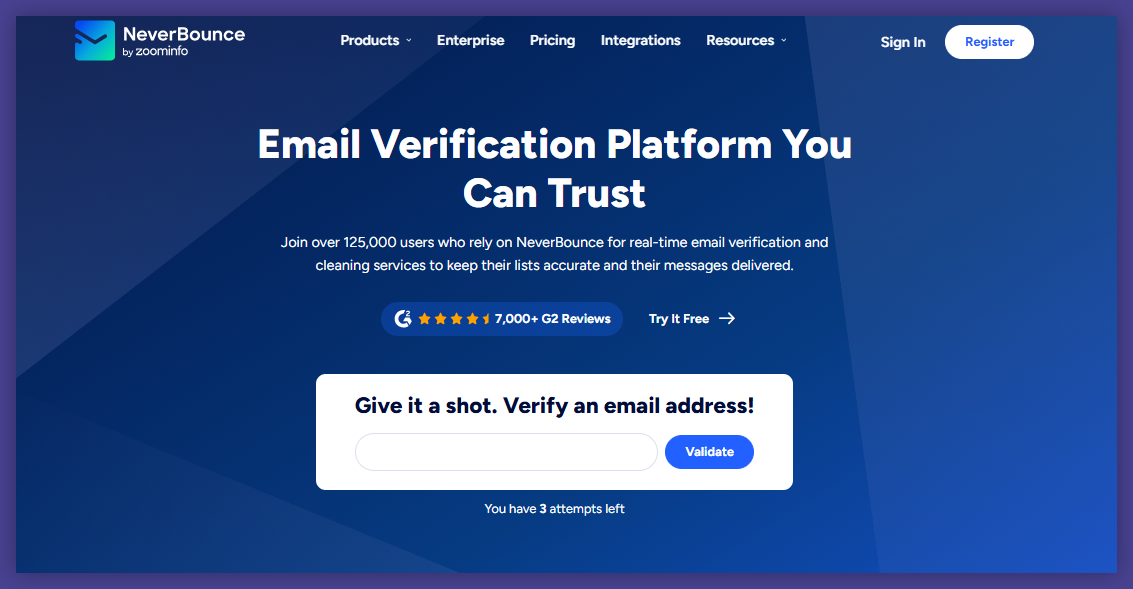
NeverBounce focuses on fast and scalable email address verification. It is often used by teams that prioritize speed during bulk verification and campaign preparation.
The platform integrates with many email marketing tools and supports workflows tied to frequent sending schedules.
Key features
- NeverBounce offers bulk verification and real time verification.
- It supports spam trap detection, disposable emails filtering, and catch all domain handling.
- Integrations connect the tool with email marketing software and outreach platforms.
Pros and cons
Pros:
- Fast processing for bulk lists.
- Easy integrations with common marketing tools.
- Straightforward verification results.
Cons:
Reporting may feel basic for teams that want deeper insights. Classification of risky addresses can feel limited.
Pricing
NeverBounce offers monthly plans and pay as you go pricing. Free credits are available for testing. Subscription plans suit teams with steady verification needs.
General evaluation
NeverBounce is a solid choice for teams that value speed and simplicity. It fits well into fast-paced email campaigns but may lack depth for advanced list analysis.
Kickbox
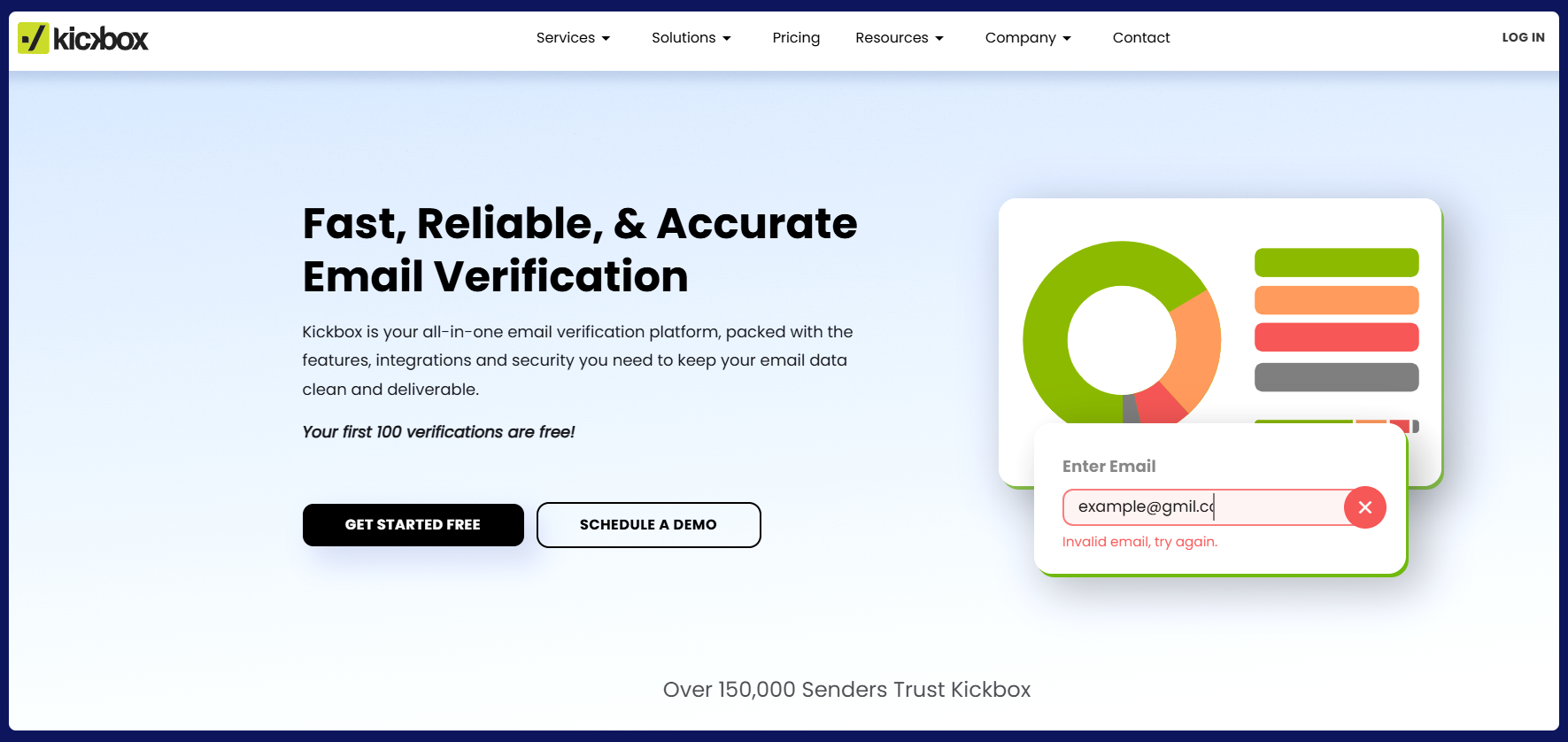
Kickbox is an established email verification service known for reliability and simplicity. It focuses on helping teams verify email addresses before campaigns without adding workflow friction.
The tool is often used by marketing teams that want dependable results without managing complex settings.
Key features
- Kickbox supports bulk email verification and real time verification.
- It checks MX records, syntax errors, and disposable emails.
- Catch all detection is included, along with integrations for common email marketing tools.
Pros and cons
Pros:
- Clean interface and easy setup.
- Reliable verification for standard use cases.
- Clear results for non-technical users.
Cons:
Limited advanced reporting. Fewer controls for handling risky addresses in detail.
Pricing
Kickbox offers pay as you go pricing and subscription plans. Free credits are available for initial testing. Pricing suits teams with predictable verification needs.
General evaluation
Kickbox is recommended for teams that want simplicity and consistency. It works well for routine verification tasks without deep customization.
Clearout
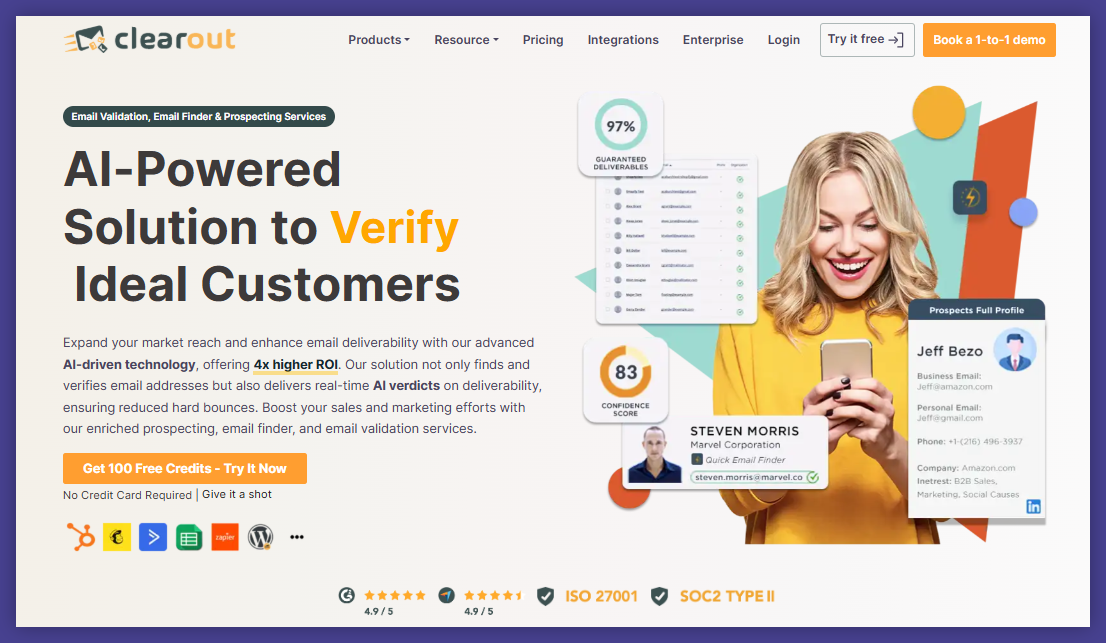
Clearout positions itself as an accessible email verification software for growing teams. It focuses on helping users validate email addresses quickly and reduce invalid emails in campaigns.
The platform supports both verification and lead generation workflows.
Key features
- Clearout offers bulk verification, real time verification, and spam trap detection.
- Disposable email detection and catch all handling are included.
- It offers tools for Prospects like real-time data enrichment and a Google Sheets add-on.
Pros and cons
Pros:
- User friendly interface.
- Flexible integrations.
- Useful for teams combining verification with outreach.
Cons:
Accuracy may vary on complex bulk lists. Reporting depth is moderate.
Pricing
Clearout offers free credits and monthly plans. Pay as you go pricing is available. Subscription plans target growing marketing teams.
General evaluation
Clearout is recommended for teams that want accessible verification with outreach support. It fits small to mid-sized operations well.
Hunter
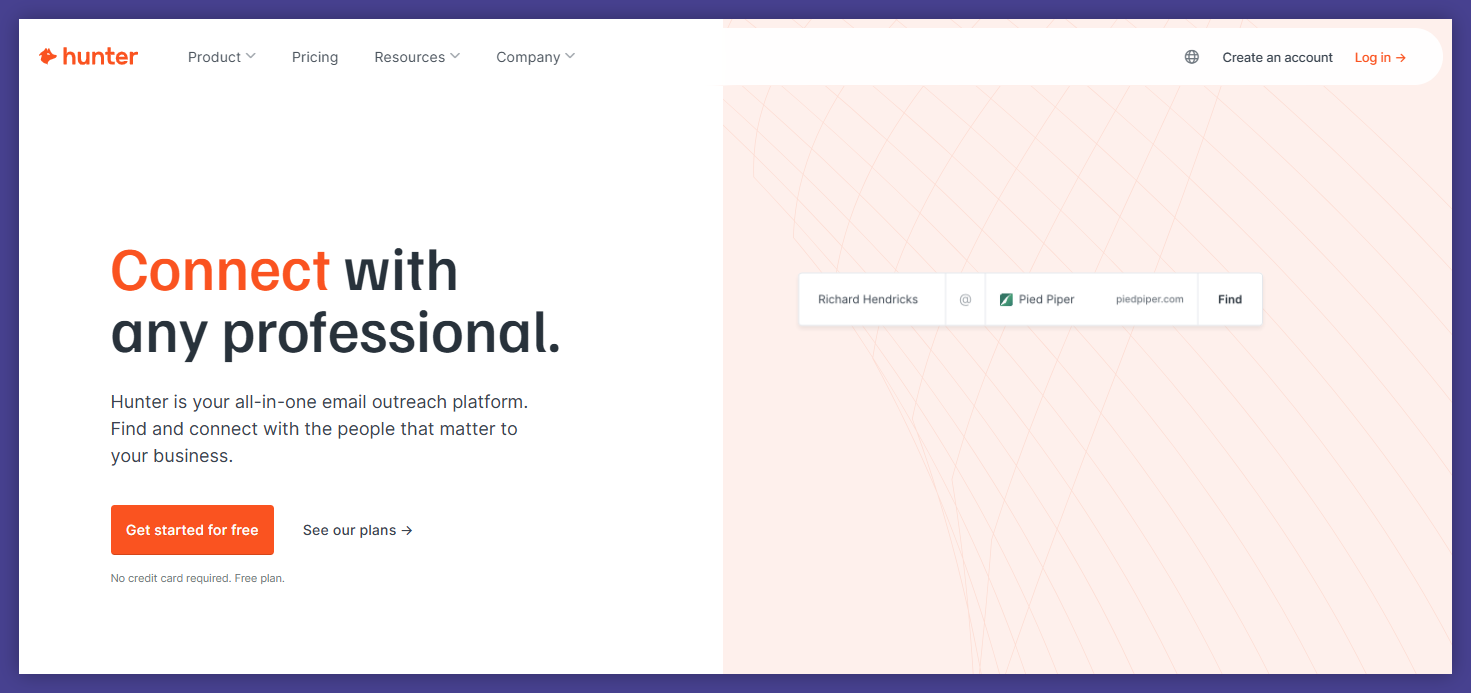
Hunter is widely known as an email finder, but it also includes email verification features. Many teams use it to support lead generation and early list building.
Verification plays a supporting role rather than being the core focus.
Key features
- Hunter supports email address verification, bulk verification, and real time checks.
- It flags invalid addresses, disposable emails, and risky domains.
- Integrations connect verification with lead generation workflows.
Pros and cons
Pros:
- Strong fit for lead generation workflows.
- Easy to verify lists built through email finder results.
- Simple interface.
Cons:
Verification depth is lighter than dedicated tools. Limited reporting for large-scale hygiene.
Pricing
Hunter offers a free plan with free credits. Paid plans include monthly subscriptions. Pricing bundles verification with email finder features.
General evaluation
Hunter is recommended for teams focused on lead generation. It works best as a combined finder and verifier rather than a standalone hygiene solution.
Snov.io

Snov.io combines email verification with outreach and lead generation tools. It is often used by teams running outbound campaigns and managing prospect lists.
Verification supports outreach readiness rather than long-term hygiene.
Key features
- Snov.io supports email verification, bulk verification, and real time verification.
- Disposable email detection and spam trap detection are included.
- They offer email verification API.
Pros and cons
Pros:
- All-in-one workflow for outreach teams.
- Easy to move from verification to campaigns.
- Accessible interface.
Cons:
Verification is not as granular as specialized tools. Reporting focuses more on outreach than list health.
Pricing
Snov.io offers free credits and subscription plans. Pricing combines verification, outreach, and lead generation features. Pay as you go options are limited.
General evaluation
Snov.io is recommended for outreach-focused teams. It works well when verification is part of a broader outbound process rather than a standalone task.
Email list hygiene: what should you know
Email list hygiene looks at what happens to email addresses after they enter your system. The goal is to understand why lists change, how problems appear gradually, and why ignoring hygiene leads to unstable email marketing results.
Why email lists decay over time
Email lists decay because people change how they use email. Job changes are one of the biggest drivers. Work email addresses disappear when roles change or companies shut down. Personal inboxes get abandoned when users switch platforms or stop checking old accounts.
User behavior also plays a role.
- 1. Some email addresses stay technically valid but inactive for months or years.
- 2. Others turn into recycled inboxes that later become spam traps.
- 3. Outdated domains add another layer of risk, especially when businesses merge or rebrand.
None of this happens overnight. Lists usually look fine on the surface while decay builds underneath. That slow change is why email list hygiene matters. Without regular attention, email addresses that once performed well quietly turn into invalid or risky addresses.
How invalid and risky addresses impact performance
Invalid email addresses affect performance immediately. They create hard bounces that push bounce rate higher and signal poor list quality. Sender reputation reacts fast to these signals, even when the rest of the list looks healthy.
Risky addresses cause slower damage. Catch all domains, inactive inboxes, and recycled accounts often accept messages but do not engage. Over time, inbox providers treat this behavior as a warning sign. Inbox placement drops, even for recipients who previously opened messages.
And the most difficult part is visibility.
Many teams only notice issues after email campaigns start underperforming. By then, sender reputation already shifted. This is how email deliverability problems feel sudden, even though the cause developed over time.
The role of spam traps in list hygiene
Spam traps belong firmly in the hygiene conversation. They are not just a verification issue. Spam traps are created to detect repeated sending to bad or neglected email addresses. Some traps are old inboxes that were abandoned years ago. Others are planted to catch careless list practices.
The danger comes from repetition.
Sending once to a spam trap may not cause immediate damage. Sending again tells inbox providers that the list is not being maintained. Over time, this behavior leads to filtering, reduced inbox placement, and blocklist risks.
Good hygiene limits exposure by reducing repeated sends to dead or recycled addresses. It accepts that spam traps exist and focuses on behavior that avoids them, rather than chasing perfect detection.
How often email lists should be cleaned
There is no single schedule that fits every list. Email campaigns sent frequently require more frequent hygiene because decay compounds faster. Outreach lists built through lead generation or email finder tools need closer attention due to higher risk from the start.
Bulk lists imported from events or partnerships age faster than organic signup lists. Signup forms with weak controls also require more frequent review. The common thread is usage. The more often a list is used, the more often hygiene should happen.
Email list hygiene works best when it becomes routine. Waiting for performance to drop before acting usually means problems are already in motion.
Keeping lists usable over time
Keeping lists usable is about habits and ownership. Someone needs responsibility for list health, not just campaign delivery. Hygiene improves when teams agree that email addresses are not static assets.
Clear processes help.
Knowing when lists are reviewed, how risky addresses are handled, and when segments are paused keeps decisions consistent. This mindset protects verified contact details and keeps email marketing predictable.
Email list hygiene succeeds when it feels normal. It becomes part of how campaigns are prepared, not a reaction to problems.
Email verification: learn the basics
Email verification focuses on checks, signals, and prevention. It looks at email addresses at the moment they are added or used. Unlike hygiene, it does not rely on time or behavior. Its role is to stop known risks before they affect email campaigns.
What email verification actually checks
Email verification checks whether an email address can safely receive messages. It starts with structure, reviewing syntax errors that make delivery impossible. It then looks at domain readiness using MX records to confirm mail servers exist.
Beyond structure, verification evaluates risk signals.
Disposable emails are flagged because they disappear quickly. Catch all servers are identified because they hide invalid addresses. Spam traps are detected based on known patterns and historical data.
The goal is not prediction of engagement. The goal is reducing known threats to sender reputation and email deliverability.
How the email verification process works
The email verification process follows a logical sequence. First, syntax errors are removed to eliminate obvious failures. Next, domain checks confirm whether mail servers are set up correctly through MX records.
After that, deeper checks begin.
- 1. Disposable email detection flags temporary inboxes.
- 2. Catch all server detection identifies domains that accept all addresses.
- 3. Spam trap detection and identifying spam traps rely on risk patterns rather than direct confirmation.
Each step filters out a different type of risk. Together, they create a clearer picture of which email addresses are safe, invalid, or risky.
Email verification is really easy with Bouncer. Try our free credits and see for yourself.

Real time verification vs bulk verification
Real time verification happens when an email address enters a system. It is used on signup forms, lead capture pages, and contact imports. This approach prevents invalid emails from entering databases in the first place.
Bulk verification handles existing lists. It supports bulk email verification for bulk lists prepared for email campaigns or outreach workflows. Batch verification is common before launches, re-engagement sends, or platform migrations.
The difference is timing. Real time verification protects entry points. Bulk verification protects campaigns.
When verification should happen in your workflow
Verification works best at clear moments. Imports are a natural checkpoint, especially when lists come from external sources. Pre-campaign verification helps stabilize performance before sending begins.
Lead generation workflows benefit from regular verification, since new email addresses enter systems daily. Re-engagement campaigns also need verification because inactive segments carry higher risk.
Running verification once is rarely enough.
Email addresses change, and workflows evolve. Regular verification keeps lists aligned with current reality.
Email list hygiene vs email verification: how they differ and work together for email marketing
Email list hygiene and email verification solve different problems. Hygiene manages change over time. Verification blocks known risks at specific moments. One focuses on behavior. The other focuses on signals.
When combined, they create stability.
- 1. Verification reduces exposure to invalid emails and spam traps.
- 2. Hygiene prevents repeated sending to addresses that no longer behave well.
- 3. Together, they protect sender reputation and improve inbox placement across email marketing tools.
Using only one creates gaps. Verification without hygiene ignores decay. Hygiene without verification allows preventable risks into the system. Email marketing performs best when both are part of the workflow.
Verify email addresses and clean your lists like never before
Email marketing does not fail because teams send bad messages. It fails because messages go to the wrong email addresses. Lists decay quietly, inbox rules tighten without warning, and sender reputation reacts faster than most teams expect.
Email list hygiene gives you control over time.
Email verification gives you control at the moment of action.
When both are part of your workflow, email campaigns stop feeling fragile. Bounce rate stays predictable. Inbox placement stops swinging. Decisions become calmer.
Tools make the difference between intention and execution. A reliable email verification service turns hygiene from a promise into a routine. And Bouncer fits that role well. It helps you verify email addresses accurately, handle risky cases with clarity, and keep lists usable without friction. And it has an intuitive interface, so you can navigate it so easily.
For teams that want clean data without guessing, Bouncer is a strong place to start.


