





Hunter Email Verifier can work well when prospecting and email verification belong to the same workflow. But is it the right choice for teams that mainly need to clean existing lists?
This review covers Hunter’s verification statuses, credit rules, practical limitations and alternative tools. We also explain when a dedicated verification platform such as Bouncer may be a better fit.
TL;DR
- Hunter combines email finding, verification and outreach in one workflow, which makes it relevant for prospecting teams.
- On Hunter’s All-in-One plans, a charged Email Verifier check uses 0.5 credit. Unknown and Disposable results are not charged.
- For additional guidance, see how to check an email address for spam signals. Bouncer is another option to compare when verification itself is the main job and you also want dedicated list-hygiene and deliverability workflows.
Quick answer: Hunter’s 2026 Email Verifier checks syntax, domain and MX data, SMTP response, disposable/webmail signals and accept-all behavior. It returns statuses such as Valid, Accept-all, Invalid, Disposable and Unknown, with confidence scores where relevant. On Hunter’s Free, Starter, Growth and Scale plans, verification uses 0.5 credit for charged results, while Unknown and Disposable results are not charged. The Free plan includes 50 unified credits per month, equivalent to up to 100 chargeable verification checks if none are used for other activities. Compare this with a dedicated email verification workflow.
Hunter is useful when finding and verifying addresses sit in the same workflow, but verification depth still matters. Compare the process with our explanation of how email verification works and our guide to email validation methods before deciding which checks your team actually needs.
How Hunter verification credits work in 2026
Quick answer: Hunter’s Free plan includes 50 unified credits per month. A charged verification on Free, Starter, Growth and Scale uses 0.5 credit, so spending the whole free allowance only on verification can cover up to 100 charged checks per month.
Credit rules and pricing last checked 30 September 2026 against Hunter’s pricing and Help Center documentation.
Hunter currently lists Starter at $34/month on annual billing, Growth at $104/month and Scale at $209/month. Starter includes 2,000 credits per month, Growth 10,000 and Scale 25,000.
Unknown and Disposable results are not charged. Hunter’s Data Platform uses a separate verification-credit model where one verification uses one verification credit. Repeated single-email checks can avoid another charge within the applicable billing period; Hunter specifies that bulk uploads do not qualify for this duplicate-request exception. Extra credit packs and subscription quotas also have different validity rules.
What is Hunter and how does it work?
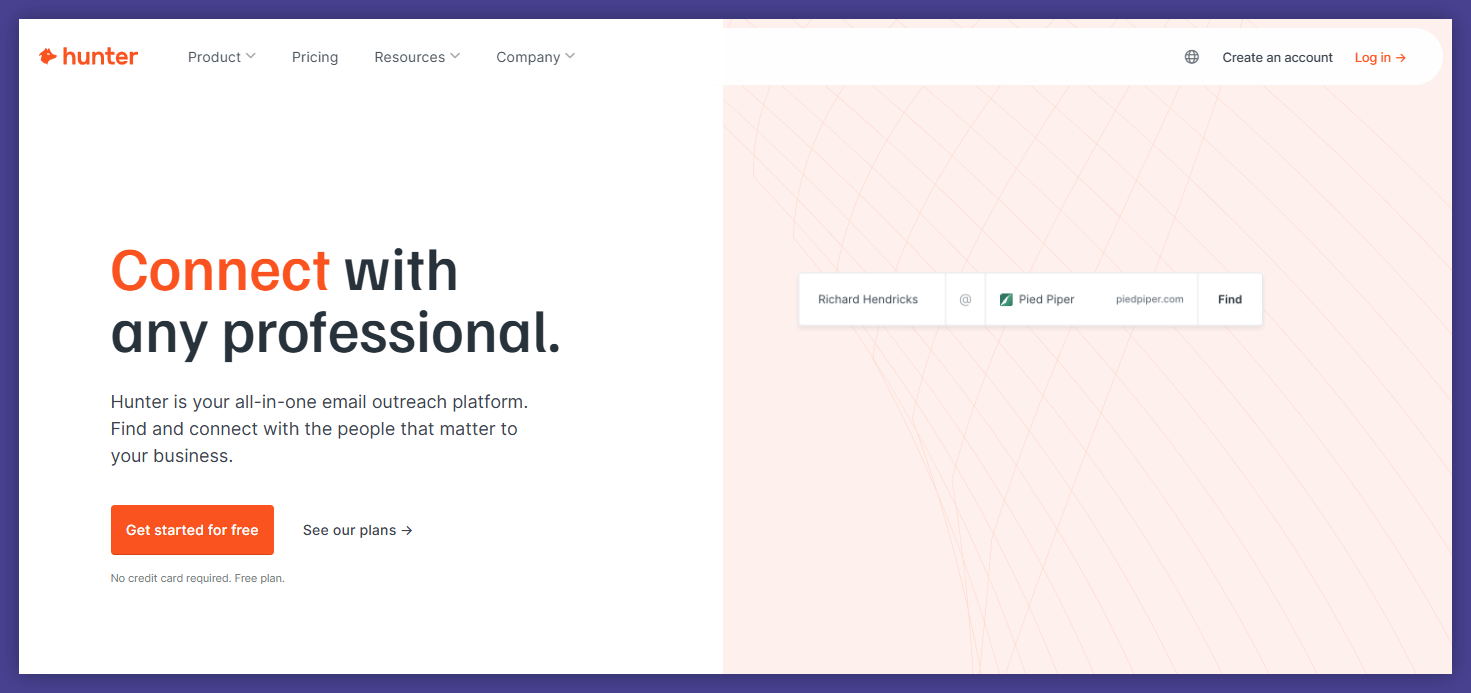
Hunter combines professional email discovery, verification and outreach tools. Its Email Finder and Domain Search help teams identify possible contacts; the Email Verifier assesses email-address deliverability.
Verification helps assess whether an address is likely deliverable, but it cannot prove that the recipient has consented to receive marketing or that an email will reach the inbox.
However, Hunter stands out from the other alternatives because it is used when you don’t have email addresses.
For example, you can find business email addresses by entering the company’s or person’s name into Hunter. Hunter suggests potential contacts and lets you verify them before outreach. Checking the addresses may help reduce avoidable bounces, but it does not make a list risk-free.
Let’s dive into more details.

What is Hunter’s email verification?
Here are a few things that Hunter’s email verification is capable of. 👇
- Hunter email verifier checks if email addresses are real and can receive messages. It assesses whether an address is likely to accept mail. It does not independently confirm the identity of the person behind the mailbox.
- It finds invalid email addresses to keep your email marketing and email outreach efforts on track. A review of verification results can help filter invalid and disposable addresses before outreach.
- The tool looks at the email server and checks things like SMTP and MX records to see if the address is genuine.
- Hunter displays a Confidence Score primarily for Accept-all and Unknown results in the app. Valid and Invalid statuses are displayed without a score in that interface; scores can still appear in exports or the API.
But… how exactly can you verify emails using Hunter?
The Hunter email verification process: key features
Check out the step-by-step process and look at the standout features of this app.
01 Input all the email addresses
👉 You start by entering the email addresses you want to check. This can be a single address or many addresses.
👉 For sending email verification requests and checking many addresses, you can upload a CSV file or use Google Sheets with the bulk email verifier.
02 Hunter email verifier starts
👉 The Hunter email verifier begins the verification process.
👉 It checks the email server of each address to see if it’s set up to get messages.
03 SMTP and MX records check
👉 Hunter does an SMTP check and looks at MX records. These checks provide evidence about the domain and server, but cannot guarantee future delivery to an individual mailbox.
04 Identify invalid email addresses
The tool finds any invalid email addresses. This protects your email marketing efforts and sender reputation.
05 Confidence score
👉 Hunter’s app highlights Confidence Scores for Accept-all and Unknown addresses because their deliverability cannot be confirmed from the verification status alone. Valid and Invalid are displayed as statuses. The confidence score is an estimate, not an independent accuracy guarantee.
06 Deliverability status
👉 Hunter returns a verification status such as Valid, Invalid, Accept-all, Disposable or Unknown. These results inform list-cleaning decisions; they do not predict inbox placement or guarantee that a campaign will be delivered.
07 Complete email checker report
👉 Once all steps are done, Hunter gives you a complete email verification report. This report has all the details about the email addresses you checked.
👉 It tells you which addresses are real and which might cause problems for your email marketing.
08 Access results
👉 You can see the results in Hunter’s user-friendly interface.
👉 For a custom integration, Hunter provides an Email Verifier API. If you are evaluating a verification-focused alternative, review Bouncer’s Email Verification API separately.
You might have asked yourself a question…
Is it any good?
Hunter is a credible option for combining contact discovery with verification. But its advertised capabilities should not be mistaken for an independently verified accuracy or speed advantage. To compare it fairly with Bouncer, test the same representative sample and review how each tool handles Accept-all, Unknown and invalid addresses.
But here is the information about their integrations:
- Email verifier API allows you to integrate Hunter’s email verification service into your product or system.
- You can find and verify email addresses directly within Google Sheets.
- Hunter offers integrations and API access for prospecting workflows. Confirm that the specific CRM action, field mapping and verification result you need are available before committing to an automation.
Check out the list of other verification tools to have a bigger picture.
Hunter vs Bouncer: which email verification workflow should you choose?
Quick answer: Choose Hunter if you need to find professional email addresses, verify the prospects you discover and manage outreach in one system. Shortlist Bouncer if you already have contacts and need a dedicated process for bulk verification, point-of-entry checks and recurring list hygiene. Neither service guarantees inbox delivery, and neither replaces consent management.
Before deciding, upload the same permission-appropriate test sample to both tools. Compare the distribution of Valid, Invalid, Accept-all and Unknown results, how easily your team can export those statuses to the CRM, and the real number of billable checks. For Hunter, account for the unified credit pool and the separate Data Platform model. For Bouncer, calculate costs at the volumes you expect to process rather than comparing unrelated monthly-plan prices.
Hunter alternatives for email verification
We’ve provided four excellent alternatives. Although Bouncer is a powerful tool, you should make informed decisions about your email marketing tools, so here are some alternative products for email verification.
Hunter can verify both addresses found through its own discovery tools and addresses you already have, including bulk uploads. The meaningful distinction is the workflow: use Hunter when finding and verifying prospects sit together; compare a dedicated verifier when list cleaning, verification policy and high-volume data quality are the primary needs.
#1 Bouncer – our top bulk email verifier
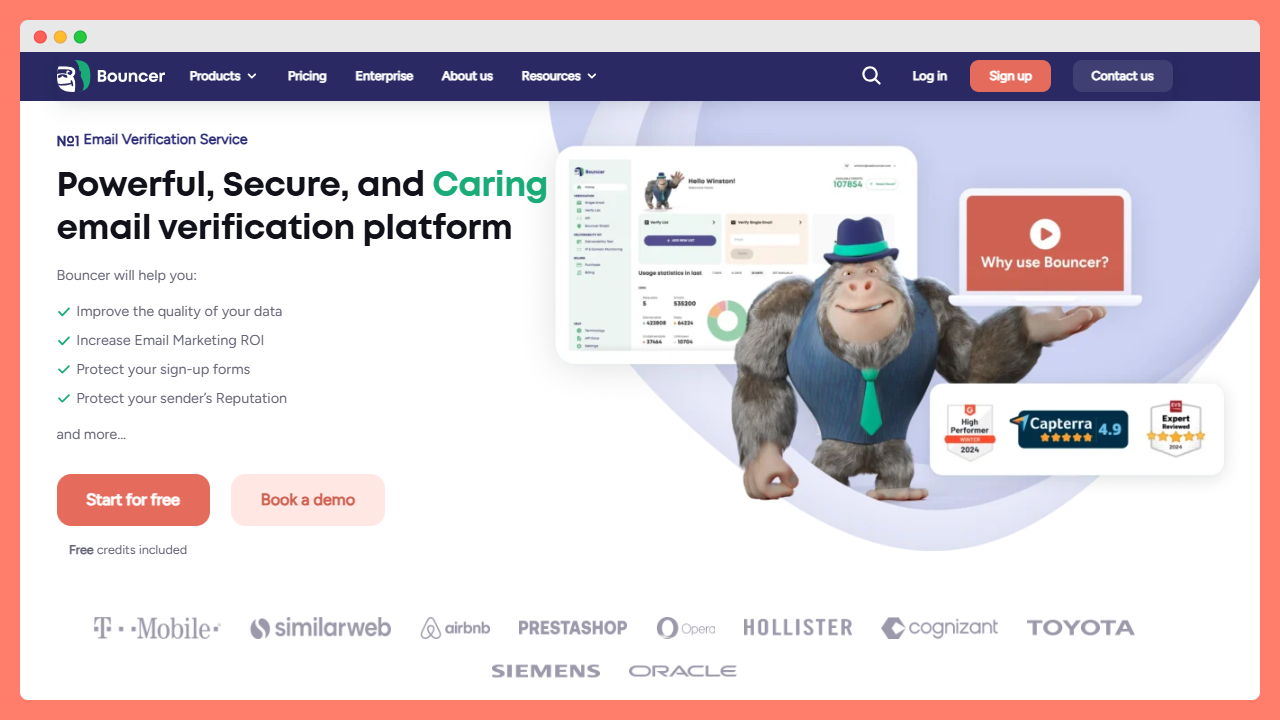
Best fit: marketing, RevOps and SaaS teams whose main job is verifying existing or incoming email addresses rather than discovering new prospects. Bouncer combines bulk checks with real-time verification and supports dedicated list-hygiene workflows.
- Bouncer supports bulk and real-time email verification, with results intended to inform list-quality decisions rather than guarantee inbox placement.
- Capable of validating 180,000 emails every hour per client, Bouncer supports documented high-throughput bulk email verification and APIs on the market.
- Bouncer publishes transparent pay-as-you-go prices, including $8 for 1,000 checks and $400 for 100,000; purchased verification credits do not expire.
- The tool also has features, including AutoClean and Bouncer Shield.
Performance details
- Verify accuracy claims on a representative sample of your own list. No single vendor-reported percentage can establish a comparable ranking across different test conditions.
- It can validate email addresses at a large scale – up to 180,000 emails every hour for each client.
- Published pay-as-you-go pricing and non-expiring purchased credits are relevant for teams with irregular verification volumes.
The strong suits
- This email verifier advises you on what to anticipate after mailing your campaigns. The platform determines how many contacts will bounce back using its algorithm and analyzing your entire list.
- The optional Toxicity Check provides risk signals to support list-review decisions; no tool can promise to identify every spam trap or unsafe address.
- Teams assessing privacy and security should review Bouncer’s relevant documentation, retention practices and SOC 2 information against their own requirements. Using a verifier does not by itself establish GDPR compliance.
#2 Emailable
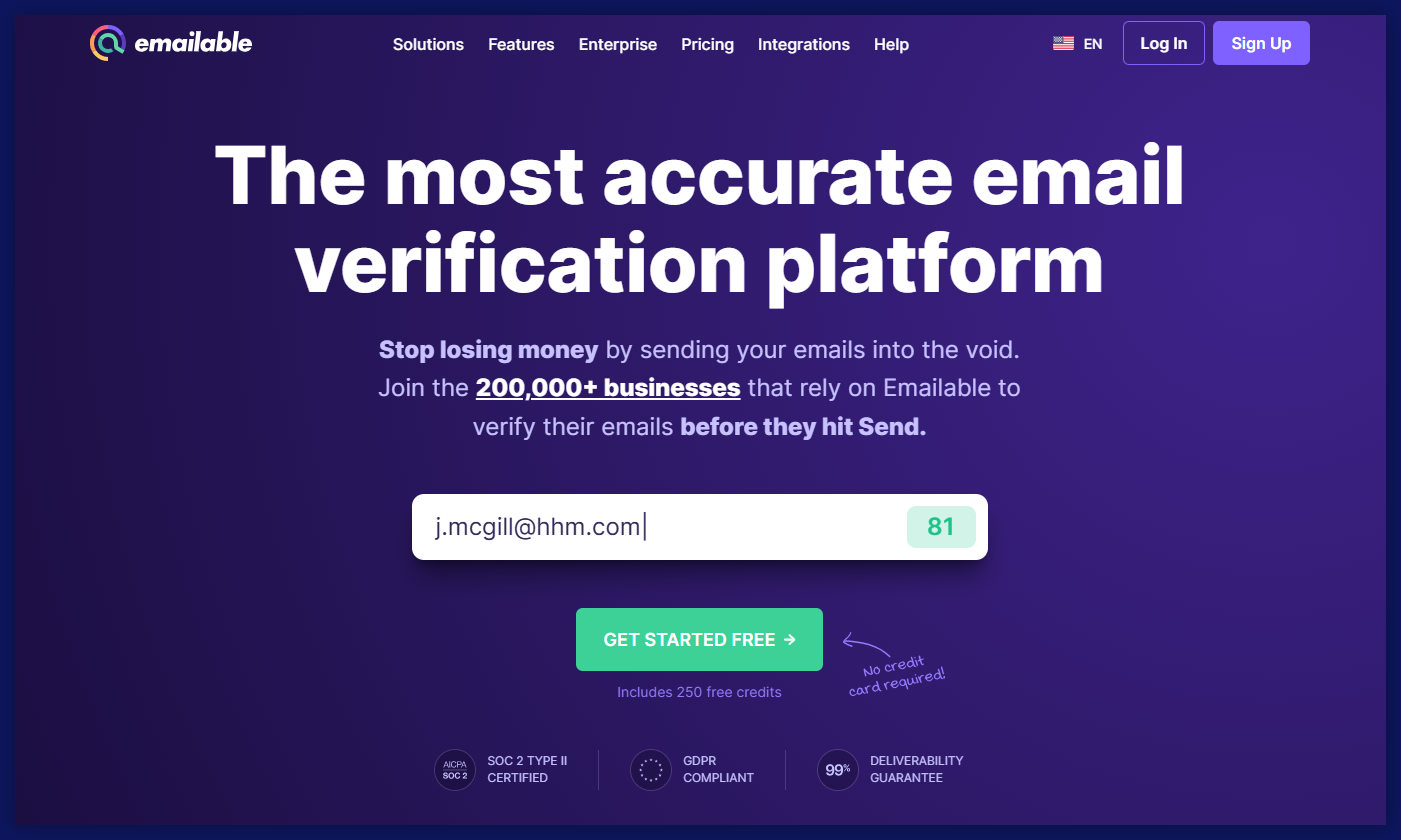
- Emailable offers bulk verification and API-oriented workflows. Its published speed and accuracy claims should be compared using the same list and test conditions.
- The platform provides users basic features, anti-greylisting technology, and an email quality score.
- It offers credits that never expire (pay as you go), a subscription plan, free unknown results, and versatile billing choices.
#3 NeverBounce
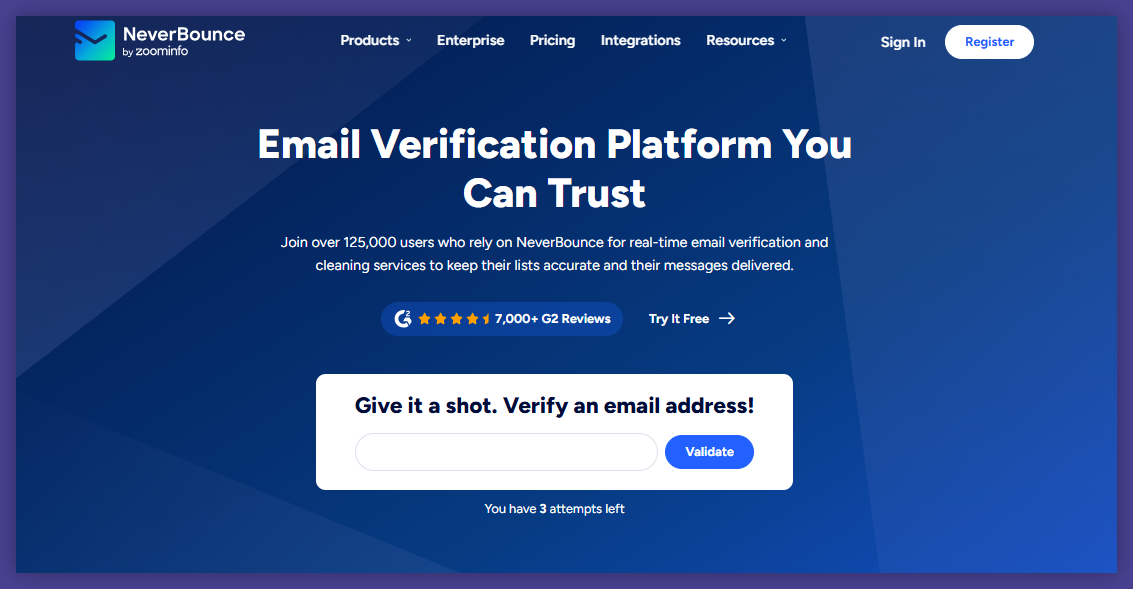
- This email verification software is easy to navigate, providing a user-friendly experience.
- Do not infer its current verification accuracy from an isolated third-party percentage without reviewing the test conditions.
- Users can easily find and understand the data in the platform’s reports.
- NeverBounce caters to the needs of enterprises in terms of coverage and security.
#4 ZeroBounce
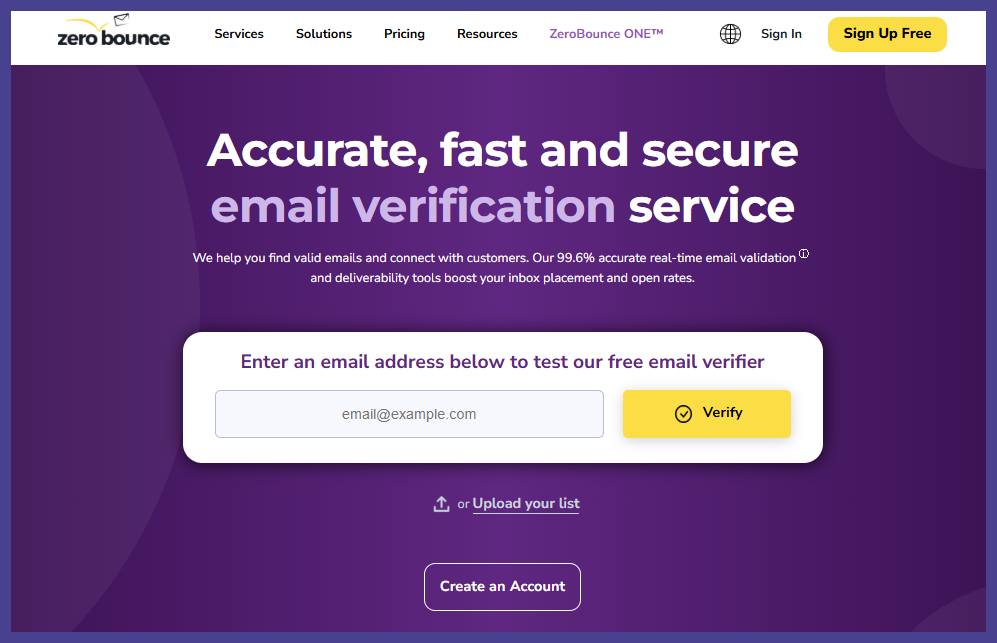
- ZeroBounce offers verification and a broader set of email deliverability features. Compare its current quote and feature scope against your required verification volume rather than relying on an old accuracy or price ranking.
- The platform provides comprehensive reports, allowing users to analyze their data thoroughly.
- Check the current vendor billing terms for Unknown results; an Unknown result is not the same as an incorrect or invalid address.
📰 Check out the ultimate ranking of the best email verification tools to stay up to date.
Conclusion on Hunter’s email verification process
Hunter is well suited to teams that need to discover professional contacts and verify them before outreach. Its verification statuses and unified-credit rules are useful, but they should be evaluated alongside the full cost of prospecting, repeated checks and bulk uploads.
For teams with a large existing CRM or email list, compare a verification-focused workflow against Hunter’s all-in-one workflow. Test a sample containing invalid, catch-all, unknown and disposable addresses, and review how each product exports the results.
Choose Bouncer when ongoing list hygiene, bulk checks, real-time verification and flexible credit purchasing are more important than built-in contact discovery.
Haven’t got a Bouncer account yet? Sign up in just a few clicks to verify email addresses – 100 free credits await you.


