





That is when I fell down the rabbit hole of email verifier tools.
This guide is the list I wish I had back then. It is the biggest, most researched list of email verifiers for marketers I have ever worked on. I went through 10 of the best email verification services one by one and read real reviews.
For this list, I did not stop at shiny landing pages or smart branding. I looked at what real marketers say on places like G2 and Capterra. How the tools behave inside real email marketing campaigns, not demo accounts. Which ones break, which ones help protect your sender reputation, and which ones feel like real deliverability tools for grown-up teams.
If you are tired of guessing, you are in the right place. I will walk you through each tool like I would’ve loved to be walked through myself.
By the end, you will know the right email verification tool for your list, your budget, and your goals this year.
TL;DR
- Below you will find the 10 top email verification tools using real reviews and real campaign behavior, not landing-page promises.
- Accuracy, speed, and support vary widely — some tools help your sender reputation, others cause high bounce rates even after cleaning.
- If you want a reliable starting point with transparent pricing and strong performance, Bouncer is the safest pick to test first.
#1 Bouncer – the best email verification software for marketers
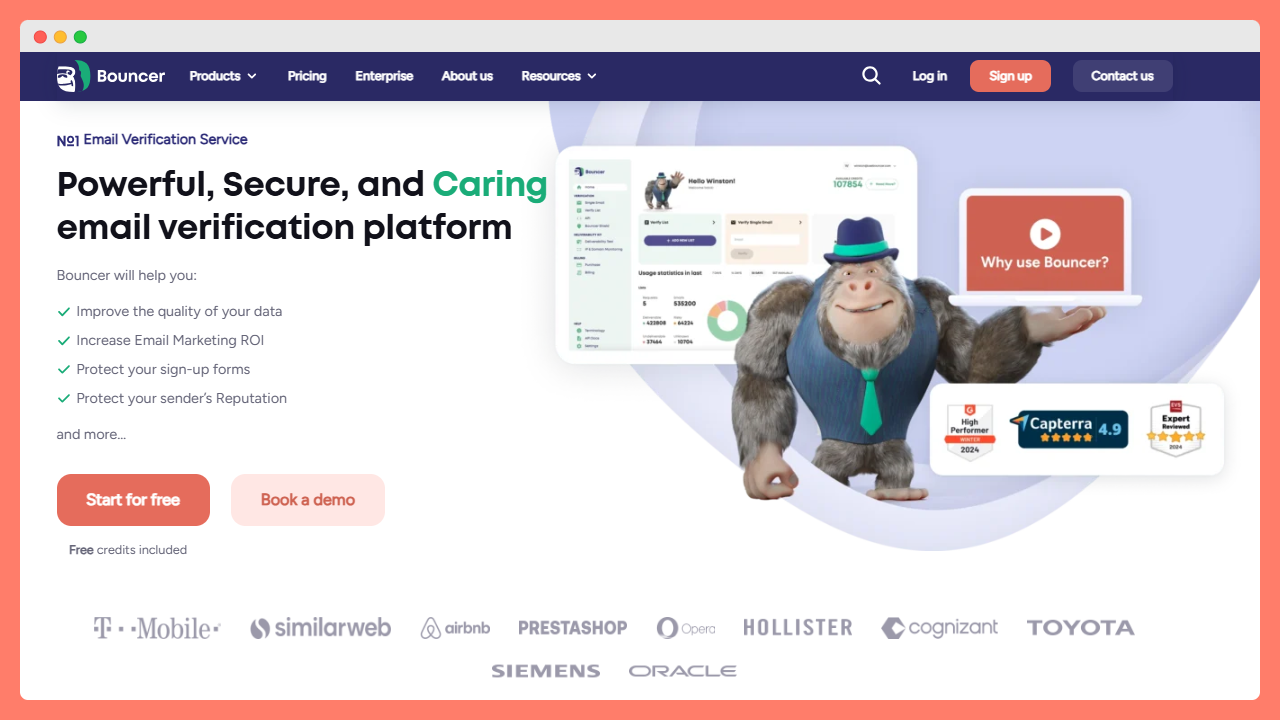
I want to be transparent from the start: I work at Bouncer. So when I say this is a powerful email verification tool, I speak as someone who helps build it and also uses it in real campaigns.
Our main goal is simple: help you verify email addresses before you hit send, so your hard work lands in real inboxes and not in spam. Good inbox placement is not about luck; it is about smart list care. With Bouncer you can upload a list, run bulk email verification, and then push the clean records straight into your CRM or email service provider.
For in-house teams this matters a lot. When you talk to sales, product, or your boss, you want clear numbers, not guesses. That is the lens we use inside the team when we ship new features.
Key features for marketers
Inside the app you can run quick checks on smaller segments or full bulk verification on large databases. Some teams also connect the email verification api or the real time api to their forms, so bad contacts never even enter the list.
The user interface is simple and calm. You see valid, unknown, and risky emails in clear groups, together with tags that highlight role accounts, free inboxes, or more business-style professional email addresses. We also look deeper into hard cases like catch all domains and complex setups from major mailbox providers, so you are not left with a huge “unknown” bucket.
For people who love numbers, we show inbox insights and export files that plug into all the tools in your stack. Behind the scenes, we care a lot about data security, so your lists stay safe while the checks run. And if you want to move fast after a send, you can use our reports for almost instant bounce analysis, then adjust your next verification process or segment rules.
What real users say
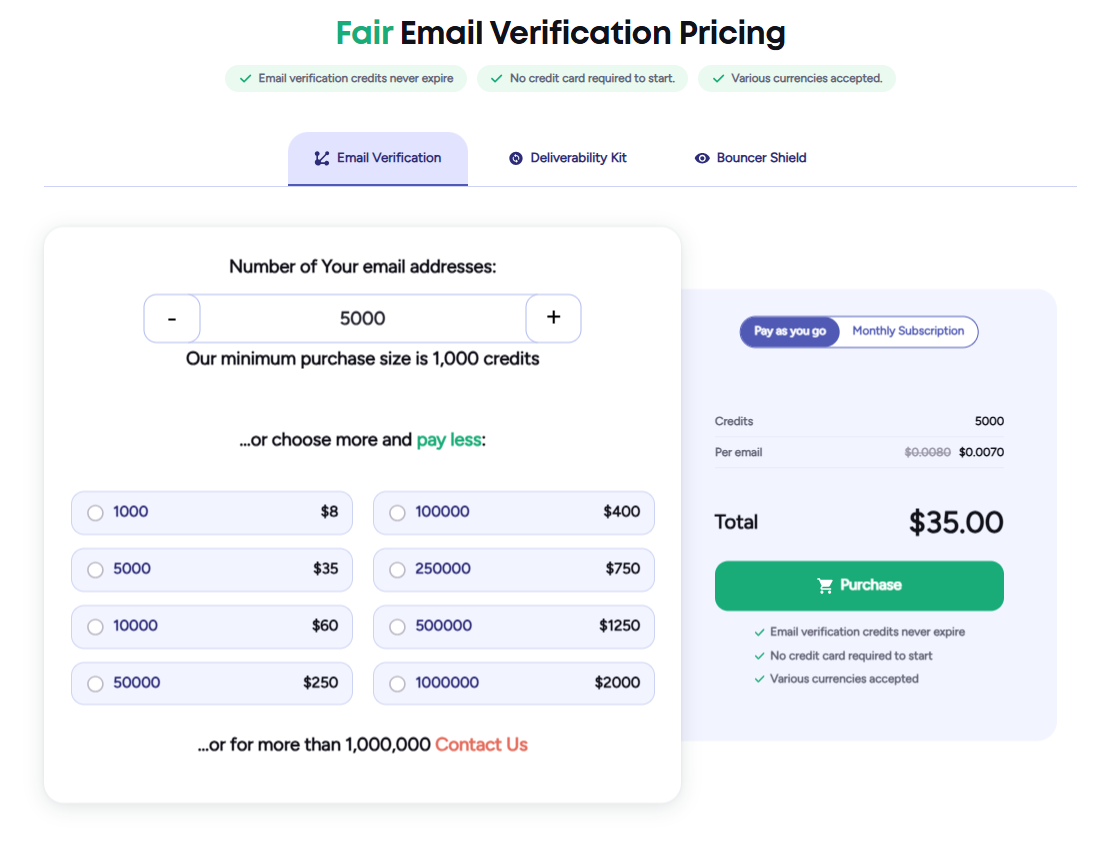
Because I work here, I read our reviews often. They keep us honest. A few that stuck with me:
- “Excellent service does exactly what it advertises.”
- “Really good email verification tool with excellent support.”
- “Keeps my inbox clean.”
- “Simple, affordable and proving to be a ‘must-have’ tool.”
- “Been using Bouncer reliably for 5+ years now across multiple jobs.”
One marketer writes that the system is “fast & accurate” and fits right into their outreach flow, from CSV upload to export. Another says they like how risk labels help them hold back part of the list with more risky emails, while the rest goes to the next send. I like these notes because they sound like everyday work, not hype.
Pricing
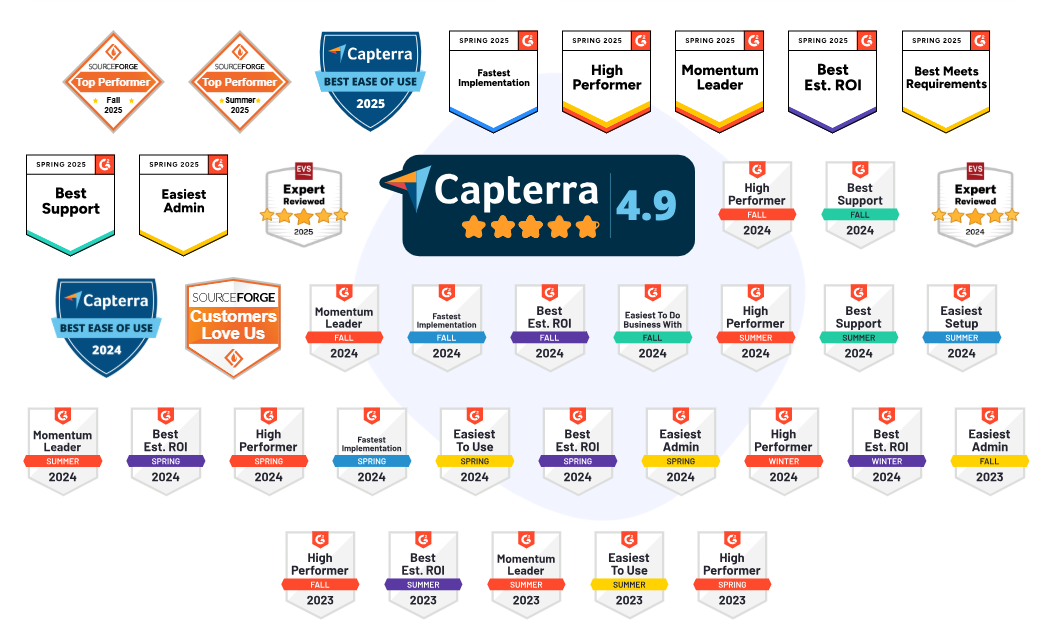
Pricing is very friendly for testers and smaller teams. You can sign up and start with a free plan that includes free credits, so you can run a small list and see the results before you move any budget.
For growing databases, Bouncer has a clear pay-as-you-go model: you buy a block of credits, they do not expire, and you spend them as you run checks. This works well if your verification process comes in waves, for example big quarterly uploads.
If you run campaigns all year, there are also monthly subscription plans. Those fit better for teams that build verification into their standard workflow and run checks every week. Whichever route you choose, you get the same core engine for bulk verification, real-time checks, and exports that drop straight into all the tools you already use.
#2 NeverBounce – leading email verification tools for marketers
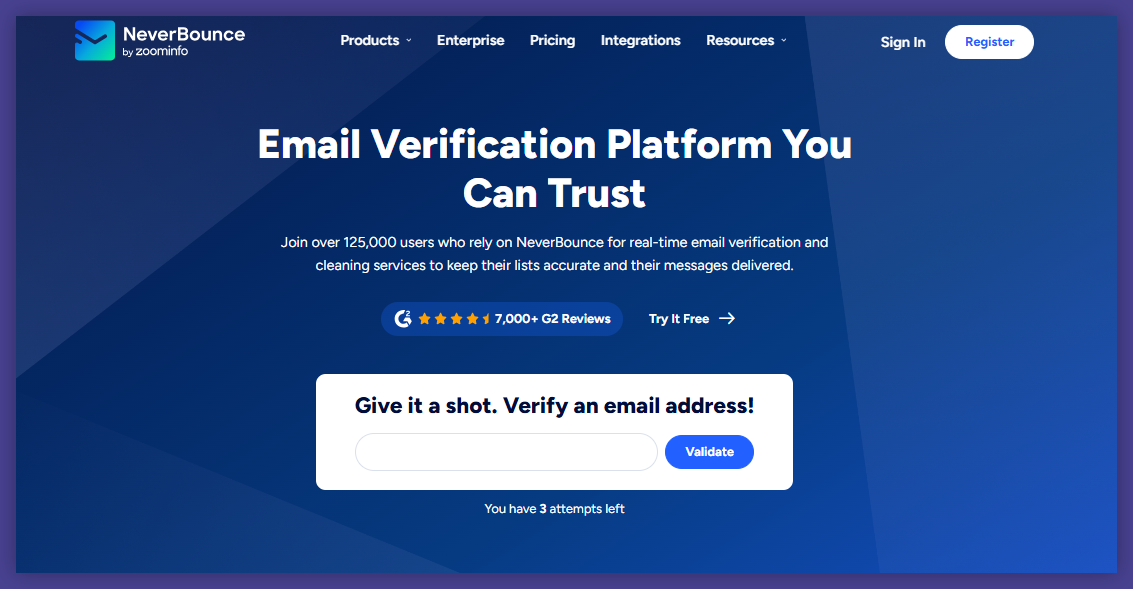
NeverBounce is an older player in this space, backed by ZoomInfo and used by brands like Uber and Dell. On paper it looks strong: long track record, many customers, and tools for bulk list cleaning and checks at signup.
If you run big outbound programs from an email marketing platform, this can sound like a safe pick. But once I started reading user reviews and test results, the picture turned more mixed. Marketers praise the idea, yet some talk about high bounce rates and invalid addresses slipping through. So this is a tool to look at with open eyes, not just a big logo slide.
Key features for marketers
NeverBounce focuses on two things: cleaning old lists and real time verification when someone types an email into a form. You upload a CSV or connect the API, and the system checks if the email address exists, flags clear spam traps, and marks more risky email addresses.
For teams that send high volumes, this mix can still help protect sends. The tool is also known for simple exports that drop back into your crm or sending tool, so you can move from check to send in one run. Speed is fine for mid-sized lists, but if you hold millions of records you may need to plan more time before launch.
What real users say
Reviews are split. Some marketers are happy. One calls it “the industry leader” and another writes that it is “accurate, fast and reliable.” A different user says, “It’s very easy to use and works great with hotspot.”
But there is also strong criticism. One review says: “High bounce rate – they do not verify emails.” Another reports “high bounce rate even after verification, support completely unhelpful.” Several users talk about poor customer support, with one stating: “Unresponsive customer support. They do not honor their guarantee.”
For me, this means NeverBounce still sits on many comparison lists, yet a lot of teams test it against other verification tools before they fully commit.
Pricing
Pricing is credit-based. You pick a block from the Starter, Advanced, or Pro tier, or you set your own volume as a custom paid plan. Credits stay active for a year, which helps if you clean lists in bigger bursts instead of every week.
For ongoing campaigns, there is also a Sync option that works more like subscription plans, where you pay for continuous checks. If you are on a tight budget, it is smart to test with a smaller list first and watch bounce data closely before you move your full database.

#3 Emailable – accurate email addresses validation for clean lists
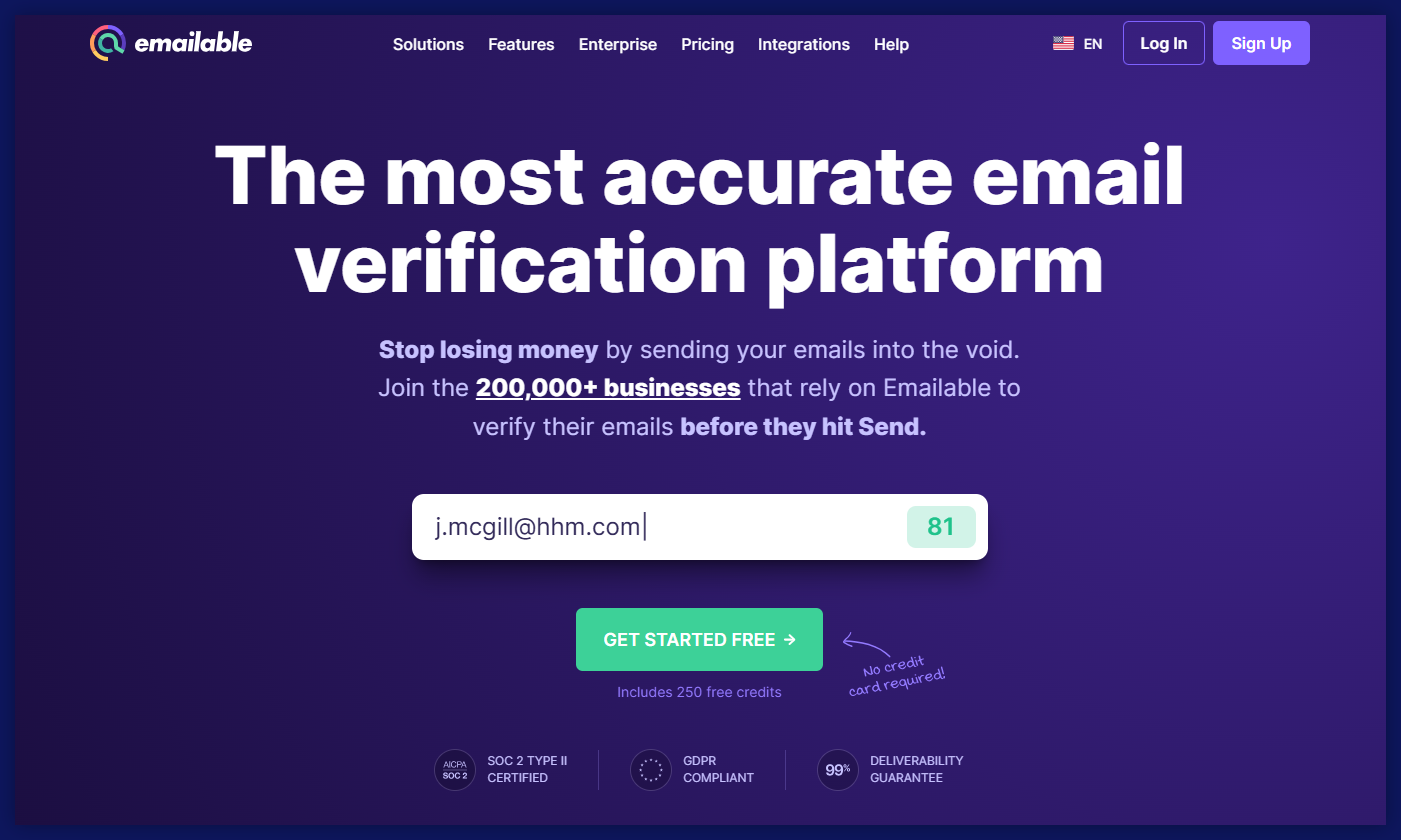
When I scroll Emailable’s site, I picture smaller teams or sales teams that need something clear and quick for list clean-up. It sits in the middle of the market: not the cheapest, not the most advanced, but pretty easy to pick up.
You get 250 free credits to test, credits do not expire, and unknown results do not eat your balance. On the downside, some users say that accuracy is uneven and that support is slow outside chat and email. If you run high-pressure launches, that mix is something to think about.
Key features for marketers
Emailable focuses on helping you validate email addresses before you send. The tool catches typos in domain names, checks mx records, and marks role accounts and tagged addresses. It can also notice disposable email addresses, so you can keep them out of your long-term segments and treat them as short-lived leads only.
There is an API, bulk upload, a widget for form checks, and a “Deliverability” section that looks at inbox trends. Together, these parts help you separate valid emails from invalid email addresses, and keep cleaner customer data inside your crm. For some teams this is enough; others might miss deeper spam trap detection or more advanced dashboards.
What real users say
Emailable scores well in many reviews. One user calls it “easy to use email verification tool” and likes that they can upload lists and “know which are valid and which are invalid.” Another review says, “Perfect product for email validation,” and mentions that domain reputation stays healthy when they check lists before each send.
People also appreciate the interface. Someone wrote: “Efficient, well-priced and nice GUI,” while another calls it the “most reliable email verification tool I’ve used.” On the performance side, one review highlights that it “accurately removes accept-all and disposable emails.”
Criticism is there too. A few users want more detailed reports and better insight into how the engine works. One person notes that mobile use is not great, and another says they wish they could keep data longer than 30 days. Price comes up as well; a user comments that Emailable “wasn’t the priciest” but still not cheap for small batches.
Pricing
Emailable uses a credit model. You can buy packs of credits that stay on your account and use them as you go. There is also a toggle for a monthly plan if you prefer more regular billing. 250 test credits help you see how it works on a real list before you commit to a bigger purchase.
#4 ZeroBounce – one of the best email verification tools in 2026
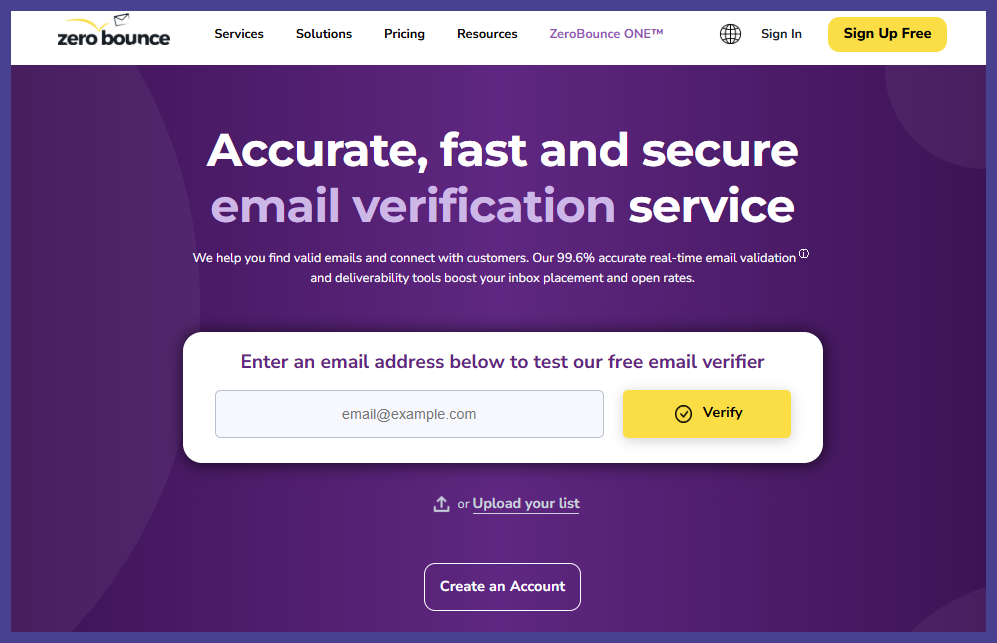
ZeroBounce sits in that “all-in-one deliverability suite” bucket. It is not only about cleaning lists but also about warmup, inbox placement testing, and domain health. If you run complex nurture flows or heavy outbound, this mix can sound very attractive.
At the same time, the gap between their promised 99% accuracy and third-party tests closer to 90% is something I would not ignore, especially if your budget or list is tight. For me, ZeroBounce is a serious option, but one that needs a careful trial before you move your whole database.
Key features for marketers
ZeroBounce’s core job is to validate emails and mark bad or fake addresses. It checks syntax, domains, greylisting, and even tries to identify spam traps and other spam trap emails that can punish your domain. The tool also looks at role accounts, duplicates, and disposable inboxes. Catch-all handling is weaker, though, which matters if you email many business domains.
On top of validation, you get deliverability extras: warmup seeds, blacklist monitoring, and tests that show how often you land in the inbox vs the spam folder. There are 60+ integrations with esp’s and other tools, so you can plug ZeroBounce into an existing stack instead of moving CSVs all day.
Speed is fine for small and medium lists, but tests show around 110 minutes for 10k records, which can feel long if a campaign needs to go out today.
What real users say
Many reviews are positive. One user writes, “Great, simple validation,” another says ZeroBounce “saved my database” after they started with a 25% bounce rate. Someone else calls it “simple and trustworthy.” Marketers like that they can check addresses through the API and that “emails actually come out accurate.”
But complaints repeat as well. A reviewer shares that they had to split a 250k file and that, after using ZeroBounce, they were still declined by Constant Contact “due to too many bad emails.” Another user says, “The initial setup is quite difficult to understand,” and some mention that even after cleaning, their domain had trouble with other mail providers.
For me, this mix says: strong feature list, yet not a magic wand. Good to test side by side with one or two lighter tools.
Pricing
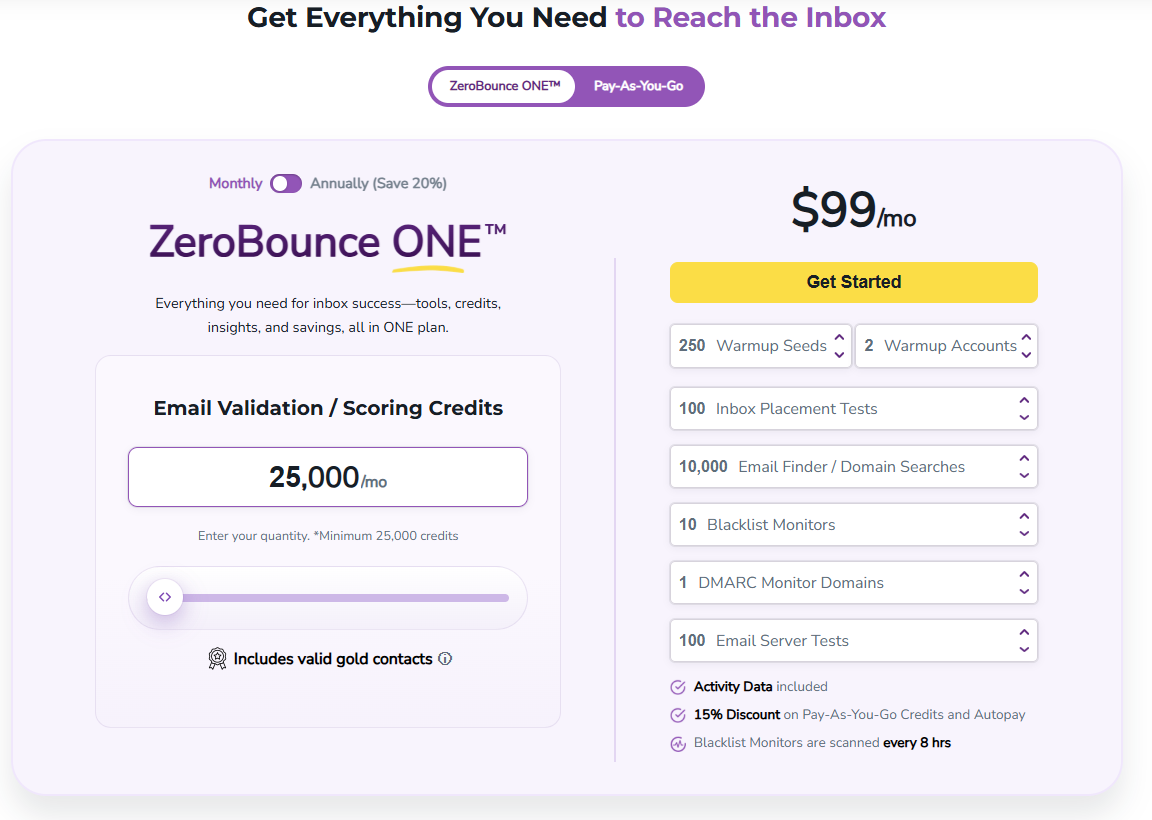
ZeroBounce uses both credits and subscriptions. You can buy a block of credits for one-off validation, or move to the ZeroBounce ONE plan with monthly bundles of validation, warmup, and monitoring. Credits do not expire, and there is also a small free email checker on the site if you just want to see the engine on a handful of contacts before you spend.
#5 Clearout – reliable email verification software for marketing teams
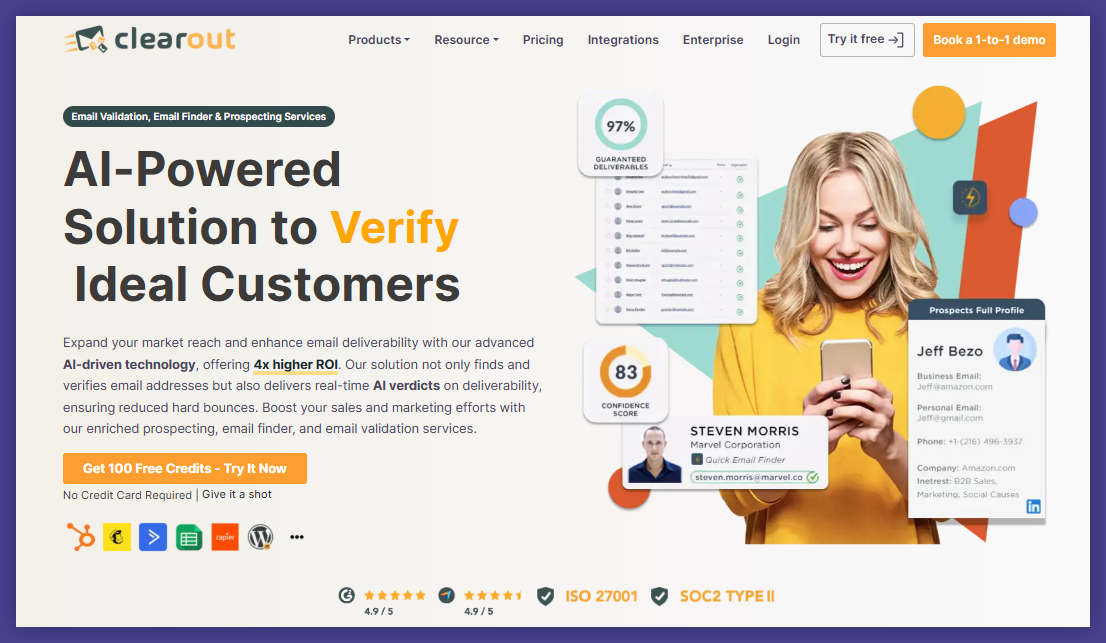
Clearout sits at the crossroads of email verification and prospecting. It helps you clean old lists, find new contacts, and keep outreach moving. I usually see it as a fit for scrappy teams that mix outbound, LinkedIn work, and newsletter sends in the same week.
The big plus: you get one place to check business inboxes and also hunt for new ones. The main trade-offs are speed on very large lists and pricing once usage grows.
Key features for marketers
For list clean-up, you upload your file and Clearout flags outdated, fake, and typo-heavy addresses. That helps you avoid sending campaigns to junk and keeps your numbers honest. The bulk verifier also checks greylisting and catch-all style inboxes and tries to protect your sender reputation from hard bounces.
Prospecting is where Clearout stretches beyond classic verifiers. You get an email finder, confidence scores on matches, and support for linkedin prospecting. One reviewer wrote, “Clearout helps us with (…) client acquisition: finding contact information for companies or individuals to pitch services and win new business.”
If your team lives inside spreadsheets, the google sheets add on is handy. You connect Clearout to google sheets, hit a button, and it runs checks on the rows in your sheet instead of forcing yet another csv export.
What real users say
Most reviews sound positive about results. People call it “Perfect tool for email verify” and “Good service for finding emails.” Another user says, “Clearout makes my outreach simpler!” and praises the “quality data” and “user friendly interface.”
Support also gets nice comments, like “Effortless spam prevention with stellar support.” At the same time, some users talk about friction: one says, “The UI is a little bit confusing at times,” another notes that “credits utilise very quickly,” and several mention price, including “price is high side” and “It is very expensive for me, I could not buy it.”
So it is a strong tool for people who need both finding and checking, but you should watch credit usage and interface comfort during your trial.
Pricing
Clearout combines subscriptions and one-off credit packs. There is a small free tier with 100 credits, then paid plans from a few thousand checks per month up to millions. Email verification uses one credit per address, while the finder and prospecting features cost more credits per result, so heavy research can burn through balance fast.
For very large lists, especially if you only need cleaning and not prospecting, it is worth running the numbers against more focused verifiers.
#6 Hunter – email finder for lead generation & outreach
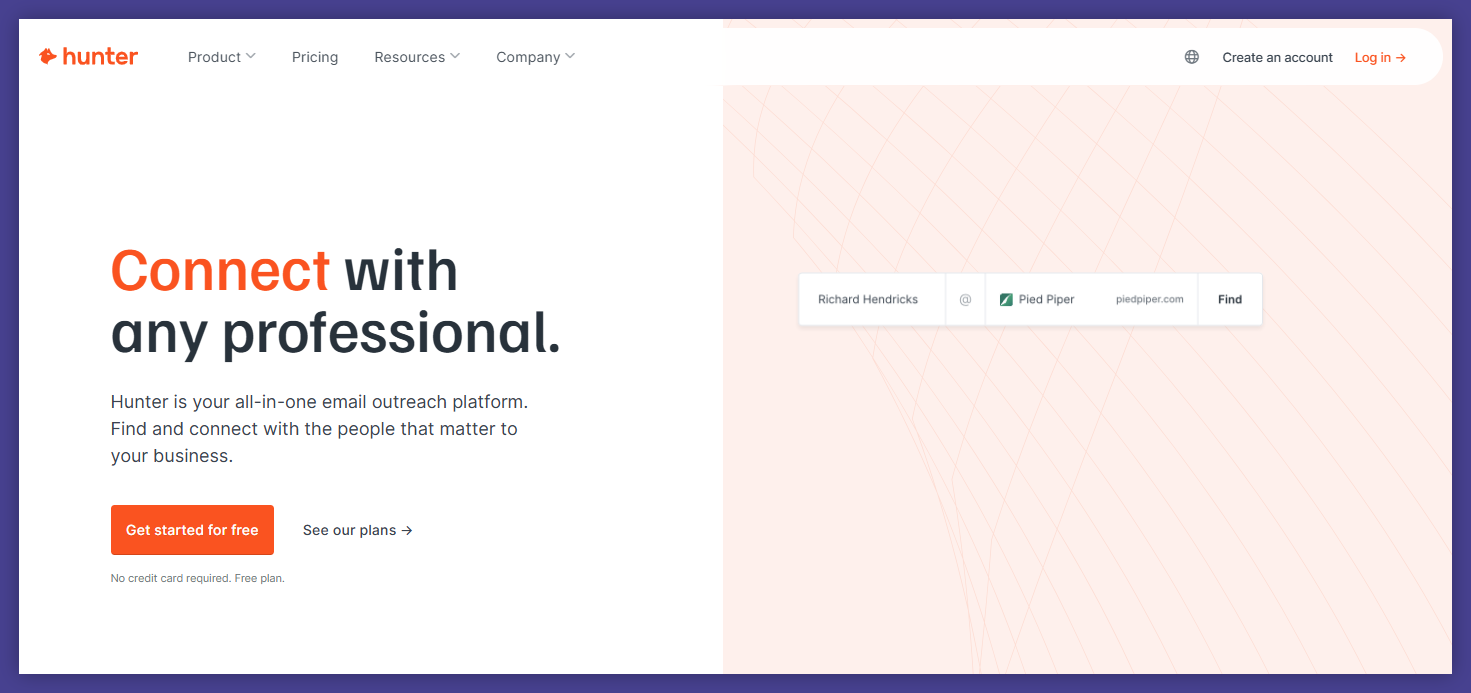
Hunter sits closer to prospecting than classic list cleaning. When I think about it, I think about cold outreach, guest post pitches, partnership emails. You start with a company name or a person, and Hunter tries to give you a work inbox for that contact.
For marketers who spend a lot of time on outreach and PR, this can save many manual searches. For deep list hygiene, though, I see Hunter more as a helper than as your main email verifier.
Key features for marketers
Hunter has three pillars: domain search, email finder, and verification. You enter a company or a person, it returns addresses and a confidence score. Then its verifier checks servers with SMTP and MX lookups and tells you which contacts look safe to use.
The product also has a full check flow: import a csv, run the checks, see deliverability status, then export a report with good vs bad contacts. There is an API and CRM integrations, plus a browser extension for quick checks while you browse sites or LinkedIn.
What Hunter does not share clearly is accuracy or speed numbers. If you need hard promises for large email marketing campaigns, that lack of detail can feel risky.
What real users say
Many users praise it for finding contacts. One person writes, “I’ve tried the others however I have found that Hunter has the fastest and simplest method available!” Another says, “Always reliable for finding emails and contacts,” and someone else calls it an “efficient, reliable, and trustworthy email prospecting tool.”
People like the interface too. A user notes “Effortless email discovery with intuitive interface,” and another reviewer says it is “very useful and easy to use even with the free plan.”
On the critical side, one person feels the data is “sometimes inaccurate” for verification. Another says Hunter “feels outdated now compared to Apollo” and that the data is “too surface level” for deep research. Someone else points out that the jump from free to paid is big, writing that “subscription tiers could improve.”
So, for me, Hunter is strong for top-of-funnel discovery, but I would still pass the list through a more accuracy-focused cleaner before a major send.
Pricing
Hunter has a free tier with a small monthly pool of credits, then several paid bundles (Starter, Growth, Scale, and Enterprise). Each jump adds more credits, more recipients per campaign, and priority support. If your main need is light outreach, the lower tiers might work; for teams that send big volumes, costs can climb fast, so it is smart to compare with a dedicated verifier.
#7 Kickbox – real-time email verification for high deliverability
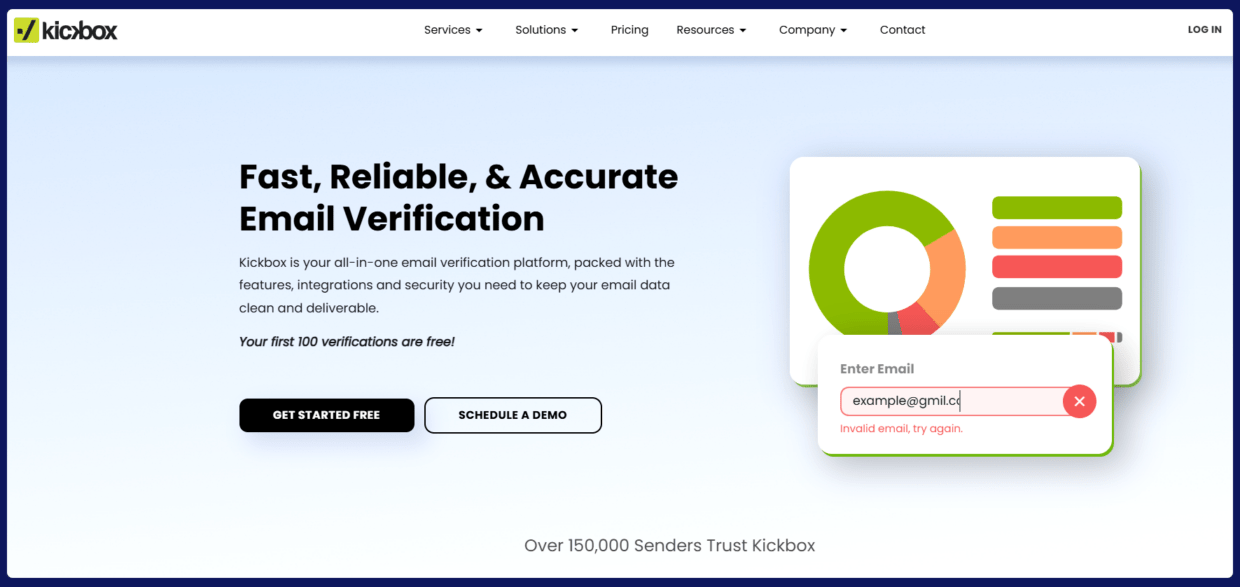
Kickbox feels like a “plug it in and clean the list before launch” kind of product. I see many teams use it as a first pass on new leads or signups, especially when they want fast results without learning a big system.
The brand talks about 95–99.5% accuracy and uses its own Sendex™ score to rate each contact. In practice, reviews show a mixed picture: plenty of happy customers, but also some noise about support quality and how many addresses land in the “risky” bucket with little context.
Key features for marketers
You can drag-and-drop a file or pull contacts straight from tools you already use. Kickbox checks syntax, domains that accept everything, role inboxes like sales@, plus disposable and typo-heavy addresses. After that, every contact gets a status (valid / risky / invalid) and a score.
For teams that care a lot about form quality, the product also runs checks as people submit forms, which helps keep bots and junk signups from flooding lists. One reviewer wrote, “Good at bot protection for website forms,” which is exactly the job many growth teams give it.
Security comes up often in their messaging and in reviews. Users talk about feeling safe sending large databases through the system, which matters if legal or it teams sit next to you.
What real users say
On the positive side of user reviews, you see lines like “My go-to for initial email verification” and “Effortless, reliable, and essential for my business.” Another user says, “Kickbox has been an incredibly reliable email verification tool for our team… the platform is very easy to use, fast, and gives clear classifications.”
People like the speed too. One review mentions that the process “takes very little time,” another calls it “Effortless email verification for seamless campaigns.” Several users praise the interface as “simple, logical, and effortless to use.”
Criticism shows up in two main areas. First, support and transparency. A reviewer notes that, after real-time integration, they still remembered “lags and inaccuracies” from the past and even wondered if they should pay more for extra peace of mind. Another person wishes Kickbox was “better about unknown emails,” and one more calls out that the sandbox returns everything as deliverable, which confused them early on. Second, pricing: one user warns that the cost per check “can add up quickly, especially if you need to clean large datasets regularly.”
So Kickbox looks strong as a quick cleaner and form guard, but I would keep an eye on how many records end up as “risky” and how that matches your bounce data.
Pricing
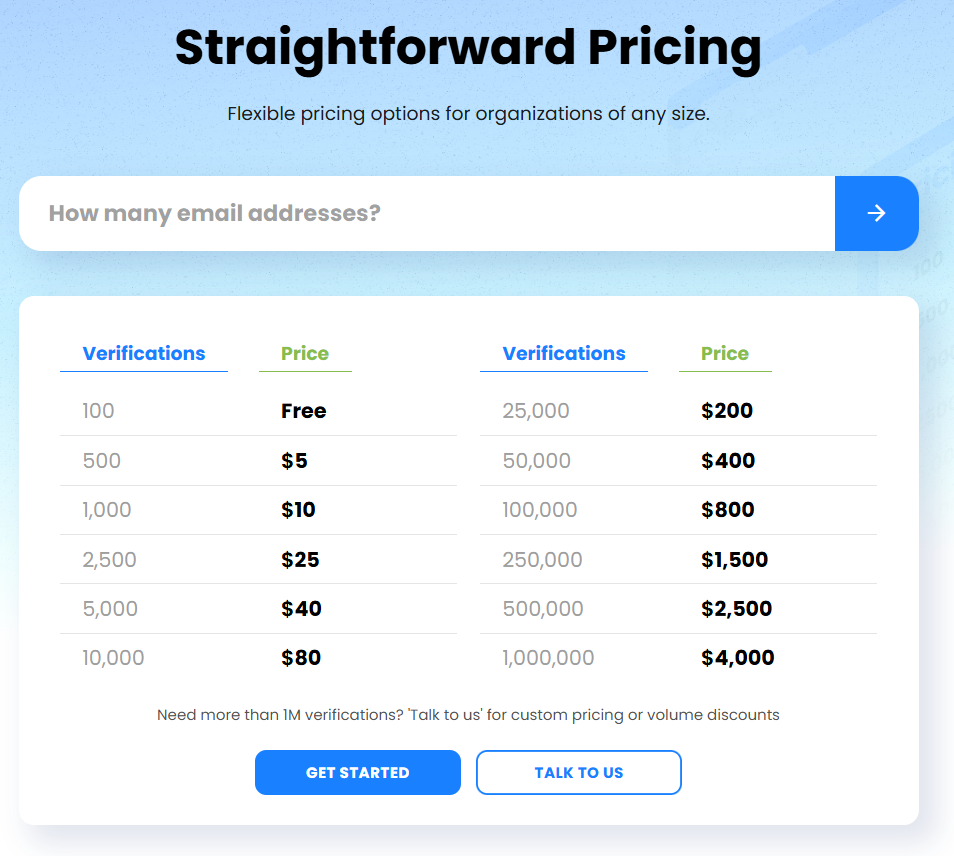
Kickbox uses a straight credit system. You can test the product with 100 checks at no cost, then buy bundles that start around $5 for 500 verifications and climb to about $4,000 for a million. There is no complicated menu here, but if you run checks every week on very large lists, the total can move fast, so it is worth running a quick cost comparison with a few competitors before you commit long term.
#8 EmailListVerify – trusted email verification services for scaling campaigns
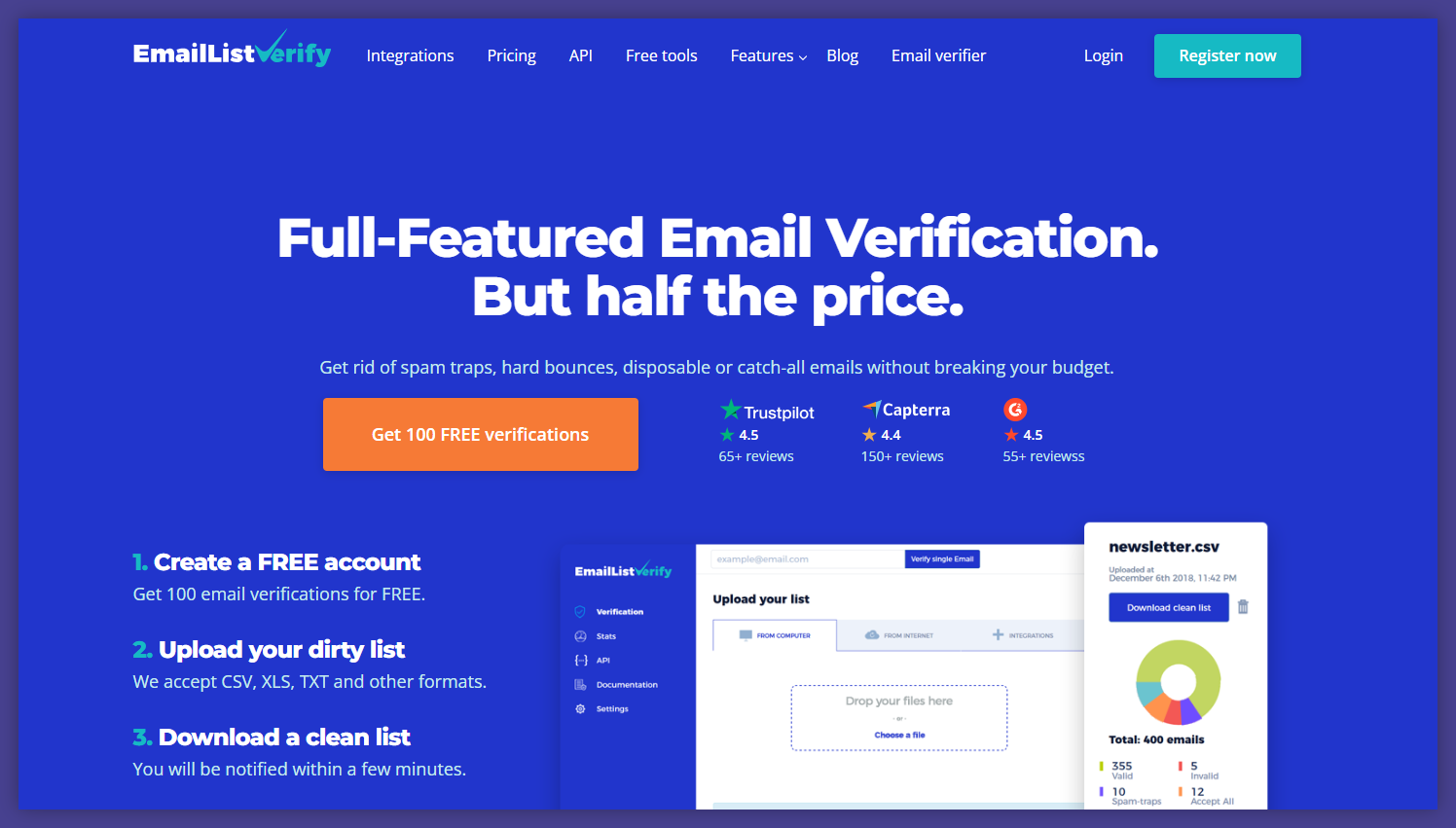
EmailListVerify sits in that classic “no-frills cleaner” group. It is built for teams that already have volume and want a big batch of checks, not a full prospecting suite. I usually see it in stacks for newsletters, SaaS promos, and e-commerce where lists grow fast and budgets still matter.
On paper, it promises large capacity and fast checks. In practice, tests from independent sites put accuracy closer to the middle of the pack, and some users mention that big jobs can take longer than they hoped. So I see this one as a solid workhorse, but not the sharpest engine in this list.
Key features for marketers
EmailListVerify focuses mainly on bulk cleaning. It checks domains and SMTP servers, catches typos, and looks for old or throwaway inboxes. There are separate checks for spam-trap style contacts, temporary addresses, and catch-all domains, plus filters for duplicates and clear syntax mistakes.
From a daily workflow point of view, the tool is simple: upload a file, pick your checks, and download the cleaned list. There is no fancy dashboard here, which some marketers like. If you only want to get a safer list before the next send, the minimal approach can actually feel calm compared to crowded platforms.
Accuracy and speed are the trade-offs. Third-party tests mention around 91% accuracy and roughly an hour and a half for 10k records. For small to mid-size sends this might be fine, but for sensitive lists or very strict esp rules, you may want to pair it with an additional test run.
What real users say
Reviews lean positive on ease of use. One person calls it an “Excellent Platform” and says, “It works very well. Simple and easy to use. Credits do not expire.” Another writes that it is “FAST EFFICIENT AND USER FRIENDLY” and praises support: “Their service was efficient, accurate, and incredibly user-friendly.”
Pricing and flexibility also show up in comments. A manager shares that they like the mix of one-time and recurring plans, saying the tool is “easy to understand and use, the processing is blazing fast and the price is very affordable.” Another review mentions “great services, and flexible pricing.”
Criticism is softer but present. Some users wish the visual side of the app looked better and say it “could perhaps explain the types of results it delivers” more clearly. Others point out that while the price is fair at lower volumes, they would still like overall costs to “go down” as usage climbs.
Pricing
EmailListVerify uses two main models: credit packs and ongoing plans. Credit packs start low (you can test a small list for around ten dollars) and scale up to millions of checks, with unit price dropping as volume grows. Monthly bundles sit in the mid-range of the market and refill your credits each month.
There is a money-back guarantee, but no clear free trial on the pricing page, which can be a drawback if your team likes to run a live test before any purchase. For growing but budget-aware brands, I would look closely at your yearly volume and compare it with a few leaner tools before locking in.
#9 DeBounce – email deliverability booster for cold outreach
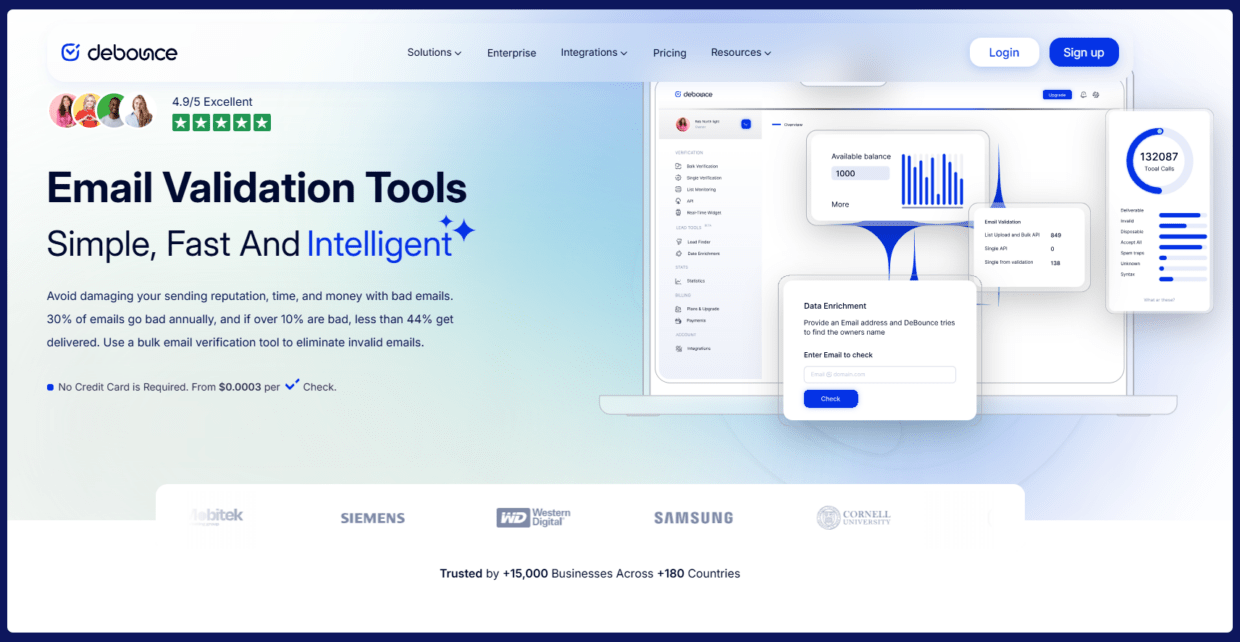
When I look at DeBounce, I see a budget cleaner that many cold email folks try first. The pitch is simple: you upload a list, it cuts bad contacts, and your campaigns feel safer. Prices sit on the low end of the market, so if your boss watches every dollar, this tool quickly gets on the shortlist.
But there are trade-offs. Public tests show around 86% accuracy and very slow processing for big lists. For high-risk cold outreach, that gap can hurt, especially when you send from one main email marketing platform and need that domain to stay healthy.
Key features for marketers
DeBounce starts with syntax checks and duplicate removal, then moves to real mailbox checks. It tries to spot invalid contacts, risky email addresses, deactivated inboxes, spam traps, and domains set up as catch all domains.
There is an API for form checks, so new leads can be checked when they type their address on your landing page. That helps you keep trash out before it hits your CRM. For teams that mainly care about basic hygiene and not fancy analytics, these core checks might already cover most needs.
Speed and accuracy are the weak points. 10k emails can take many hours, so last-minute list cleaning before a launch is hard. If you send to aggressive b2b filters, the lower accuracy may still leave too many bounces in your file.
What real users say
Many reviews praise price and simplicity. One user calls it “good product, right price,” another writes “excellent service, very low price,” and someone else says “trustworthy tool for verifying emails.” Marketers like that they can “upload & validate, right price” without learning a huge system.
But there are tough stories too. A sales manager writes, “Messed up our sales for over a month until we resolved it on our own,” explaining that many active contacts were marked as opted-out and they got “zero response” from support. Another reviewer mentions they still had “a lot of bounce rate from email that were not identify by the tool.” These comments point to accuracy limits and moments of poor customer support, especially when something goes badly wrong.
So, I’d place debounce as a low-cost helper for side projects or non-critical lists, not as the only cleaner for key revenue campaigns.
Pricing
Pricing is the part that usually turns heads. DeBounce sells credits, and each verification costs a small fraction of a cent. You can buy tiny packs for a few dollars or go up to millions of checks for much less per email. Credits do not expire, which makes one-off list cleaning quite handy.
there is no real free plan on the site, so most teams jump straight into a cheap paid plan to test drive the tool. For small experiments this can feel almost like free credits, but for large databases the bill still adds up. Before you commit, I would compare total cost at your volume with one or two rivals that bring higher accuracy, even if their headline price per check looks a bit higher.
#10 BriteVerify – fast & simple email validation for marketers
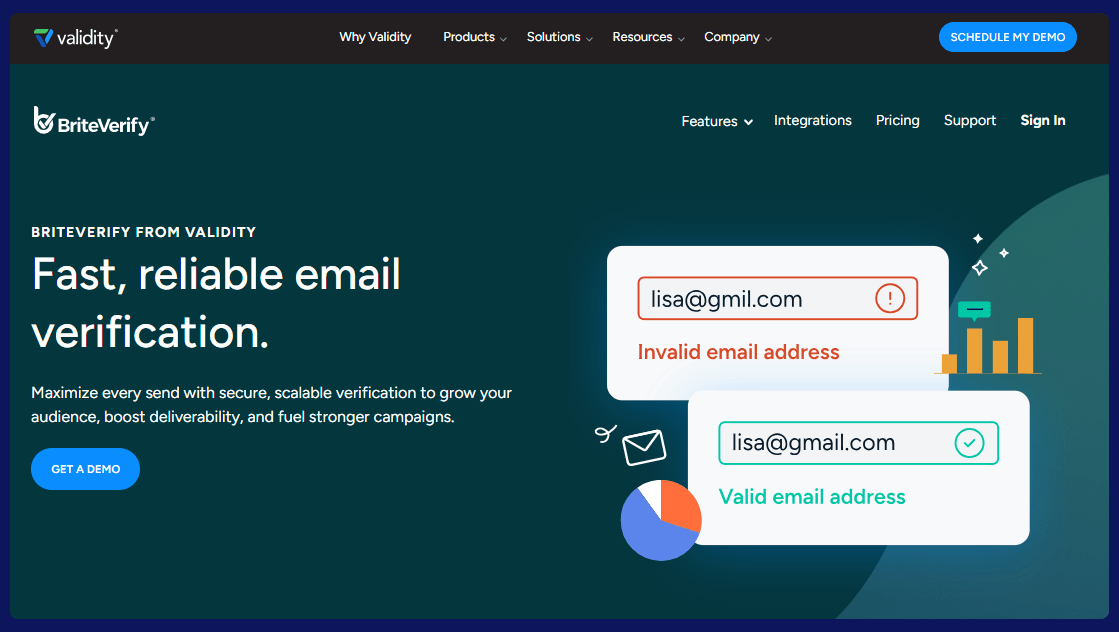
BriteVerify (now part of Validity) is one of the older email verification tools on the market, used by brands like Shutterstock and J.D. Power. It’s built mainly for teams who want a straightforward way to clean big email lists and already sit in a more “enterprise” martech stack.
Compared with newer tools, it’s fast and easy to operate, but you trade off some accuracy, transparency, and advanced deliverability insights.
Key features for marketers
Bulk email verification – upload TXT/CSV files or import directly from tools like Mailchimp and verify up to 1M addresses in one file. It checks syntax and formatting, MX records (does the domain accept mail?), and whether the mailbox exists. Real-time verification API can be used to plug BriteVerify into web forms, apps, or PoS systems to validate emails as they’re typed, so typos and obvious fakes don’t even enter your CRM.
With multi-user accounts you can add multiple team members under one account, useful when marketing, sales, and customer success all need to clean lists.
Important limitations:
No built-in duplicate removal, meaning you’ll pay to verify the same email twice unless you dedupe elsewhere. No toxicity / spam-trap detection or inbox placement tools in BriteVerify itself – those live in Validity’s Everest product, which means extra cost if you need them. Accuracy from independent tests sits around 95.19%, not best-in-class, and some risky/unknown results still need manual review.
What real users say
Many users like the simplicity and basic performance. One reviewer calls it “a perfect email verifier application – Brite Verify” and likes that it “checks emails quickly and gives clear results like valid, invalid, or risky.” Another says it’s “the ultimate email cleaner” and reports that after running lists through BriteVerify they were able to reach “the 99% delivery threshold,” which was huge for their email-driven sales. A long-time user highlights “reliable list cleaning” and finds it “reliable, intuitive and fast.”
But there are also strong concerns you shouldn’t ignore. One mid-market marketing user titles their review “Inconsistent processing and poor support” and describes “inconsistent verification process, lack of clear error messaging, and poor customer support,” saying they now “strongly recommend looking for an alternative solution.” Another reviewer says the tool is easy to use but the analysis “does not go into as much detail as I want. I want to know more about the bad contacts. What makes them bad?”
Net-net: marketers like BriteVerify for quick, basic cleaning, but if you need deep diagnostics, rock-solid support, or the highest accuracy, it may feel limited.
Pricing
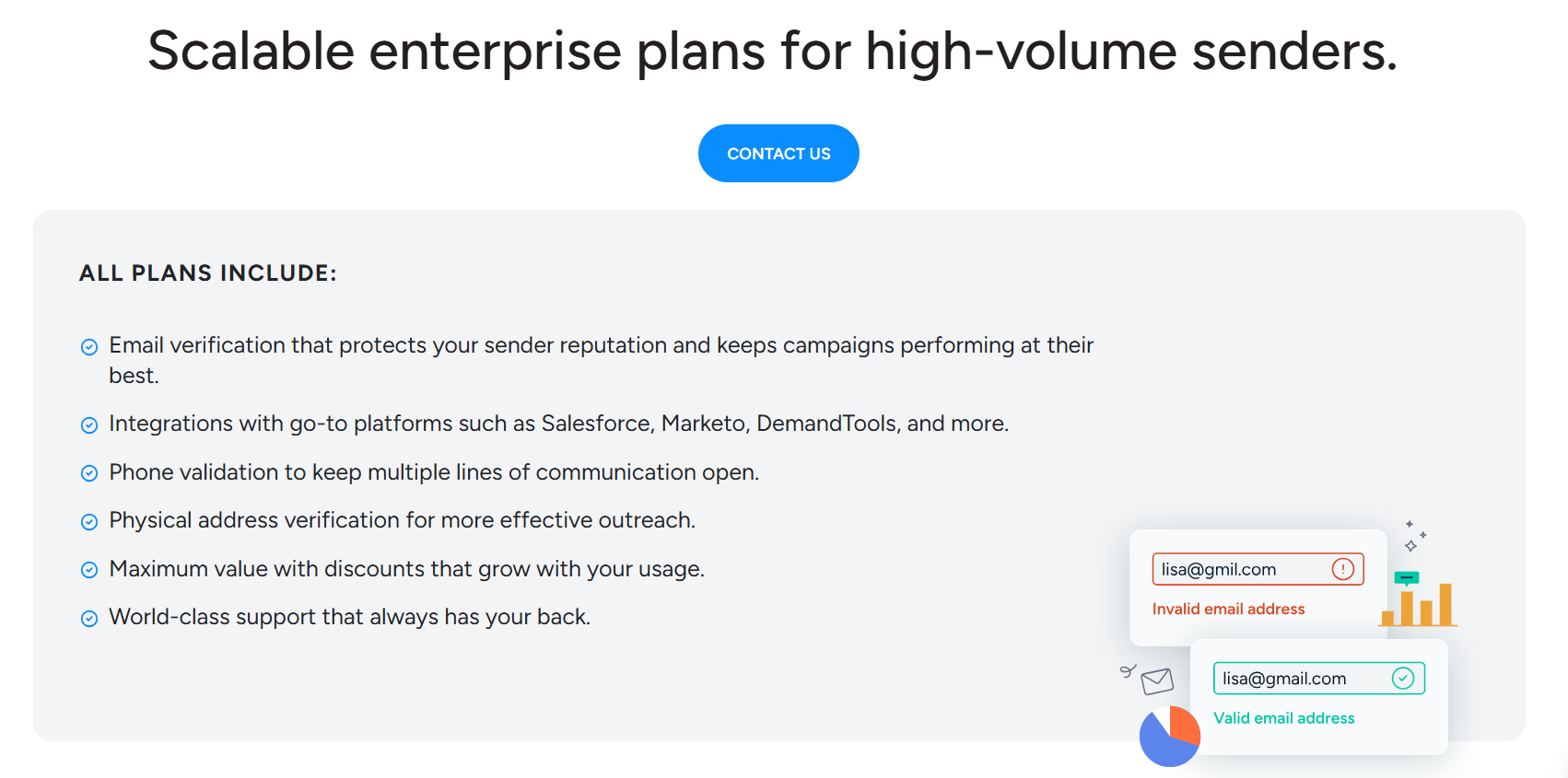
There’s no public self-serve price grid like many other tools in this list. Pricing is custom and volume-based – you click “Contact us” and talk to sales for a quote.
All plans include:
- email verification
- integrations with platforms like Salesforce, Marketo, and DemandTools
- phone and physical address validation
- “world-class support” and discounts that scale with usage
In practice, this makes BriteVerify a better fit for larger teams standardizing on Validity than for smaller in-house marketers who just want a transparent, pay-as-you-go verifier they can spin up in a few minutes.
What is the best email marketing tool for marketers in 2026?
When you zoom out, all these tools are trying to solve the same problem: protect your sender reputation so your campaigns actually reach humans, not hard bounces and spam traps. The differences are how they do it – and where the trade-offs land for accuracy, speed, support, and price.
If you’re choosing right now, don’t overcomplicate it. Start with three questions:
#1 How critical is accuracy for this list?
- Cold outbound from a single domain = you need the sharpest engine you can get.
- Newsletter or lower-risk flows = you can live with “good enough” if price is tight.
#2 How do you work?
- Do you mostly upload big CSVs once a quarter? Then bulk price and speed matter most.
- Do you collect a lot of leads daily? Then a real-time API and form protection are non-negotiable.
#3 What’s your total cost, not just per-credit price?
- Slow tools cost you launch time.
- Inaccurate tools cost you bounces and domain health.
- Weak support costs you sleepless nights when something breaks before a big send.
From there, my practical suggestion:
- Pick 1-2 finalists.
- Run the same segment (5–10k contacts) through each.
- Send a controlled campaign from a test domain or warm subdomain.
- Compare: bounce rate, spam complaints, and how safe you feel about the “risky/unknown” bucket.
Since I work at Bouncer, I obviously believe in what we’re building. But I also think the fairest test is always your own data.
Action step:
- 1. Grab a slice of your list (old leads, scraped data, or a segment you don’t fully trust).
- 2. Run it through Bouncer with your free credits.
- 3. Export the cleaned file and send a small campaign.
- 4. Compare those results with any other verifier you’re using today.
If you see lower bounces and cleaner segments, keep scaling with Bouncer – either on pay-as-you-go credits that never expire, or with a monthly plan if verification becomes part of your weekly workflow.
You’ve already done the hard work: built the list, written the copy, planned the sequences. The right email verification tool is just the last safety check before all that effort hits the inbox.
If you want a transparent, marketer-friendly place to start, try Bouncer and run your first verification batch for free.


